Although the exact cause isn’t always obvious, understanding the possible faults and checking for common operating problems can help you determine what needs attention.
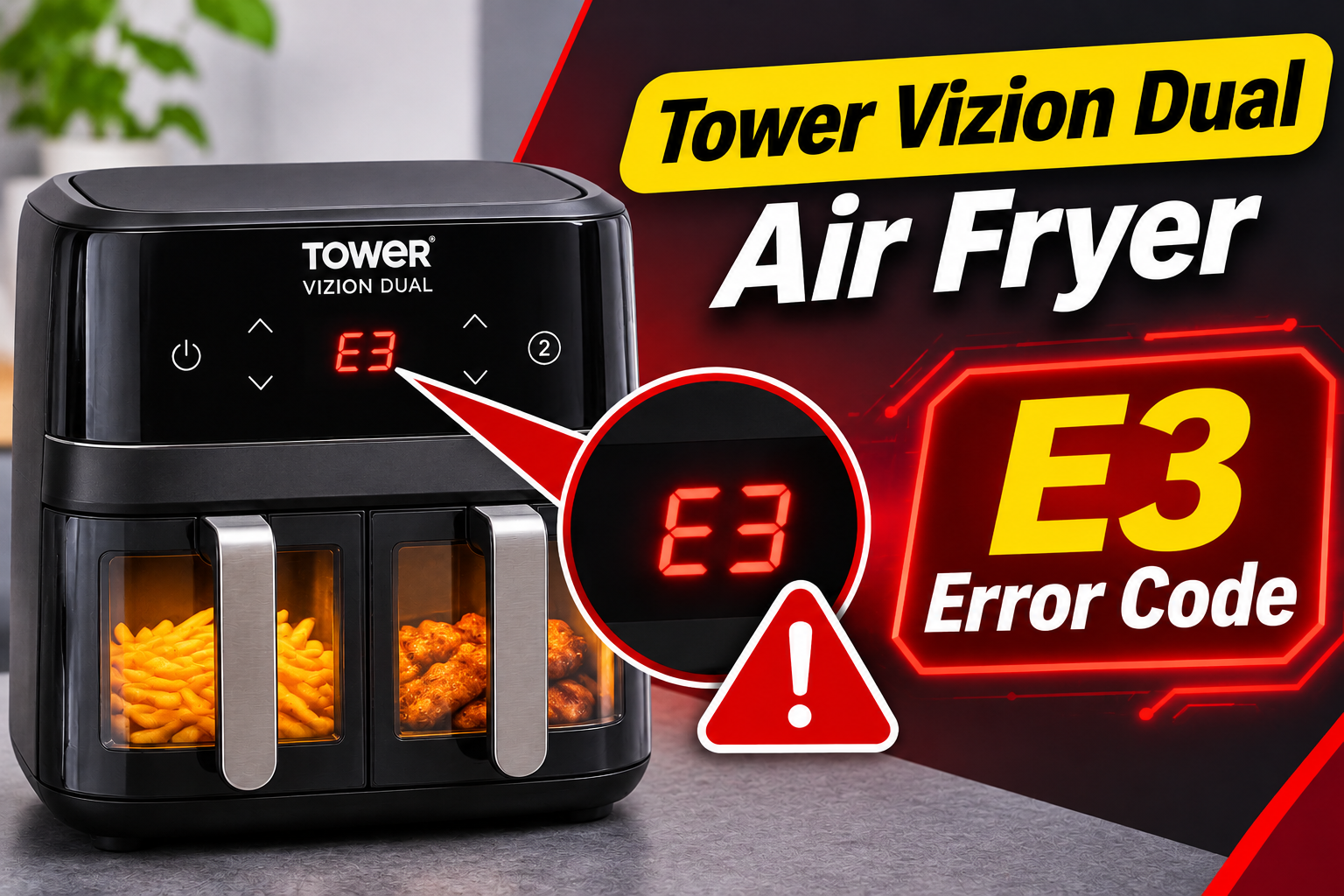
What Does the E3 Error Code Mean on a Tower Vizion Dual Air Fryer?
The E3 error code indicates that your Tower Vizion Dual Air Fryer has detected a fault, but its exact meaning hasn’t been clearly established in the published manuals for every Vizion model. For example, the manuals for the T17100 and T17102 models don’t provide a specific definition for E3.
However, Tower’s troubleshooting guidance for another dual basket model, the T17137, groups error codes E1 through E13 under possible appliance malfunctions. It instructs users to unplug the appliance immediately and contact customer service.
Your Tower Vizion uses heating elements, fans, temperature monitoring components, and an electronic control system to cook food. These parts work together to maintain the selected temperature while circulating hot air through the cooking compartments. Problems involving overheating, airflow, or internal electronics may interrupt normal operation.
When E3 appears, the appliance may stop heating, interrupt a cooking cycle, or refuse to continue. Because the code hasn’t been verified as a specific component failure on all Vizion models, you shouldn’t assume that resetting the appliance will permanently resolve it. Disconnecting it from the power supply and seeking Tower’s guidance is the safest starting point.
Tower Vizion Dual Air Fryer E3 Error Code: Likely Causes
Several operating conditions and internal faults can interfere with your Tower Vizion’s heating and temperature control systems. The following are possible problems worth considering, although none should be treated as the confirmed meaning of E3 without model-specific diagnostic information.
1. Blocked Air Vents and Poor Ventilation
Your Tower Vizion Dual Air Fryer needs adequate airflow to cook food effectively and prevent excessive heat from building up inside the appliance.
During operation, the heating elements generate heat while the fans circulate hot air around the food. The appliance also has ventilation openings that help manage its internal temperature. If these openings become blocked, heat may accumulate in areas that require proper ventilation.
This can happen when the air fryer is positioned too close to a wall, placed inside a confined cabinet, or surrounded by other kitchen appliances. Items placed on top of the unit may also interfere with ventilation.
Tower’s instructions for the T17102 recommend leaving at least 10 cm, approximately 4 inches, of free space behind, beside, and above the appliance. This clearance helps keep the air inlet and outlet openings unobstructed.
You might notice that the air fryer’s exterior becomes unusually hot or that cooking performance changes when ventilation is restricted. However, these observations alone cannot establish that poor airflow caused E3.
If the appliance has been operating in a confined space, improving its placement is worthwhile. Even so, a displayed fault code still requires attention rather than assuming that better ventilation has corrected the underlying problem.
2. Excessive Grease and Food Residue
Grease buildup is another issue that can interfere with normal air fryer operation.
When you cook fatty foods such as bacon, sausages, or chicken wings, oil and grease can collect inside the cooking compartments and drip trays. Without regular cleaning, these deposits may accumulate around accessible surfaces and other areas exposed to cooking heat.
As the appliance heats up, leftover grease can produce smoke or unpleasant smells. Heavy deposits may also contribute to local overheating, particularly if food residue builds up near heating components.
A noticeable burning smell or smoke coming from one compartment can indicate that grease or food particles are being heated. However, grease buildup isn’t a confirmed direct cause of the E3 error code on Tower Vizion models.
If you notice smoke, switch off and unplug the appliance. Tower recommends allowing smoke to clear before opening the affected compartment. Once everything has cooled, you can inspect and clean the accessible cooking surfaces.
3. Overloaded Cooking Compartments
One useful feature of the Tower Vizion Dual Air Fryer is the ability to prepare food in separate cooking compartments. However, putting too much food into either compartment can restrict airflow.
Air fryers depend on circulating hot air to transfer heat to the food. When ingredients are tightly packed together or stacked too high, air cannot move freely around every surface.
As a result, some areas may cook faster than others, while food in the center remains undercooked. The appliance may also need longer cooking times to achieve the expected results.
The Tower T17102 manual specifically advises users not to overload the cooking racks. It also recommends arranging ingredients so that hot air can circulate properly.
Although overcrowding mainly affects cooking performance, severe airflow restrictions could contribute to unwanted heat accumulation in certain conditions.
Pay attention to whether the appliance was heavily loaded when the fault appeared. This information may help Tower’s support team understand the circumstances, even though it doesn’t confirm that overcrowding triggered E3.
4. Faulty Cooling Fan or Air Circulation System
The fan is an essential part of your Tower Vizion’s cooking system. It moves heated air through the compartments, helping food cook evenly while supporting normal heat distribution.
If a fan stops working, runs too slowly, or experiences mechanical resistance, the air inside the affected compartment may not circulate as intended.
Possible reasons for fan problems include motor failure, damaged fan components, or an electrical fault affecting the motor’s power supply.
You may notice unusual grinding or rattling sounds before the air fryer stops working. Another possible clue is a compartment that appears to heat but produces little of the familiar airflow sound.
However, fan operation can vary according to the selected cooking program. A quiet appliance doesn’t automatically mean its fan is defective.
If unusual mechanical noises occur alongside E3, the appliance should remain unplugged until it has been assessed. A damaged fan or motor may need professional replacement.
Since the fan and associated electrical parts are enclosed within the housing, investigating them requires more than ordinary household maintenance. Don’t remove the appliance’s outer panels to inspect the motor yourself.
5. Temperature Sensor or Electronic Control Fault
Your Tower Vizion needs accurate temperature information to regulate its heating elements.
A temperature sensor helps the electronic control system monitor conditions inside the cooking chamber. When the temperature reaches the selected setting, the control system can adjust heating accordingly.
If the sensor develops an electrical problem, its readings may become unreliable. Similarly, damaged wiring or a faulty electronic control board can interfere with temperature monitoring and heating regulation.
Such faults may cause unexpected heating behavior or interrupt normal operation. However, the available Tower Vizion manuals don’t establish that E3 specifically identifies a failed temperature sensor or control board.
One concerning sign is an error that appears immediately after switching on the appliance, even when it hasn’t been used for several hours.
In this situation, an internal electrical problem becomes a reasonable possibility. Professional diagnosis is needed to distinguish between sensor, wiring, and control system faults.
Tower Vizion Dual Air Fryer E3 Error Code: DIY Fixes
The safest troubleshooting approach begins with switching off the appliance and checking for obvious external problems. Because Tower treats error codes as possible appliance malfunctions, these checks should be performed with the air fryer unplugged rather than repeatedly attempting to restart it.
1. Switch Off and Disconnect the Air Fryer
When the E3 error appears, stop the cooking process immediately.
If the control panel is responding, press the appropriate power or stop button. Then unplug the air fryer from the electrical outlet.
This prevents the appliance from continuing to receive power while you assess the problem. It also allows its internal components to cool before you inspect accessible surfaces.
Follow these steps.
-
Stop the cooking program if the controls respond.
-
Unplug the air fryer from the wall outlet.
-
Keep it on a stable, heat resistant surface.
-
Allow it to cool completely before handling removable parts.
-
Check for unusual smells, smoke, or visible damage.
The T17102 manual recommends allowing approximately 30 minutes for cooling before removing accessories or cleaning. Depending on how hot the appliance became, additional cooling time may be necessary.
Do not immediately reconnect the appliance to see whether E3 has disappeared. Although disconnecting power may clear some temporary electronic states, this doesn’t establish that the original fault has been corrected.
2. Check the Ventilation and Air Fryer Placement
Once the appliance has cooled, examine its position on the countertop.
Look around the rear, sides, and top for anything that could prevent air from circulating freely. Kitchen towels, nearby appliances, walls, and items stored above the air fryer can all interfere with ventilation.
For the T17102 model, Tower specifies a minimum clearance of 10 cm around the back, sides, and top. Check your model’s manual for its own requirements.
Make sure the air fryer stands on a flat, heat resistant surface. Avoid operating it inside a cupboard or placing objects over its air openings.
You can also inspect the accessible vents for dust and debris. If necessary, gently wipe exterior surfaces with a dry, soft cloth while the appliance remains unplugged.
Don’t insert tools into the ventilation openings or attempt to remove internal obstructions. If something appears trapped inside the housing, leave the appliance disconnected and arrange professional assistance.
Correcting poor ventilation helps prevent future operating problems, but it shouldn’t be considered proof that the E3 fault has been resolved.
3. Remove Excess Food and Check the Cooking Accessories
If the error appeared while cooking a large quantity of food, examine how the ingredients and accessories were arranged.
Wait until the appliance has cooled sufficiently before removing the cooking baskets, racks, or trays. Place them on a suitable surface and check for excessive food buildup.
On the T17102, the cooking compartments use removable accessories such as cooking racks, baskets, and drip trays. Other Vizion models have different arrangements, so use the instructions supplied with your appliance.
Check that food hasn’t been packed tightly against the sides of the compartments or positioned where it could touch a heating element.
For future cooking, use smaller batches and leave enough space for air to circulate. The manufacturer’s recommended food quantities and accessory positions provide a useful guide.
Also inspect whether the accessories were correctly seated before the error appeared.
An incorrectly positioned basket or open compartment may interrupt cooking on some models. However, these conditions are separate from a confirmed E3 diagnosis.
If everything appears correctly installed, avoid repeatedly removing and reinserting the compartments in an attempt to clear the error. The code may indicate an internal fault unrelated to accessory placement.
4. Clean the Cooking Compartments and Removable Parts
Cleaning is worthwhile if you notice grease buildup, burnt food, or residue inside the air fryer.
Start by confirming that the appliance is unplugged and completely cool. Remove any detachable cooking accessories and follow the cleaning instructions for your specific model.
For the Tower T17102, the manufacturer’s guidance recommends cleaning the removable cooking components with warm water, washing up liquid, and a nonabrasive sponge.
You can follow this general process.
-
Remove the cooking baskets, racks, and drip trays as applicable.
-
Discard food crumbs and accumulated grease.
-
Wash the removable accessories using the recommended cleaning method.
-
Wipe accessible interior surfaces gently with a damp cloth.
-
Allow all cleaned components to dry thoroughly before storing or reinstalling them.
If grease or food particles are stuck to the cooking accessories, soaking the appropriate removable parts in warm, soapy water can make cleaning easier.
Avoid metal scrapers or abrasive pads that could damage protective coatings. Never immerse the main air fryer housing in water.
Also, don’t spray cleaning liquid into the vents, control panel, or electrical openings.
A clean cooking chamber can improve normal operation and reduce smoke. Nevertheless, cleaning cannot repair a defective temperature sensor, fan motor, or electronic control board.
5. Inspect the Power Cord and Check the Model Information
Before arranging a repair, inspect the appliance’s external electrical components for visible damage.
With the air fryer unplugged, examine the power cord and plug. Look for cuts, cracked insulation, discoloration, melted areas, or signs that the plug has overheated.
A damaged power cord can make an electrical appliance unsafe. If you find any problems, don’t reconnect the air fryer or attempt to repair the cable with electrical tape.
You should also locate the manufacturer’s rating label, which normally provides the model number and electrical specifications.
For example, the Tower T17102 manual lists an operating supply of 220 to 240 volts AC at 50/60 Hz. Electrical specifications can vary between models and markets, so check the label on your actual appliance.
Using an unsuitable electrical supply can damage electronic components. Tower also advises against using an extension cord with the T17102.
If the cord and plug appear normal, that only rules out obvious external damage. Internal faults may still be present.
Note the model number and the circumstances in which E3 appeared. This information will be useful when discussing the problem with Tower’s customer service team.
6. Contact Tower Customer Support or a Qualified Technician
If E3 has appeared on your Tower Vizion Dual Air Fryer, contacting Tower is the appropriate next step, particularly because the published Vizion manuals don’t provide a confirmed explanation for this specific code.
Tower’s guidance for the T17137 model explicitly recommends disconnecting the appliance and contacting customer service when an error code between E1 and E13 appears.
A support representative may be able to confirm what E3 means for your particular model and explain whether further checks, repair, or replacement are appropriate.
Before making contact, gather the following details.
-
Model number: Such as T17100 or T17102, depending on your appliance.
-
Proof of purchase: Your receipt or order confirmation.
-
Error behavior: Whether E3 appeared during startup or cooking.
-
Affected compartment: Whether you were using the left compartment, right compartment, or both.
-
Other symptoms: Any unusual noises, smoke, heating problems, or loss of power.
You can contact Tower Customer Support on +44 (0) 333 220 6066 or visit the official Tower Housewares website at www.towerhousewares.co.uk.
If the air fryer is covered by warranty, ask about the available repair or replacement options before paying for independent servicing.
Tower offers warranty arrangements that may include an extended guarantee after qualifying product registration. However, the exact coverage depends on the model, purchase date, registration requirements, and warranty terms.
If the appliance is outside warranty, a qualified technician can assess whether repairing it is economical.
Avoid opening the housing or replacing internal electrical components yourself. Fan motors, temperature sensors, and control boards require proper diagnosis and safe repair procedures.
Wrapping Up
The Tower Vizion Dual Air Fryer E3 error code should be treated as a possible appliance malfunction, especially since its exact meaning isn’t confirmed in the published manuals for every Vizion model. Problems involving poor ventilation, excessive grease, faulty airflow components, or electronic controls may affect operation, but proper diagnosis is necessary.
Start by unplugging the appliance and examining its accessible parts for obvious problems. If E3 has appeared, seek Tower’s model-specific guidance before using the air fryer again. This approach helps protect your appliance and ensures that any necessary repair addresses the actual fault.