Your KitchenAid dishwasher may refuse to start a new cycle even though the door appears properly closed. You might also notice the Start/Resume light flashing or an error code appearing on the control panel.
If your dishwasher displays error code 5-2, the problem usually involves the door switch. Fortunately, some causes are simple to resolve without replacing any parts. Understanding how the door switch works can help you identify the fault and get your dishwasher running again.
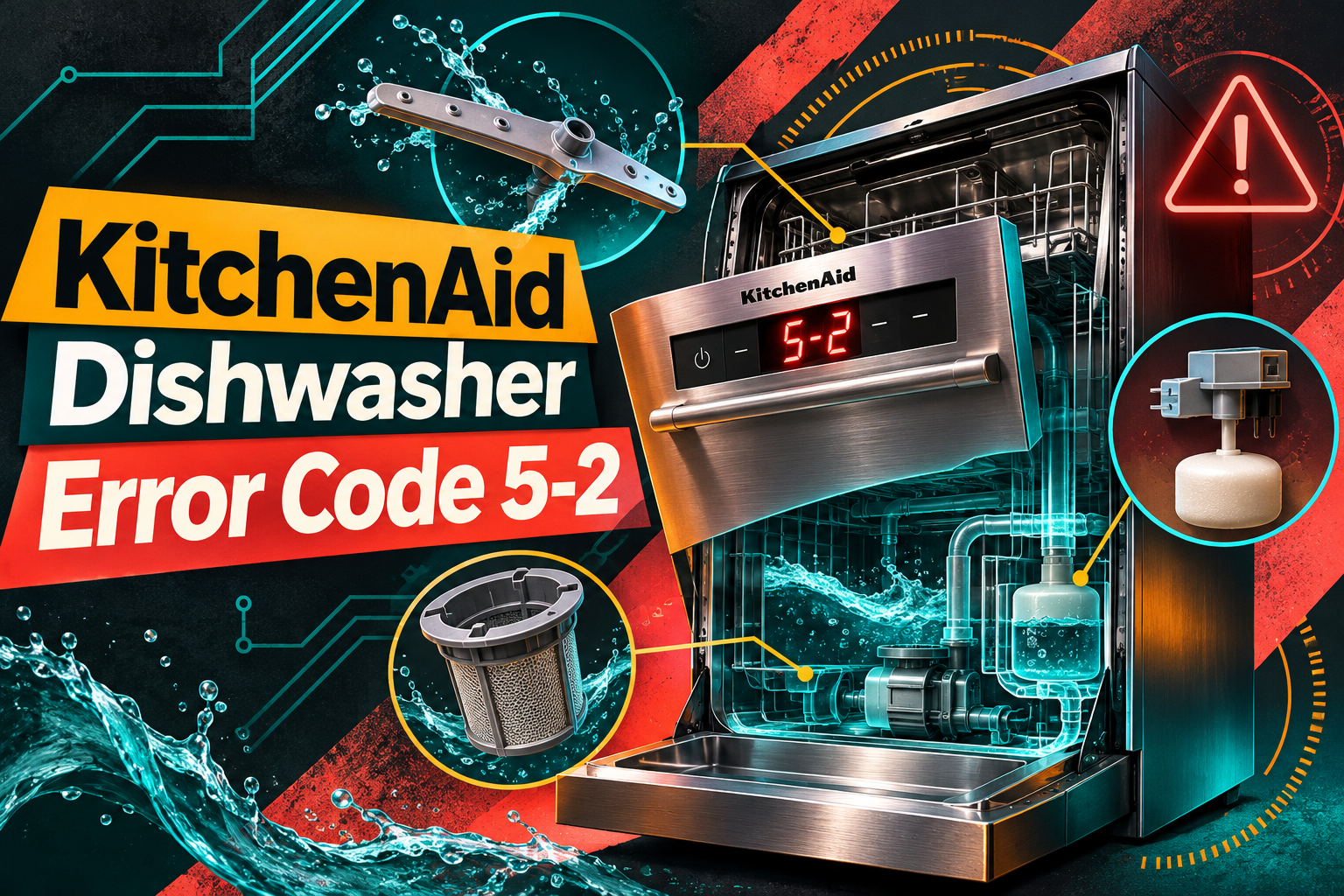
What Does KitchenAid Dishwasher Error Code 5-2 Mean?
KitchenAid dishwasher error code 5-2 indicates that the control board hasn’t detected the door opening between washing cycles. It’s also known as the door stuck closed error and may appear as F5E2 on models with a digital display.
Your dishwasher has a door latch assembly containing a switch that tells the control board whether the door is open or closed. When you close the door, the switch signals that it’s safe to begin washing. Opening the door changes the switch’s electrical state, allowing the control board to recognize that the door has been opened.
On models using this error system, the control board expects to detect the door opening between cycles. If it continues receiving a closed signal, it may prevent another cycle from starting.
You might notice that pressing Start/Resume causes the indicator light to flash three times without beginning the wash cycle. In other cases, the dishwasher may display the error during a diagnostic check.
However, this warning doesn’t necessarily mean the door latch is broken. Sometimes, the dishwasher simply hasn’t detected the door being opened since the previous cycle. A defective door switch, sticking latch, or electrical circuit problem can also produce the error.
It’s worth distinguishing error 5-2 from error 5-1. On models using these codes, 5-1 indicates that the door isn’t being detected as closed, while 5-2 means the control hasn’t recognized the expected opening of the door.
KitchenAid Dishwasher Error Code 5-2: Common Causes
Several problems can prevent your KitchenAid dishwasher from recognizing when its door opens. The following causes are the most relevant, starting with the simplest possibility.
1. The Door Wasn’t Opened Between Washing Cycles
One of the simplest causes of error code 5-2 is attempting to start another washing cycle without opening the dishwasher door after the previous cycle.
On affected models, the electronic control board monitors the door switch to confirm that the door has opened between cycles. This helps the control system recognize that the previous cycle has ended and the dishwasher is ready for another operation.
If the door remains closed, the control board may interpret the unchanged switch signal as a possible fault.
For example, you might cancel a washing cycle and immediately select another program without opening the dishwasher. Depending on the model, the control may refuse to start the new cycle because it hasn’t detected the expected door movement.
The same situation can occur when someone presses Start/Resume after the dishwasher has completed a cycle without opening the door.
Fortunately, this condition doesn’t necessarily involve a damaged component. Opening and closing the door properly may be enough to restore normal operation.
2. Faulty Door Latch Switch
The door latch switch is a small electrical component that changes its contact state when the dishwasher door opens or closes.
During normal operation, opening the door changes the signal sent to the control board. If the switch becomes stuck in its closed position, the control may continue receiving a closed signal even when the door is physically open.
This can happen when the switch’s internal contacts become damaged, worn, or mechanically stuck. As a result, the dishwasher may display error 5-2 and prevent another cycle from starting.
You might notice that the dishwasher refuses to start despite opening and closing the door several times. The Start/Resume indicator may flash, or the error may return after a reset.
A damaged switch doesn’t always produce visible signs of failure. The door may close normally, and the latch may appear secure even though the internal switch isn’t operating correctly.
On many KitchenAid dishwashers, the door switch is incorporated into the latch assembly. If testing confirms that the switch is defective, replacing the complete latch assembly may be necessary.
However, the switch should be tested before replacing parts because other faults can produce similar symptoms.
3. Worn or Sticking Door Latch Assembly
The door latch holds your dishwasher door securely closed during washing. It also operates the switch that reports the door’s position to the electronic control board.
Over time, the latch mechanism can develop wear or become damaged. Broken plastic components, mechanical sticking, or problems with the latch’s moving parts may prevent the switch from changing state correctly.
For example, a latch mechanism that remains engaged after the door opens may continue holding the switch in its closed position. The control board may then interpret the condition as a door that hasn’t been opened between cycles.
You might notice that the door feels unusually difficult to open or that the latch doesn’t release smoothly. Sometimes, the mechanism may feel loose or make an unusual clicking sound.
However, a worn latch can also cause the opposite problem, where the dishwasher cannot detect that the door has closed. This generally relates to a different door switch error.
If the latch feels stuck, avoid forcing it or repeatedly slamming the door. Doing so can damage the latch, door strike, or surrounding components.
A technician can inspect the mechanism and determine whether the complete latch assembly needs replacement.
4. Damaged Door Switch Wiring or Control Circuit
The door switch communicates with the dishwasher’s electronic control board through an electrical circuit.
If the wiring becomes damaged or develops an electrical short, the control may receive an incorrect door position signal. Depending on the nature of the fault, the dishwasher might continue detecting the door as closed.
Electrical wiring problems can develop through damaged insulation, moisture exposure, or previous repairs that disturbed internal connections.
A problem with the control board’s door switch sensing circuit is another possible explanation, although it should generally be considered after the switch and wiring have been checked.
You may notice that the error remains even after opening and closing the door correctly. In some cases, the dishwasher might operate intermittently before the problem becomes persistent.
However, these symptoms alone cannot identify whether the wiring, door switch, or control board is responsible.
Diagnosing electrical faults requires access to internal components and appropriate testing equipment. Therefore, a qualified appliance technician should handle these checks.
KitchenAid Dishwasher Error Code 5-2: How to Fix
Fixing error code 5-2 starts with checking whether the dishwasher recognizes the door opening. Several simple troubleshooting methods can help before professional repairs become necessary.
1. Open and Close the Dishwasher Door Properly
The first solution is also the simplest. Since error 5-2 can appear when the dishwasher hasn’t detected the door opening between cycles, opening and closing it may clear the condition.
Start by canceling the current cycle if the control panel allows you to do so.
Then follow these steps.
- Open the dishwasher door completely.
- Leave it open briefly so the control can recognize the change.
- Check that nothing is obstructing the door opening.
- Close the door firmly until the latch engages.
- Press Start/Resume according to your model’s instructions.
- Check whether the dishwasher begins a normal washing cycle.
If the dishwasher starts successfully, the problem may have been caused by the door not being opened between cycles.
However, if the Start/Resume light continues flashing or the error returns, the control may not be receiving the correct signal from the door switch.
Try opening and closing the door normally once more. If the problem persists, continue with the next checks rather than repeatedly forcing the latch.
2. Check for Obstructions Around the Door
Objects caught between the door and dishwasher tub can interfere with proper door movement and latch operation.
For example, a large utensil, an improperly positioned dish rack, or a piece of food debris near the latch may prevent the door from moving as expected.
Although an obstruction more commonly causes a door closure problem, checking the accessible latch area is useful when diagnosing unusual door operation.
First, make sure the dishwasher is turned off and disconnect its power before cleaning around the latch.
Open the door and inspect the visible area around the latch and door strike. The strike is the part that engages with the latch when you close the dishwasher.
Look for food residue, detergent buildup, or objects that might interfere with the mechanism.
Next, check that both dish racks slide fully into position. Make sure large plates, utensils, and cookware handles aren’t pressing against the door.
Inspect the rubber door seal for visible damage or sections that have moved out of place.
If you find debris around the accessible latch area, remove it gently using a soft cloth. Avoid pouring water or cleaning chemicals into the latch mechanism because moisture can damage electrical components.
After cleaning, restore power, open and close the door, and attempt to start another cycle.
If the dishwasher starts normally, an obstruction may have contributed to the problem. However, if error 5-2 remains, further checks are necessary.
3. Inspect the Door Latch for Mechanical Problems
A door latch that sticks or fails to release correctly can prevent the dishwasher from detecting the door opening.
You can check the latch’s general mechanical condition without removing the dishwasher’s door panels.
Start by opening and closing the door slowly. Pay attention to how the latch engages and releases.
The door should close securely and open without excessive resistance. On many models, you’ll hear or feel a click when the latch engages.
Check for these warning signs.
- The door feels unusually difficult to open.
- The latch appears damaged or out of position.
- The mechanism doesn’t release smoothly.
- The door requires excessive force to close.
- The latch makes unusual grinding or clicking noises.
Next, inspect the visible door strike for damage. Make sure it isn’t obviously bent, loose, or obstructed.
Avoid bending the strike or forcing the latch into position. Incorrect adjustments can damage the door or prevent it from sealing properly.
If everything appears normal, open and close the door once more before starting a cycle.
A latch that moves smoothly but continues producing error 5-2 may have a defective internal switch. Since that switch is often integrated into the latch assembly, visual inspection alone cannot confirm whether it works.
If the mechanism is visibly broken or continues sticking, stop using the dishwasher until it has been repaired.
4. Reset the Dishwasher’s Electronic Control
Sometimes, the dishwasher’s electronic control system may become temporarily unresponsive or retain a fault indication after an interrupted cycle.
Resetting the appliance allows the control board to restart. This may help if the problem involves a temporary electronic issue rather than a damaged door switch.
KitchenAid commonly recommends disconnecting dishwasher power for at least 30 seconds when troubleshooting certain control problems.
Follow these steps to perform a reset.
- Press Cancel if the dishwasher responds to the control panel.
- Unplug the dishwasher if its electrical plug is safely accessible.
- If the dishwasher is permanently wired, switch off its dedicated circuit breaker.
- Keep the power disconnected for at least 30 seconds.
- Restore power and allow the control panel to restart.
- Open and close the dishwasher door.
- Select a washing cycle and press Start/Resume.
Observe whether the dishwasher starts normally.
If the error disappears and the appliance completes a cycle, the problem may have been temporary.
However, resetting the control doesn’t repair a defective latch switch or damaged wiring. If the error returns, the dishwasher likely needs further diagnosis.
Avoid repeatedly resetting the appliance because doing so won’t resolve a persistent electrical or mechanical fault.
5. Check the Control Lock and Start Settings
If your KitchenAid dishwasher still refuses to start, check whether another control setting is preventing operation.
This is particularly useful when the control panel flashes or seems unresponsive, but the 5-2 error hasn’t been confirmed through the dishwasher’s diagnostic system.
Some KitchenAid models have a Control Lock feature that prevents accidental button presses. When this feature is active, pressing certain buttons may cause the indicator light to flash without starting a cycle.
Check whether the Control Lock indicator is illuminated.
If it’s active, disable the feature using the instructions in your dishwasher’s owner’s manual. The required button and holding time can vary between models.
You should also check whether Delay Wash has been selected. This setting postpones the start of the washing cycle until the selected time.
If Delay Wash is active, cancel it before selecting a normal washing program.
Finally, make sure you’re following the correct Start/Resume procedure. On some top control KitchenAid dishwashers, you must press Start/Resume and close the door within a short period.
If the dishwasher operates normally after correcting one of these settings, the original problem may have involved the operating controls rather than a damaged door switch.
However, Control Lock and Delay Wash do not directly cause a confirmed 5-2 door switch error. If the diagnostic code remains, the door switch circuit requires further attention.
6. Contact a Qualified Appliance Repair Technician
If your KitchenAid dishwasher continues displaying error code 5-2 after the basic checks, professional repair may be necessary.
At this stage, the most relevant components are the door latch assembly, door switch circuit, and electronic control board.
A qualified technician can test whether the door switch changes electrical state correctly when the door opens and closes. This helps distinguish a defective switch from a wiring or control board problem.
You should arrange professional service if:
- Error 5-2 returns after opening and closing the door.
- The dishwasher refuses to start despite a secure door latch.
- The latch is visibly damaged or sticks during operation.
- Resetting the control doesn’t resolve the warning.
- The dishwasher displays intermittent door switch errors.
Depending on the test results, the technician may recommend replacing the door latch assembly, repairing damaged wiring, or addressing a control board fault.
Avoid attempting to bypass the door switch or operate the dishwasher with a damaged latch. The switch is part of the system that prevents normal washing operation when the door isn’t properly secured.
Also, don’t remove the inner door panel to access electrical components unless you have the necessary training. Internal wiring can present an electrical shock hazard.
Before arranging service, record your dishwasher’s model number and the complete error code.
Explain whether the door opens and closes normally, whether the Start/Resume indicator flashes, and whether the error returns after a reset.
These details will help the technician identify the affected system and avoid unnecessary component replacement.
Wrap-Up
KitchenAid dishwasher error code 5-2 usually means the control board hasn’t detected the door opening between washing cycles. The problem may result from a simple operating issue, a sticking latch, a defective door switch, or an electrical circuit fault.
Start by opening and closing the door correctly, checking for obstructions, and resetting the dishwasher. If the warning disappears, you may not need further repairs. However, if the error continues, have a qualified technician inspect the door switch circuit to identify the fault and restore normal operation.