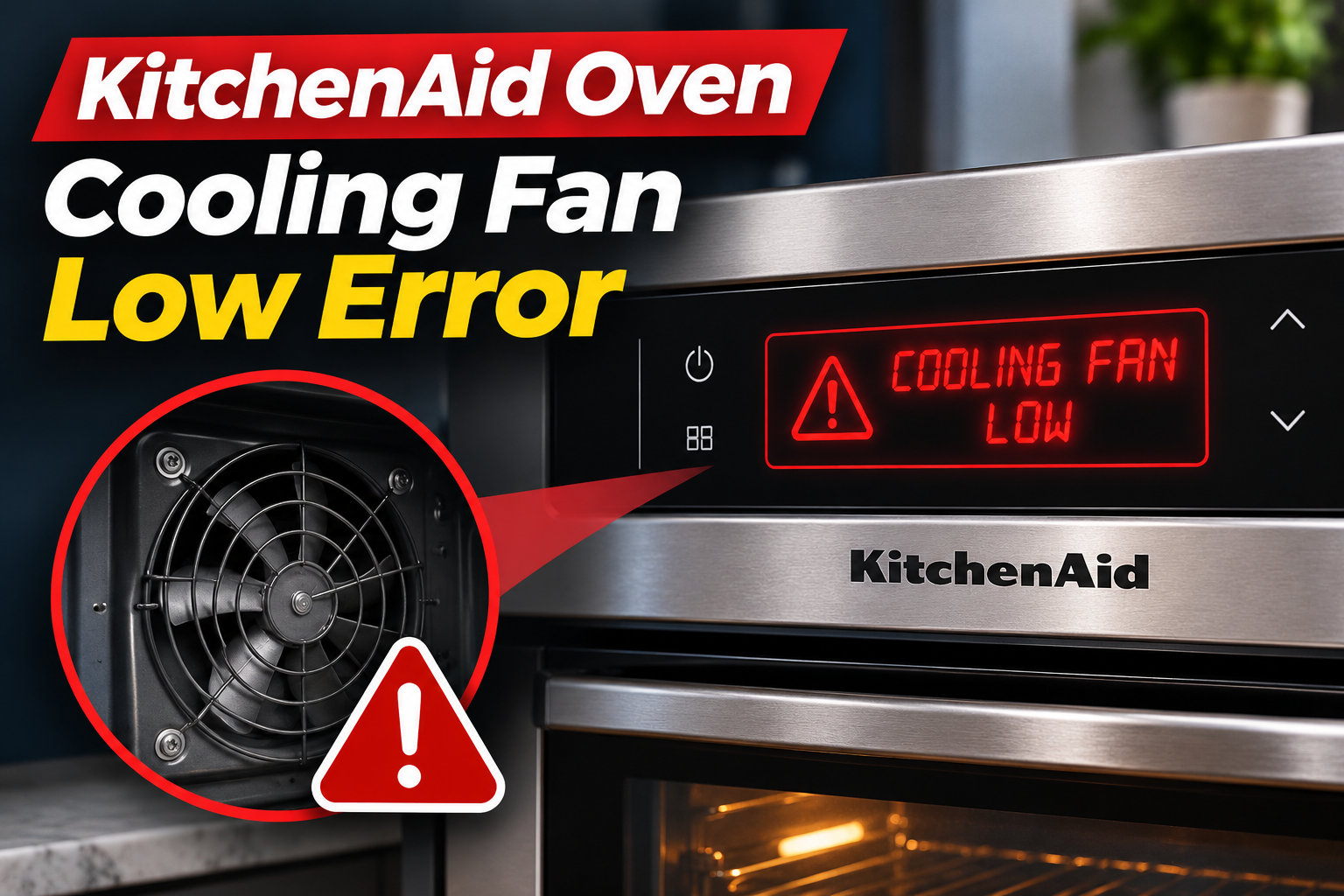
A KitchenAid oven showing a Cooling Fan Low error may stop heating, interrupt a cooking cycle, or refuse to start. On many models, this problem appears as the F8E0 error code, indicating that the cooling fan isn’t operating at the expected speed.
The problem can result from blocked airflow, a defective fan motor, damaged wiring, or a faulty fan speed sensor. Some cases can be resolved with a reset or by removing an external obstruction, while others require professional repair.
What Does the KitchenAid Oven Cooling Fan Low Error Mean?
The KitchenAid oven Cooling Fan Low error means the electronic control system has detected insufficient cooling fan speed. On many KitchenAid ranges and wall ovens, this condition triggers the F8E0 error code.
The cooling fan circulates air around the oven’s electronic components to protect them from excessive heat. It operates during certain cooking functions and may continue running after the oven is switched off.
When the fan runs too slowly or the control system cannot verify its speed, the oven may display an error and restrict operation to prevent overheating.
On certain KitchenAid ranges, F8E0 is triggered when the detected fan speed falls below 500 revolutions per minute while the oven cavity temperature exceeds 170°F (77°C). However, these thresholds vary between models.
It’s also worth distinguishing the cooling fan from the convection fan. The convection fan circulates hot air inside the cooking compartment, while the cooling fan protects the oven’s electronics.
KitchenAid Oven Cooling Fan Low Error: Common Causes
Several problems can prevent your KitchenAid oven’s cooling fan from operating correctly. The most likely causes involve restricted airflow, defective fan components, or electrical faults.
1. Blocked Airflow or Fan Obstruction
Your KitchenAid oven needs unobstructed airflow to cool its internal components. If the ventilation openings become blocked, heat may accumulate around the oven’s control system.
Food debris, grease buildup, or objects placed near the external vents can restrict airflow. An obstruction inside the blower housing can also prevent the cooling fan from spinning freely.
You might notice unusually hot surfaces around the control panel, reduced airflow from the vents, or a fan making scraping or rattling sounds.
However, the location of the cooling vents varies by model. Some obstructions are accessible from outside the appliance, while others require removing protective panels.
2. Defective Cooling Fan Motor
The cooling fan motor is responsible for turning the fan blades at the required speed. If the motor becomes defective, it may rotate too slowly, operate intermittently, or stop completely.
Motor problems can develop because of internal wear, damaged electrical windings, or mechanical resistance within the fan assembly.
A failing motor may produce unusual humming, grinding, or rattling sounds. In some cases, the fan runs normally when the oven is first switched on but slows down as the appliance heats up.
If the motor cannot maintain the required speed, the control system may display F8E0 and interrupt normal operation.
3. Faulty Fan Speed Sensor
Many KitchenAid ovens use a fan speed sensor to monitor the cooling fan’s rotation.
On certain models, this component is called a Hall effect sensor. It sends signals to the electronic control system, allowing it to determine how fast the fan is spinning.
If the sensor becomes defective, it may report an incorrect speed even when the fan motor is operating.
As a result, the oven may display a Cooling Fan Low error despite the fan appearing to run normally.
A faulty speed sensor can also cause intermittent errors that disappear after a reset but return during cooking.
4. Loose or Damaged Wiring
The cooling fan and its speed sensor communicate with the oven’s electronic control board through wiring and electrical connectors.
If these connections become loose, corroded, or damaged, the fan may receive insufficient power or the control system may lose its speed signal.
Heat exposure, aging insulation, and previous repairs can contribute to wiring problems.
You might notice that the fan operates inconsistently or that the error returns whenever the oven reaches a certain temperature.
However, these symptoms can also indicate a defective motor or sensor. Internal electrical testing is necessary to identify the exact cause.
5. Faulty Electronic Control Board
The electronic control board manages various oven functions, including cooling fan operation.
If the board develops a fault in the circuit controlling the fan, it may fail to supply the required power or incorrectly interpret the fan’s speed signal.
This can cause the Cooling Fan Low error even when the fan motor and sensor are functioning correctly.
A faulty control board may also cause other problems, such as irregular fan operation or repeated error messages.
However, control board replacement should only be considered after the fan, sensor, and associated wiring have been tested.
KitchenAid Oven Cooling Fan Low Error: How to Fix
Start with simple checks that don’t involve opening the oven. If the problem continues, the cooling fan and its electrical components may need professional diagnosis.
1. Reset Your KitchenAid Oven
A power reset may clear the error if it was caused by a temporary control system problem.
KitchenAid recommends disconnecting power for one minute on many models displaying F8E0.
Follow these steps.
- Cancel the cooking cycle and switch off the oven.
- Locate the circuit breaker supplying power to the appliance.
- Turn off the breaker.
- Leave the power disconnected for one minute.
- Restore power.
- Monitor the display for at least one minute.
If the error disappears, check that the oven responds normally. Only resume cooking if there are no signs of overheating or unusual fan behavior.
If F8E0 returns, avoid repeatedly resetting the appliance. A persistent cooling fan fault requires further investigation.
2. Check for Blocked Ventilation Openings
Restricted airflow may contribute to cooling problems, so inspect the oven’s accessible ventilation openings.
First, turn off the oven and allow it to cool completely.
Locate the external vents using your owner’s manual. Depending on the model, these may be around the oven door, control panel, or another designated ventilation area.
Check whether cookware, cloths, or other objects are blocking the openings.
If dust or grease has accumulated around an accessible vent, gently remove it using a soft, dry cloth or brush.
Don’t insert objects into the vent openings or remove protective panels. Internal blower obstructions should be handled by a qualified technician.
After clearing any external blockage, check whether normal operation returns. If the error remains, the problem may involve the fan motor or another component.
3. Check the Cooling Fan’s Operation
The cooling fan normally produces a gentle humming or airflow sound when operating.
On many KitchenAid ovens, the fan runs during cooking and continues afterward until the appliance has cooled sufficiently.
If your oven previously made a familiar cooling fan sound but has become unusually quiet, the fan may no longer be operating correctly.
A loud grinding, scraping, or repeated rattling sound can also indicate a mechanical problem.
However, some cooling fans are naturally quiet, and operating patterns vary between models. Sound alone cannot confirm whether the motor is defective.
If the oven displays F8E0 or makes unusual fan noises, stop using it and arrange further inspection.
4. Have the Cooling Fan Motor Inspected
If the error continues after resetting the oven and checking the vents, the cooling fan motor may need testing.
A qualified appliance technician can inspect the blower for internal obstructions and determine whether the motor operates at the required speed.
Depending on the model, the technician may also measure motor resistance or check the electrical supply to the fan.
KitchenAid’s service documentation provides specific motor testing procedures for supported models. These specifications aren’t universal, so the technician must use the correct service information.
If testing confirms that the motor is defective, replacing the cooling fan assembly may resolve the problem.
Avoid attempting to access the fan motor yourself. Removing oven panels can expose electrical connections and other hazardous components.
5. Check the Fan Speed Sensor and Wiring
If the fan motor operates correctly but the error remains, the problem may involve the speed sensor or wiring.
A technician can check whether the Hall effect sensor is reporting the fan’s rotation correctly.
The technician can also examine the electrical connections between the cooling fan and control board for loose terminals, damaged wires, or corrosion.
If testing identifies a defective sensor or damaged wiring harness, the affected component should be replaced with a compatible part.
Some KitchenAid models have different fan control arrangements, so the appropriate repair depends on the oven’s design.
Replacing the electronic control board should only be considered if testing indicates that the board is responsible.
6. Contact a Qualified Appliance Repair Technician
If your KitchenAid oven continues displaying the Cooling Fan Low error after the basic checks, contact a qualified appliance repair technician.
The problem may involve a defective cooling fan motor, fan speed sensor, wiring harness, or electronic control board.
A technician can use the model’s diagnostic procedures to identify the faulty component and confirm that the cooling fan operates correctly after repairs.
Before scheduling service, note your oven’s model number and the exact error code displayed. Also, mention any unusual fan noises or whether the error appears immediately or after the oven heats up.
Avoid using the oven while a persistent cooling fan fault is present. Inadequate cooling can expose electronic components to excessive heat and may create additional safety concerns.
Wrapping Up
The KitchenAid oven Cooling Fan Low error generally indicates that the cooling fan isn’t operating at the required speed or that the control system cannot detect its speed correctly. Common causes include blocked airflow, a faulty fan motor, damaged wiring, and a defective speed sensor.
Start by resetting the oven and checking for external ventilation obstructions. If the error returns, stop using the appliance and have its cooling system inspected.
Identifying the faulty component before replacing parts can help restore normal operation and prevent unnecessary repair costs.