A Samsung washing machine displaying error code 8E may have a problem with its vibration sensing system or electronic controls. The washer might stop during a spin cycle, display the warning repeatedly, or refuse to continue its programme. The exact meaning depends on the model, as some older machines use 8E for an overcurrent fault. Identifying the correct interpretation helps you avoid unnecessary repairs and choose a safe troubleshooting method.
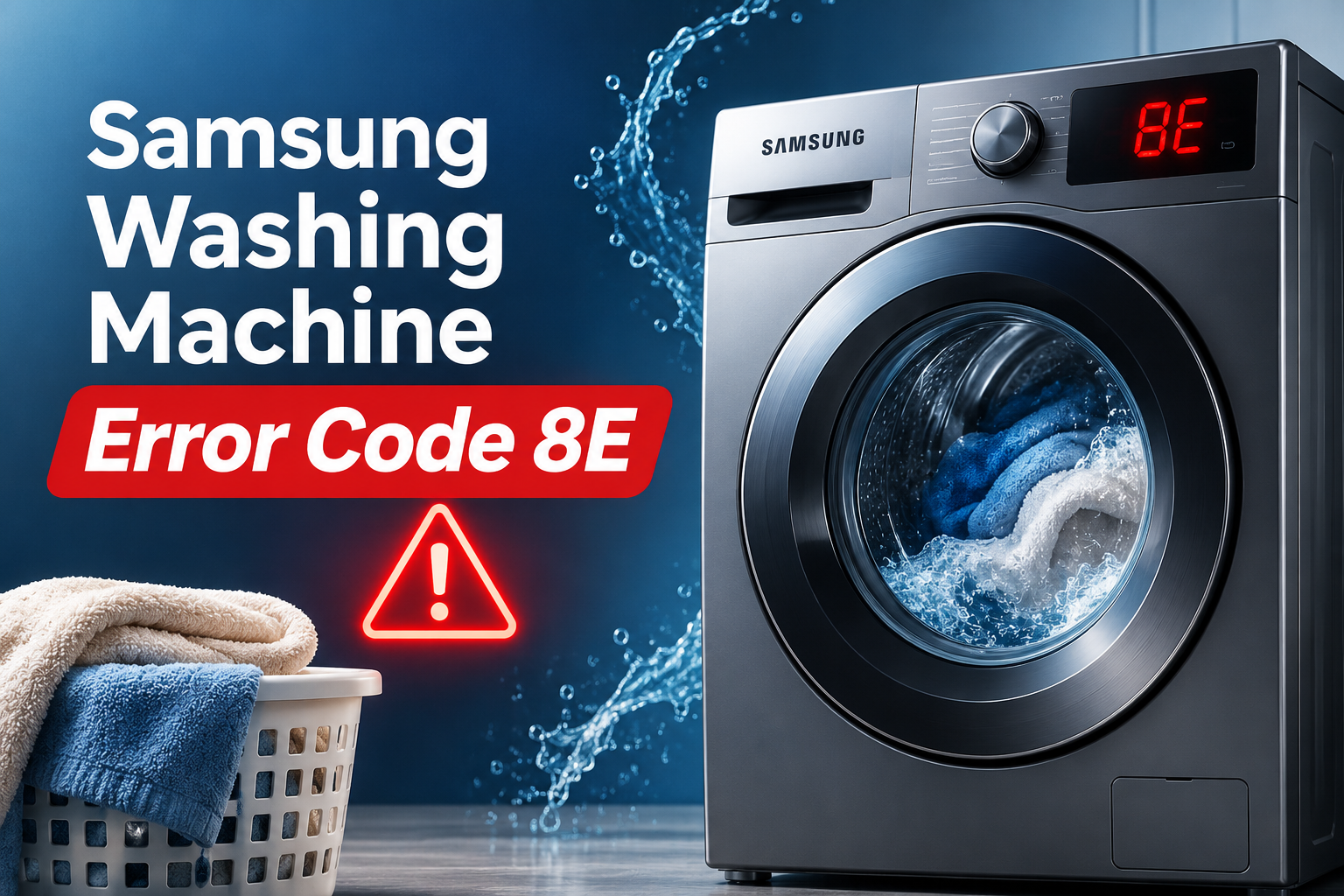
What Does Samsung Washing Machine Error Code 8E Mean?
On many Samsung washing machines, error 8E indicates a problem with the MEMS sensor, which monitors movement and vibration inside the appliance. MEMS stands for microelectromechanical systems. This type of sensor helps the washer’s control system monitor operating conditions, including movement during the wash and spin cycles.
When the sensor sends an abnormal signal or fails to communicate correctly with the control board, the washer may interrupt its operation and display the error. You might notice the drum stopping unexpectedly, the cycle refusing to progress, or the code appearing when the machine begins spinning.
However, error 8E does not have the same meaning on every Samsung washing machine. Samsung identifies 8E and related codes as MEMS sensor errors on many models, while some older models and regional code lists describe 8E as an overcurrent error. The related code 8E2 can also indicate a jammed control button on certain models. Your model’s user manual is therefore essential for confirming the correct diagnosis.
The code alone cannot confirm which component has failed. A defective vibration sensor, damaged wiring, a faulty electronic control board, or a model specific electrical problem may be responsible. Basic troubleshooting can eliminate some temporary issues, but a persistent error generally requires professional testing.
Samsung Washing Machine Error Code 8E: Common Causes
Several problems can cause your Samsung washer to display error 8E. The most relevant possibilities depend on the full code, the model number, and what the machine was doing when the warning appeared.
1. A Faulty MEMS Vibration Sensor
The MEMS sensor monitors movement and sends information to the washer’s electronic control system. This information helps the machine recognize abnormal movement and monitor its operating condition.
If the sensor develops an internal fault, it may send incorrect readings or stop providing a reliable signal. The washer may then interrupt the cycle because it cannot obtain the information needed for normal operation.
You might notice the error appearing repeatedly during spinning or immediately after starting a programme. In some cases, the washer may stop even when the drum appears to be moving normally.
A failed sensor cannot be confirmed from the display alone. The wiring and control board may produce similar symptoms, so the sensor should be tested before a replacement is ordered.
2. Loose or Damaged Sensor Wiring
The vibration sensor relies on electrical connections to communicate with the main control board. If a connector becomes loose, a wire breaks, or a connection develops corrosion, the signal may become unreliable.
Vibration during normal washing can aggravate an existing connection problem. A damaged wire or connector may allow the sensor to work intermittently, causing the error to appear during one cycle and disappear after restarting the washer.
This type of fault can be difficult to distinguish from a defective sensor. An intermittent warning does not necessarily mean that the sensor itself needs replacing.
Internal wiring checks should be performed with the appliance disconnected from power and in accordance with its service documentation. If you do not have suitable repair experience, let a qualified technician inspect the connections.
3. A Faulty Main Electronic Control Board
The main control board processes sensor signals and coordinates the washer’s operations. If its electronic components develop a fault, it may fail to interpret the vibration sensor’s output correctly.
Depending on the model, a control board problem may cause the error to appear immediately after switching on the appliance or during a cycle. You may also notice other unusual behaviour, such as controls becoming unresponsive or the washer stopping unexpectedly.
A faulty control board is only one possible explanation. A damaged sensor or loose connection can produce similar symptoms, so replacing the board without testing the surrounding components can be an expensive mistake.
A technician can examine the board and the sensor circuit to determine whether the control system is receiving an abnormal signal. The appropriate repair may involve the sensor, the wiring, or the board itself, depending on the findings.
4. Excessive Vibration or an Unstable Washer
A washing machine needs a stable installation to operate properly during high speed spinning. If the appliance rocks, sits unevenly, or contains a badly unbalanced load, vibration can increase significantly.
Heavy items such as bath towels, bedding, and thick garments may gather on one side of the drum. This can create an uneven load that makes the machine shake more than usual. An appliance with improperly adjusted feet can also move during spinning.
These conditions may contribute to abnormal movement and are worth checking, especially if the error appears during the spin cycle. However, an ordinary load imbalance usually produces a separate imbalance code on Samsung washers. A recurring 8E warning may still indicate a sensor or electrical fault.
If the washer rocks when gently pressed at its corners while switched off, check whether its feet are firmly supported and the floor is stable. Newly installed washers should also have their shipping bolts removed according to the installation instructions.
5. An Overcurrent or Electrical Fault on Certain Models
Some Samsung washing machines use error 8E to identify an overcurrent condition. This refers to an electrical fault in which current exceeds the expected operating range of a circuit or component.
Depending on the model, the problem may involve the motor control circuit, electronic components, or another part of the electrical system. A fault inside the appliance can produce the warning even when the household power supply appears normal.
An unstable electrical supply may also contribute to abnormal washer operation, although the code alone cannot establish that the household supply is responsible. If the circuit breaker trips, the plug becomes unusually hot, or you notice a burning smell, stop using the washer and arrange qualified assistance.
Do not open electrical panels or attempt to measure current inside the appliance. The model specific diagnosis is particularly important here because an overcurrent fault requires a different approach from a MEMS sensor problem.
Samsung Washing Machine Error Code 8E: How to Fix
The safest approach is to begin with the model specific instructions and simple external checks. If the error remains after these steps, avoid dismantling the washer or replacing components without confirming the fault.
1. Confirm the Exact Error Code
Start by checking the complete message on the display. Make sure it reads 8E rather than 8C, 8E1, or 8E2, because these codes can have different meanings depending on the washer.
Find your model number on the appliance label and consult the corresponding user manual. The manual should identify the applicable error codes and the manufacturer’s recommended troubleshooting procedure.
Pay attention to when the warning appears. If it occurs when the drum starts spinning, note whether the washer shakes excessively or stops abruptly. If it appears immediately after switching on, a sensor or electronic fault may be more likely.
These observations are useful for narrowing down the problem, although they cannot confirm a failed component on their own.
2. Reset the Washing Machine
A temporary electronic fault may clear after the washer is restarted. Samsung recommends a power reset as an initial troubleshooting step for certain 8E and related errors.
Follow these steps.
- Stop the current programme if the controls respond normally.
- Switch off the washer.
- Disconnect the power plug if the surrounding area is completely dry and you can reach it safely.
- Wait for the period specified in your model’s manual. Samsung instructions vary, with some recommending approximately 30 seconds and others specifying longer intervals.
- Restore power and start a suitable cycle.
Observe the display as the washer starts. If the error disappears, check whether the machine operates normally without unusual vibration or noise.
A reset can clear a temporary control issue, but it cannot repair a damaged sensor or circuit board. If 8E returns during the next cycle, stop repeating the reset and arrange further diagnosis.
3. Check the Load and Stabilize the Washer
If the error appears during spinning and the washer shakes excessively, inspect the load before attempting another cycle.
Switch off the appliance and wait until the drum has stopped completely and the door unlocks. If the load contains one heavy item or several bulky garments that have gathered together, redistribute the laundry evenly around the drum.
Remove some items if the washer is overloaded. Follow the load limits and instructions in your manual, particularly when washing bedding or other bulky fabrics.
Next, check that the washer sits firmly on the floor. If it rocks while switched off, adjust the feet according to the installation instructions so the appliance rests evenly on all support points. Do not attempt to level a machine while it is operating.
Run another suitable cycle only if there are no signs of an electrical fault or mechanical damage. If the washer operates smoothly but the 8E code returns, the vibration sensor or its electrical circuit may require testing.
4. Inspect the External Power Connection
This check is particularly relevant if the manual identifies 8E as an overcurrent error or if the washer has been experiencing power interruptions.
Make sure the power plug is fully inserted into an appropriate wall outlet. Check the visible cord and plug for damage, discoloration, or signs of overheating.
Use the electrical connection specified by the manufacturer. Avoid unsuitable extension cords and overloaded power strips. If a circuit breaker repeatedly trips, do not keep resetting it to force the washer to operate.
Never touch damaged electrical connections or attempt to open the socket. If the power cord, outlet, or circuit appears faulty, leave the appliance switched off and contact a qualified electrician or appliance technician.
If the external connection appears normal but the error continues, the problem may lie inside the washer’s electrical system. Internal testing is necessary before deciding whether a component needs replacement.
5. Check for a Jammed Button if the Code Is 8E2
On certain Samsung models, the related code 8E2 can indicate a jammed control button rather than a MEMS sensor failure. This procedure should only be used when your model’s manual confirms that the displayed code can have this meaning.
Switch off the washer and disconnect it from power if it is safe to do so. Examine the control panel for buttons that appear stuck, damaged, or difficult to release.
Using a soft cloth that is only slightly damp, clean the accessible panel surface and the edges around the buttons. Avoid spraying liquid directly onto the controls, and allow the surface to dry fully before restoring power.
Do not push hard on a stuck button or attempt to remove the control panel. If the button remains jammed or the code returns after restarting, the control panel may need professional inspection.
For a standard 8E code that your manual identifies as a MEMS sensor or overcurrent fault, cleaning the buttons is unlikely to resolve the underlying problem.
Final Solution: Contact a Qualified Appliance Technician
If error 8E persists after the appropriate reset and basic checks, professional diagnosis is the next step. This is particularly important when the washer repeatedly stops, develops unusual vibration, or displays the code immediately after restarting.
A technician can identify which error definition applies to your model, test the MEMS sensor and its wiring, and inspect the main control board where necessary. If your model uses 8E for an overcurrent fault, the technician can investigate the relevant electrical circuit using the correct service procedures.
Before arranging a repair, record the washer’s model number and exact code. Mention when the error appears, whether the drum shakes excessively, and whether the reset temporarily clears the warning.
If the appliance is under warranty, check the warranty conditions before opening the cabinet or purchasing replacement parts. Internal electrical repairs and sensor replacement should follow the manufacturer’s service instructions.
Wrap-Up
Samsung washing machine error code 8E can indicate a MEMS vibration sensor fault, an electronic control problem, or an overcurrent condition on certain models. The exact meaning depends on the washer’s design and the complete code displayed, so checking the model specific manual is the best starting point.
Begin with a safe power reset and inspect the load and external power connection where appropriate. If the warning returns, avoid replacing parts based on guesswork. A qualified technician can test the sensor, wiring, and control board to identify the actual fault and determine the appropriate repair.