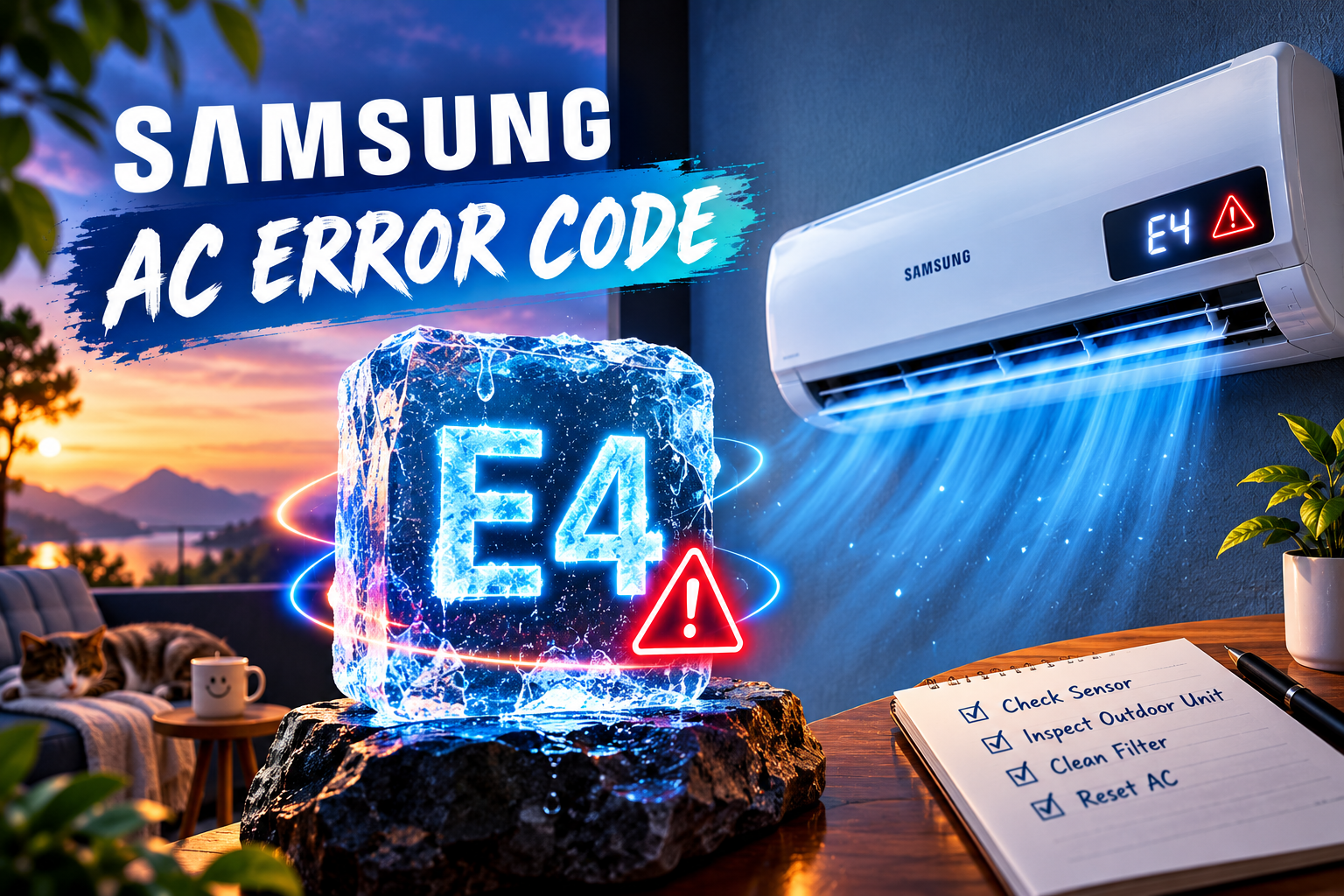
Samsung air conditioners can display error code E4 when an operating fault interrupts normal performance. The exact meaning depends on the model and whether the display shows E4 alone or alternates between E4 and two additional digits. Some older units may report a temporary malfunction, while newer models can use a longer diagnostic code to identify a specific problem. This guide explains common reasons for the error, safe troubleshooting steps, and when to contact a qualified technician.
What Does Samsung AC Error Code E4 Mean?
Samsung AC error code E4 does not have one universal meaning across every model. On some older Samsung wall mounted and window units, E4 can indicate a temporary malfunction. Samsung support recommends switching off the dedicated air conditioner breaker, waiting about one minute, and switching it back on to see whether the error clears.
On certain older models, E4 or C4 may also relate to a problem with the automatic intake grille. For newer models, the display may alternate between E4 and two digits. For example, E4 alternating with 58 indicates the full code E458, which needs to be checked against the relevant model’s diagnostic information. Other full codes can indicate different faults.
Before attempting repairs, check the complete display pattern and the model number on your AC. This helps avoid treating a sensor, fan, power supply, or other component fault as a generic E4 error.
Samsung AC Error Code E4: Common Causes
1. Temporary Electrical or Operating Fault
A temporary operating fault is one possible reason an older Samsung AC displays E4. A brief power interruption or unstable supply can disrupt the unit’s operation and cause an error to appear. Samsung support confirms that E4 may occur because of a temporary malfunction on some models.
The air conditioner may stop running, refuse to restart, or display the code even after power returns. If the problem is temporary, a proper power reset may allow the control system to restart normally.
However, an error that clears after a reset is not proof that the electrical supply is always stable or that every component is working correctly. If E4 returns repeatedly, stop relying on resets and arrange a proper inspection. Repeated breaker trips, a burning smell, or visible electrical damage require immediate attention.
2. The Full Error Code Identifies a Specific Fault
On many Samsung air conditioners manufactured from 2003 onward, E4 or C4 may be the first part of a longer diagnostic code. The display can alternate between E4 and two digits, so reading only the first part can lead to an incorrect diagnosis.
For example, Samsung’s support guidance explains that a display alternating between E4 and 58 represents E458. The full code provides more useful information than E4 alone and helps identify which troubleshooting instructions apply.
Write down every number and letter shown on the display. Record the order in which the characters appear and whether the code keeps flashing. Consult the manual for your exact model or Samsung’s official support resources to identify the complete code before replacing parts.
3. Automatic Intake Grille Malfunction on Some Older Units
Some older Samsung air conditioners use an automatic intake grille that opens when the unit operates and closes when it is switched off. Samsung support identifies a malfunction of this grille as one possible cause of E4 or C4 on certain products manufactured before 2003.
If the grille fails to move as expected, the air conditioner may stop and display an error. You may notice that the front intake panel does not open or close normally, or the unit may fail to start its usual operating sequence.
This explanation applies only to specific older models. Do not assume the grille is responsible if your air conditioner is a newer design or displays a longer code such as E458. Avoid forcing a motorized grille into position because doing so could damage its mechanism. A technician can check the grille motor, movement, and related parts if the error persists.
4. A Model Specific Sensor, Fan, or Control Problem
A full diagnostic code can point to a particular component or operating condition rather than a general E4 fault. Depending on the model, the issue may involve a sensor, fan, control circuit, or another part of the system.
The symptoms can offer useful clues. For example, the indoor fan may fail to run normally, the unit may stop soon after startup, or the AC may show the same complete code each time it is switched on. These symptoms can help a technician narrow down the cause, but they cannot confirm which part has failed without testing.
Avoid ordering replacement sensors, motors, or circuit boards based on E4 alone. Samsung uses different diagnostic systems across product generations, and the same initial display can lead to different troubleshooting procedures. Identify the complete code and follow the instructions for the exact model.
5. A Persistent Fault That Requires Professional Diagnosis
If E4 returns after a correct reset, the underlying problem may need further investigation. The cause could be an electrical issue, a malfunctioning grille on a compatible older unit, or a component fault identified by the complete code.
A recurring error can also mean the original problem has not been resolved, even if the AC briefly starts working again. Continuing to restart the unit without identifying the cause may delay the repair and make it harder to understand when the fault occurs.
A qualified technician can use the model-specific service information to inspect the relevant components and perform the necessary electrical or mechanical tests. This is especially important if the unit repeatedly shuts down, the breaker trips, or there are signs of overheating or damaged wiring.
Samsung AC Error Code E4: DIY Fixes
1. Record the Complete Error Code
Start by checking exactly what the display shows. Do not assume E4 is the full code if the screen alternates between different characters.
Follow these steps:
- Watch the display for several seconds.
- Write down every letter and number that appears.
- Note whether E4 alternates with two additional digits.
- Find the model number on the unit’s identification label or in its documentation.
- Check the owner’s manual or Samsung support information for that model and complete code.
If the display alternates between E4 and 58, for example, search for E458 rather than E4 alone. This simple check can prevent you from following instructions intended for a different fault.
Samsung’s official support website provides product support and troubleshooting resources. If you cannot identify the full code, share the model number and a description of the display pattern with Samsung support or a qualified technician.
2. Reset the AC at the Dedicated Breaker
If your model displays E4 alone and its instructions permit a power reset, try restarting the unit. Samsung recommends switching off the dedicated AC breaker for about one minute before restoring power for applicable models.
Use this procedure:
- Turn off the air conditioner with the remote control.
- Locate the correctly identified AC circuit breaker.
- Switch the breaker off if it is safe to do so.
- Wait approximately one minute.
- Switch the breaker back on.
- Turn the AC on and check whether the error has cleared.
Some older units use a power plug rather than a dedicated breaker. Follow the manufacturer’s instructions for your specific model. Do not unplug equipment or handle electrical connections if they are wet, damaged, hot, or otherwise unsafe.
If the error clears and the AC operates normally, monitor it for a recurrence. If the breaker trips again, leave it off and contact a qualified technician or electrician. Do not repeatedly reset a tripping breaker.
3. Check the Airflow and Accessible Front Panel
If the AC starts but does not cool properly, check the basic airflow conditions. A dirty filter or blocked air inlet can reduce airflow and affect performance, although these issues do not explain every E4 code.
Switch off the AC before removing any user accessible filter. Clean it according to the instructions in the owner’s manual, allow it to dry fully if washing is permitted, and reinstall it correctly. Keep furniture, curtains, and other objects clear of the indoor air inlet and outlet.
If you have an older model with an automatic intake grille, observe whether it moves normally during startup. Do not force the grille, remove its motor cover, or reach into the mechanism. If the panel sticks, makes unusual noises, or fails to move, arrange an inspection.
These checks are general maintenance steps, not a fix for every E4 fault. If the complete diagnostic code points to a different component, follow the troubleshooting instructions for that code.
4. Check the AC’s Accessible Power Supply
A temporary power interruption can contribute to operating faults on some models. Check whether the AC has power and whether an accessible plug has become disconnected. Only inspect connections that are safe to reach without removing covers or touching wiring.
If other electrical equipment in the home has also been affected by a power interruption, the AC may have experienced the same event. Wait until the supply is stable before restarting the unit, and follow the manufacturer’s reset instructions.
Do not open the AC’s electrical compartment, tighten terminals, test live wiring, or install an improvised power connection. If you notice damaged cables, a burnt smell, sparks, or unusual heat near the electrical supply, switch off the system if safe and seek professional assistance.
5. Contact a Qualified Technician if E4 Returns
If the error remains after the appropriate reset and basic checks, arrange professional service. This is the right next step when the display shows a longer code you cannot identify, the unit repeatedly stops, or an older automatic grille fails to operate.
Provide the technician with the exact model number, the complete error code, and a brief description of what happens when you start the AC. Mention whether the code clears after a reset, whether the fan runs, and whether there have been recent power interruptions.
The technician can consult the correct service information and test the relevant components before recommending repairs. Depending on the full code and model, this may involve checking the power supply, grille mechanism, sensors, fan, or control electronics.
For official troubleshooting, visit Samsung Support. Do not replace a component or add refrigerant based on E4 alone. The complete code and proper testing should determine the repair.
Final Thoughts
Samsung AC error code E4 can have different meanings depending on the model and the full display pattern. Start by recording the complete code and checking the instructions for your exact unit. If the model supports a power reset, switching off the dedicated breaker for about one minute may clear a temporary fault. Check accessible airflow and power conditions, but avoid opening electrical compartments or forcing mechanical parts. If the error returns or the AC stops working, a qualified technician can identify the cause and recommend the correct repair.