Understanding what triggers the code helps you identify the appropriate fix and recognize when a repair is necessary.
What Does Samsung Oven Error Code C-D0 Mean?
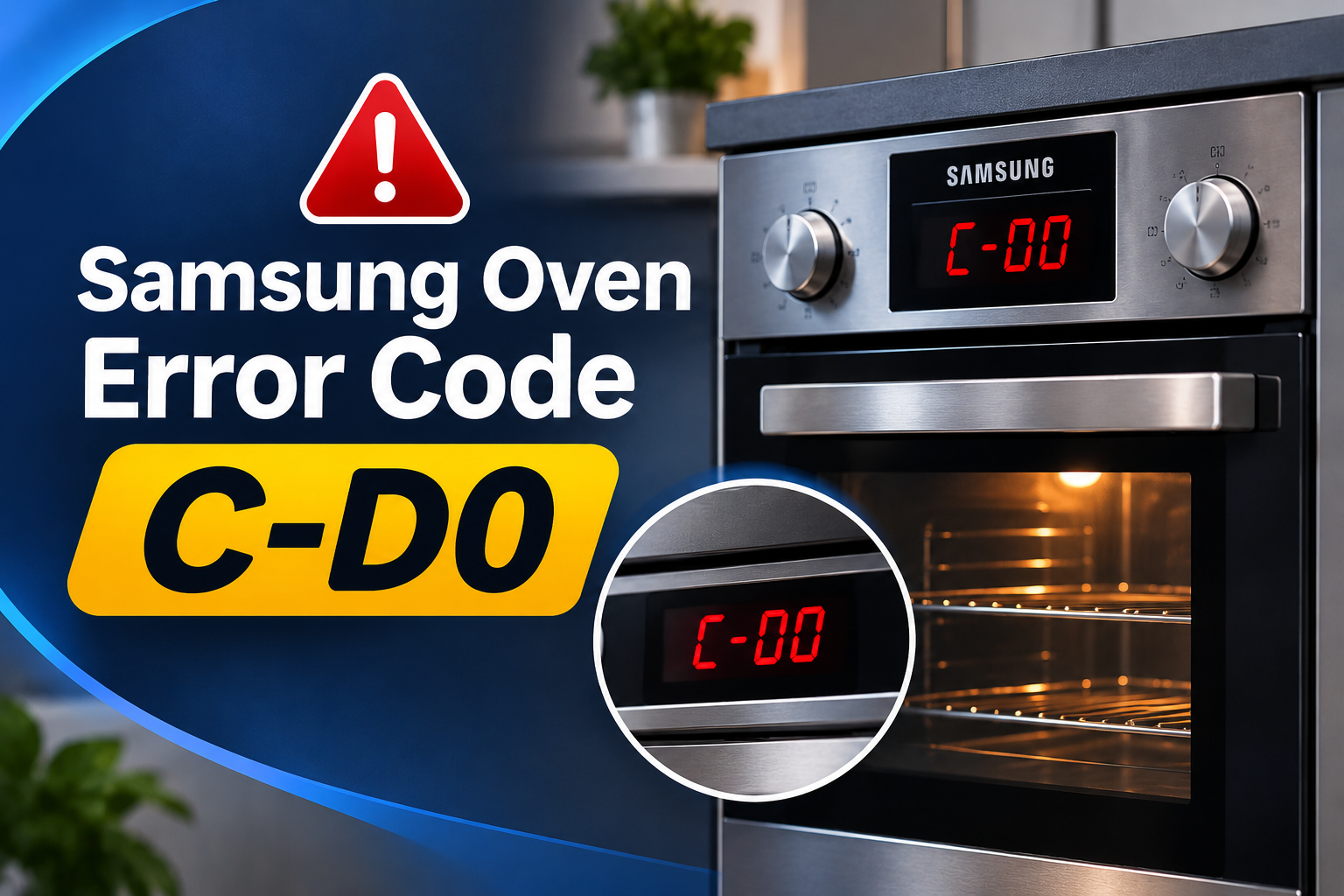
Samsung oven error code C-D0 indicates a button or control panel problem. According to Samsung’s support documentation, the code can appear when a button is pressed and held for an extended period. Some model-specific service manuals describe the condition as a control key that remains electrically active for approximately one minute. The exact triggering condition can vary by model.
The oven’s control panel allows you to select cooking modes, adjust temperatures, set timers, and operate other functions. When a button remains active unexpectedly, the control system may interpret it as a fault and display C-D0 to prevent normal operation from continuing.
You may notice that the display shows the code, the buttons stop responding, or the oven refuses to accept new settings. In some cases, the error appears after cleaning the panel or spilling liquid near the controls. A button that is stuck or continuously registering contact can produce similar symptoms.
Fortunately, this code does not automatically mean that the oven’s electronic control board has failed. A button that is physically stuck, moisture on the control surface, or residue around the controls may be responsible. If the error remains after the panel has been cleaned, dried, and restarted, the control assembly may need professional inspection.
Samsung Oven Error Code C-D0: Common Causes
C-D0 generally points to a button-related problem, but several conditions can cause the control system to register a button as continuously pressed. Checking the external controls first can help you identify simple problems before considering an internal component fault.
1. A Button Is Stuck or Held Down
One of the most direct explanations for C-D0 is a button that remains pressed longer than the oven’s control system allows. This can happen if a control gets stuck mechanically or something presses against it continuously.
On models with physical buttons, a button may fail to return to its normal position after being pressed. Touch-sensitive panels can also register continuous contact if their circuitry detects an input that does not clear as expected.
Look for a button that feels different from the others, appears to remain depressed, or repeatedly activates the same function. If the panel is touch-sensitive, check whether an object or your hand is resting against it.
A button that remains active after the surrounding surface has been cleaned and dried may have a mechanical or electrical fault. Avoid forcing it into position, as this could damage the control assembly.
2. Moisture on the Control Panel
Moisture is another possible reason for unusual button behaviour. Steam from cooking, liquid splashes, or cleaning products can leave water around the control surface and its edges.
On touch-sensitive models, moisture may interfere with normal detection of button presses. The controls might respond inconsistently or register contact when you are not deliberately pressing them.
This is particularly worth checking if C-D0 appears shortly after cleaning the oven or wiping the control panel. Samsung specifically recommends cleaning the buttons and ensuring that no water remains on or around them.
If moisture has entered the panel itself, drying the exterior may not be enough. Leave the oven switched off and seek professional assistance if the error persists or there are signs that liquid has entered the electronics.
3. Grease, Dirt, or Cleaning Residue
Cooking grease, food particles, and cleaning residue can accumulate around buttons over time. The buildup may interfere with the normal movement of a physical button or contribute to inconsistent operation of the control surface.
A greasy film can also make buttons feel sticky, particularly when the oven is used frequently. In some cases, residue around a button can prevent it from returning to its normal position.
Inspect the control panel for visible grease, dried liquid, or other deposits. Pay attention to the edges of physical buttons, but avoid inserting sharp tools into gaps or using excessive force to remove stubborn buildup.
Cleaning the external surface may resolve a problem caused by residue. However, if the button remains unresponsive or C-D0 returns after cleaning, the issue may involve the control assembly rather than the surface itself.
4. A Damaged Button or Touch Control
Repeated use, accidental impacts, and normal wear can affect the oven’s control buttons. A physical button may become damaged internally even when its exterior appears normal.
On touch-sensitive models, a fault in the sensing area may cause a control to register contact incorrectly. This can resemble a stuck button because the oven continues to detect an input even when nobody is touching the panel.
You may notice that the same button repeatedly triggers the error or that several controls behave unpredictably. These symptoms can help a technician narrow down the problem, although they do not confirm which part has failed.
If the control surface is cracked, loose, or physically damaged, stop using the affected controls and arrange an inspection. Replacing a damaged control may be necessary, but the exact repair depends on the oven’s design.
5. An Internal Control Circuit Fault
The control panel relies on electrical components to detect button presses and communicate those inputs to the oven’s control system. A fault in the button circuit, associated wiring, or control electronics may cause the appliance to register a continuous input.
This type of problem becomes more likely when the exterior is clean and dry, no button appears to be stuck, and the error continues after the oven has been restarted.
Unlike surface residue, an internal circuit fault cannot normally be corrected through routine cleaning. Diagnosing it may require testing the control panel and its related components using the service information for the exact model.
Internal repairs should be handled by a qualified appliance technician. Replacing the main control board without first testing the buttons and associated circuitry can lead to unnecessary expense.
Samsung Oven Error Code C-D0: DIY Fixes
Start with external checks and the manufacturer’s recommended cleaning procedure. If the code remains after the controls are clean and dry, restart the oven before considering professional repairs.
1. Clean the Oven’s Control Buttons
Cleaning the control surface is a sensible first step when dirt, grease, or residue may be affecting button operation. Samsung recommends wiping the buttons and ensuring that no water remains around them.
Follow these steps.
-
Switch off the oven and allow it to cool.
-
Use a soft cloth lightly dampened with water to wipe the exterior of the control panel.
-
Gently clean around physical buttons without forcing them or pushing liquid into the gaps.
-
Wipe the surface with a clean, dry cloth.
-
Allow the panel to dry completely before restoring power.
Avoid abrasive pads, harsh cleaning products, and direct sprays of liquid. These may damage the panel or allow moisture to enter the controls.
Once the surface is dry, check whether the buttons move or respond normally. If C-D0 remains, proceed to the next step rather than repeatedly cleaning the same area.
2. Allow the Control Panel to Dry Completely
If C-D0 appeared after cleaning or exposure to steam, give the control panel enough time to dry before restarting the oven.
Switch the appliance off and wipe away any visible moisture using a dry cloth. Keep the controls free from further contact with water while the surface dries.
Do not use a hair dryer, heat gun, or other concentrated heat source to speed up the process. Excessive heat can damage plastic components and electronic controls.
When the surface is completely dry, restore power and check the display. If the error disappears, test the normal controls according to the user manual. If the code persists, moisture may not have been the cause, or liquid may have entered the control assembly.
3. Check for a Stuck Button
After cleaning and drying the control panel, inspect the buttons individually. Look for anything that may be holding a button down, such as an object resting against the controls or a button that has not returned to its normal position.
For physical buttons, compare the movement of the affected button with that of nearby controls. Do not pry it open or attempt to remove it from the panel.
For touch-sensitive controls, make sure nothing is resting against the panel and that your hands are dry before operating it.
If one button appears mechanically stuck, damaged, or unusually loose, avoid forcing it back into position. The control may need repair or replacement. A qualified technician can determine whether the fault lies in the button itself or its associated circuitry.
4. Restart the Oven
Once the control panel is clean, dry, and free from obvious obstructions, turn the oven off and try again. Samsung recommends switching off the appliance and retrying after addressing the button problem.
If the code remains, disconnect the oven’s power supply for at least 30 seconds, then restore power. Depending on the installation, this may involve an accessible plug or the correct circuit breaker.
Do not move a built-in oven or remove electrical covers to reach its power connection. If you’re unsure how to isolate the appliance safely, consult the user manual or obtain assistance from a qualified person.
After power returns, allow the display to initialize and check whether C-D0 has cleared. If the controls respond normally, the fault may have been temporary. A code that returns immediately suggests that further diagnosis is needed.
5. Check the Instructions for Your Exact Oven Model
Samsung oven controls differ by model, so the recommended troubleshooting steps may not be identical across the entire product range.
Locate your oven’s model number on its identification label or in the original documentation. Use the model number to find the appropriate user manual through the manufacturer’s official support website.
Review the information code section and follow the procedure specified for C-D0. If the manual advises contacting a service centre after cleaning and restarting, follow that recommendation rather than attempting internal repairs.
Avoid entering service menus or dismantling the control panel in an attempt to clear the code. These procedures may require specialist knowledge and can damage components if performed incorrectly.
6. Contact a Qualified Appliance Technician
If C-D0 continues to appear after the panel has been cleaned, dried, and restarted, professional diagnosis is the appropriate next step.
A technician can test the affected buttons, inspect the control panel, and examine the associated circuitry. Depending on the results, the repair may involve a button, the touch control assembly, an electrical connection, or another electronic component.
Before arranging service, note when the error began, whether it appeared after cleaning, and which troubleshooting steps you have completed. Providing the model number and exact code can help the technician identify the correct service procedure.
Do not continue using the oven if the controls are unreliable, if a button remains activated, or if you cannot stop the appliance as expected. Stop using it immediately if you notice smoke, a burning smell, or signs of electrical damage. Disconnect the power only if you can do so safely.
Wrap-Up
Samsung oven error code C-D0 usually indicates a problem with a button or the control panel. A stuck button, moisture, or residue may be responsible, so cleaning and drying the controls is a sensible first step. Restarting the oven may then clear the error.
If C-D0 returns, the problem may involve a damaged control or an internal electrical fault. Avoid forcing buttons or opening the control panel yourself. Following the instructions for your exact model and arranging professional diagnosis when basic checks fail can help restore normal operation without unnecessary part replacements.