Understanding what triggers the code helps you identify safe troubleshooting steps and decide when professional assistance is necessary.
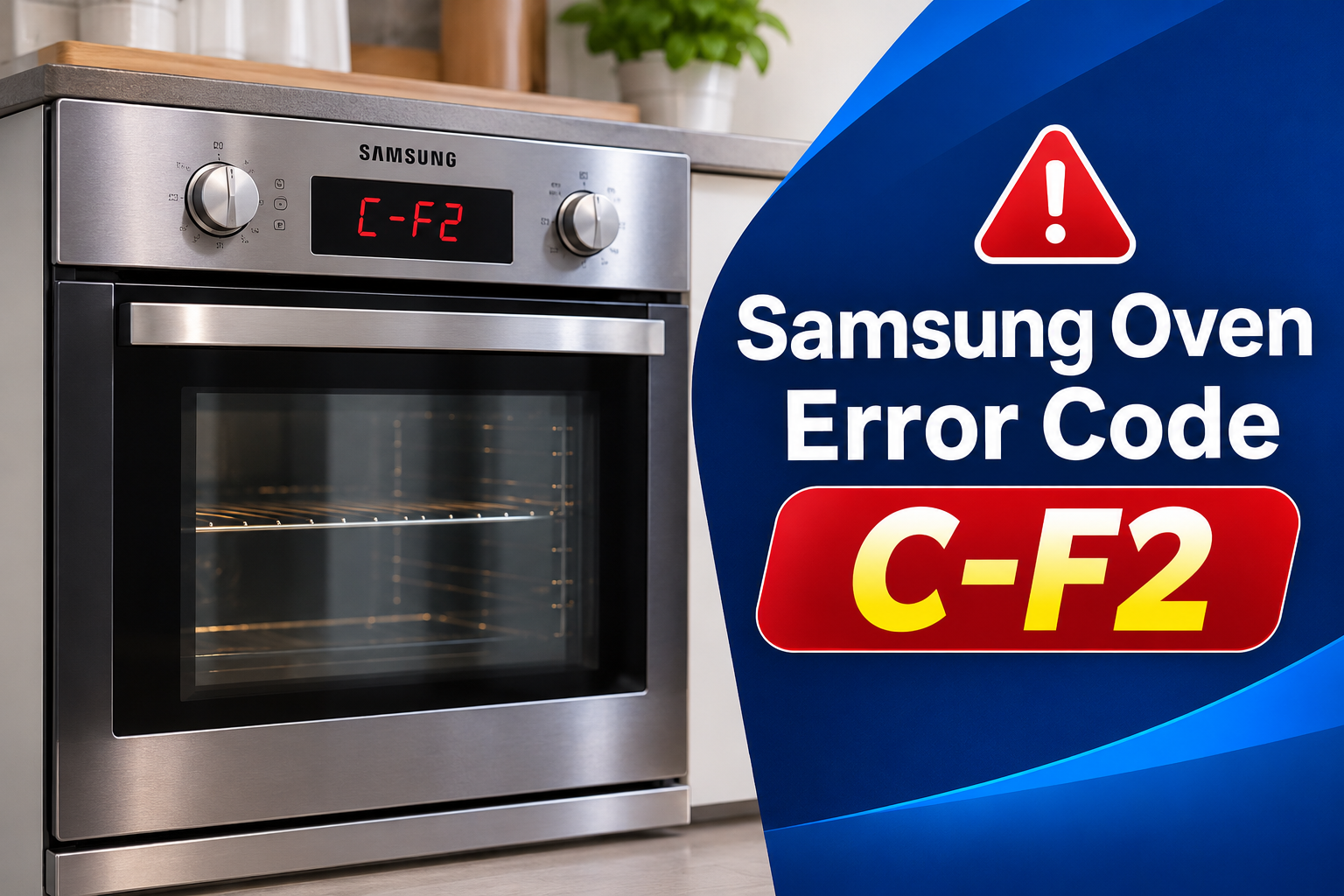
What Does Samsung Oven Error Code C-F2 Mean?
C-F2 indicates that communication between the touch integrated circuit, commonly called the Touch IC, and the main or secondary microcontroller has failed or remained abnormal. These electronic components help the oven interpret your selections and coordinate its functions.
When the communication process is interrupted, the oven may struggle to recognize commands from the control panel. Depending on the model, you may notice that buttons stop responding, the display becomes stuck, or the appliance refuses to start a cooking cycle. Some functions may remain available while others become inaccessible.
The specific description can vary across Samsung oven models. Some documentation describes C-F2 as a communication error, while other product documentation identifies it as a touch key malfunction. Checking the instructions for your exact model is therefore essential before attempting a repair.
Although the code can indicate a hardware problem, it doesn’t automatically mean that the entire oven needs replacement. A temporary electronic fault may clear after a reset, while a damaged touch circuit, faulty connection, or defective control board may require professional attention.
Samsung Oven Error Code C-F2: Common Causes
Several problems can interrupt communication between the touch controls and the oven’s electronic control system. The following causes are possibilities rather than confirmed diagnoses, so consider the symptoms and results of basic troubleshooting before assuming a component has failed.
1. Temporary Electronic Glitch
The oven’s electronic controls rely on different components exchanging information correctly. Occasionally, a temporary control malfunction can interrupt this process and trigger C-F2.
An unexpected interruption in normal operation may leave the control system unable to communicate properly. A reset can sometimes restore normal operation by restarting the electronics.
One useful clue is whether the code disappears after the oven has been disconnected from power briefly. If the display returns to normal and the buttons respond again, the problem may have been temporary. However, a successful reset doesn’t prove that every component is functioning correctly.
When the error returns shortly after power is restored, the underlying problem may be persistent. Repeatedly restarting the oven without investigating a recurring fault is unlikely to provide a lasting solution.
2. Faulty Touch Control Circuit
The touch control system allows you to select cooking modes, adjust temperatures, set timers, and operate other functions. Its electronic circuitry processes these commands and communicates with the oven’s control system.
A fault within the Touch IC or its associated circuitry can interrupt this exchange. The oven may display C-F2 because it cannot reliably receive or process signals from the touch controls.
Look for signs such as buttons that stop responding, controls that behave inconsistently, or an error that appears whenever the oven starts. These symptoms can help describe the problem, but they cannot establish which component has failed.
If the fault persists after a power reset, the touch control assembly may require testing. Replacing it without checking the related electronics could result in unnecessary repair costs.
3. Loose or Damaged Internal Connection
The touch controls communicate with other electronic components through internal electrical connections. Depending on the oven design, these may include connectors and flexible ribbon cables.
A loose connection, damaged cable, or deteriorated contact can interrupt communication between the touch interface and the control board. This may produce intermittent faults or a code that remains on the display.
An intermittent problem can be particularly difficult to identify because the oven may occasionally work normally before the error returns. The timing of the fault can help a technician narrow down the possible causes.
Inspecting internal connections requires access to the oven’s electronics. Because this work can expose hazardous electrical components, it should be handled by a qualified appliance technician rather than attempted as an ordinary home repair.
4. Defective Main or Secondary Control Board
The main and secondary control boards help manage the oven’s electronic functions. They process information from different components and coordinate the appliance’s operation.
If a relevant circuit develops a fault, communication with the touch control system may be interrupted. Damaged electronic components or an internal board failure can prevent the oven from interpreting commands correctly.
A persistent C-F2 code after a proper reset may justify testing the control boards. The same error can arise from several components, however, so the display alone cannot confirm that a board needs replacement.
A technician can use the model’s service information and appropriate electrical tests to determine whether the main board, secondary board, touch circuitry, or another part is responsible.
5. Electrical Supply or Wiring Problem
The oven’s electronic controls require a suitable electrical supply to operate correctly. An interruption in power or a problem affecting the appliance’s internal wiring can sometimes disrupt electronic operation.
However, C-F2 does not establish that a faulty household supply caused the problem. It specifically identifies a communication issue, so the power supply should be considered only when other evidence supports that possibility.
If the oven also loses its display, repeatedly restarts, or trips the circuit breaker, the additional symptoms deserve attention. A breaker that trips repeatedly or any sign of damaged wiring warrants professional assessment.
Avoid opening electrical panels or attempting voltage measurements yourself. A qualified electrician or appliance technician can determine whether the supply, wiring, or electronic components require attention.
Samsung Oven Error Code C-F2: DIY Fixes
Start with the simplest checks before considering a repair. Samsung’s recommended response to C-F2 is to restart the oven and, if the error continues, disconnect its power for at least 30 seconds before reconnecting it.
1. Reset the Oven’s Power Supply
A power reset is the first troubleshooting step for C-F2 on supported Samsung oven models. It restarts the electronic controls and may clear a temporary communication fault.
Follow these steps.
-
Turn off the oven and allow it to cool if it has been operating.
-
Disconnect the oven from its electrical supply using an accessible plug or the appropriate circuit breaker, depending on your installation.
-
Leave the power disconnected for at least 30 seconds.
-
Restore the power supply and allow the display to initialize.
-
Check whether C-F2 has disappeared and whether the controls respond normally.
Do not pull out a heavy built-in oven or remove electrical covers to reach its connection. If you’re unsure which breaker controls the appliance, consult the installation documentation or ask a qualified person for assistance.
If the code clears, test the ordinary controls according to the user manual. A successful reset suggests that the problem may have been temporary, but the error could return if an underlying component is defective.
2. Clean and Dry the Control Panel
Moisture and residue can interfere with touch controls on some appliances. Although these conditions aren’t confirmed causes of C-F2, cleaning the external control surface is a reasonable precaution when dirt or moisture is present.
First, switch off the oven and allow it to cool. Use a soft cloth to wipe the control panel gently, following the cleaning instructions provided for your model. Avoid spraying liquid directly onto buttons, the display, or the edges of the panel.
Wipe away any remaining moisture and allow the surface to dry completely before restoring power. Never allow water or cleaning products to enter the control panel.
If liquid has entered the panel, leave the appliance switched off and seek professional assistance. Cleaning the exterior won’t correct a failed Touch IC, damaged internal wiring, or defective control board.
3. Check the Touch Controls for Abnormal Behaviour
Once the control panel is dry and the oven has restarted, check whether its buttons operate as expected.
Select ordinary functions using the controls described in the user manual. Avoid repeatedly pressing buttons that don’t respond, and don’t use sharp objects to operate them.
Pay attention to whether one control fails consistently or several functions become unavailable simultaneously. A single unresponsive button may suggest a problem with the button or its associated circuitry, while widespread control failure may indicate a broader electronic communication issue.
These observations can help describe the fault, but they cannot confirm the defective component. If the display remains frozen or C-F2 returns during this check, stop troubleshooting and arrange an inspection.
4. Confirm the Instructions for Your Exact Model
Samsung uses different oven designs and electronic control systems across its product range. The correct diagnostic procedure may therefore vary by model.
Locate the oven’s model number on its identification label or in its original documentation. Then find the corresponding user manual through Samsung’s official support website.
Check the information code section for C-F2 and follow the manufacturer’s instructions. Confirm that the appliance has been restarted correctly and that the recommended power disconnection period has been observed.
Avoid entering technician service menus, changing internal control settings, or attempting a factory reset unless the instructions for your specific model explicitly authorize the procedure. Incorrect adjustments can complicate troubleshooting without resolving the original fault.
5. Monitor the Error After Restarting
After completing the basic checks, observe whether the error remains cleared or returns.
If the oven starts normally and responds to the controls, the fault may have been temporary. Continue to monitor its operation, especially during ordinary use.
If C-F2 appears immediately after startup, the problem is more likely to require further investigation. A code that repeatedly returns after a reset should not be ignored, even if the oven occasionally works.
Take note of when the error appears, whether the buttons become unresponsive, and whether other codes are displayed. This information can help a technician identify the relevant components and select appropriate diagnostic tests.
Don’t continue cooking if the controls are unreliable or you cannot stop the oven’s operation as expected. Switch it off and arrange a professional assessment.
6. Contact a Qualified Appliance Technician
When the reset and external checks fail, professional diagnosis is the appropriate next step. The technician can inspect the touch control assembly, examine internal connectors, and test the electronic control boards using procedures appropriate for your model.
Depending on the findings, the repair may involve a connection, the touch circuitry, or a control board. The correct solution depends on the confirmed fault, so replacing several components without testing them is unnecessary.
Before arranging service, provide the technician with the oven’s model number, the exact error code, and a description of the symptoms. Explain whether a power reset cleared the code and whether it returned immediately or after some use.
Stop using the oven if you notice smoke, a burning smell, electrical damage, or unusual heating. Disconnect the power if you can do so safely, and don’t restore it simply to see whether the error has disappeared.
Wrap-Up
Samsung oven error code C-F2 indicates a communication problem involving the touch controls and the electronic control system. A power reset is the most appropriate first step, followed by simple external checks and confirmation of the instructions for your particular model.
Pay attention to whether the code clears permanently or returns after restarting the appliance. Persistent errors may require testing of the touch circuitry, internal connections, or control boards.
Taking the right steps early can help prevent unnecessary part replacements and keep troubleshooting straightforward. If the error continues, professional diagnosis is the safest way to identify the fault and restore normal oven operation.