This problem is commonly associated with the dishwasher’s water distribution system. The PC error code specifically indicates that the Zone Wash function isn’t operating correctly. Understanding the possible causes will help you determine which checks are safe to perform and when professional repair is necessary.
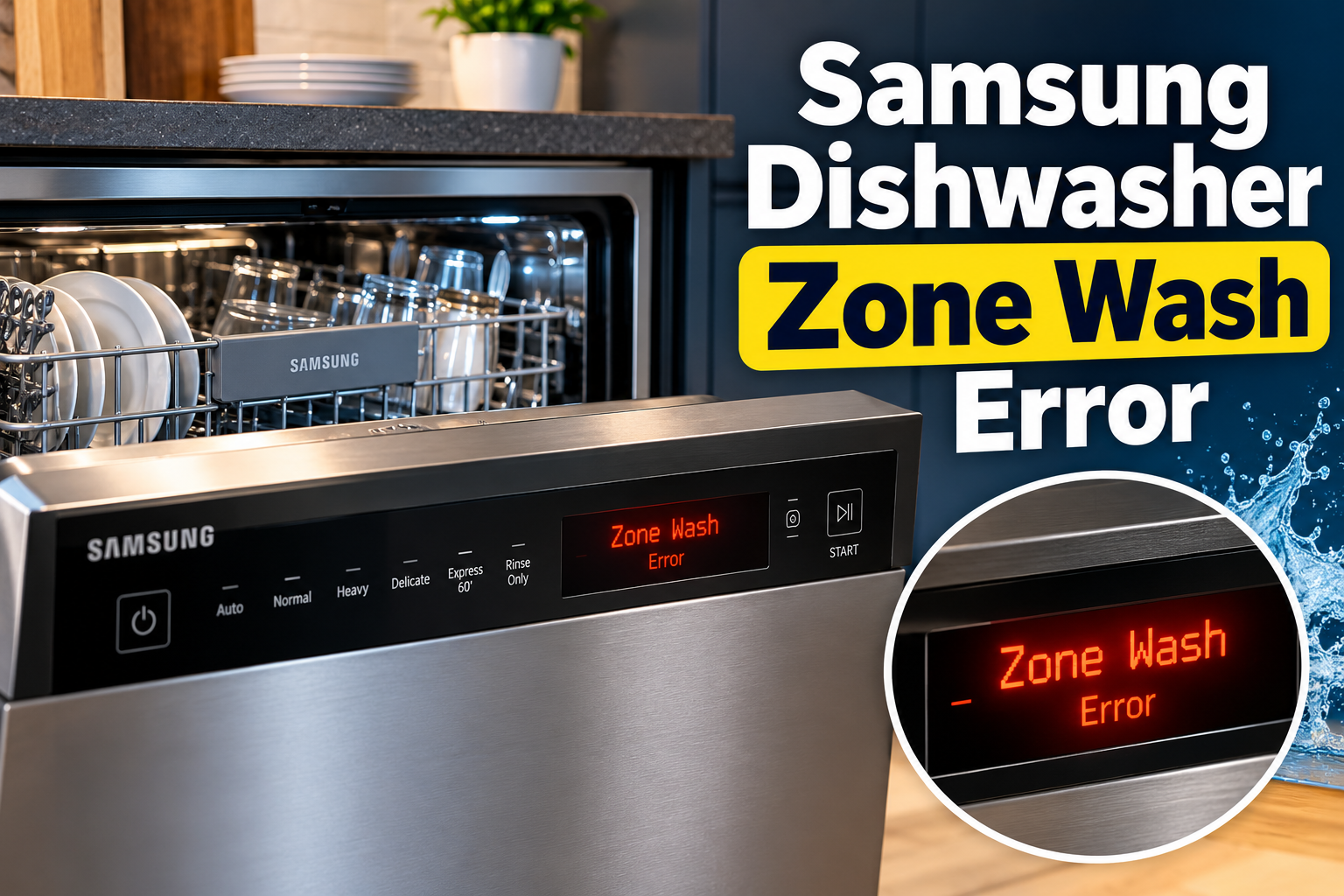
What the Samsung Dishwasher Zone Wash Error Means
The Zone Wash feature allows certain Samsung dishwashers to direct washing action towards selected areas of the dishwasher. Depending on the model, this can help concentrate water on heavily soiled dishes or specific sections of the racks.
The feature depends on a water distribution mechanism that directs water to the appropriate washing areas. A dividing valve, where fitted, helps control how water is distributed within the appliance. When this mechanism fails to operate correctly, the dishwasher may be unable to carry out the selected washing function.
Samsung identifies the PC error code as a Zone Wash malfunction. When this code appears, the dishwasher has detected a problem with the Zone Wash function and may interrupt the current cycle or prevent the selected operation from starting.
The symptoms can vary between models. Your dishwasher may stop shortly after starting, display PC on its control panel, or fail to wash the selected section properly. Some models communicate errors through blinking indicators rather than displaying an actual code.
It’s also important to distinguish PC from PE. On Samsung’s US support guidance, PC indicates a Zone Wash function error, while PE indicates a Half Load function error. Some regional Samsung documentation groups both codes under a dividing valve check. The precise interpretation should therefore be confirmed against your dishwasher’s model documentation.
Ignoring a persistent error can leave dishes inadequately cleaned and prevent certain wash programs from operating normally. Repeatedly restarting the appliance without addressing the underlying fault is unlikely to provide a lasting solution.
Samsung Dishwasher Zone Wash: Common Causes
Several problems can interfere with the Zone Wash function. The dividing valve is a particularly important component to consider, although a technician may need to examine its electrical connections and control system before identifying the exact failure.
1. Defective Water Dividing Valve
The water dividing valve controls how washing water is distributed inside compatible Samsung dishwashers. It helps direct water to the appropriate sections according to the selected washing program.
When this valve develops a fault, it may fail to change position or distribute water correctly. Consequently, the dishwasher may be unable to activate the selected Zone Wash function.
Samsung’s regional troubleshooting documentation associates the PC and PE error codes with a defective dividing valve. This makes the component an important part of the diagnostic process when either warning appears.
You may notice that the dishwasher starts normally but stops when the washing function attempts to operate. In other cases, the machine may display the error shortly after you select Zone Wash.
2. Faulty Valve Motor or Actuator
The dividing valve may rely on an electrically operated actuator to change its position and regulate water distribution. The actuator receives instructions from the dishwasher’s control system and moves the valve into the required position.
If its motor becomes defective, the valve may fail to respond correctly. A damaged actuator can also become stuck or operate inconsistently, preventing the dishwasher from directing water to the selected washing section.
This type of problem requires component testing. A technician may need to check whether the actuator receives the correct electrical signal and whether its mechanical movement is functioning properly.
3. Damaged Wiring or Loose Electrical Connections
The Zone Wash mechanism depends on electrical connections between its components and the dishwasher’s control system. Damaged wiring or loose connectors can interrupt the signals needed to operate the dividing valve.
Connections may become loose following appliance movement, previous repairs, or deterioration of the wiring over time. Moisture exposure can also contribute to electrical connection problems where the wiring is inadequately protected.
A faulty connection may cause the valve to operate intermittently or fail to respond altogether. This can produce symptoms similar to a defective valve, making a proper electrical inspection necessary before replacing any components.
4. Malfunctioning Main Control Board
The main control board coordinates the dishwasher’s operating functions, including water distribution, washing programs, and other automatic operations.
When the board develops a fault, it may send incorrect instructions or fail to communicate properly with the Zone Wash mechanism. This can prevent the dividing valve from receiving the commands needed to change its position.
A control board problem is another possible diagnostic consideration when the valve and its wiring appear to be in good condition. However, the presence of a PC error alone doesn’t establish that the board has failed.
Proper testing is necessary to distinguish a control board fault from a problem with the valve or its electrical connections.
5. Temporary Electronic Control Malfunction
Occasionally, an electronic control problem can interfere with a dishwasher’s normal operation. A temporary interruption in the control system may affect how the appliance processes a selected washing function.
This can happen following a brief power interruption or an abnormal operating condition. The dishwasher may display an error even though the problem doesn’t involve permanent damage to an internal component.
A restart can help clear a temporary malfunction. However, when the PC error returns immediately or appears repeatedly, an underlying mechanical or electrical fault becomes more likely.
Samsung Dishwasher Zone Wash: How to Fix
The appropriate solution depends on whether the error comes from a temporary control problem or a fault within the water distribution mechanism. Start with the manufacturer’s recommended restart procedure before considering further inspection.
1. Turn Off and Restart the Dishwasher
A power restart is the first troubleshooting step recommended by Samsung for the PC error. It allows the dishwasher’s control system to restart and may clear a temporary operating fault.
Follow these steps:
-
Stop the current washing cycle if the control panel allows it.
-
Turn off the dishwasher using its power button.
-
Disconnect its power supply or switch off its dedicated circuit breaker.
-
Leave the appliance without power for approximately 30 seconds.
-
Restore the power supply.
-
Turn on the dishwasher and attempt to start a new cycle.
Allow the appliance to complete its startup process before selecting a program. Observe whether the PC error disappears.
If the dishwasher starts and completes a cycle normally, the warning may have resulted from a temporary electronic malfunction. However, if the error returns, further diagnosis is necessary.
2. Run a Normal Wash Cycle Without Zone Wash
If your dishwasher allows you to select a standard wash program without activating Zone Wash, try this option after restarting the appliance.
The purpose of this test is to determine whether the problem is limited to the Zone Wash function or affects the dishwasher’s general washing operation.
Start by selecting a Normal cycle. Leave Zone Wash and other optional functions disabled.
Allow the dishwasher to begin its washing operation and observe whether it fills and operates normally. If the standard cycle works but the PC warning returns whenever Zone Wash is selected, the fault may be isolated to the water distribution function.
This test doesn’t repair a defective dividing valve. It simply provides useful diagnostic information and may allow you to use a different washing program, provided the dishwasher operates safely and displays no further error.
3. Check the Dishwasher’s Loading Arrangement
Incorrect loading can interfere with water circulation and prevent the spray system from reaching certain dishes properly. Although this won’t normally resolve a confirmed PC error, checking the arrangement can help rule out ordinary washing obstructions.
Remove utensils or dishes that may be preventing the spray arms from rotating freely. Tall pots, long cooking utensils, and improperly positioned plates can interfere with the movement of internal washing components.
Check the following:
-
Ensure that dishes aren’t blocking the spray arms.
-
Avoid placing large items in positions that obstruct water outlets.
-
Arrange dishes so that water can reach their surfaces.
-
Confirm that the racks are properly positioned.
If the dishwasher has accessible removable spray arms, follow the model’s manual when inspecting or cleaning them.
Restart a normal wash cycle and observe whether water circulation improves. If PC remains on the display, the problem requires attention beyond ordinary loading adjustments.
4. Check the Error Code and Consult the Correct Model Manual
Samsung dishwashers have different configurations, and troubleshooting instructions can vary by model and region. Confirming the exact error code helps prevent you from attempting an unsuitable repair.
Look at the dishwasher’s display and verify whether it shows PC or PE. These codes have different meanings in Samsung’s US support documentation.
For models without digital displays, check the indicator lights against the error information in the user manual. A combination of blinking lights may represent a fault even when no letters appear on the control panel.
Locate the model number on the appliance’s identification label, usually found around the door area. Use it to obtain the correct manual and confirm the available Zone Wash controls and operating instructions.
If the machine continues displaying PC after the manufacturer’s recommended restart, avoid repeatedly resetting it. The error may involve an internal component that requires testing.
5. Contact a Qualified Dishwasher Repair Technician
When the PC error persists, professional diagnosis is necessary. Samsung’s troubleshooting guidance recommends requesting service when restarting the dishwasher fails to clear the Zone Wash error.
A qualified appliance technician can inspect the dividing valve and determine whether it is operating correctly. Depending on the dishwasher’s design, the technician may also need to examine the valve actuator, wiring harness, electrical connectors, and main control board.
If the dividing valve is defective, replacing it with a compatible component may restore the water distribution function. Where the fault involves wiring or the control board, the appropriate repair will depend on the results of electrical testing.
Avoid dismantling the dishwasher to access internal electrical components or attempting to replace the valve without the necessary technical knowledge. The appliance combines water and electricity, so incorrect handling can create additional damage or safety risks.
Professional servicing is particularly important when the error appears after every restart, the dishwasher stops shortly after starting, or the Zone Wash function remains unavailable despite selecting the correct settings.
Wrap-Up
The Samsung dishwasher Zone Wash error, commonly displayed as PC, indicates that the selected water distribution function isn’t operating correctly. A defective dividing valve is an important possible cause, although actuator faults, damaged wiring, and control system problems may also require investigation.
Start with the recommended power restart and test a normal wash cycle without Zone Wash where your model permits it. If the PC error returns, arrange professional diagnosis instead of repeatedly resetting the appliance. Identifying the faulty component will help restore proper washing operation and prevent unnecessary replacement of working parts.