This problem is commonly caused by low water pressure, a blocked inlet hose, or a clogged water filter. Identifying where the water flow is being interrupted will help you correct the fault without unnecessarily replacing working components.
What the Samsung EcoBubble 4C Error Means
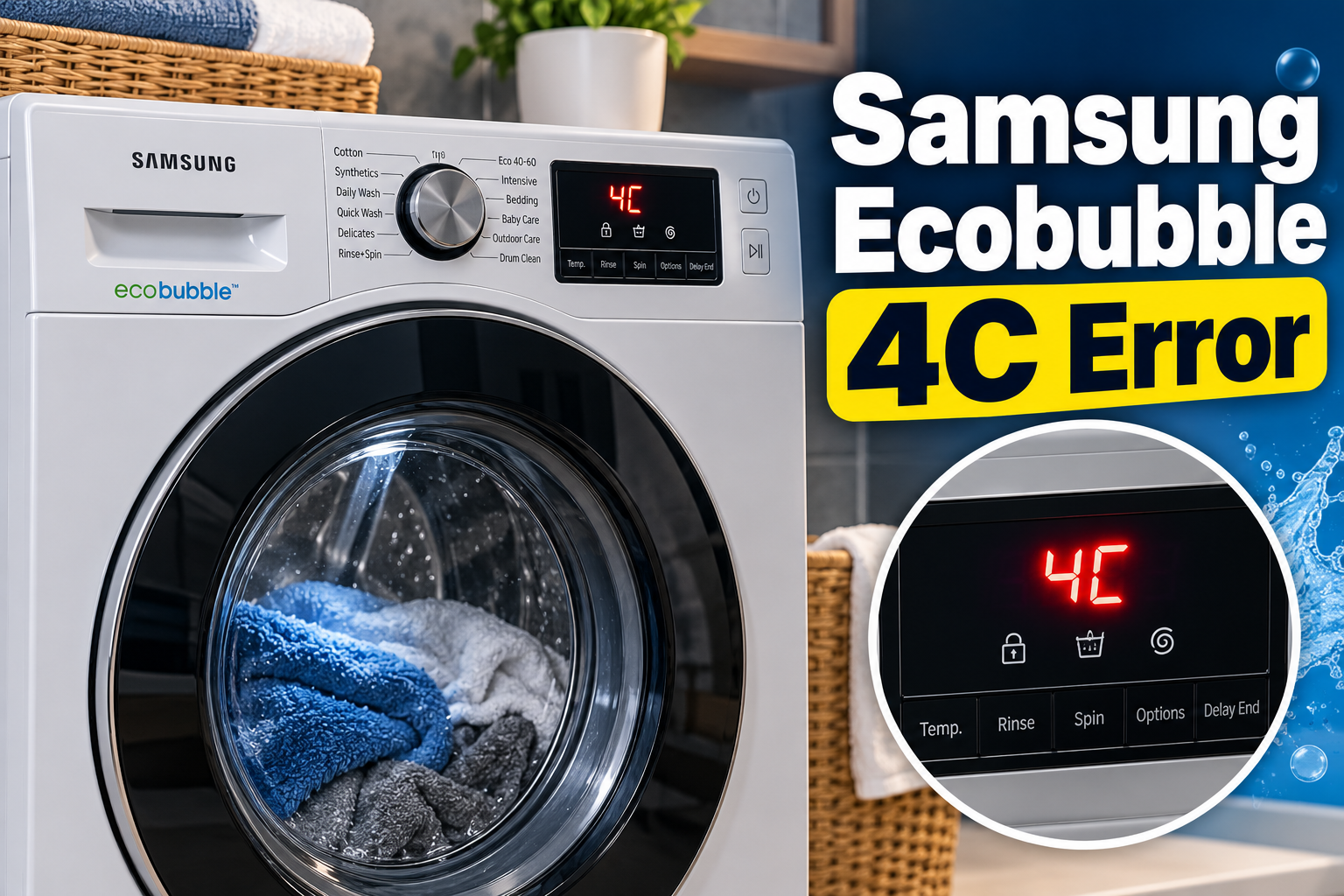
The Samsung EcoBubble 4C error indicates that the washing machine isn’t receiving enough water within the expected time. The machine requires a steady water supply to fill the drum before beginning its washing operation. When the incoming water flow is insufficient or interrupted, its control system detects the problem and displays the 4C code.
The EcoBubble series uses a water inlet system that controls how water enters the machine. Depending on the model, water passes through an inlet hose, a mesh filter, and an electrically operated inlet valve before reaching the detergent dispenser and drum.
Several symptoms may accompany this error. You might hear the machine attempting to fill, notice that very little water enters the drum, or find that the washing programme stops before the wash cycle begins. In some cases, the machine may drain automatically after detecting the problem.
The 4C code is also known as 4E on some Samsung washing machines. Both codes generally indicate a water supply problem. However, 4C2 is a separate warning associated with an incorrectly connected cold water supply hose on applicable models. A 5C error, by comparison, indicates a drainage problem.
Although the error is often caused by an external water supply issue, persistent warnings can indicate a defective inlet valve, water level sensor, damaged wiring, or control board problem.
Samsung Ecobubble 4C Error: Common Causes
Several conditions can prevent your Samsung EcoBubble washing machine from receiving sufficient water. The following are five common causes, starting with external supply problems and progressing to internal component faults.
1. Low Water Pressure or Closed Water Supply Tap
The washing machine needs sufficient water pressure to fill its drum within the time allowed by its control system. When the household water supply is weak, the appliance may struggle to receive the required amount of water.
A partially closed supply tap can produce the same problem. This may happen after maintenance work, plumbing repairs, or accidental adjustment of the tap behind the washing machine.
You may notice that water enters the drum slowly or that the machine repeatedly attempts to fill before displaying the 4C error.
Samsung’s UK support guidance specifies a water pressure range of approximately 0.5 to 8 bar for the applicable washing machines. The exact requirements should be checked against your model’s user manual.
2. Kinked, Damaged, or Blocked Water Inlet Hose
The water inlet hose connects the household water supply to the washing machine. It carries water into the appliance whenever a wash programme requires filling.
When the machine is pushed too close to the wall, the hose may become bent or compressed. This restricts the flow of water and prevents the machine from filling correctly.
A damaged hose can also develop leaks, internal blockages, or restricted sections that interfere with normal water delivery.
This problem may become noticeable after moving the washing machine or rearranging the laundry area. In some cases, the appliance receives enough water to begin filling but not enough to continue the programme successfully.
3. Clogged Water Inlet Mesh Filter
The water inlet mesh filter prevents dirt, rust particles, and other debris from entering the washing machine’s internal water system.
Over time, these particles can accumulate around the filter and restrict the amount of water passing through it. This is particularly likely in areas where household water contains sediment or comes through ageing plumbing systems.
When the filter becomes heavily clogged, the washing machine may receive water too slowly to complete its filling operation.
You may notice that the machine takes longer than usual to fill or displays the 4C error shortly after starting a programme. Samsung recommends checking and cleaning the inlet mesh filters regularly to prevent debris accumulation.
4. Blocked Detergent Drawer or Incorrect Hose Installation
The detergent dispenser distributes detergent and water into the drum at the appropriate stages of the washing programme. When the drawer becomes blocked with detergent residue, hardened detergent, or fabric softener, water may not flow through the dispenser properly.
This can interfere with normal washing operation and occasionally trigger a 4C warning.
Incorrect drain hose installation can also contribute to filling problems on certain models. When the drain hose is positioned too low or installed incorrectly, water may flow out of the machine as it enters. This is known as siphoning.
The appliance may struggle to retain enough water for the wash cycle, even when the household supply is working correctly. The correct drain hose height and installation method depend on the specific EcoBubble model.
Samsung Gulf+1
5. Faulty Water Inlet Valve or Water Level Sensor
If the household supply, inlet hose, and mesh filter are all working correctly, an internal component may be responsible for the error.
The water inlet valve controls the amount of water entering the washing machine. It opens when the control board sends an electrical signal and closes when water entry is no longer required.
A defective valve may fail to open, open partially, or become stuck. This prevents the machine from receiving the required water supply.
The water level sensor is another important component. It monitors the amount of water inside the drum and sends information to the control system.
A faulty sensor, damaged air hose, loose electrical connector, or defective main control board can interfere with the filling process. These faults require proper electrical and mechanical testing to identify the actual failed component.
Samsung Ecobubble 4C Error: How to Fix
The appropriate solution depends on where the water supply is being interrupted. Start with the external checks before considering internal repairs.
1. Check the Water Supply and Pressure
Begin by confirming that water is available from the household supply and that the tap connected to your washing machine is fully open.
Follow these steps:
-
Switch off the washing machine.
-
Locate the water supply tap behind the appliance.
-
Turn the tap fully open.
-
Check whether there are any visible leaks around the connection.
-
Confirm that water is flowing normally from the household supply.
You can also disconnect the inlet hose from the tap after turning off the water supply. Direct the hose into a suitable container and briefly open the tap to check the water flow, provided the hose can be safely secured.
A weak or inconsistent flow suggests a household plumbing or pressure problem rather than an internal washing machine fault.
If the water supply remains weak, have the plumbing checked. Once adequate pressure is restored, reconnect the hose securely and test the washing machine.
2. Inspect the Water Inlet Hose
A bent or compressed inlet hose can restrict water flow even when the household supply is working properly.
First, switch off and unplug the washing machine. Turn off the water supply before moving the appliance or disconnecting any hose.
Carefully pull the machine away from the wall and inspect the inlet hose along its entire length. Look for sharp bends, flattened sections, cracks, or signs of leakage.
Straighten any bends and reposition the washing machine so that the hose isn’t squeezed between the appliance and the wall.
If the hose is damaged, replace it with a compatible water supply hose. Avoid using tape or temporary patches to repair a leaking pressurized hose.
Reconnect everything securely, restore the water supply, and check for leaks before starting another washing programme.
3. Clean the Water Inlet Mesh Filter
A clogged mesh filter is one of the most important components to check when troubleshooting a persistent 4C error.
To clean it safely:
-
Switch off and unplug the washing machine.
-
Turn off the water supply tap.
-
Disconnect the inlet hose from the back of the machine.
-
Locate the small mesh filter inside the water inlet connection.
-
Gently remove the filter using suitable tools if necessary.
-
Rinse it under running water to remove dirt and accumulated particles.
-
Use a soft brush to remove stubborn debris without damaging the mesh.
-
Reinstall the filter in its original position.
-
Reconnect the inlet hose securely.
Some models have filters at more than one inlet connection. Check the user manual to identify the correct arrangement for your machine.
Turn the water supply back on and inspect the connections for leaks. Samsung recommends cleaning the inlet mesh filters at least twice a year, although more frequent cleaning may be necessary where the water supply contains considerable sediment.
Samsung UK+1
4. Clean the Detergent Dispenser Drawer
Detergent buildup can restrict the passage of water through the dispenser and interfere with normal detergent distribution.
Pull out the detergent drawer using the release mechanism provided on your washing machine. Remove any visible detergent residue, fabric softener buildup, or foreign material.
Wash the removable drawer under warm running water. Use a soft brush to clean corners and areas where hardened detergent has accumulated.
Also inspect the dispenser compartment inside the machine. Remove accessible residue without pouring excessive water into the appliance’s electrical areas.
Allow the drawer to drain before reinstalling it. Make sure it slides into its compartment correctly and isn’t obstructed.
Run a short wash programme to check whether water flows properly through the dispenser. If the 4C error continues, the problem may involve the water inlet system or another internal component.
5. Check the Drain Hose and Water Connections
If the washing machine receives water but appears to lose it immediately, inspect the drain hose installation.
A drain hose positioned too low can allow water to escape through siphoning. Check the installation requirements in your model’s user manual before making adjustments.
Samsung’s Gulf support guidance gives a drain hose height of approximately 60 to 90 cm above the floor for the models covered by its instructions. It also specifies inserting the hose at least 15 cm into the standpipe to help prevent siphoning. These measurements should not be assumed to apply to every EcoBubble model.
Check that the hose isn’t twisted, excessively stretched, or placed directly on the floor. Use the supplied hose guide where required.
For washing machines with separate hot and cold water connections, confirm that each hose is connected to the correct supply. The cold water hose must be connected to the cold water tap. An incorrect connection can produce a separate 4C2 error on applicable models.
Once the connections have been corrected, test the machine using a suitable wash programme.
6. Contact a Qualified Washing Machine Technician
If the 4C error remains after checking the water supply, hoses, filters, and detergent drawer, an internal component may have failed.
A qualified washing machine technician can examine the water inlet valve, water level sensor, pressure sensing hose, wiring connections, and main control board.
The inlet valve may require replacement if it fails to open correctly despite receiving the appropriate electrical signal. A defective water level sensor may also need testing to determine whether it is accurately reporting the amount of water inside the drum.
Avoid dismantling the machine to reach internal electrical components. Testing these parts requires suitable equipment and knowledge of the appliance’s electrical system.
Professional repair is particularly necessary when the machine repeatedly displays the 4C error despite having adequate water pressure, or when you notice electrical problems, burning smells, damaged wiring, or water leaking from internal components.
Wrap-Up
The Samsung EcoBubble 4C error usually indicates that the washing machine isn’t receiving sufficient water to continue its washing programme. Common causes include low water pressure, restricted inlet hoses, clogged mesh filters, and problems with the detergent dispenser.
Start by checking the household water supply and cleaning the accessible inlet filter. These simple steps can resolve many water supply problems without replacing internal components. When the error persists despite adequate water flow, arrange a professional inspection to identify whether the inlet valve, water level sensor, or control system requires attention.