A KitchenAid oven displaying a keyboard stuck error may stop responding to commands, beep repeatedly, or refuse to start a cooking cycle. This problem often appears as the F2E1 error code, although the exact code depends on your oven model.
The error usually means the oven’s control system detects a button that remains pressed or isn’t responding correctly. Sometimes, cleaning the keypad or resetting the oven fixes the problem. Other cases involve a damaged keypad or faulty electronic controls.
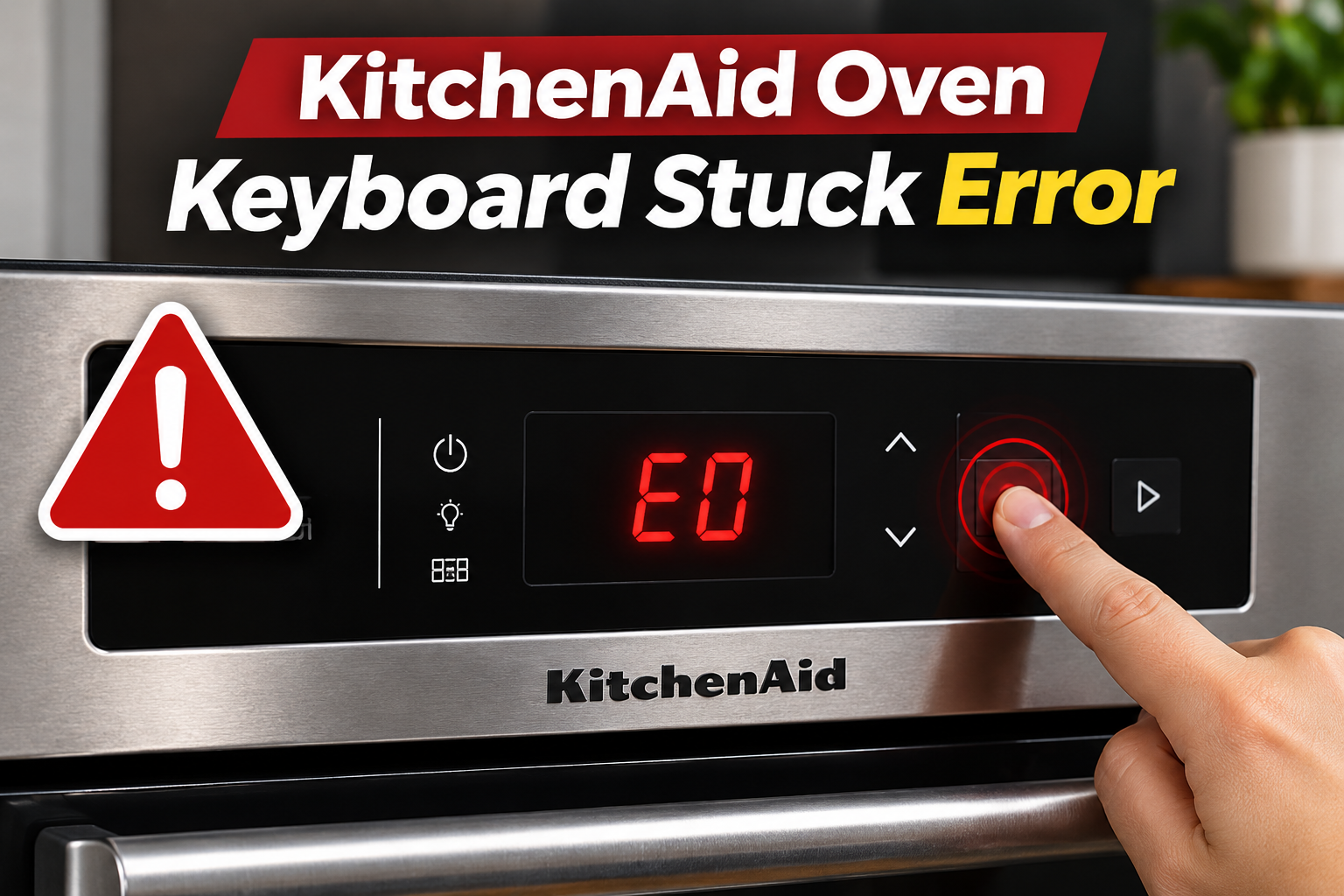
What Does the KitchenAid Oven Keyboard Stuck Error Mean?
The KitchenAid oven keyboard stuck error indicates that the electronic control system has detected a key that appears to remain pressed for too long. On many models, this condition triggers the F2E1 error code.
Your oven uses a keypad or touch control panel to receive commands such as setting the temperature, selecting cooking modes, and starting or canceling operations. Each time you press a button, the control system receives a signal and responds accordingly.
However, if a button remains activated continuously, the control system may interpret it as a stuck or shorted key. The oven can then display an error and restrict normal operation.
Common symptoms include unresponsive buttons, repeated beeping, an error message that returns after clearing, or difficulty starting a cooking cycle. The problem may also appear after cleaning the control panel or exposing it to moisture.
Although F2E1 commonly indicates a stuck keypad, some older KitchenAid models use different fault code definitions. Check your model’s documentation to confirm the meaning of the displayed code before replacing any components.
KitchenAid Oven Keyboard Stuck Error [FIXED]: Common Causes
Several problems can cause your KitchenAid oven to detect a stuck button. The most likely causes involve contamination, moisture, damaged keypad components, or faults in the electronic control system.
1. Dirt and Grease Buildup Around the Buttons
Cooking grease, food splashes, and dirt can accumulate around your oven’s control buttons. Over time, this buildup may interfere with their movement or prevent the touch panel from responding correctly.
On models with physical buttons, hardened grease or food residue can make a button stick after being pressed. The control system may continue receiving an input even though you’ve released the button.
Touchscreen models can experience similar problems when grease or residue interferes with the sensing surface.
You might notice that certain buttons feel harder to press, respond inconsistently, or activate without a normal touch. If the problem developed gradually, accumulated dirt is worth checking before assuming an electronic component has failed.
2. Moisture on the Control Panel
Water and moisture can interfere with your KitchenAid oven’s keypad, especially on models with touch-sensitive controls.
For example, wiping the panel with an excessively wet cloth or spraying cleaning products directly onto the controls can leave moisture around the buttons. Steam released when opening the oven door can also collect on the display.
If moisture affects the sensing area, the oven may interpret it as a continuous or repeated button press.
This possibility is especially relevant when the keyboard stuck error appears immediately after cleaning or cooking foods that produce considerable steam.
However, moisture trapped inside the control panel may require professional attention, particularly if the error persists after the exterior has dried.
3. Worn or Damaged Keypad
Repeated use, aging, and physical damage can affect the oven’s keypad.
On models with membrane keypads, the internal contact layers can deteriorate or develop electrical faults. A damaged contact may remain electrically active even when nobody is touching the button.
This can cause the control system to register a stuck key and display the F2E1 error.
A damaged keypad may also produce other symptoms, such as buttons that stop responding, settings that change unexpectedly, or an error that returns immediately after resetting the oven.
If only one button consistently causes trouble, the problem may be localized to that section of the keypad.
4. Loose or Damaged Keypad Connections
The keypad communicates with the oven’s electronic control system through internal connectors and wiring.
If one of these connections becomes loose, damaged, or corroded, the control system may receive incorrect signals or lose communication with the keypad.
This can happen because of aging components, previous repairs, or electrical connection problems.
However, a disconnected keypad may trigger a different code, such as F2E0 on certain KitchenAid models. Therefore, a keyboard stuck message alone doesn’t confirm that the wiring is defective.
A technician can distinguish a wiring fault from a damaged keypad using the service instructions for your model.
5. Faulty Electronic Control Board
The electronic control board processes commands from the keypad and manages the oven’s functions.
If the board develops a fault in the circuit responsible for reading keypad signals, it may incorrectly interpret an input as a continuously pressed button.
Possible symptoms include repeated error messages, unresponsive controls, or irregular display behavior.
However, the control board shouldn’t be the first component you replace. KitchenAid service information generally prioritizes checking the keypad and its connections before replacing electronic controls, depending on the exact model and fault.
KitchenAid Oven Keyboard Stuck Error [FIXED]: How to Fix
Start with simple checks that don’t require opening the oven. If the error persists after cleaning and resetting the controls, the problem may require a replacement component.
1. Check for Stuck or Obstructed Buttons
First, examine the control panel for anything pressing against the buttons.
Make sure no cookware, cloth, or other object is resting against the controls. KitchenAid identifies prolonged button presses as a possible cause of the F2E1 error.
If your oven has physical buttons, gently press and release each accessible button while the oven is off and cool. Pay attention to any button that feels unusually stiff or doesn’t return to its normal position.
Don’t force a stuck button or attempt to lift it with a sharp object. This could damage the control panel.
For touch controls, remove anything covering the sensing surface. If a temporary obstruction caused the error, the controls may return to normal once it’s removed and the fault is cleared.
2. Clean the Oven’s Control Panel
If grease or food residue is interfering with the buttons, cleaning the panel may resolve the problem.
KitchenAid recommends using mild soap, water, and a soft cloth or sponge for routine control panel cleaning.
Follow these steps.
- Turn off the oven and allow it to cool completely.
- Disconnect power before cleaning a panel that is registering unintended inputs.
- Lightly dampen a soft microfiber cloth with water and mild soap.
- Gently wipe the control panel, paying attention to areas around the buttons.
- Remove any remaining soap residue using a separate, lightly dampened cloth.
- Dry the panel thoroughly with a clean microfiber cloth.
Avoid spraying water or cleaning products directly onto the keypad. Don’t use steel wool, abrasive cleaners, or sharp tools.
Once the panel is dry, restore power and check whether the buttons respond normally.
If the keyboard stuck error continues, the issue may involve moisture or damage beneath the panel rather than dirt on its surface.
3. Allow Moisture to Dry
If the error appeared after cleaning or exposure to steam, check whether the control panel is damp.
Turn off the oven and allow it to cool. Wipe visible moisture from the control panel using a clean, dry microfiber cloth.
Then leave the panel undisturbed until the exterior is completely dry.
Don’t use a hair dryer, heat gun, or other heating device to dry the controls. Excessive heat could damage the display and surrounding components.
If the panel dries and the error disappears, moisture may have been responsible. However, if the same error keeps returning, moisture may have entered the internal electronics or another component may be defective.
Avoid using the oven until a technician has checked it if you suspect liquid entered the control housing.
4. Reset Your KitchenAid Oven
A power reset can sometimes clear a temporary control system error.
For many KitchenAid wall ovens, the manufacturer recommends disconnecting power for one minute before restoring it.
To perform the reset, follow these steps.
- Make sure the oven isn’t operating.
- Locate the circuit breaker supplying power to the oven.
- Turn off the appropriate breaker.
- Leave the oven disconnected for one minute.
- Turn the breaker back on.
- Monitor the control panel for at least one minute.
If the error disappears, check whether the keypad responds correctly before using the oven again.
Some KitchenAid commercial ranges require a different reset procedure, including a five-minute power interruption. Follow the instructions for your particular model.
If the F2E1 error returns immediately or after pressing a particular button, the keypad may have a persistent fault. Repeated resets are unlikely to correct a damaged component.
5. Have the Keypad and Control Connections Checked
If cleaning and resetting don’t work, the next step is to determine whether the keypad or its connections are defective.
A qualified appliance technician can examine the keypad connections and inspect the associated wiring for damage. Depending on the oven model, the keypad may be a separate replacement part or part of a larger user interface assembly.
KitchenAid technical documentation for certain ovens recommends replacing the keypad when an F2E1 error persists after a power reset.
However, replacing the keypad without confirming the diagnosis can lead to unnecessary expenses, especially if the actual problem involves the control board or wiring.
Internal testing and replacement should be left to a qualified technician because oven electrical systems can expose you to dangerous voltage. Disconnecting power is necessary before service, and protective panels must be properly reinstalled before operation.
6. Contact a Qualified Appliance Repair Technician
If your KitchenAid oven continues displaying the keyboard stuck error after completing the basic checks, professional diagnosis is necessary.
A technician can inspect the keypad, internal connectors, user interface assembly, and electronic control board to identify the defective component.
This is particularly important if the oven beeps continuously, buttons activate unexpectedly, or the error prevents you from controlling the appliance reliably.
Before scheduling a repair, note your oven’s model number and the exact error code displayed. Also, mention whether the problem started after cleaning, a power interruption, or normal use.
If the oven heats unexpectedly, cannot be switched off through its normal controls, or shows signs of electrical damage, disconnect power at the breaker if it’s safe to do so and arrange professional assistance.
Wrapping Up
The KitchenAid oven keyboard stuck error usually indicates that the control system has detected a button remaining active for too long. Common causes include grease buildup, moisture, damaged keypad contacts, and electronic control faults.
Cleaning the control panel, removing obstructions, and resetting the oven may resolve temporary problems without requiring repairs.
However, if the error keeps returning, the keypad or another electronic component may need professional attention. Identifying the cause before replacing parts helps avoid unnecessary repairs and ensures your oven operates safely.