Fortunately, the problem doesn’t always mean the relay board needs replacing. A temporary control fault or electrical connection issue may be responsible. Understanding the symptoms and possible causes will help you choose the safest solution.
What Does a KitchenAid Oven Relay Board Error Mean?
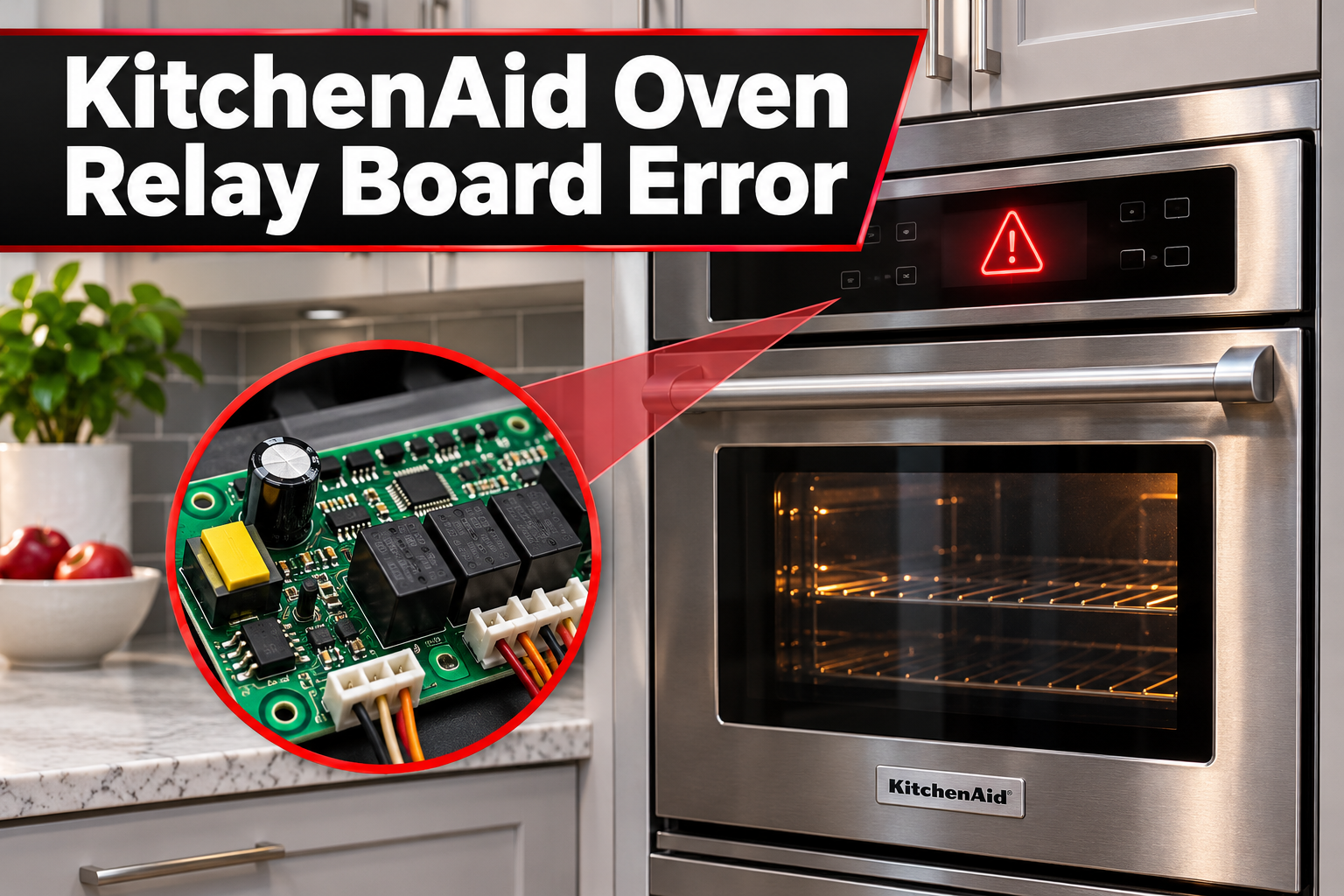
A KitchenAid oven relay board error indicates a possible problem with the electronic system responsible for controlling the oven’s heating functions. The relay board contains electrical switches called relays, which help regulate power to the heating elements during cooking.
When you select a cooking temperature, the oven’s electronic controls monitor the temperature sensor and operate the appropriate heating circuits. The relays switch power to the elements as needed, allowing the oven to heat and maintain its selected temperature.
Some KitchenAid ovens display an F1E1 error code when the electronic control system detects an internal communication or memory problem. On certain models, this code specifically relates to the relay control board. However, error code meanings can vary depending on the oven’s model and control system.
You may notice that your oven stops heating, shuts down unexpectedly, or refuses to respond to certain commands. Sometimes, the error disappears after a reset but returns during another cooking cycle. If the oven continues heating after being switched off, produces smoke, or develops a burning smell, stop using it immediately and seek professional assistance.
KitchenAid Oven Relay Board Error: Common Causes
Several problems can affect your KitchenAid oven’s relay control system. Some involve temporary electronic interruptions, while others result from damaged components or faulty electrical connections.
1. Temporary Electronic Control Failure
Your KitchenAid oven relies on electronic circuits to process cooking commands and manage its heating functions. Sometimes, a temporary communication problem prevents these circuits from operating correctly.
Power interruptions and unexpected electronic control faults can interfere with normal operation. When the control system detects a problem it cannot process, it may display an error code and prevent the oven from starting.
You might encounter this issue after a power outage or notice that the error appears suddenly without any previous heating problems. If the fault is temporary, restarting the oven’s electronic controls may restore normal operation.
However, if the same error keeps returning, the problem may involve a failing electronic component rather than a temporary interruption.
2. Faulty Relay Control Board
A defective relay control board is another possible cause, particularly when the oven repeatedly displays a control error after being reset.
The board contains electronic components responsible for controlling electrical power and carrying out commands from the oven’s control system. Over time, internal components can fail because of electrical stress, heat exposure, or ordinary component deterioration.
When the board develops a fault, the oven may stop heating, interrupt cooking cycles, or become unresponsive. Some failures affect specific heating functions, while others prevent the appliance from operating altogether.
A recurring error code can suggest a control board problem, but it doesn’t confirm one. Similar symptoms can result from damaged wiring, incorrect power supply, or faults elsewhere in the oven.
3. Loose or Damaged Wiring Connections
KitchenAid ovens use electrical wires and connectors to carry power and signals between their internal components. If one of these connections becomes loose or damaged, communication between the electronic controls may be interrupted.
For example, a poorly seated connector can prevent the relay control system from receiving the information it needs. Heat damage, corrosion, or deteriorating wiring may also interfere with electrical connections.
This problem is worth considering if the error started after the oven was installed, moved, or repaired. You might notice that the appliance operates occasionally but fails at other times.
However, wiring problems aren’t always visible from outside the oven. Checking internal connectors requires access to electrical components, so a qualified technician should perform that inspection.
4. Damaged or Sticking Relay Contacts
Relays are electrical switches that open and close to control power to the oven’s heating elements. Their internal contacts can deteriorate or become stuck after repeated use.
When a relay fails to close, the affected heating element may receive no power. As a result, the oven might struggle to preheat or fail to reach the selected temperature.
A relay that becomes stuck in the closed position is more concerning. It may allow a heating circuit to remain energized when the control system should have switched it off.
Depending on the KitchenAid model, the oven may detect this problem and display a fault code. However, relay contact failures don’t necessarily produce the same warning as relay board communication errors.
If your oven continues heating after you press Off, disconnect power at the circuit breaker if it’s safe to do so. Don’t attempt another cooking cycle until the appliance has been professionally inspected.
5. Electrical Power Supply Problems
An unstable or incomplete electrical supply can interfere with the oven’s electronic controls and heating system.
KitchenAid electric ovens commonly require a 240-volt electrical supply in American homes. If the appliance loses part of that supply, the display may continue working while the heating elements fail to operate properly.
Other electrical problems, including loose supply connections or a faulty circuit breaker, can also cause unusual oven behavior. In some cases, power interruptions may contribute to temporary electronic errors.
If your oven stopped working after electrical repairs, installation, or repeated breaker trips, the household power supply deserves attention.
However, a working display combined with poor heating doesn’t automatically mean the relay board is faulty. A licensed electrician can check the supply circuit when electrical problems are suspected.
KitchenAid Oven Relay Board Error: How to Fix
The best way to address a KitchenAid oven relay board error is to begin with safe checks before considering component replacement. Depending on the cause, restarting the control system or correcting an operating setting may resolve the problem.
1. Identify the Error Code
Before attempting any repairs, check the exact error displayed on your KitchenAid oven.
Different KitchenAid models use different control systems, so the same general symptoms don’t always indicate the same fault. Some models display an error such as F1E1, while others use different codes to identify control problems.
Start by recording the error code. Also, pay attention to when it appears. An error that shows up immediately after switching on the oven may have a different cause from one that appears during preheating.
Next, locate your oven’s model number. You’ll usually find the identification label around the door frame or another accessible area near the oven opening.
Use the model number to find the correct owner’s manual and compare the displayed warning with the manufacturer’s troubleshooting information.
If your model identifies F1E1 as an internal relay control board communication error, proceed with the recommended reset procedure. However, if the code indicates another fault, follow the instructions for that specific problem.
2. Cancel the Cooking Cycle and Allow the Oven to Cool
If your oven displays an error during normal cooking, canceling the active cycle may help determine whether the controls are still responding.
Press the Cancel or Off button according to your oven’s control arrangement. On models with rotary controls, turn the appropriate temperature control to Off.
After canceling the program, allow the oven to cool completely before attempting further troubleshooting.
Some KitchenAid ovens continue running their cooling fans after the heating cycle ends. This can be normal because the fan helps remove heat from internal components.
Once the oven has cooled, check whether the error remains on the display. If the message disappears and the controls respond normally, you may have experienced a temporary interruption.
However, if the oven refuses to turn off or continues heating unexpectedly, stop using it. Disconnect the power at the circuit breaker if it’s safe and arrange professional service.
3. Reset the Oven at the Circuit Breaker
A power reset is one of the first troubleshooting methods KitchenAid recommends for certain electronic control errors.
Disconnecting power allows the oven’s control system to shut down and restart. This may clear a temporary communication fault that prevents normal operation.
Follow these steps to reset your KitchenAid oven.
-
Make sure the oven is switched off and isn’t showing signs of overheating or electrical damage.
-
Locate the circuit breaker supplying power to the oven.
-
Switch the appropriate breaker to the Off position.
-
Leave the power disconnected for at least one minute.
-
Restore power by switching the breaker back on.
-
Check the display to see whether the error has disappeared.
If the control system restarts normally, wait briefly and confirm that the buttons respond as expected.
A successful reset may indicate that the issue was temporary. However, it doesn’t prove that every electronic component is functioning correctly.
If the error returns immediately or after another cooking cycle, avoid repeatedly resetting the oven. A recurring fault usually requires further investigation.
Also, don’t continue resetting a circuit breaker that trips repeatedly. This may indicate an electrical problem that needs professional attention.
4. Check the Oven’s Power Supply
If resetting the oven doesn’t restore normal operation, consider whether the appliance is receiving power correctly.
Start by checking the circuit breaker panel. Look for a breaker that has tripped or is positioned between On and Off.
If the oven has no display and doesn’t respond to any controls, the issue may involve the electrical supply. However, if the display works but the oven doesn’t heat, a partial supply problem is also possible on some electric models.
Think about whether the problem started after a recent installation, household power outage, or electrical repair.
A newly installed oven that refuses to heat may have an incorrectly connected power supply. Similarly, an existing electrical connection can deteriorate and interfere with normal operation.
You shouldn’t remove the oven’s access panels or attempt to measure voltage at exposed electrical terminals. Electric ovens operate with dangerous voltage levels even when they appear to be switched off.
If you suspect a supply problem, contact a licensed electrician to inspect the circuit and connections.
Once the electrical supply has been verified, a technician can determine whether the fault is inside the oven.
5. Check the Oven’s Control Settings
Sometimes, a KitchenAid oven appears to have an electronic failure when an operating setting is preventing normal cooking.
This possibility is particularly relevant if the oven doesn’t display an active error code but refuses to begin heating.
Start by examining the control panel for an activated Control Lock feature. This setting prevents accidental button presses and may stop certain commands from being accepted.
On many KitchenAid ovens, you can disable Control Lock by holding the designated button for approximately three seconds. However, the exact unlocking procedure depends on the model.
Next, check whether Demo Mode is enabled. Some KitchenAid ovens have this setting for showroom displays. It allows the control panel to function without activating the heating elements.
If Demo Mode is active, follow your owner’s manual to disable it.
Also, check for an active Delay Start program. This feature postpones cooking until a selected time, so the oven may appear unresponsive even though it’s operating as programmed.
After correcting an incorrect setting, select a normal cooking function and check whether the oven accepts the command.
These settings won’t repair a genuine relay board fault. However, checking them can prevent unnecessary troubleshooting when the problem is simply related to the oven’s operating mode.
6. Test the Oven After a Successful Reset
If the error has cleared and there are no signs of an electrical or heating hazard, a brief heating test can help determine whether the oven is operating normally again.
Only perform this test if the controls respond correctly and the error hasn’t repeatedly returned. An oven with an active relay warning, uncontrolled heating, or signs of electrical damage shouldn’t be tested.
Make sure the oven cavity is empty and the door is fully closed.
Then follow these steps.
-
Select the Bake function.
-
Set the temperature to 350°F.
-
Press Start or confirm the cooking selection according to your model.
-
Stay nearby while the oven begins preheating.
-
Watch the display for another error message.
-
Cancel the cycle and confirm that the oven stops heating normally.
During preheating, the displayed temperature should begin increasing as the oven warms up. Some models show a temperature progression, while others use a preheat indicator.
You may hear occasional clicking sounds as the oven regulates its heating elements. This can be normal because relays open and close during operation.
However, repeated unusual clicking accompanied by heating failure or another error message may indicate a problem requiring further diagnosis.
If the oven preheats normally, responds to commands, and doesn’t display another warning, the reset may have resolved a temporary fault.
If the error returns, stop the test and arrange service instead of continuing to operate the appliance.
7. Contact a Qualified Appliance Repair Technician
If your KitchenAid oven continues displaying a relay board error after the recommended reset and basic checks, professional diagnosis is the next step.
A qualified appliance repair technician can examine the electronic control system and determine whether the problem involves the relay board, wiring, power supply, or another component.
Depending on the model, the technician may need to inspect electrical connectors, test control signals, and check relay operation using the appropriate service procedures.
If testing confirms that the relay control board is defective, replacing the affected assembly may be necessary.
Some KitchenAid ovens have relay circuits integrated into a larger electronic control assembly. In these designs, the complete board may need replacement rather than an individual relay.
Before contacting a technician, record your oven’s model number, serial number, and displayed error code. Also, note whether the problem appears during startup, preheating, or normal cooking.
This information can help the technician identify the correct control system and prepare for the repair.
If your oven is still under warranty, check the warranty conditions before paying for replacement parts or service.
Wrapping Up
A KitchenAid oven relay board error can develop because of electronic communication problems, damaged wiring, faulty relays, or electrical supply issues. While a simple reset may resolve a temporary fault, recurring errors can indicate a component that needs professional attention.
Start by checking the exact error code and following the troubleshooting instructions for your oven model. If the appliance returns to normal operation, monitor it for further warnings. However, if the error persists or the oven behaves unsafely, a qualified technician can identify the problem and recommend the appropriate repair.