The F8E0 error code on your KitchenAid gas oven usually indicates that the cooling fan isn’t operating at the required speed. You may notice the error during cooking, hear unusual fan noises, or find that the oven stops heating.
This problem can result from blocked airflow, a faulty cooling fan motor, damaged wiring, or a defective speed sensor. Some causes are easy to address, while others require professional attention. Knowing what triggers the error can help you troubleshoot it safely and avoid unnecessary repairs.
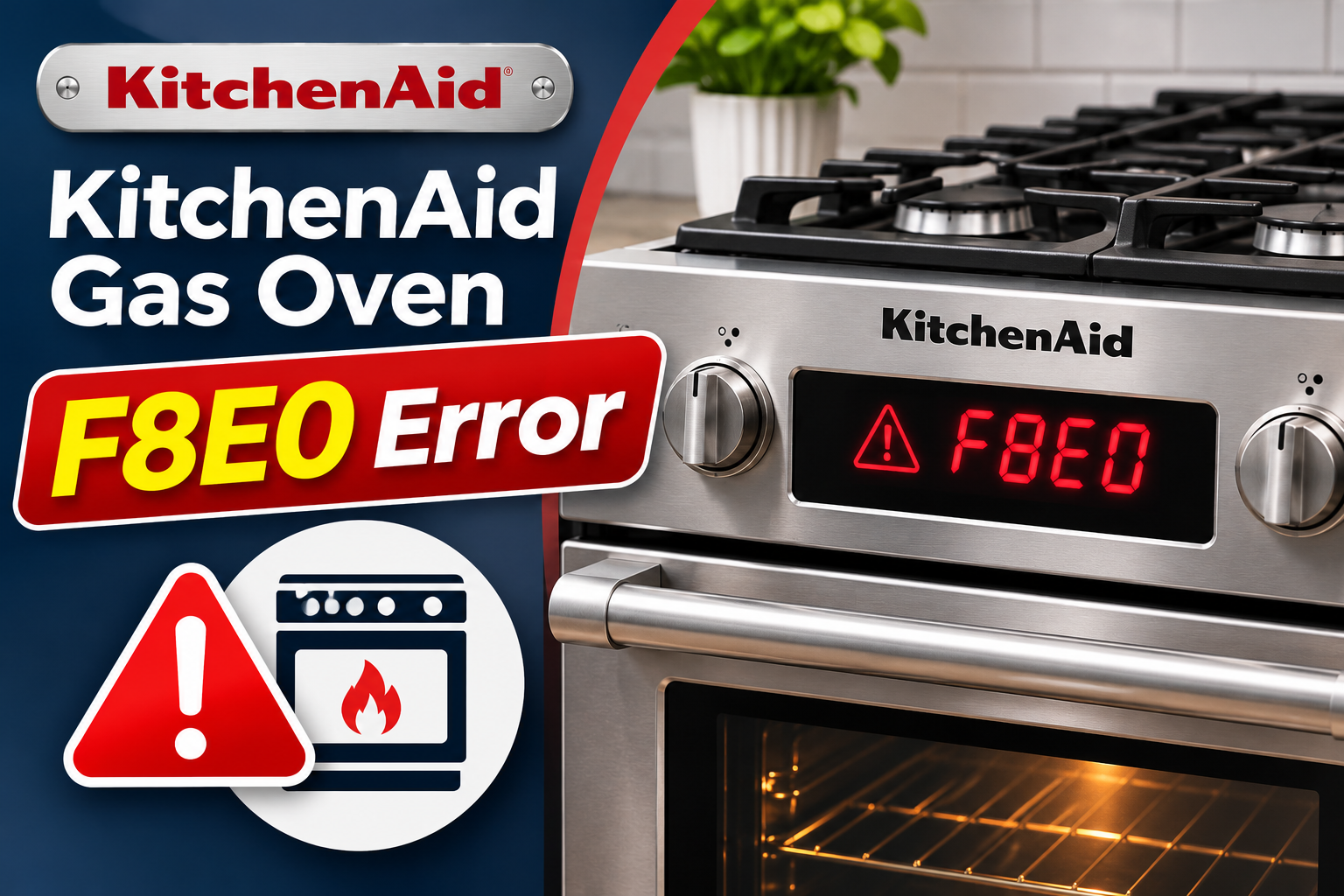
What Does the F8E0 Error Mean on a KitchenAid Gas Oven?
The F8E0 error code means the oven’s cooling fan speed is too low or the fan isn’t functioning correctly. KitchenAid identifies airflow restrictions, cooling fan problems, and damaged wiring as possible causes.
Your KitchenAid gas oven uses a cooling fan to protect its electronic controls and other heat-sensitive components. During cooking, heat builds up around the oven cavity. The cooling fan moves air through designated passages to help prevent excessive temperatures around these components.
Some KitchenAid models also use a Hall effect sensor to monitor the fan’s rotational speed. This sensor sends information to the electronic control board, allowing it to determine whether the fan is running properly. If the detected speed falls below the required level, the system may display F8E0.
For example, certain KitchenAid service manuals describe F8E0 as a condition in which the cooling fan operates below 500 revolutions per minute when the oven temperature exceeds 170°F. However, these specifications depend on the model and shouldn’t be applied to every KitchenAid oven.
The cooling fan is different from the convection fan inside the cooking compartment. The convection fan circulates hot air around food, while the cooling fan protects the appliance’s internal components. A problem with either fan can affect oven operation, but F8E0 specifically relates to the cooling system on models using this code definition.
If F8E0 keeps appearing, stop using the oven until the problem has been resolved. Continuing to operate an oven with an unreliable cooling system can expose its electronic components to excessive heat.
KitchenAid Gas Oven F8E0 Error: Common Causes
The F8E0 error can develop when something prevents the cooling fan from operating correctly or interferes with the system monitoring its speed. The following five causes are worth investigating.
1. Blocked or Restricted Cooling Airflow
Your KitchenAid oven needs clear ventilation passages to move air through its cooling system. If these passages become restricted, the cooling system may struggle to operate as intended.
Oven vents can become blocked by objects placed too close to the appliance, accumulated debris, or an obstruction inside the cooling assembly. Depending on the model, ventilation openings may be located around the rear cooktop area, control panel, or other sections of the range.
You might notice that areas around the control panel become unusually hot or that less air seems to be moving through an accessible vent. These observations can suggest an airflow problem, although they don’t confirm the exact cause of F8E0.
An external blockage is relatively easy to identify once the oven has cooled. However, an obstruction inside the cooling fan housing requires professional inspection because accessing the assembly involves removing appliance panels.
2. Faulty Oven Cooling Fan Motor
The cooling fan motor rotates the fan blades to move air through the oven’s cooling passages. If the motor becomes weak or stops working, the fan may no longer maintain its required speed.
Motor problems can develop because of worn bearings, damaged internal components, or electrical failure. A worn bearing increases resistance against rotation, which may cause the fan to slow down or produce unusual sounds.
A failing cooling fan may make a grinding, scraping, rattling, or humming noise. Sometimes, the fan starts normally but struggles after the oven becomes hot. In other cases, the motor doesn’t run when the control system commands it to operate.
The absence of fan noise doesn’t automatically confirm a defective motor. KitchenAid cooling fans operate according to the oven’s temperature and selected functions, so they may remain off during certain conditions.
If the fan motor has failed internally, resetting the oven won’t repair it. A technician must test the motor and replace it if necessary.
3. Defective Cooling Fan Speed Sensor
Some KitchenAid ovens use a Hall effect sensor to measure cooling fan speed. The sensor detects rotation and provides feedback to the electronic control board.
If the sensor fails, it may send incorrect information or stop reporting the fan’s speed. Consequently, the control system might register an F8E0 fault even when the fan is physically rotating.
You may hear the cooling fan running normally but still see the error message. This can suggest a problem with speed monitoring, although damaged wiring or an actual motor speed problem can produce similar symptoms.
On certain KitchenAid models, the Hall effect sensor is tested separately during professional diagnosis. Other designs may integrate the sensor into the fan assembly, so the appropriate repair depends on your oven’s construction.
A technician can use the model’s service procedures to distinguish a faulty speed sensor from a defective fan motor. Replacing parts without these checks may leave the original problem unresolved.
4. Loose or Damaged Cooling Fan Wiring
The cooling fan needs reliable electrical connections to receive power and communicate with the oven’s electronic controls. A loose connector or damaged wire can interrupt these functions.
Wiring problems may develop because of previous repairs, connector deterioration, damaged insulation, or poor electrical contact. If the motor loses its power supply, it may stop running. Likewise, an interrupted sensor connection can prevent the control board from receiving accurate speed information.
An intermittent F8E0 error may indicate an unstable electrical connection, especially when the fan sometimes operates correctly. However, intermittent operation can also occur with a failing motor.
Because the wiring is located inside the appliance, identifying the fault requires professional inspection. Internal electrical components shouldn’t be handled while the oven is connected to power.
5. Malfunctioning Electronic Control Board
The electronic control board manages several functions inside your KitchenAid oven, including components associated with cooling fan operation.
If the control circuit responsible for operating or monitoring the fan develops a fault, the system may display F8E0. For example, the board may fail to supply the appropriate control signal or interpret fan speed feedback correctly.
A defective control board becomes a possible explanation when a technician confirms that the cooling fan, speed sensor, and associated wiring are functioning correctly.
However, F8E0 alone doesn’t confirm that the control board needs replacement. The same error can result from less expensive components, so the board should be evaluated only after the other likely causes have been investigated.
KitchenAid Gas Oven F8E0 Error: How to Fix
Some F8E0 problems can be addressed through basic checks and a power reset. Start with the methods that don’t require opening the appliance, and stop troubleshooting if you discover signs of electrical damage or another safety concern.
1. Turn Off the Oven and Let It Cool
Start by stopping the cooking cycle when F8E0 appears. Continuing to heat the oven while its cooling system may be malfunctioning can increase the temperature around sensitive electronic components.
Press the Cancel or Off button on the control panel. If your KitchenAid oven uses a temperature control knob, turn it to OFF. Make sure the surface burner knobs are also in their OFF positions.
Allow the appliance to cool naturally before checking its ventilation openings or cleaning nearby surfaces.
Some KitchenAid models continue operating the cooling fan after cooking stops. This is normal because the fan may need to remove residual heat from the oven.
If the fan is still running, don’t disconnect power simply to stop the sound unless the appliance is showing another dangerous symptom. Wait for the oven to cool before proceeding with a routine reset.
However, if you notice smoke, a burning electrical smell, or uncontrolled heating, stop using the appliance and disconnect its electrical power when safe to do so. Seek professional assistance before operating it again.
2. Check the Oven’s Ventilation Openings
Once the oven has cooled, examine its accessible ventilation openings for anything that could interfere with airflow.
KitchenAid gas ovens have different vent arrangements depending on the model. Refer to your owner’s manual to find the correct locations.
Check the surrounding area carefully.
- Make sure the oven and all surface burners are off.
- Allow the cooking surface and nearby ventilation areas to cool completely.
- Locate the external vents identified in your owner’s manual.
- Remove any loose objects blocking these openings.
- Check whether cookware, towels, or other items are positioned too close to the vents.
- Make sure the surrounding area meets the clearance requirements specified for your model.
An obstruction can interfere with cooling, so removing it may help if restricted airflow contributed to the error.
However, don’t assume the problem is resolved simply because the exterior vents are clear. The cooling fan may still have an internal obstruction or mechanical fault.
Avoid pulling the range away from the wall to inspect hidden vents. Moving a gas appliance incorrectly can strain its gas connection or interfere with the anti-tip bracket.
If the accessible openings appear clear, continue with the remaining safe checks.
3. Clean Dust and Grease Around Accessible Vents
Dust and cooking grease can accumulate around oven ventilation openings. Over time, heavy buildup may interfere with airflow and make the surrounding surfaces difficult to keep clean.
Before cleaning, turn off the oven, allow it to cool completely, and disconnect electrical power at the circuit breaker.
Use a soft brush or dry microfiber cloth to remove loose dust from the accessible vent surfaces. If grease has collected around the openings, wipe the nearby exterior surface with a cloth lightly dampened with mild soapy water, provided the manufacturer’s cleaning instructions permit it.
Avoid spraying water or cleaning products directly into ventilation openings. Liquid entering the cooling fan housing or electronic controls can create additional problems.
Also, don’t insert tools, brushes, or wires deep into the vents. These objects may damage internal components or push debris farther into the cooling system.
After cleaning, dry the exterior surfaces thoroughly before restoring power.
If the F8E0 error was associated with an external airflow restriction, removing the buildup may help restore proper operation. However, cleaning won’t correct a failed motor or defective speed sensor.
4. Reset the KitchenAid Oven
A power reset is one of the main troubleshooting steps recommended by KitchenAid for F8E0. It restarts the electronic control system and may clear a temporary fault.
For many KitchenAid ranges, the manufacturer recommends switching off the circuit breaker for one minute, restoring power, and watching the display for another minute.
Follow these steps.
- Turn off the oven and all surface burners.
- Allow the oven to cool.
- Locate the circuit breaker supplying your KitchenAid range.
- Switch the breaker off for at least one minute.
- Turn the breaker back on to restore power.
- Wait for the control panel to restart.
- Monitor the display for at least one minute to check whether F8E0 returns.
Some KitchenAid commercial style ranges have different reset instructions, including a five-minute power interruption. Follow the procedure specified for your model.
If the error disappears, the control system may have recovered from a temporary fault. However, a cooling fan problem may not reappear until the oven becomes hot enough for the fan to operate.
Therefore, clearing the message doesn’t prove that the cooling system is functioning correctly.
If F8E0 returns during subsequent cooking, turn off the oven and arrange professional diagnosis. Repeatedly resetting the appliance to continue cooking isn’t a reliable solution to a persistent cooling fault.
5. Observe the Cooling Fan’s Behavior
Unusual fan sounds can help you identify whether the cooling motor may be struggling. However, you should only make these observations during normal, safe operation and without opening the appliance.
A properly functioning cooling fan generally produces a steady airflow or humming sound when operating. Depending on the model, it may run during preheating, cooking, or after the heating cycle has ended.
Listen for grinding, scraping, rattling, or unusually loud humming. These sounds can suggest worn bearings, contact between moving parts, or another mechanical problem.
It’s also helpful to distinguish between the cooling fan and the convection fan.
The convection fan moves air inside the cooking compartment and may stop when the oven door opens. The cooling fan operates separately and can continue running after cooking stops.
If your oven has a convection feature, an unusual fan sound doesn’t automatically mean the cooling motor has failed.
Don’t attempt to spin the fan blades, lubricate the motor, or reach through a ventilation opening to test the assembly.
If the fan produces abnormal sounds and F8E0 continues appearing, stop using the oven. A technician can inspect the fan assembly and determine whether it needs repair or replacement.
6. Contact a Qualified Appliance Technician
If the error persists after the external checks and reset, professional diagnosis is necessary. The remaining possible causes generally involve internal components that require specialized testing.
KitchenAid’s technical service procedures for certain models recommend inspecting the cooling blower for obstructions before testing the motor and Hall effect sensor.
For example, some service sheets specify a fan motor resistance measurement of approximately 105 ohms and a 5-volt DC sensor supply check. These specifications are specific to the listed control systems and shouldn’t be applied to every KitchenAid oven.
A technician can use the correct service information to examine the cooling fan, electrical connectors, sensor, and control board.
If the fan motor is defective, replacing it may restore normal operation. If the speed sensor or its wiring is responsible, a different repair may be required.
Before arranging service, locate your KitchenAid oven’s model number. The identification label is commonly found around the oven door frame or drawer area, depending on the appliance.
Explain when the error appears, whether the fan makes unusual sounds, and whether a reset temporarily clears the message.
Avoid opening the control housing, disconnecting internal wiring, or attempting electrical measurements yourself. These procedures can expose you to dangerous voltage, hot components, and other hazards.
If you smell gas at any point, leave the area immediately. Don’t operate electrical switches, unplug appliances, or attempt further troubleshooting. Contact your gas supplier or emergency services from a safe location.
Wrap-Up
The KitchenAid gas oven F8E0 error usually indicates that the cooling fan is running too slowly or the control system cannot confirm its proper operation. Restricted airflow, motor failure, sensor problems, and damaged wiring are among the possible causes.
Start by turning off the oven, checking accessible vents, removing visible debris, and performing the recommended power reset. If the error returns, have the cooling system professionally inspected before using the oven again. Correctly identifying the faulty component helps prevent unnecessary repairs and protects the appliance from further damage.