Your KitchenAid coffee grinder suddenly stops, and Er2 appears on the display. Even after pressing the Start/Stop button, the grinder refuses to work. This can be frustrating, especially when everything seemed fine just moments earlier.
Fortunately, Error 2 usually indicates that the grinder has activated its motor protection system. In many cases, cleaning the grinding mechanism can resolve the problem. However, identifying what’s placing excessive strain on the motor is essential to preventing the error from returning.
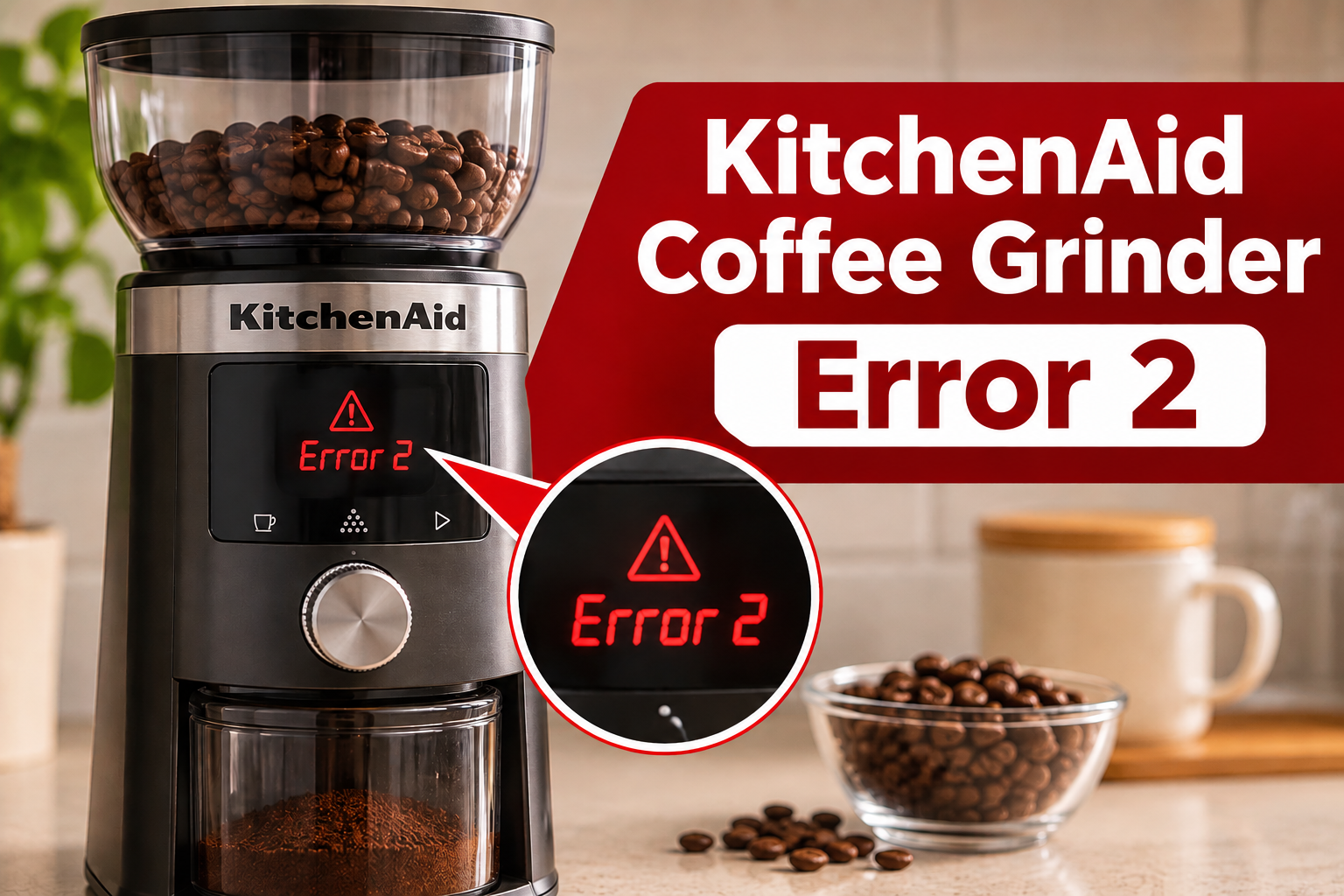
What Does Error 2 Mean on a KitchenAid Coffee Grinder?
Error 2, displayed as Er2, indicates that your KitchenAid coffee grinder has entered motor overload protection mode. According to KitchenAid’s troubleshooting instructions for the KCG8433 burr grinder, this happens when the appliance detects an overload condition and stops operating.
Your coffee grinder uses an electric motor to rotate two burrs that crush whole coffee beans into smaller particles. One burr remains stationary while the other rotates, allowing the grinder to produce coffee grounds of different sizes. Normally, the motor supplies enough force to keep the grinding mechanism moving smoothly.
However, if something prevents the burrs from rotating freely, the motor may experience excessive resistance. For example, a coffee bean trapped between the burrs or a foreign object entering the grinding chamber can interfere with normal operation. The grinder’s protection system may then stop the motor and display Er2.
Er2 doesn’t automatically mean the motor is damaged. KitchenAid recommends unplugging the grinder, cleaning the burrs, reassembling the appliance, and reconnecting it to an appropriate electrical outlet. You can find this recommendation in the manufacturer’s official Error 2 troubleshooting guide.
It’s also worth distinguishing Er2 from Er3. On the KCG8433, Er3 indicates a separate protection condition, for which KitchenAid recommends unplugging the appliance and allowing it to cool for 10 minutes. Er2 specifically calls for cleaning the grinding burrs.
KitchenAid Coffee Grinder Error 2: Common Causes
Several conditions can increase the resistance inside your coffee grinder and contribute to motor overload. Although Er2 identifies the protective condition rather than the exact fault, these are the most relevant problems to investigate.
1. Coffee Beans Jammed Between the Burrs
A coffee bean becoming trapped inside the grinding mechanism is one of the first possibilities to consider when your grinder stops unexpectedly.
The burrs normally crush beans as they move through a narrow grinding space. Occasionally, a bean or hard fragment may become lodged in a position that prevents the moving burr from rotating freely. When this happens, the motor encounters more resistance than expected.
You may notice a sudden change in the grinding sound before the machine stops. Sometimes, the motor briefly hums without producing coffee grounds. In other cases, the display simply shows Er2, and the appliance refuses to restart.
KitchenAid specifically identifies jammed coffee beans as a possible cause when its burr grinder stops abruptly. However, a jam isn’t always visible from the top of the machine.
The obstruction may be hidden beneath the upper burr, making proper cleaning necessary before you can confirm whether the grinding mechanism is clear.
2. Coffee Grounds and Oil Buildup
Every time you grind coffee, small particles can collect around the burrs and inside the grinding chamber. Coffee beans also contain natural oils, which may leave residue on the surfaces they contact.
Over time, this residue can accumulate and interfere with the movement of coffee through the grinder. Fine grounds may become packed into narrow spaces, especially if the grinding mechanism hasn’t been cleaned regularly.
You might notice that coffee grounds are coming out slowly, the grinder sounds more strained than usual, or the amount of coffee produced is smaller than expected.
Dark roasted beans often have more visible surface oil, which can contribute to residue buildup. However, the amount of buildup depends on