Seeing the “Replace Oven UI” error on your KitchenAid oven can be frustrating, especially when the controls suddenly stop responding or the oven refuses to start. Sometimes, the message appears during cooking, while other times, it shows up immediately after switching on the appliance.
Although this warning can indicate a faulty electronic component, replacement isn’t always necessary. A temporary control problem may clear after a reset. Understanding the possible causes will help you identify what needs attention and which troubleshooting steps are safe to try.
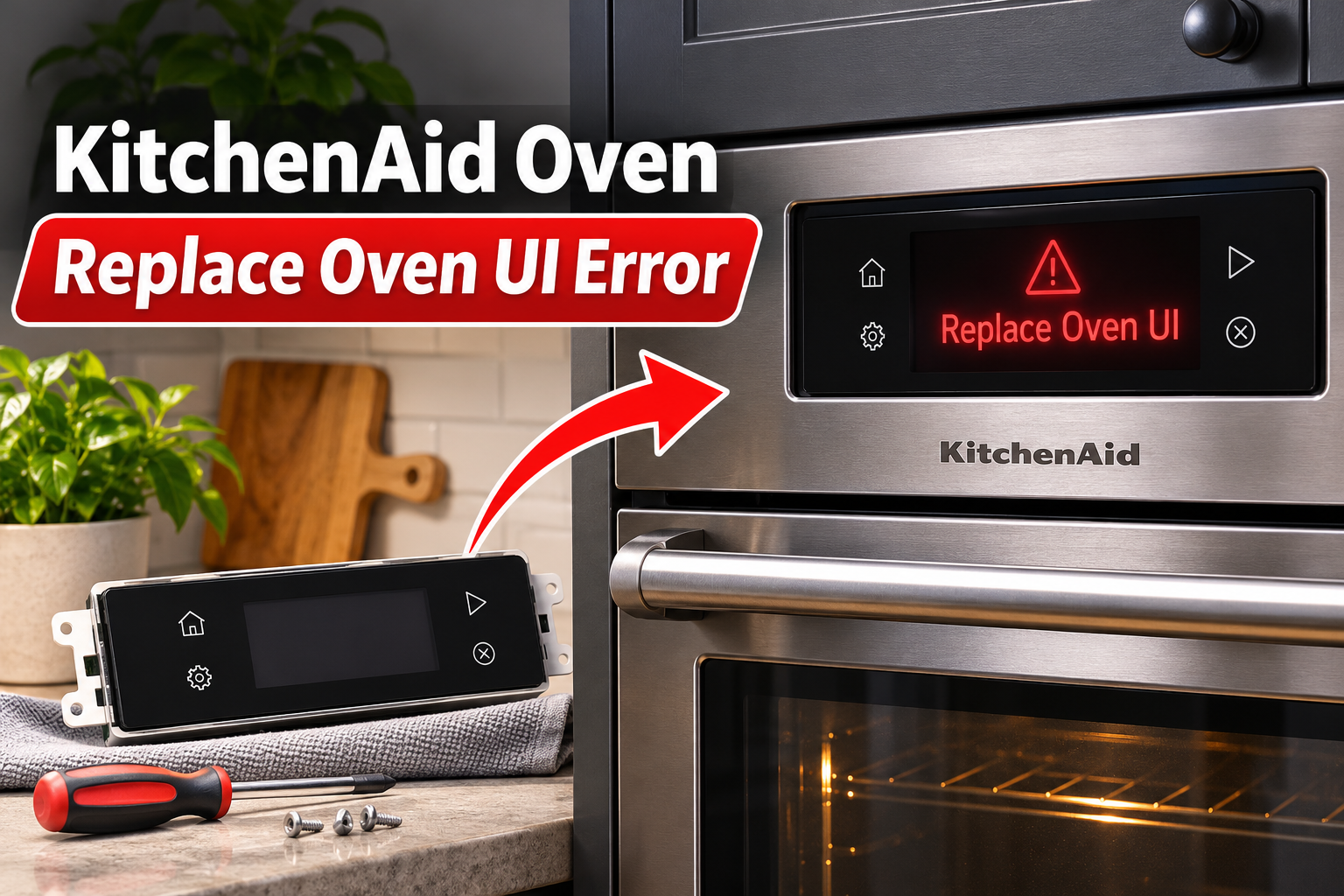
What Does the KitchenAid Oven Replace Oven UI Error Mean?
The KitchenAid oven “Replace Oven UI” error indicates a problem involving the oven’s user interface, which is the electronic system responsible for receiving commands and displaying information. On several KitchenAid models, this warning appears with the F1 E0 error code.
The user interface includes the electronic controls that allow you to select cooking modes, adjust temperatures, set timers, and operate other oven functions. It communicates with the appliance’s main control system, which manages components such as the heating elements and cooling fans.
When the user interface develops an internal fault or the control system detects a related problem, the oven may display “Replace Oven UI.” You might also notice an unresponsive keypad, repeated beeping, a frozen display, or cooking functions that won’t start. In some cases, the warning returns immediately after you clear it.
However, the exact meaning of F1 E0 depends on your KitchenAid model. Some service manuals identify it as a user interface failure, while others associate it with electronic communication or control problems. This distinction matters because replacing the wrong component won’t resolve the fault.
If the warning appears repeatedly, avoid forcing the oven to operate. The control system may need professional attention before the appliance can be used reliably.
KitchenAid Oven Replace Oven UI Error: Common Causes
Several electronic faults can trigger the Replace Oven UI warning. While a defective user interface is an important possibility, issues involving the control board, wiring, or internal settings may produce similar symptoms.
1. A Faulty Oven User Interface Board
The user interface board receives commands from the oven’s buttons or touchscreen and communicates with the main electronic control system. When this board develops a fault, it may stop processing instructions correctly.
Internal electronic components can fail over time, sometimes after repeated exposure to heat, electrical disturbances, or other operating stresses. A failure within the board’s control circuitry can prevent the oven from operating normally.
One noticeable sign is a display that repeatedly shows the same error despite restarting the appliance. You may also find that certain buttons no longer respond or that pressing them produces beeping without starting the selected function.
Some KitchenAid service manuals specifically recommend replacing the user interface when F1 E0 is confirmed. However, you should still identify the exact model and rule out temporary control problems before purchasing a replacement.
2. A Temporary Electronic Control Fault
Sometimes, the Replace Oven UI warning appears because the electronic control system has stopped responding correctly. This can happen when the controller encounters an unexpected internal communication or processing error.
For example, the warning may appear shortly after an interruption to the electrical supply. The display might freeze, restart unexpectedly, or refuse to accept commands even though the oven has power.
A temporary fault may disappear after disconnecting and restoring the electrical supply. However, if the same warning returns repeatedly, the problem could involve a failing electronic component rather than a temporary interruption.
3. Loose or Damaged Internal Wiring
The user interface must communicate with the oven’s other electronic components through internal wiring and connectors. If a connection becomes loose, corroded, or damaged, the control system may fail to exchange information correctly.
These connections can develop problems because of vibration, heat exposure, previous repairs, or physical damage. In some cases, a connector may not have been secured properly when the oven was assembled or serviced.
An intermittent connection may cause the display to work normally at times before suddenly showing an error. You could also notice that the warning appears after the appliance warms up, although this symptom alone doesn’t confirm a wiring fault.
KitchenAid’s service documentation includes wiring and connection checks for certain user interface failures. However, these checks require access to internal electrical components and should be performed by a qualified appliance technician.
4. A Faulty Main Oven Control Board
The main control board manages essential oven functions and communicates with the user interface. Some KitchenAid service documents refer to this component as the appliance manager.
If the main control board fails, it may stop communicating properly with the user interface or send incorrect information. This can produce symptoms that resemble a defective display or keypad.
For certain KitchenAid models, service procedures recommend checking the user interface first and considering the appliance manager if the original problem remains after replacement.
Because these components work together, identifying the defective board requires model-specific testing. Replacing either board without confirming the diagnosis can lead to unnecessary repair expenses.
5. Incorrect Model Configuration or Replacement Parts
Some KitchenAid ovens require their electronic controls to be configured for the correct appliance model. If the settings are incorrect, the control system may report an error even when the replacement hardware is functional.
This issue is especially relevant when the warning begins immediately after the user interface or another control component has been replaced.
For example, certain KitchenAid ovens require a cavity size selection procedure after installing a new user interface. Other models use different configuration methods.
If your oven started displaying the warning after a recent repair, incorrect programming or an incompatible replacement part deserves attention. However, these settings should be verified using the service instructions for your exact model.
KitchenAid Oven Replace Oven UI Error: How to Fix
The safest troubleshooting approach begins with the oven’s external controls and power supply. These checks can sometimes restore normal operation without opening the appliance or replacing electronic parts.
1. Clear the Error Using the Cancel Button
Start by checking whether your KitchenAid oven allows you to dismiss the warning. Some models let you clear an error from the display using the CANCEL or OFF button.
Make sure no cooking function is running before attempting this step. If the oven has recently been heating, allow it to cool and avoid touching hot surfaces.
Then follow these steps.
- Look at the display and note the exact warning and error code.
- Press CANCEL or OFF once, depending on your oven model.
- Check whether the message disappears.
- Allow the display to return to its normal standby screen.
- Observe whether the warning reappears.
On certain KitchenAid models, pressing CANCEL removes the initial error message from the display. However, this doesn’t necessarily correct the underlying fault.
If the warning disappears and the controls respond normally, continue monitoring the appliance. If it returns immediately, avoid repeatedly pressing buttons to force the oven to operate.
Important: Clearing the message only removes the displayed warning. A recurring F1 E0 error still requires proper diagnosis.
2. Reset the Oven at the Circuit Breaker
Resetting the electrical supply is one of the main troubleshooting steps KitchenAid recommends for the F1 E0 error on wall ovens.
This process allows the electronic controls to restart. It may clear a temporary communication problem that caused the user interface to stop responding.
To reset your KitchenAid oven, follow these steps.
- Make sure the oven is switched off.
- Locate the circuit breaker supplying electricity to the appliance.
- Turn off the appropriate breaker or breakers.
- Leave the power disconnected for one minute.
- Restore power by switching the breaker back on.
- Watch the oven display for at least one minute.
If the warning doesn’t return, check whether the controls respond normally. You can then select a normal baking function and verify that the oven begins operating as expected.
However, stop the test if the warning reappears, the controls behave unpredictably, or the appliance produces unusual sounds or smells.
If the breaker trips again after restoring power, leave it off and contact a qualified electrician or appliance technician. Repeatedly resetting a tripping breaker can be dangerous.
A reset may correct a temporary electronic fault, but it won’t repair a damaged user interface board or defective internal wiring.
3. Clean and Dry the Control Panel
If the oven’s display or buttons are behaving strangely, check whether the control panel is dirty or damp. Food residue, grease, and moisture can interfere with the operation of some touch-sensitive controls.
KitchenAid notes that steam can collect on oven displays and may affect their operation. Food buildup can also interfere with touchscreen responses.
However, surface moisture doesn’t necessarily cause the Replace Oven UI error. Cleaning is most useful when the controls are unresponsive or behave unexpectedly alongside the warning.
Before cleaning, make sure the oven is switched off and has cooled completely.
Use the following procedure.
- Wipe the control panel gently with a soft cloth lightly dampened with mild soapy water.
- Remove visible grease, fingerprints, and food residue.
- Avoid spraying cleaning products directly onto the display.
- Dry the entire surface with a clean microfiber cloth.
- Check whether the buttons respond normally after the surface is dry.
Avoid abrasive cleaners, steel wool, and excessive water because they can damage the control panel.
If liquid has entered the electronic controls, disconnect the oven from its electrical supply and arrange professional inspection. Don’t attempt to dry internal electronic components using a hair dryer or other heating equipment.
After cleaning, check the display again. If the controls work normally but the Replace Oven UI message persists, the problem likely requires further diagnosis.
4. Check the Control Lock and Power Supply
If your KitchenAid oven becomes unresponsive after the error disappears, check whether the control lock is enabled.
The control lock prevents accidental operation by disabling the control buttons. It can sometimes make a functioning keypad appear faulty.
On certain KitchenAid single wall ovens, you can unlock the controls by pressing and holding START for approximately three seconds. Some double ovens use the lower START button. Other models have different procedures, so follow your owner’s manual.
Look for a lock symbol or a message indicating that the controls are locked. If the lock is active, disable it using the correct button combination.
Keep in mind that the control lock itself doesn’t explain a confirmed Replace Oven UI fault. This check is useful when the original warning has disappeared but the oven still won’t accept commands.
You should also check whether the appliance is receiving power normally.
If the display is completely blank, inspect the household circuit breaker supplying the oven. A tripped breaker can prevent the electronic controls from operating.
However, don’t open electrical panels beyond their normal user controls or attempt to inspect the oven’s power wiring yourself.
If you notice frequent breaker trips, flickering power, or problems that began immediately after electrical installation, contact a licensed electrician. Electrical supply faults need to be corrected before further oven troubleshooting.
5. Check the Model Number and Recent Repair History
If the warning continues, identifying the exact KitchenAid model becomes particularly important. Different ovens use different control boards, wiring arrangements, and diagnostic procedures.
Start by locating the model and serial number. Depending on your appliance, the identification label may be visible around the oven frame when the door is open.
Record the complete model number, including any letters or numbers at the end. These details help identify the correct service documentation and replacement parts.
Next, consider whether the error appeared after a recent repair.
If a technician replaced the user interface, control board, or another electronic component shortly before the warning started, the issue may involve an incorrect part or incomplete configuration.
Some KitchenAid models require the replacement user interface to be programmed for the correct oven cavity size. Others may have additional setup requirements.
Contact the person or company that performed the repair and explain when the error began. Ask them to verify that the installed component is compatible with your exact model and that the required setup was completed.
Avoid entering unfamiliar service menus or changing model settings yourself. Incorrect configuration can create additional operating problems.
If no recent repairs have been performed, record when the error appears and whether it occurs during startup, preheating, or another specific function.
These observations can help a technician identify the fault without replacing parts through trial and error.
6. Contact a Qualified KitchenAid Appliance Technician
If the Replace Oven UI error remains after completing the safe troubleshooting steps, professional diagnosis is the next appropriate action.
The technician may need to examine the user interface board, wiring connections, grounding, and main control system. The required checks depend on your oven’s model and the fault codes stored in its electronic controls.
For certain KitchenAid ovens, the manufacturer’s service procedure calls for replacing the user interface when an F1 E0 fault persists. Some models require additional checks or configuration after replacement.
However, replacing the user interface isn’t a suitable DIY task for most homeowners. KitchenAid ovens contain high-voltage electrical components, and internal servicing can expose you to serious electrical hazards.
Before arranging a repair, provide the technician with the following information.
- Your KitchenAid oven’s complete model number.
- The exact error message and any accompanying code.
- When the warning first appeared.
- Whether it returns immediately after resetting power.
- Any previous repairs or electrical problems.
- The troubleshooting steps you’ve already completed.
This information can help the technician determine which components need testing.
If your oven is still covered by the manufacturer’s warranty or an extended protection plan, check the coverage before authorizing repairs.
For an older oven, ask for a repair estimate before replacing expensive electronic components. The cost and availability of replacement parts can affect whether repair or replacement is the more practical choice.
Wrap-Up
The KitchenAid oven Replace Oven UI error usually points to a problem involving the appliance’s electronic user interface or its related control system. Although a defective board may require replacement, some warnings can disappear after a proper reset.
Begin by clearing the message, resetting the oven’s power, and checking the external controls. If the error returns, avoid unnecessary attempts to force the appliance to work. A qualified technician can identify the affected component and recommend the correct repair, helping you restore safe and reliable oven operation.