Seeing the F2E1 error code on your KitchenAid double oven can be frustrating, especially when the controls stop responding or a cooking cycle suddenly ends. You may also notice unexpected beeping or find that neither oven responds to your commands.
Fortunately, this error doesn’t always mean an expensive repair. Sometimes, cleaning the control panel or resetting the appliance can resolve the problem. However, understanding what triggers F2E1 will help you identify the cause and choose the appropriate solution.
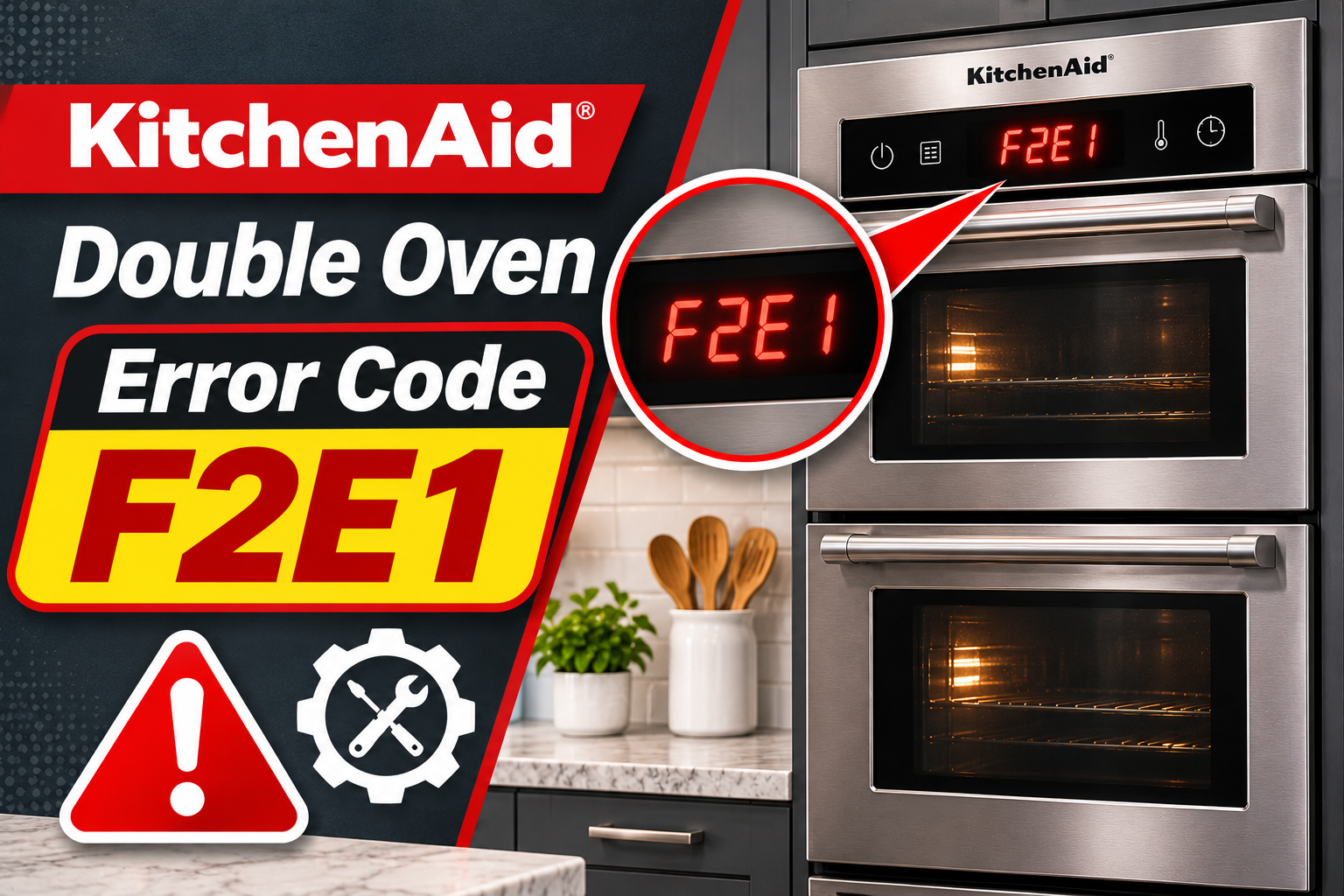
What Does KitchenAid Double Oven Error Code F2E1 Mean?
The KitchenAid double oven error code F2E1 generally indicates a stuck or shorted keypad. This means the oven’s electronic control system has detected a button that appears to be pressed continuously or isn’t responding as expected.
Your KitchenAid double oven uses an electronic control panel to manage cooking settings for the upper and lower oven compartments. When you press a button, the keypad sends a signal to the control system, which processes your command and activates the appropriate function.
If a button remains pressed for too long or develops an electrical fault, the control system may interpret the signal as an abnormal input. This can trigger F2E1 and prevent the oven from operating normally.
Common symptoms include:
- The display shows F2E1 or alternates between F2 and E1.
- One or more control buttons stop responding.
- The oven beeps repeatedly without an obvious reason.
- A cooking cycle stops unexpectedly.
- The upper or lower oven refuses to start.
- The error returns after resetting the appliance.
On many KitchenAid double ovens, both compartments share one control panel. Therefore, a keypad fault may affect the entire appliance, even if the error first appears while you’re operating only one oven.
However, the exact fault detection process varies between models. KitchenAid’s troubleshooting guidance identifies the keypad, electronic control, and associated wiring as possible problem areas.
If the error results from a temporary control problem, resetting the oven may restore operation. However, a damaged keypad or failing electronic component may require professional repair.
KitchenAid Double Oven Error Code F2E1: Common Causes
Several problems can trigger F2E1 on your KitchenAid double oven. Some involve simple issues with the control panel, while others result from internal electronic failures.
1. A Stuck Control Button
A stuck button is one of the most direct causes of F2E1. Your oven’s control system expects each button to return to its normal state after you release it.
If a button remains physically depressed or the electronic keypad continues registering a touch, the system may interpret this as a continuous command. After the condition persists long enough, the oven can display F2E1.
This may happen when a physical button becomes difficult to release or an object rests against the control panel.
You might notice that a particular button feels different from the others or doesn’t return smoothly after being pressed. On touch control models, the oven may repeatedly beep as though someone is touching the display.
However, the absence of a visibly stuck button doesn’t rule out a keypad problem. The fault may occur inside the control panel even when its surface looks normal.
2. Moisture or Dirt on the Control Panel
Cooking produces steam, grease, and food residue that can accumulate around the oven’s controls. Over time, these substances may interfere with normal keypad operation.
On certain touch control designs, moisture or an object covering the sensing area can make the electronics register an unintended touch. This may cause the oven to detect a button being held continuously.
For example, a damp cleaning cloth resting against the panel can activate multiple touch sensors. Some KitchenAid control systems are designed to detect these conditions and display F2E1 when they persist.
The problem may develop after cleaning the appliance, particularly if liquid remains on the control surface.
You might also notice unusual beeping, delayed responses, or buttons activating unexpectedly.
If surface contamination is responsible, carefully cleaning and drying the panel may restore normal operation. However, moisture that has entered the electronic assembly can cause damage that requires professional attention.
3. Faulty Touchpad or User Interface
The touchpad or user interface allows you to control both oven compartments. It contains electronic components that detect button presses and communicate with the oven’s control system.
Over time, these components may develop faults that prevent them from reading button inputs correctly.
A damaged keypad circuit can continuously register a button press even when nobody is touching the panel. The oven may then display F2E1 because the control system interprets the signal as a stuck key.
You might notice that some buttons work normally while others don’t respond. In certain cases, the error appears immediately after restoring power.
A failing user interface becomes more likely when the panel is clean and dry, no buttons are physically stuck, and the error repeatedly returns after resetting.
However, the keypad and display may be separate components on some models and part of a combined assembly on others. This difference affects which component a technician may need to replace.
4. Loose or Damaged Internal Connections
Your KitchenAid double oven contains electrical connections that link the keypad, user interface, and electronic control components.
If one of these connections becomes damaged or develops poor electrical contact, the control system may receive incorrect signals or fail to interpret keypad inputs properly.
Possible problems include loose connectors, damaged wiring, and deterioration of electrical contacts.
These faults can cause intermittent symptoms. For example, the oven might work normally after a reset but display F2E1 again during a later cooking cycle.
However, a loose connection isn’t necessarily the most likely explanation for every F2E1 error. On models that specifically identify a stuck keypad, the keypad itself should be considered before assuming the wiring is faulty.
Since checking these connections requires opening the appliance, internal electrical inspection should be handled by a qualified technician.
5. Temporary Electronic Control Glitch
Your KitchenAid double oven uses electronic controls to process button inputs and manage cooking functions. Occasionally, the system may encounter a temporary operating problem that causes the keypad to behave incorrectly.
For example, the controls may stop responding to commands or continue displaying an error after the condition that triggered it has disappeared.
An electrical power interruption may also disrupt normal electronic operation, although F2E1 alone doesn’t confirm that a power problem caused the fault.
One useful clue is whether the error disappears after a complete power reset.
If the control panel begins responding normally and the error doesn’t return, the problem may have been temporary. However, repeated F2E1 warnings suggest a persistent issue requiring further diagnosis.
KitchenAid Double Oven Error Code F2E1: How to Fix
Start with simple troubleshooting methods that don’t involve opening the oven or handling internal electrical components. These steps can help you identify common keypad problems and determine whether professional repair is necessary.
1. Check for Stuck Buttons or Objects Pressing the Controls
Begin by examining the control panel for anything that could be pressing a button or interfering with the touch sensors.
Make sure the oven is turned off and has cooled completely. Remove any cloths, utensils, or other objects resting against the controls.
Next, inspect the buttons for visible damage or signs that one is stuck.
If your KitchenAid double oven has physical buttons, gently press and release each accessible button to see whether it moves normally. Don’t force a button that feels jammed.
For a touch control panel, make sure nothing is touching or covering the sensing area.
After removing any obstruction, press the appropriate Cancel or Off button if the controls respond. Check whether F2E1 disappears.
If the error clears and the buttons work normally, the problem may have been caused by an unintended continuous input.
However, if the same button continues registering touches or the error returns, the keypad may have an internal fault.
2. Clean and Dry the Control Panel
If no button appears stuck, cleaning the control panel is another useful troubleshooting step.
Food residue, grease, and moisture can affect certain touch controls. Removing these substances may restore normal button operation when surface contamination is responsible.
First, turn off the oven and allow both compartments to cool completely. For added safety, disconnect power at the circuit breaker before cleaning the panel.
Use a soft microfiber cloth slightly dampened with water to wipe the control surface. Pay attention to areas around frequently used buttons, including Start, Cancel, and temperature controls.
Avoid spraying cleaning products directly onto the panel. Also, don’t use abrasive pads or excessive water, as these may damage the surface or allow moisture to enter the appliance.
After cleaning, use a dry cloth to remove any remaining moisture.
Make sure the control panel is completely dry before restoring power.
If moisture or residue was interfering with the touch sensors, the buttons may begin responding normally.
However, cleaning won’t repair a shorted keypad circuit or damaged electronic board. If F2E1 remains, proceed with a power reset.
3. Reset the Double Oven at the Circuit Breaker
Resetting the oven is one of the main troubleshooting methods recommended by KitchenAid for F2E1.
Disconnecting power allows the electronic controls to restart, which may clear a temporary keypad or control system error.
KitchenAid’s official wall oven troubleshooting guidance recommends turning off power for one full minute before restoring it.
Follow these steps:
- Turn off both oven compartments if the controls are responding.
- Locate the electrical panel supplying power to your KitchenAid double oven.
- Identify the circuit breaker or breakers controlling the appliance.
- Switch the appropriate breaker completely OFF.
- Wait at least 60 seconds.
- Turn the breaker back ON.
- Watch the control panel for at least one minute to see whether F2E1 returns.
Most built-in electric double ovens use a dedicated electrical circuit. Depending on the installation, the circuit may be controlled by a linked double pole breaker.
Make sure you switch off the correct breaker and avoid removing electrical covers.
After restoring power, the display should restart. Depending on your model, you may need to reset the clock.
If F2E1 disappears, check whether the controls respond normally.
However, if the code returns immediately, repeating the reset is unlikely to resolve a damaged keypad or electronic component.
Also, don’t repeatedly reset a breaker that trips on its own. This may indicate an electrical problem requiring professional attention.
4. Check Whether Control Lock Is Activated
KitchenAid double ovens often include a Control Lock feature that prevents accidental button presses.
When this feature is enabled, the control panel may ignore normal cooking commands. This can make the oven appear unresponsive even when its electronics are functioning correctly.
However, Control Lock doesn’t normally cause F2E1. It’s worth checking because it can produce similar symptoms, particularly when the error has already disappeared but the buttons still won’t respond.
Look for a lock symbol or a message such as Control Lock, Locked, or Loc on the display.
On certain KitchenAid double wall ovens, you can disable Control Lock by pressing and holding the lower oven’s Start button for approximately three seconds.
The correct method varies between models, so follow your owner’s manual if the controls use a different unlocking procedure.
Once the panel is unlocked, try selecting a cooking function.
If the controls respond normally and no error appears, the unresponsive keypad may have been caused by the lock setting.
However, if F2E1 remains on the display, the issue is likely unrelated to Control Lock and requires further troubleshooting.
5. Test Both Oven Compartments After Resetting
If the error disappears after cleaning or resetting the controls, check whether the upper and lower ovens respond normally.
Since many KitchenAid double ovens share a control panel, a keypad problem can affect commands for either compartment.
Begin by selecting the upper oven and checking whether its cooking settings respond correctly.
If there are no signs of abnormal heating or electrical problems, perform a short, supervised test.
Follow these steps:
- Make sure the upper oven is empty.
- Select the Bake function for the upper compartment.
- Set the temperature to approximately 300°F.
- Press Start and check whether the oven accepts the command.
- Observe the display for several minutes.
- Cancel the cooking cycle.
If the upper oven operates normally, repeat the same process with the lower oven after confirming the first compartment is off.
Pay attention to whether the controls respond correctly when switching between compartments.
If both ovens begin heating normally and the error doesn’t return, the reset may have resolved a temporary problem.
However, a short test can’t rule out an intermittent keypad failure.
Also, if one compartment appears to work while the other doesn’t, avoid assuming that the heating components are responsible. A faulty control button or electronic interface may prevent the affected oven from starting.
Stop testing if you notice unexpected heating, unusual electrical smells, repeated error messages, or controls that fail to cancel a cooking cycle.
If F2E1 returns, write down when it appears and which buttons or oven compartment you were using. This information can help a technician identify the problem.
6. Contact a Qualified KitchenAid Appliance Technician
If F2E1 continues appearing after cleaning the controls and completing a power reset, the keypad or another electronic component may need professional attention.
A qualified appliance technician can determine whether the problem involves a stuck keypad circuit, faulty user interface, damaged wiring, or electronic control board.
Depending on your KitchenAid double oven model, the technician may inspect the control panel assembly, check internal connections, and perform diagnostic tests using the appropriate service documentation.
Some KitchenAid technical instructions recommend replacing the keypad or control panel assembly when F2E1 persists after a reset.
However, replacement procedures vary between models. Therefore, the correct component should be identified before ordering parts.
Avoid attempting to remove the control panel or disconnect internal wiring yourself. Built-in double ovens contain hazardous electrical circuits, and accessing their electronic components can expose you to serious injury.
Before scheduling service, locate your appliance’s model and serial number. The identification label is often found around the oven door opening or frame, although the location varies.
Also, note whether the error appears immediately after powering on, when pressing a particular button, or during a cooking cycle.
These details can help the technician determine which component requires attention.
If your oven is still under warranty, check your coverage before arranging repairs. You can also visit the KitchenAid Owner’s Center for model information and service options.
Wrap-Up
KitchenAid double oven error code F2E1 generally indicates a stuck or shorted keypad. Sometimes, the problem results from moisture, dirt, or an object interfering with the controls. In other cases, a faulty keypad or electronic component may be responsible.
Start by checking the buttons, cleaning the control panel, and resetting the oven at the circuit breaker.
If the error disappears, test both compartments carefully. However, if F2E1 keeps returning, arrange a professional inspection to identify the faulty component and restore reliable oven operation.