The F1E0 error code on your KitchenAid oven can be frustrating, especially when the oven suddenly stops working or refuses to heat. You might also notice that the display becomes unresponsive or the error keeps returning after you restart the appliance.
Fortunately, some F1E0 errors can be resolved with a simple reset. However, if the problem persists, it may indicate a fault in the oven’s electronic control system that needs professional attention.
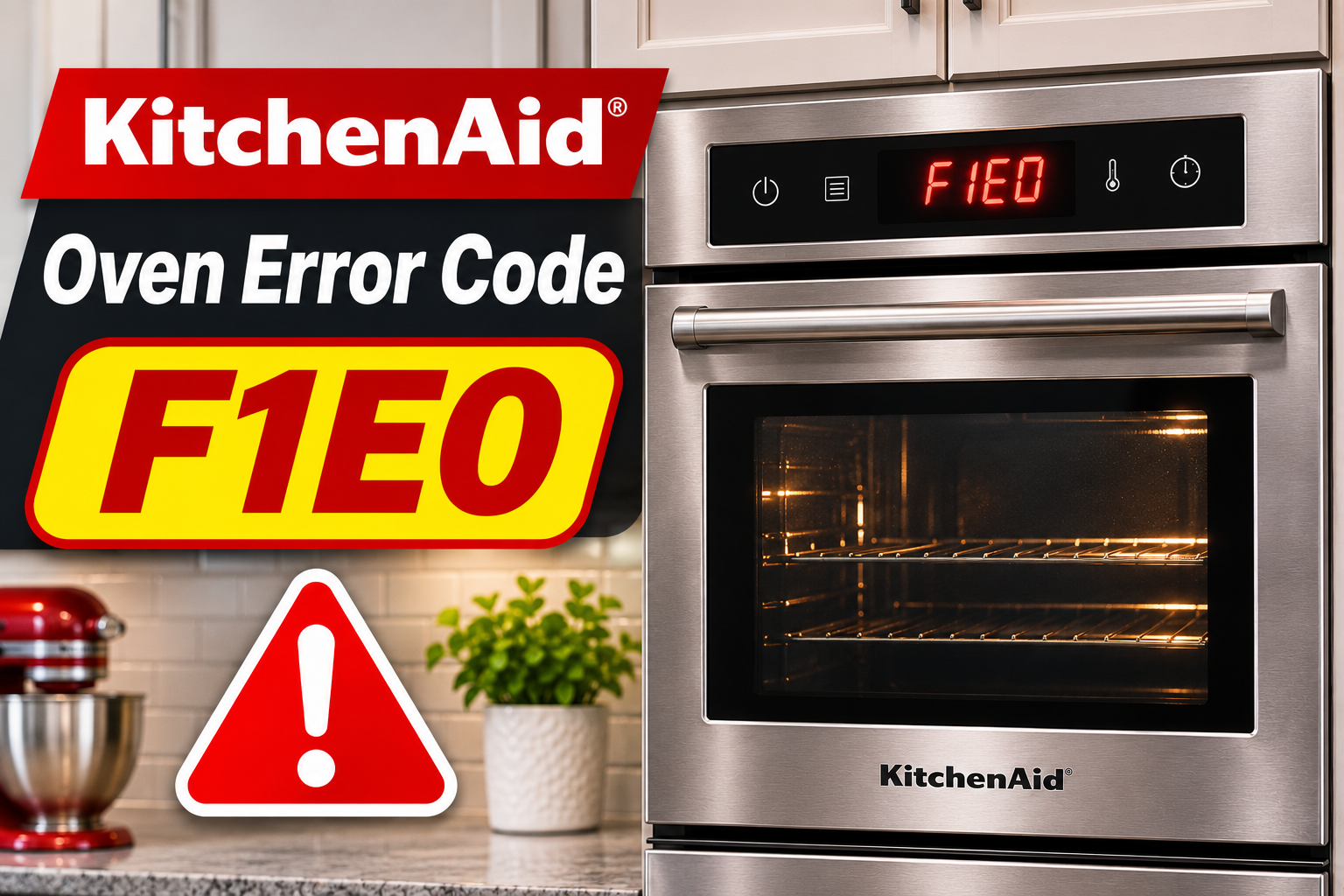
What Does KitchenAid Oven Error Code F1E0 Mean?
The KitchenAid oven error code F1E0 generally indicates an electronic control problem. On many models, it refers to an EEPROM communication error, which means the oven’s control system is having trouble communicating with its internal memory.
EEPROM is a type of memory that stores information needed for the oven to function correctly. When the control system can’t access or process this information properly, the appliance may display F1E0 and stop responding to commands.
Common symptoms include:
- The oven displays F1E0 or alternates between F1 and E0.
- The control panel stops responding.
- The oven refuses to start a cooking cycle.
- Cooking stops unexpectedly.
- The error returns after resetting the oven.
The exact meaning of F1E0 can vary depending on your KitchenAid oven model. Some models associate it with the main electronic control board, while others indicate a problem with the user interface board.
Although a temporary communication problem may disappear after a reset, repeated errors usually require further investigation.
KitchenAid Oven Error Code F1E0: Common Causes
Several problems can trigger F1E0 on a KitchenAid oven. Understanding these possible causes can help you recognize the fault and choose the appropriate solution.
1. Temporary Control System Glitch
Your KitchenAid oven uses electronic controls to manage cooking temperatures, heating functions, and other settings. Occasionally, the control system may encounter a temporary communication problem that prevents it from working correctly.
This can cause the oven to display F1E0 even when its electronic components haven’t suffered permanent damage.
You might notice the error appearing unexpectedly or immediately after switching on the oven. Sometimes, the display stops responding until the appliance is restarted.
If the problem disappears after disconnecting and restoring power, a temporary control system glitch may have been responsible. However, an error that repeatedly returns suggests a more persistent fault.
2. Faulty Electronic Control Board
The electronic control board manages many of your oven’s important functions. It processes commands, controls heating operations, and communicates with other electronic components.
If the board develops an internal memory or communication fault, the oven may struggle to operate normally. This can trigger F1E0 and prevent cooking functions from starting.
A failing control board may cause the error to return immediately after a reset. In other cases, the oven might work briefly before displaying the code again.
However, you shouldn’t replace the board based on the error code alone. The correct diagnosis depends on your specific KitchenAid model and its control system.
3. Malfunctioning User Interface Board
The user interface allows you to select cooking settings, adjust temperatures, and operate the oven’s controls. On some KitchenAid models, it contains a separate electronic board that communicates with the main control system.
When this board develops an internal memory problem, the oven may display F1E0 and stop accepting commands.
You might notice that the display remains illuminated even though the buttons don’t respond. Sometimes, the error appears before you can select a cooking function.
Certain KitchenAid models specifically associate F1E0 with a user interface memory communication failure. Therefore, identifying the correct board is essential before considering replacement.
4. Loose or Damaged Wiring Connections
Your KitchenAid oven contains electrical connections that allow its control components to communicate. If these connections become loose or damaged, communication between the electronic boards may become unreliable.
This can contribute to control system errors, including F1E0 on certain models.
An intermittent wiring problem may cause the oven to work normally for a while before displaying the error again. However, similar symptoms can also occur when an electronic board begins failing.
Since checking internal wiring involves opening electrical compartments, this work should be handled by a qualified appliance technician.
KitchenAid Oven Error Code F1E0: How to Fix
Start with the simplest troubleshooting methods before considering repairs. Some F1E0 errors can be cleared without replacing parts, but persistent faults may require professional diagnosis.
1. Cancel the Cooking Cycle
First, try canceling the current cooking operation. If the control panel is still responding, this may clear the error and return the oven to its normal display.
Press the Cancel or Off button on the control panel. If your KitchenAid model uses a temperature control knob, turn it to the OFF position.
Wait briefly and check whether the error disappears.
If the display returns to normal, try selecting a cooking function to see whether the controls respond. However, if F1E0 returns or the oven refuses to operate, proceed with a complete power reset.
2. Reset the Oven at the Circuit Breaker
A power reset is one of the first troubleshooting methods KitchenAid recommends for electronic control errors. It allows the control system to restart and may clear temporary communication problems.
Follow these steps:
- Turn off the oven using its controls if possible.
- Locate the circuit breaker supplying power to the appliance.
- Switch the breaker completely OFF.
- Wait at least 60 seconds.
- Turn the breaker back ON.
- Check the oven’s display to see whether F1E0 returns.
After restoring power, the control system should restart. Some models may require you to reset the clock.
If the error disappears, check whether the oven responds normally. A successful reset may indicate that the fault was temporary.
However, if F1E0 returns immediately, repeatedly resetting the appliance is unlikely to solve the underlying problem.
Never repeatedly reset a circuit breaker that trips on its own. This could indicate an electrical fault requiring professional attention.
3. Clean and Dry the Control Panel
If your KitchenAid oven has touch controls, inspect the control panel for grease, moisture, or food residue.
Although dirt cannot directly cause an EEPROM memory failure, it may interfere with touch controls and make an existing problem more difficult to identify.
Start by turning off the oven and allowing it to cool completely.
Use a soft, slightly damp cloth to clean the control panel. Avoid spraying cleaning solutions directly onto the buttons or display.
Next, dry the surface thoroughly and check whether the controls respond correctly.
If the buttons begin working normally, residue or moisture may have contributed to the control problem.
However, if F1E0 remains on the display, the fault is more likely to involve the electronic control system. Cleaning won’t repair a failed circuit board or memory component.
4. Check for Electrical Supply Problems
An unstable electrical supply can interfere with the operation of electronic appliances. Although F1E0 primarily points to a control system problem, electrical interruptions may contribute to abnormal oven behavior.
Check whether the oven’s display loses power unexpectedly or whether the appliance frequently restarts.
Also, consider whether the error first appeared after a power outage.
Inspect your home’s electrical panel for a tripped breaker, but don’t open electrical covers or touch exposed wiring.
If the breaker repeatedly trips or you notice burning smells, buzzing sounds, or other unusual electrical symptoms, stop using the oven.
A licensed electrician can determine whether the household electrical supply is functioning correctly.
If the power supply appears normal but the error continues, the oven’s electronic controls may need further diagnosis.
5. Test the Oven After Resetting
If the F1E0 error disappears after resetting the oven, check whether the appliance operates normally before returning to regular cooking.
First, make sure the control panel responds when you select different settings.
If there are no signs of an electrical or heating problem, you can perform a short, supervised heating test.
Follow these steps:
- Make sure the oven is empty.
- Select the Bake function.
- Set the temperature to approximately 300°F.
- Start the cooking cycle.
- Observe whether the oven begins heating normally.
- Cancel the cycle after several minutes.
If the oven operates without displaying F1E0, the reset may have resolved a temporary problem.
However, continue monitoring the appliance during subsequent use because intermittent electronic faults can return.
Stop using the oven if the error reappears or you notice unusual heating behavior.
6. Contact a Qualified Appliance Technician
If F1E0 keeps returning after a power reset, the oven may have a faulty electronic control board, user interface board, or internal wiring connection.
A qualified KitchenAid appliance technician can identify the affected component and determine whether it needs repair or replacement.
Depending on the model, the technician may need to examine the electronic control system, check communication connections, and review the appliance’s fault information.
Avoid purchasing a replacement control board without confirming the diagnosis. KitchenAid ovens use different electronic configurations, and replacing the wrong component can lead to unnecessary expenses.
Before scheduling service, locate your oven’s model number and note when the error appears. This information can help the technician identify the problem more efficiently.
If your oven is still under warranty, check your coverage before arranging repairs.
Wrap-Up
KitchenAid oven error code F1E0 usually indicates a problem with the electronic control system. While some cases result from temporary communication glitches, others involve faulty control boards or internal connections.
Start by canceling the cooking cycle and resetting the oven at the circuit breaker. If the error disappears, check whether the appliance operates normally.
However, if F1E0 continues to appear, professional diagnosis is the safest option. Identifying the actual cause will help you avoid unnecessary repairs and restore reliable oven operation.