Seeing error code F2E1 on your KitchenAid wall oven can be frustrating, especially when the controls stop responding or the appliance refuses to start. You might also notice unexpected beeping, buttons that won’t work, or a warning that keeps returning after you clear it.
Fortunately, the problem doesn’t always require replacing the control panel. Sometimes, moisture, food residue, or a temporary electronic fault is responsible. Understanding what triggers F2E1 can help you identify the problem and determine the safest way to correct it.
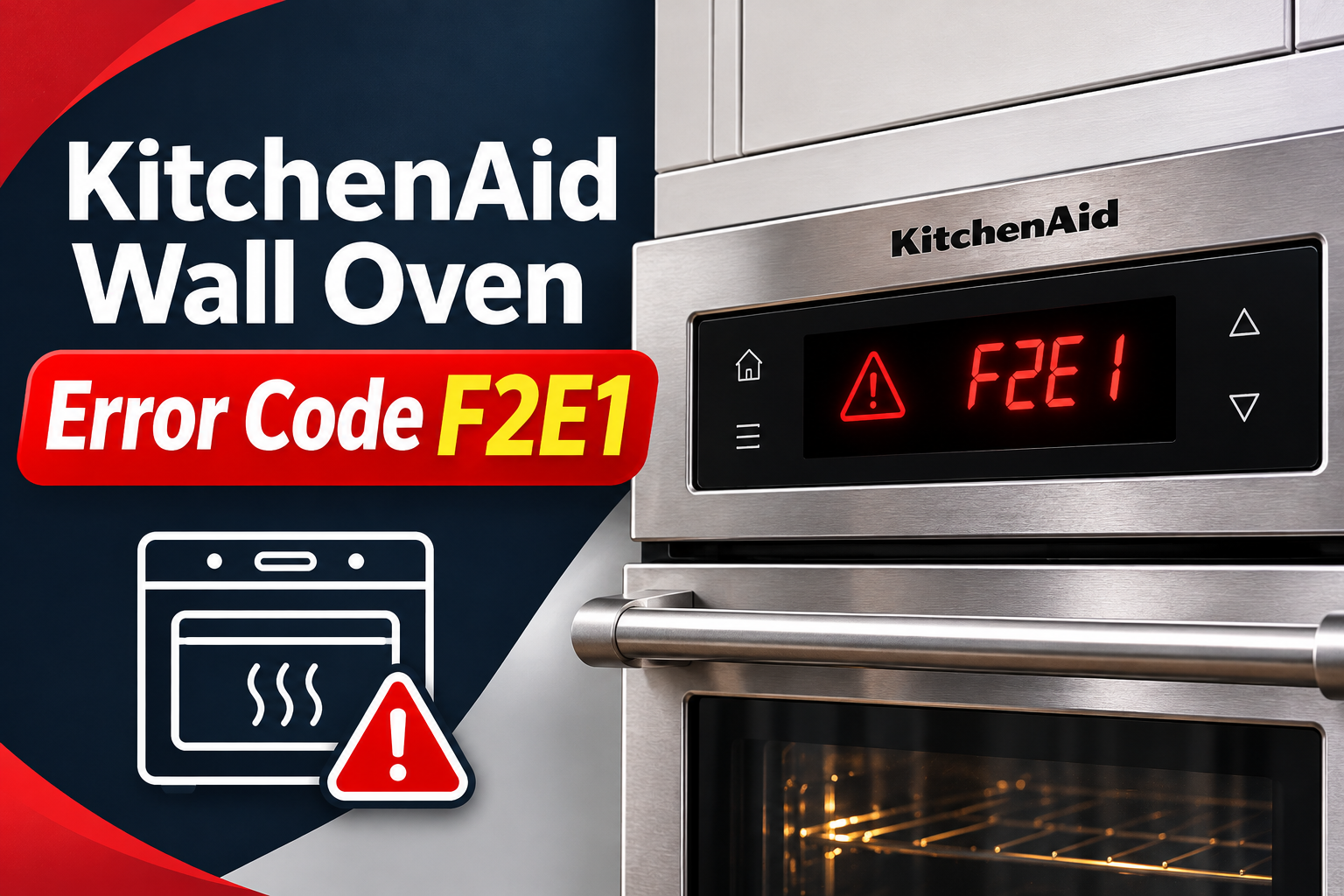
What Does KitchenAid Wall Oven Error Code F2E1 Mean?
KitchenAid wall oven error code F2E1 generally indicates a stuck or malfunctioning keypad. The oven’s electronic control system may be detecting a button that has remained pressed for too long or isn’t responding as expected.
Your KitchenAid wall oven uses a control panel to receive instructions for functions such as baking, broiling, setting temperatures, and adjusting cooking times. Depending on the model, this panel may contain physical buttons, touch-sensitive controls, or a combination of both.
When you press a button, the keypad sends a signal to the electronic control system. If the signal remains active unexpectedly, the oven may interpret it as a stuck key and display F2E1.
You might notice that the oven beeps repeatedly, ignores certain buttons, or displays the warning immediately after startup. Sometimes, the problem appears after cooking foods that release considerable steam, particularly when moisture collects around the control panel.
However, F2E1 doesn’t always confirm a damaged keypad. KitchenAid identifies the user interface, electronic control, and associated wiring as possible problem areas. The exact diagnostic procedure depends on your oven model, so replacing components without confirming the cause can lead to unnecessary expenses.
KitchenAid Wall Oven Error Code F2E1: Common Causes
Several problems can interfere with the keypad and trigger the F2E1 warning. Some involve conditions affecting the control panel’s surface, while others originate inside the appliance.
1. A Stuck or Continuously Pressed Button
A button that remains pressed longer than intended is one of the most direct causes of error code F2E1. The oven’s electronic system may interpret the continuous signal as a keypad malfunction.
This can happen when a physical button sticks because of wear or accumulated food residue. On touch-sensitive models, an object resting against the panel may produce a similar effect. KitchenAid service documentation identifies prolonged button activation as a possible trigger for this error.
You may notice repeated beeping or a button that doesn’t respond normally. If the warning appears after something has been leaning against the controls, removing that object may resolve the problem. However, a button that remains physically stuck may require repair.
2. Moisture or Grease on the Control Panel
Steam and cooking residue can interfere with some KitchenAid oven control panels, particularly those equipped with touch-sensitive buttons.
When you open the oven door after cooking, hot steam can rise toward the cooler control panel. As the steam cools, it may form small droplets on the display. On certain models, this moisture can cause unintended touch responses.
Grease, food spills, and cleaning residue can create similar problems. KitchenAid notes that contamination on electronic controls can affect their operation.
If the F2E1 warning appears after cooking foods that produce plenty of steam, check whether condensation has collected on the panel. A display that behaves strangely when damp but works normally after drying may indicate surface moisture is contributing to the fault.
3. A Damaged Keypad or User Interface
The keypad contains electronic components that detect your commands. These components can fail over time, causing buttons to become unresponsive or remain electronically active even when nobody is pressing them.
Repeated exposure to heat, moisture, and normal use may contribute to deterioration. Physical damage to the control surface can also affect the internal circuits.
A faulty keypad may cause the F2E1 warning to appear repeatedly, even when the panel is clean and dry. Sometimes, only one button stops working. In other cases, several controls may behave unpredictably.
If the warning returns immediately after a power reset, the keypad itself becomes a stronger possibility. However, the condition should still be confirmed using the diagnostic instructions for your specific oven model.
4. Loose or Damaged Internal Wiring
Your KitchenAid wall oven’s control panel communicates with other electronic components through internal wiring and connectors. If these connections become loose or damaged, the control system may receive incorrect signals.
Heat exposure, previous repairs, damaged connectors, or pinched wires can interfere with electrical communication. Depending on the model, these faults may produce keypad errors or other control warnings.
For example, an intermittent connection could cause the display to work normally for a while before suddenly showing an error. You might also notice that certain buttons stop responding without an obvious reason.
However, wiring problems cannot be confirmed by observing the display alone. Inspecting internal connections requires removing protective panels, so this work should be handled by a qualified appliance technician.
5. A Faulty Electronic Control Board
The electronic control board processes information from the keypad and manages the oven’s operating functions. If this board develops a problem, it may incorrectly interpret signals or fail to communicate with the user interface.
An electronic malfunction can sometimes occur after a power interruption. In these situations, restarting the control system may restore normal operation.
However, damaged electronic components won’t usually recover through repeated resets. A persistent fault may require professional testing and replacement of the affected board.
A defective main control board is generally worth considering after the keypad and related connections have been checked. Replacing it simply because F2E1 appears can be expensive and may not correct the actual problem.
KitchenAid Wall Oven Error Code F2E1: How to Fix
The best approach is to start with the control panel and other accessible parts of your oven. Several safe checks can help you correct a temporary problem before professional repairs become necessary.
1. Check for Stuck Buttons and Remove Obstructions
Start by examining your KitchenAid oven’s control panel. Since F2E1 commonly involves a stuck key, look for anything that could be pressing against the buttons or interfering with their operation.
Make sure the oven is switched off and has cooled before touching the controls. If the panel is displaying an active fault, avoid starting another cooking cycle.
Then follow these steps.
- Remove any objects resting against the control panel.
- Look for food particles or residue around the buttons.
- Check whether any physical button appears pressed inward.
- Examine the touch surface for visible moisture or contamination.
- If your model has a CANCEL or OFF button, try clearing the warning according to its instructions.
On models with physical buttons, gently check whether the buttons move normally. Avoid pressing forcefully or trying to pull a stuck button outward.
If the warning disappears after removing an obstruction, monitor the controls for further problems.
However, if a button remains stuck or the error returns without anything touching the panel, the keypad may require professional attention.
2. Clean the Oven Control Panel
Grease, fingerprints, food residue, and other contamination can interfere with the operation of some electronic control panels.
Cleaning the surface is a useful troubleshooting step, especially if the F2E1 warning appeared after a spill or the buttons have become difficult to operate.
Start by making sure the oven is switched off and completely cool. If the controls are responding unpredictably, disconnect power at the circuit breaker before cleaning.
Use a soft cloth or sponge lightly dampened with water and mild dish soap.
Gently wipe the control panel, paying attention to areas around the buttons and display. Remove visible grease or sticky residue without applying excessive pressure.
Once the surface is clean, wipe away any remaining soap with another lightly dampened cloth. Dry the entire panel thoroughly using a clean, lint-free cloth.
KitchenAid recommends soap, water, and a soft cloth for cleaning many wall oven control panels. Abrasive cleaners, steel wool, and rough cleaning materials should be avoided because they can damage the surface.
Also, avoid spraying water or cleaning products directly into button openings or around the display.
After cleaning, restore power if it was disconnected and check whether the controls respond normally.
If the warning disappears, accumulated residue may have contributed to the problem. If it returns, continue with the remaining checks.
3. Allow the Control Panel to Cool and Dry
If error code F2E1 appeared after cooking, moisture around the control panel may be contributing to the problem.
KitchenAid acknowledges that steam from hot food can collect on cooler oven surfaces, including the display. On certain touch-sensitive models, this condensation may affect the controls.
Start by switching off the oven and allowing it to cool. If the controls are activating unexpectedly, disconnect electrical power at the circuit breaker.
Check whether there are visible droplets or damp areas around the display.
Use a clean, dry microfiber cloth to gently remove moisture from the accessible control surface. Avoid pressing multiple touch buttons while wiping.
Next, allow the panel to dry naturally. Don’t use a hair dryer, heat gun, or another appliance to force hot air into the controls.
If moisture has entered the housing, surface drying may be insufficient. In that situation, keep the oven disconnected and arrange professional inspection.
You should also check that the oven’s accessible ventilation openings aren’t blocked by kitchen items or surrounding materials.
These openings help the appliance maintain proper cooling during operation. Restricted airflow can create additional heat and moisture problems.
Once the panel is completely dry and the oven is safe to operate, restore power and check whether the warning returns.
If the same problem repeatedly occurs after preparing foods that release steam, contact KitchenAid support. Recurring condensation problems may require model-specific assessment.
4. Reset the Oven at the Circuit Breaker
A power reset is one of KitchenAid’s recommended troubleshooting methods for wall oven error code F2E1.
This process restarts the electronic controls and may clear a temporary fault that caused the keypad to stop responding correctly.
According to KitchenAid’s official F2 E1 troubleshooting guidance, you should disconnect power for one minute before restoring it.
Follow these steps.
- Make sure the oven is switched off.
- Locate the household circuit breaker supplying the wall oven.
- Turn off the appropriate breaker or breakers.
- Leave the oven disconnected from power for one minute.
- Restore power by switching the breaker back on.
- Watch the oven display for at least one minute.
If the error doesn’t return, check whether the controls respond normally.
You can then verify the oven’s operation using a normal baking function, provided the appliance shows no other signs of damage or malfunction.
However, if F2E1 returns immediately, the problem may involve the keypad, electronic control board, or associated wiring.
Avoid repeatedly resetting the oven in an attempt to bypass a persistent warning.
If the breaker trips when power is restored, leave it off and contact a qualified electrician or appliance technician. A repeated breaker trip may indicate an electrical fault that requires attention.
5. Check the Control Lock and Test the Buttons
If your KitchenAid oven no longer displays F2E1 but some buttons still won’t respond, check whether the control lock feature is enabled.
The control lock prevents accidental operation by disabling certain keypad functions. While it doesn’t directly explain a confirmed F2E1 fault, it can make a functioning control panel appear unresponsive.
Look for a lock symbol or a message indicating that the controls are locked.
On some KitchenAid single wall ovens, pressing and holding START for approximately three seconds unlocks the controls. Certain double ovens use the lower START button instead.
However, the procedure varies between models. Follow the instructions in your owner’s manual rather than trying unfamiliar button combinations.
After disabling the control lock, test the controls.
Begin by pressing individual buttons gently and observing the display. Check whether the oven recognizes normal commands without repeated beeping or unexpected changes.
Pay attention to the following symptoms.
- A button that doesn’t respond when pressed.
- Repeated beeping without any button being touched.
- A control that activates a different function.
- An error that appears whenever a particular button is used.
- A display that becomes unresponsive during ordinary operation.
If one button consistently triggers the warning, the fault may be associated with that part of the keypad.
However, avoid continuing to operate the oven if the controls activate functions unexpectedly. This can create an unsafe situation, particularly if heating functions begin without your intended command.
6. Check the Model Number and Recent Repairs
If the F2E1 error remains after cleaning and resetting the oven, identify your appliance’s exact model before considering replacement parts.
KitchenAid wall ovens have different control panel designs, and their replacement components aren’t interchangeable across all models.
The model and serial number are usually printed on an identification label around the oven frame or door opening. Consult the owner’s manual if you have difficulty locating it.
Record the complete model number, including any letters or numbers at the end.
Next, consider whether the error appeared after a recent repair or installation.
If the keypad or control board was recently replaced, the problem could involve an incompatible component, damaged connector, or installation issue.
Contact the technician who completed the repair and explain when the warning began. They can verify whether the installed components match the appliance’s specifications.
If the oven hasn’t been repaired recently, make a note of when F2E1 appears. For example, record whether it occurs immediately after startup, after opening the oven door, or while selecting a cooking function.
These details can help a technician distinguish between a failing keypad and an intermittent electronic problem.
Don’t open the control panel or attempt to inspect the wiring yourself. Wall ovens contain high-voltage electrical components, and accessing their internal circuits can expose you to serious hazards.
7. Contact a Qualified KitchenAid Appliance Technician
If the F2E1 warning continues after completing the basic troubleshooting steps, professional diagnosis is the safest next step.
A qualified technician can inspect the user interface, keypad connections, and electronic control system using the appropriate service documentation.
Depending on the model and test results, the repair may involve replacing a defective keypad, repairing a damaged connection, or replacing another electronic component.
However, the keypad shouldn’t be replaced automatically without confirming the fault. KitchenAid identifies several possible problem areas, and the correct repair depends on which component has failed.
Before scheduling service, gather the following information.
- The complete KitchenAid wall oven model number.
- The exact F2E1 warning displayed.
- When the problem first appeared.
- Whether any buttons are stuck or unresponsive.
- Whether the error returns after resetting power.
- Any recent repairs, spills, or unusual electrical problems.
For KitchenAid appliance support in the United States, you can call 1-800-422-1230 or use the manufacturer’s service website.
If your oven is still covered by a warranty or protection plan, check the terms before paying for repairs.
For an older appliance, request a repair estimate before authorizing expensive electronic component replacements.
Wrap-Up
KitchenAid wall oven error code F2E1 generally indicates a stuck or malfunctioning keypad, although the electronic control system or associated wiring may also be responsible. Moisture, grease, and temporary electronic faults are worth checking before considering replacement parts.
Start by removing obstructions, cleaning the control panel, allowing it to dry, and resetting the oven’s power. If the warning returns or the controls behave unpredictably, stop using the appliance and arrange professional diagnosis. Identifying the actual fault will help you avoid unnecessary repairs and restore reliable oven operation.