Seeing “01” on your KitchenAid refrigerator can be confusing, especially if the control panel stops responding or the appliance isn’t cooling properly. However, this number doesn’t always indicate a fault.
On many KitchenAid refrigerators, “01” appears during service diagnostics. It can identify a diagnostic test or indicate that a component has passed an inspection. Understanding its meaning can help you avoid unnecessary repairs and restore normal operation.
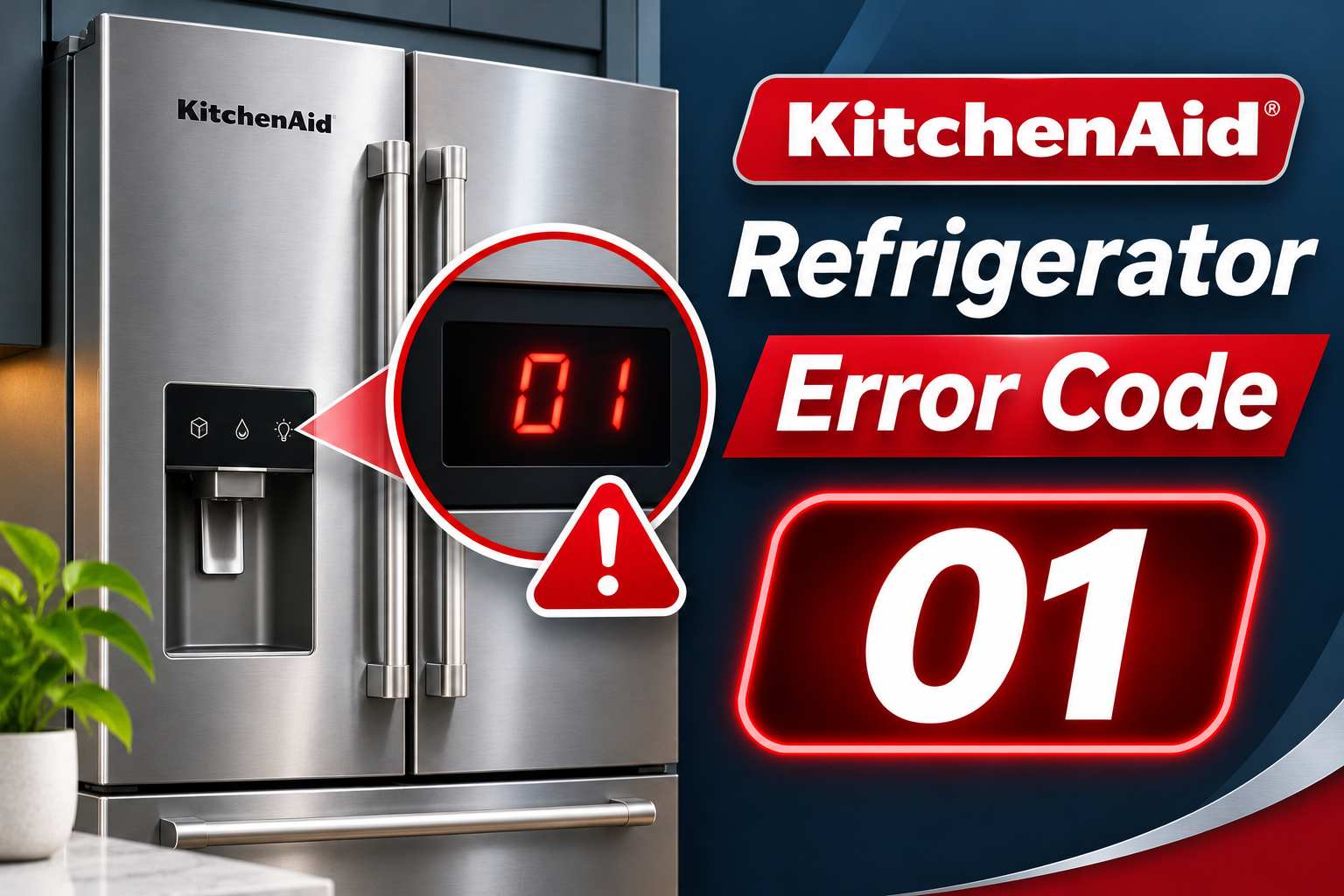
What Does KitchenAid Refrigerator Error Code 01 Mean?
KitchenAid refrigerator error code 01 usually relates to the refrigerator’s service diagnostic mode. This mode allows technicians to test components such as temperature sensors, fans, and electronic controls.
When the refrigerator enters diagnostic mode, the display may show “01” instead of the usual temperature setting. Some control buttons may also behave differently until you exit the mode.
However, the meaning depends on your refrigerator model. On certain KitchenAid models, “01” identifies the first diagnostic test. On others, it indicates that a temperature sensor has passed a diagnostic check.
Therefore, seeing “01” doesn’t automatically mean something is broken. If your refrigerator is cooling normally, you may simply need to exit diagnostic mode. However, if the display keeps returning or the appliance isn’t cooling, further troubleshooting is necessary.
KitchenAid Refrigerator Error Code 01: Common Causes
Several conditions can cause your KitchenAid refrigerator to display “01.” Some are related to normal diagnostic functions, while others may involve control problems.
1. Accidental Activation of Diagnostic Mode
KitchenAid refrigerators have a service diagnostic mode that can be activated by pressing specific control buttons together.
On some models, holding two designated buttons for approximately three seconds opens the diagnostic menu. The display may then show “01” to indicate the first test.
This can happen accidentally when you’re adjusting settings or cleaning the control panel.
If the refrigerator was working normally before the number appeared, accidental activation is a likely explanation. You may only need to exit diagnostic mode to restore the normal display.
2. An Unfinished Diagnostic Test
Your refrigerator may continue displaying “01” if someone started a diagnostic test without completing or exiting it.
Service diagnostics allow technicians to check individual components. While this mode is active, the display shows test information rather than normal operating temperatures.
For example, if the refrigerator recently underwent repairs, the technician may have left the diagnostic menu open.
You might notice that the temperature settings are missing or certain control buttons aren’t responding as expected. These symptoms can indicate that the refrigerator is still in diagnostic mode.
3. A Normal Temperature Sensor Reading
KitchenAid refrigerators use temperature sensors called thermistors to monitor temperatures inside the appliance.
These sensors send information to the electronic control board, allowing it to regulate cooling.
On certain KitchenAid models, a diagnostic test may display the following results.
- 01: The temperature sensor passed the test.
- 02: The sensor circuit appears open.
- 03: The sensor circuit appears shorted.
These readings aren’t universal across all KitchenAid models.
If “01” appears as the result of a thermistor test, it may indicate that the sensor is functioning within its expected electrical range.
However, passing a sensor test doesn’t guarantee that the entire cooling system is working properly.
4. Electronic Control Problems
Occasionally, the “01” display may appear alongside problems involving the refrigerator’s electronic controls.
The control board manages functions such as temperature regulation, fan operation, and communication with the display panel.
If the control panel becomes unresponsive, repeatedly enters diagnostic mode, or shows unusual readings, the user interface or its related controls may require inspection.
However, “01” alone doesn’t confirm a faulty control board. You should first rule out normal diagnostic operation before considering repairs.
KitchenAid Refrigerator Error Code 01: How to Fix
Fixing the “01” display often involves exiting diagnostic mode and confirming that your refrigerator is cooling properly. Start with the simplest checks before considering professional repairs.
1. Identify Your KitchenAid Refrigerator Model
Before attempting a fix, locate your refrigerator’s model number.
KitchenAid uses different diagnostic procedures across its refrigerator models. A button combination that works on one appliance may not work on another.
The model number is usually printed on a label inside the refrigerator compartment. Depending on the design, you may find it on an interior side wall.
Once you locate the number, consult the appropriate KitchenAid owner’s manual or technical documentation.
Check whether “01” represents a diagnostic test number, a test result, or another display message.
This helps you choose the correct solution without accidentally activating additional functions.
2. Exit Service Diagnostic Mode
If your refrigerator is displaying “01” because diagnostic mode is active, exiting that mode may immediately restore normal operation.
Some KitchenAid models use two designated buttons, identified as SW1 and SW2 in their technical documentation.
For models that support this procedure, follow these steps.
- Identify the SW1 and SW2 buttons using your model’s instructions.
- Press both buttons simultaneously.
- Hold them for approximately three seconds.
- Release the buttons.
- Check whether the normal temperature display returns.
Other KitchenAid refrigerators use different combinations, such as the Freezer and Options buttons.
Only use the button combination specified for your model. Randomly pressing control buttons can activate other diagnostic tests or change settings.
If the refrigerator exits diagnostic mode successfully, confirm that its temperature controls respond normally.
3. Allow Diagnostic Mode to Close Automatically
Some KitchenAid refrigerators automatically exit service diagnostic mode after approximately 20 minutes without further input.
If you’re unsure which buttons to press, allowing this timeout may be the simplest option.
Leave the control panel untouched and wait for the diagnostic menu to close. Avoid pressing additional buttons because doing so may restart the inactivity timer or change the selected test.
Afterward, check whether the regular temperature settings have returned.
If the display returns to normal and the refrigerator is cooling correctly, further action may be unnecessary.
However, if “01” remains visible beyond the documented timeout or repeatedly reappears, continue troubleshooting.
4. Reset the Refrigerator
A power reset may help if the control panel remains unresponsive or the diagnostic display doesn’t disappear.
Restarting the refrigerator allows its electronic controls to initialize again and may resolve a temporary control issue.
To perform a basic power reset, follow these steps.
- Unplug the refrigerator from an accessible electrical outlet or switch off its dedicated circuit breaker.
- Leave the appliance disconnected for at least one minute, unless your model’s instructions specify otherwise.
- Restore power.
- Check whether the control panel displays normal temperature settings.
- Confirm that cooling is enabled.
The compressor may take a few minutes to restart because some refrigerators have a protective delay.
Avoid handling damaged electrical outlets or reaching behind the appliance if access is unsafe.
If “01” returns after the reset, don’t keep restarting the refrigerator repeatedly. The cause may require further investigation.
5. Check the Cooling Settings
Once the normal display returns, confirm that your refrigerator is set to cool.
Some KitchenAid refrigerators have a Showroom or Cooling Off mode. These settings allow the display and interior lights to work while cooling remains disabled.
Check the control panel for messages such as “Showroom,” “Demo,” or “Cooling Off.”
If one of these modes is active, follow your model’s instructions to turn cooling back on.
Also, verify the temperature settings. Many KitchenAid refrigerators use the following recommended factory settings.
- Refrigerator: 37°F
- Freezer: 0°F
Allow approximately 24 hours after changing the temperature settings to evaluate the results.
If the refrigerator still doesn’t cool properly, another issue may be affecting its operation.
6. Inspect Basic Cooling Conditions
Even after clearing the “01” display, your refrigerator may continue experiencing temperature problems.
Start by checking whether anything is preventing proper airflow or allowing warm air into the compartments.
Examine the following areas.
- Air vents: Make sure food containers aren’t blocking the openings that circulate cold air.
- Door seals: Check for dirt, damage, or gaps that prevent the doors from closing tightly.
- Door alignment: Confirm that shelves and containers aren’t obstructing the doors.
- Exterior ventilation: Keep the refrigerator’s ventilation openings clear.
- Temperature: Use an appliance thermometer to check the actual compartment temperatures.
For food safety, your refrigerator should remain at 40°F or below, while the freezer should stay around 0°F.
If the refrigerator isn’t maintaining safe temperatures, move perishable food to another working refrigerator when possible.
Refrigerated perishable food that has remained above 40°F for more than two hours generally needs to be discarded.
These checks won’t necessarily remove the “01” display, but they can help identify a separate cooling problem.
7. Contact a Qualified Appliance Technician
If the “01” display keeps returning, the control panel remains unresponsive, or the refrigerator isn’t cooling, contact a qualified appliance repair technician.
A technician can inspect the electronic controls, temperature sensors, wiring, and cooling components to identify the actual problem.
Depending on the symptoms, professional testing may reveal a faulty user interface, damaged sensor circuit, or another malfunction.
Avoid replacing expensive components simply because “01” appears. The number often represents normal diagnostic information rather than a confirmed failure.
Before arranging repairs, record your refrigerator’s model number and describe any unusual sounds, temperature changes, or display problems.
This information can help the technician identify the fault more efficiently.
Wrap-Up
KitchenAid refrigerator error code 01 doesn’t always indicate a malfunction. On many models, it simply means the appliance has entered diagnostic mode or completed a test successfully.
Start by checking your model’s instructions, exiting diagnostic mode, and confirming that the refrigerator is cooling normally. A simple reset may also help if the controls remain unresponsive.
However, if the number repeatedly returns or the refrigerator cannot maintain safe temperatures, professional inspection is the best option. Identifying the actual cause will help you avoid unnecessary repairs and restore reliable cooling.