The F2E0 error on your KitchenAid wall oven can be frustrating, especially when the control panel stops responding or the oven refuses to start cooking. You might notice that some buttons don’t work, the display suddenly shows an error, or the oven becomes unresponsive.
This code usually indicates a problem with the keypad connection or electronic control system. Fortunately, a simple reset may resolve a temporary fault, although damaged wiring or defective components can require professional repairs.
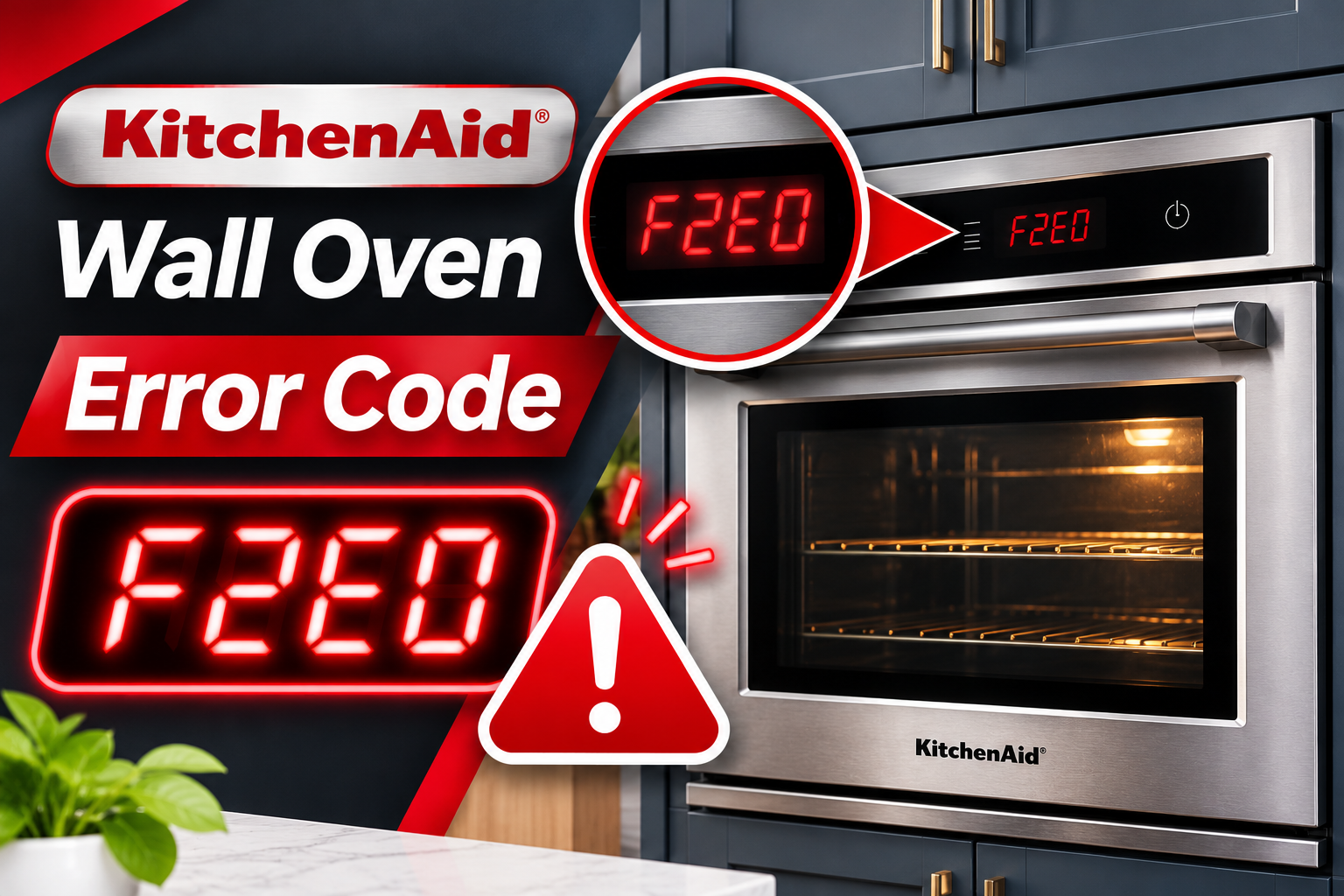
What Does Error Code F2E0 Mean on a KitchenAid Wall Oven?
KitchenAid wall oven error code F2E0 indicates that the electronic control system has lost its connection with the keypad. Some KitchenAid service manuals describe this condition as “Keypad Disconnected,” meaning the main control can no longer detect the keypad properly.
Your wall oven uses a control panel to receive cooking instructions. Whenever you select a temperature, choose a cooking mode, or press Start, the keypad sends information to the electronic control board. The board processes these instructions and controls the appropriate oven functions.
The keypad and control board communicate through electrical connectors and cables. If these connections become loose, damaged, or interrupted, the control system may display F2E0. On certain models, the code can appear within 60 seconds of the keypad becoming disconnected.
You might notice unresponsive buttons, interrupted cooking functions, or an error that returns after restarting the oven. However, F2E0 doesn’t automatically mean the keypad itself is defective. A disconnected cable, damaged connector, or control board problem can produce the same error. The exact components and repair procedures depend on your oven model.
KitchenAid Wall Oven Error F2E0 [FIXED]: Common Causes
Several problems can interrupt communication between your KitchenAid wall oven’s keypad and electronic control board. The following are four causes worth investigating when F2E0 appears.
1. Loose or Disconnected Keypad Cable
A loose keypad cable is one of the first problems to consider when troubleshooting F2E0. The keypad uses an electrical connection to communicate with the oven’s main control board. If this connection becomes loose or disconnected, the board may stop detecting the keypad.
This can happen when a connector isn’t fully seated, particularly after the appliance has been serviced. A damaged locking tab may also prevent the connector from staying securely attached.
You might notice that the error appeared after a control panel repair or another service involving the oven’s internal components. Sometimes the code appears intermittently before becoming persistent.
However, a loose connection cannot be confirmed by the error alone. The connector must be inspected to determine whether it is properly seated and undamaged.
2. Damaged Keypad Ribbon Cable or Connector
The keypad cable carries electrical signals between the control panel and the electronic control board. Depending on the model, this may be a flat ribbon cable or another type of wiring connection.
If the cable becomes torn, pinched, or damaged, the signals may no longer reach the control board correctly. A cracked connector or bent terminal can produce a similar communication failure.
Damage may occur during previous servicing, incorrect installation, or physical stress around the control panel. Internal deterioration can also affect electrical connections over time.
You might find that the oven sometimes responds to button presses before displaying F2E0. However, a completely failed cable may prevent the control board from recognizing the keypad at all.
KitchenAid’s service documentation for certain wall ovens specifically identifies the keypad cable and connector as components that should be checked before replacing the main control board.
3. Faulty Keypad or User Interface
The keypad is responsible for detecting your button presses and sending the corresponding signals to the oven’s electronic control system.
On some models, it consists of a membrane keypad with electrical contacts beneath the buttons. Other designs use a touch-sensitive user interface with different internal components.
If the keypad’s circuitry becomes defective, the control board may lose communication with it. Internal electrical damage, deterioration, or moisture entering the control area can contribute to keypad problems.
You might notice that certain buttons stop responding, the display behaves unusually, or F2E0 appears repeatedly. Sometimes the keypad fails completely, leaving the oven unable to accept cooking instructions.
However, unresponsive buttons can also result from the control lock feature, depending on the model. A locked control panel normally displays a lock indication rather than F2E0, so the two conditions should be distinguished.
A technician can determine whether the keypad itself has failed or whether the problem lies in its cable or electronic control board.
4. Faulty Electronic Control Board
The electronic control board manages the oven’s cooking functions and interprets information received from the keypad.
If the board develops a fault in the circuitry responsible for keypad communication, it may no longer recognize the control panel. As a result, the oven can display F2E0 even when the keypad and connecting cable are functioning correctly.
Control boards contain sensitive electronic components that can fail because of electrical damage, moisture exposure, or internal deterioration.
A possible clue is an F2E0 error that returns immediately after restoring power, particularly when the keypad connections have already been checked.
However, this symptom doesn’t confirm that the board needs replacement. KitchenAid’s service procedures for certain models recommend checking the keypad cable and keypad before replacing the main control.
Replacing the control board without identifying the actual problem may lead to unnecessary repair expenses.
KitchenAid Wall Oven Error F2E0 [FIXED]: How to Fix
The correct solution depends on whether the fault involves a temporary electronic problem, damaged keypad connection, or defective component. Start with simple checks before considering repairs inside the appliance.
1. Reset Your KitchenAid Wall Oven
Resetting the oven is the first troubleshooting step recommended by KitchenAid for error code F2E0.
A power reset allows the electronic control system to restart and attempt to recognize the keypad again. If the error resulted from a temporary communication problem, normal operation may return.
Follow these steps.
- Cancel any active cooking function if the controls are responding.
- Locate the circuit breaker supplying electricity to your KitchenAid wall oven.
- Turn off the appropriate circuit breaker or breakers.
- Leave the power disconnected for one full minute.
- Restore electricity by switching the breaker or breakers back on.
- Watch the display for at least one minute to see whether F2E0 returns.
If the error disappears, check whether the control panel responds normally. You can then verify oven operation according to your owner’s manual, provided there are no signs of electrical damage or overheating.
However, if F2E0 returns, the keypad connection or another electronic component may still be faulty.
Avoid repeatedly resetting the appliance. A power reset cannot repair a damaged ribbon cable, broken connector, or defective control board.
2. Check the Control Panel for Visible Problems
Before arranging internal repairs, examine the accessible control panel for anything that may interfere with normal button operation.
Make sure the oven is switched off and completely cool. Look for visible cracks, damaged buttons, moisture around the control panel, or other signs of physical damage.
If your oven uses a traditional keypad, check whether food residue or debris has collected around the buttons. Clean the exterior gently using the method recommended in your owner’s manual.
Avoid spraying cleaning products directly onto the control panel. Excess liquid can enter openings and potentially damage sensitive electronic components.
If the panel is wet, leave the oven switched off until the exterior has dried completely. Don’t attempt to dry internal components using a hair dryer or another heating device.
You should also check whether the control lock feature is enabled. On some KitchenAid wall ovens, this feature disables the buttons to prevent unintended operation.
Follow your model’s instructions to release the control lock if a lock indication is displayed. However, control lock is a separate condition and isn’t a confirmed cause of F2E0.
If the control panel appears normal but F2E0 continues appearing, the problem likely requires internal electrical diagnosis.
3. Confirm the Error Code and Oven Model
Before replacing any component, identify your KitchenAid wall oven’s exact model number.
This is important because KitchenAid uses different control panel designs, keypad assemblies, and electronic boards across its wall oven models.
On many wall ovens, the model and serial number label can be found around the oven frame when the door is open. Check your owner’s manual for the exact location.
Record the complete model number, including its final letters and numbers.
Next, consult the technical information for your specific model. Confirm that F2E0 refers to a disconnected keypad or related communication fault.
Also, note when the error appears. For example, an error that develops shortly after a control panel replacement may suggest a connection problem. An error appearing without previous repairs could involve the cable, keypad, or control board.
This information can help a technician select the correct tests and replacement components.
4. Have the Keypad Cable and Connectors Inspected
If F2E0 returns after resetting the oven, the keypad connection should be inspected by a qualified appliance technician.
KitchenAid’s technical documentation for certain wall ovens identifies the connector between the keypad and main control board as an important diagnostic point.
On some models, this connection is labeled P12. Other designs use different connectors, so the correct wiring diagram must be used.
A technician can disconnect power to the appliance and examine the keypad cable and its connections.
The inspection should focus on several possible problems.
- A loose or disconnected keypad connector.
- Cracked or damaged connector locking tabs.
- Bent, corroded, or damaged terminals.
- Torn or pinched keypad cables.
- Visible damage to the corresponding control board connector.
If a connector is simply loose and remains in good condition, properly reconnecting it may restore communication.
The technician should then reinstall all protective panels before restoring power and checking whether F2E0 returns.
Certain KitchenAid service procedures specify allowing 60 seconds after restoring power for the control board to recognize the keypad.
If the oven operates normally afterward, the loose connection may have been responsible. However, if the error returns, the cable or another component may be damaged.
5. Replace a Damaged Keypad Cable or Faulty Keypad
When the keypad connection is secure but F2E0 continues appearing, the technician may need to examine the keypad cable and keypad assembly more closely.
A damaged cable can interrupt communication even when both ends appear connected properly. For example, an internal break or damaged terminal may prevent electrical signals from reaching the main control.
Certain KitchenAid service instructions recommend considering replacement of the keypad cable before replacing the keypad or main control board.
If testing confirms that the cable is damaged, the technician should install the correct replacement for your oven model.
However, if the cable and connectors are functioning correctly, the keypad itself may be defective.
Depending on the oven design, the keypad may be available as a separate component or incorporated into a larger user interface assembly.
A technician can determine which part requires replacement using the manufacturer’s service information and the results of the diagnostic checks.
It’s important to use compatible replacement components. Keypads from different KitchenAid models may look similar but use different electrical connections or control arrangements.
Once the faulty component has been replaced, all panels should be reinstalled before electricity is restored.
The technician should then verify that the oven recognizes the keypad, accepts button presses, and operates without displaying F2E0.
If the error disappears and the oven passes the required tests, replacing the main control board may be unnecessary.
6. Have the Electronic Control Board Tested and Replaced if Necessary
If the keypad cable, connectors, and keypad have been checked but F2E0 persists, the electronic control board may be responsible.
The control board receives information from the keypad and uses it to operate the oven. If the communication circuitry inside the board fails, replacing the keypad alone won’t resolve the problem.
A qualified technician should use the service procedures for your exact model to determine whether the control board is functioning correctly.
This may involve checking the board’s electrical supply, relevant connections, and communication circuits. The technician should also examine the board for visible signs of damage.
If the appropriate tests confirm a defective main control, replacement may be necessary.
However, the replacement process depends on the appliance design. Some models have separate keypad and control board assemblies, while others use different electronic control arrangements.
The technician should verify the replacement part number before installation and follow any required configuration procedures.
Once the new control board is installed, the oven should be tested to confirm that the keypad communicates correctly and all cooking controls respond as expected.
The technician may also need to access the oven’s diagnostic system to review or clear stored fault codes.
Control board replacement should be considered only after the other likely causes have been checked. A new board cannot correct a damaged keypad cable or loose connection.
7. Contact a Qualified KitchenAid Appliance Technician
If the F2E0 error continues after a power reset and basic external checks, professional service is recommended.
A qualified appliance technician can inspect the keypad connections, identify damaged wiring, and determine whether the keypad or electronic control board needs replacement.
This is particularly important if the control panel becomes completely unresponsive, the error appears immediately after restoring power, or previous repairs haven’t resolved the problem.
Avoid removing the oven’s control panel yourself. Wall ovens contain high-voltage electrical connections, and some internal components can remain hazardous even when the appliance isn’t operating.
Before arranging service, gather the oven’s model and serial numbers. Note when F2E0 appears, which buttons respond, and whether resetting the appliance changes its behavior.
This information can help the technician identify the fault and choose the correct repair.
If your oven is still covered by a warranty or service agreement, check the coverage before paying for replacement components.
Wrap-Up
KitchenAid wall oven error F2E0 usually means the electronic control system can no longer communicate properly with the keypad. A loose connection, damaged ribbon cable, faulty keypad, or defective control board may be responsible.
Start by performing the recommended one-minute power reset and checking the visible control panel for damage. If the error returns, the internal connections and electronic components need professional testing.
Identifying the actual cause before replacing parts can prevent unnecessary expenses and help restore reliable operation to your KitchenAid wall oven.