KitchenAid dishwasher error code 2-1 can appear when the control panel develops a problem. You may notice that certain buttons stop responding, the dishwasher refuses to start, or the control lights behave strangely. Sometimes, the error appears even though the machine was working normally before.
This warning usually indicates a stuck button or a problem with the control panel. Fortunately, simple checks such as cleaning the buttons or resetting the dishwasher may help. However, persistent faults can require professional repairs.
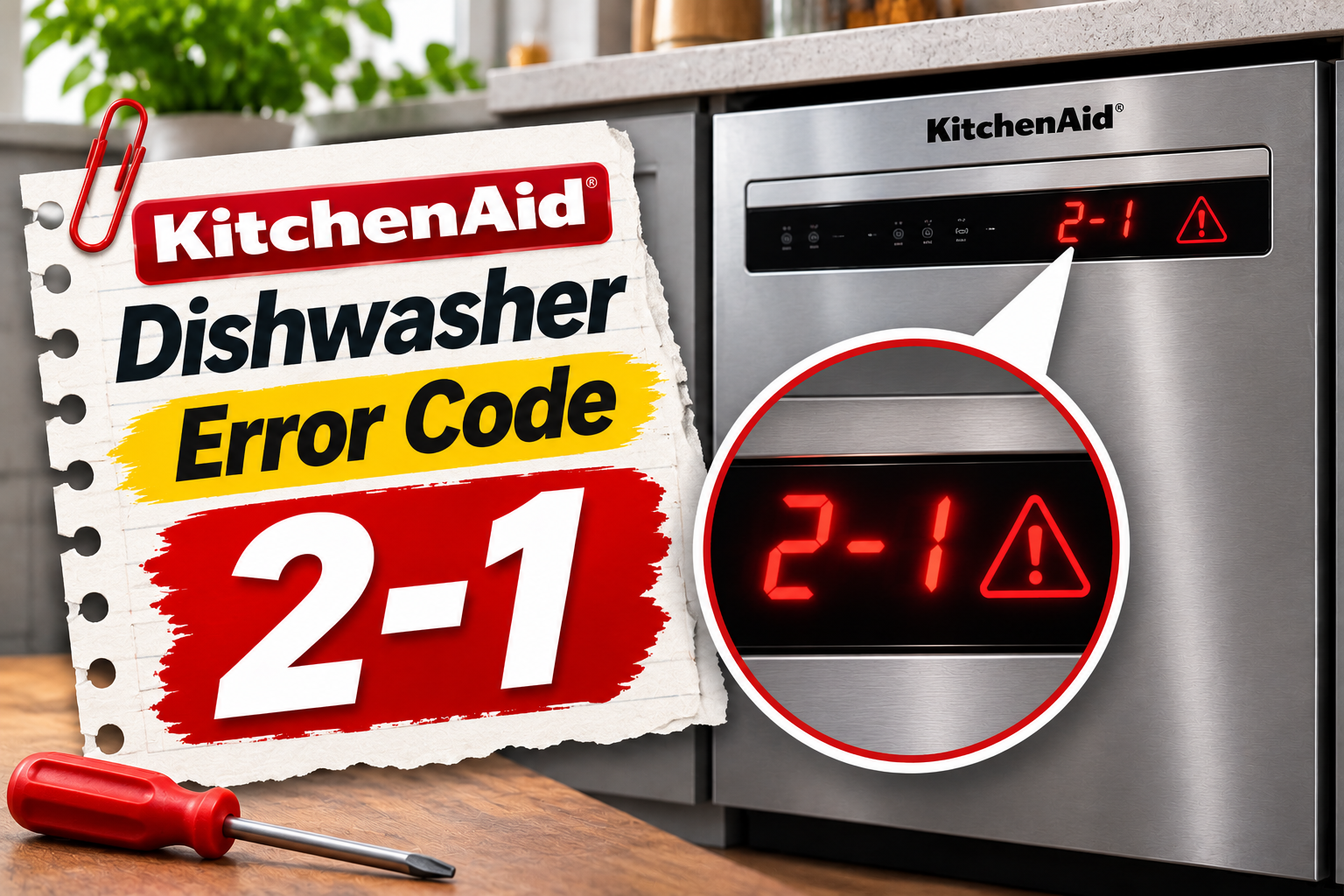
What Does KitchenAid Dishwasher Error Code 2-1 Mean?
KitchenAid dishwasher error code 2-1 indicates a stuck button or control panel fault. On compatible models, the warning may also appear as F2E1 or through a flashing indicator light sequence.
The dishwasher’s control panel allows you to select wash cycles, adjust settings, and start or stop the machine. Each button sends an electrical signal to the electronic control system, which processes the command.
When a button becomes stuck or its electrical circuit malfunctions, the dishwasher may interpret the signal as a continuous button press. This can trigger error code 2-1 and interfere with normal operation.
Common symptoms include buttons that don’t respond, unexpected beeping, flashing control lights, or difficulty starting a wash cycle. On some older models, the dishwasher records the error in its service history without displaying an obvious warning.
Although the code identifies a problem involving the user interface, it doesn’t confirm that the entire control panel needs replacement. Dirt, moisture, damaged connections, and internal electronic faults can produce similar symptoms.
KitchenAid Dishwasher Error Code 2-1: Common Causes
Several problems can trigger error code 2-1 on a KitchenAid dishwasher. The most likely causes involve the control buttons, moisture around the panel, and electrical faults affecting the user interface.
1. Stuck or Jammed Control Button
A stuck button is one of the main causes of KitchenAid dishwasher error code 2-1.
Your dishwasher expects each control button to return to its normal position after you press it. If a button remains pressed, the control system may continue receiving the same command and eventually register a fault.
This can happen when dirt, dried food residue, or other debris collects around the buttons. Physical wear may also affect how smoothly a mechanical button moves.
You might notice that one button feels unusually stiff or doesn’t return after being pressed. In some cases, the button appears normal but fails to respond when you try selecting a wash cycle.
However, some KitchenAid dishwashers use touch-sensitive controls without moving buttons. On these models, a problem with the touch sensor can produce the same error even when nothing appears physically stuck.
2. Moisture or Dirt on the Control Panel
Moisture can interfere with the operation of touch-sensitive dishwasher controls.
During normal use, water droplets may reach the panel when you open the dishwasher or wipe down the surrounding countertop. On models with controls along the upper door edge, condensation can also collect near the buttons.
If moisture covers the touch-sensitive area, the control system may interpret it as an unintended button press.
Grease, detergent residue, and accumulated dirt can create similar problems. You may notice unexpected beeping or buttons responding without being deliberately pressed.
If the warning appears after cleaning the dishwasher or opening it during a hot cycle, moisture around the panel is worth checking.
KitchenAid’s technical instructions specifically identify moisture and debris on capacitive touch controls as possible contributors to stuck key errors.
3. Damaged Keypad or Touch Panel
The keypad contains the components that detect your button presses and send the appropriate commands to the dishwasher.
Depending on the model, it may use conventional mechanical switches or a touch-sensitive electronic surface.
Over time, the keypad can develop faults that prevent the controls from responding correctly. Internal wear, damaged electrical contacts, or deterioration of the touch-sensitive surface may cause the dishwasher to register unintended inputs.
On some KitchenAid models, the adhesive holding the touch keypad assembly to the console can loosen. This may affect the keypad’s position and operation.
One possible clue is a button that consistently fails even after the panel has been cleaned and dried.
Another sign is an error that returns shortly after resetting the dishwasher.
However, a defective keypad cannot be confirmed from these symptoms alone. Damaged wiring or a faulty electronic control board can produce similar problems.
4. Loose or Damaged Keypad Connections
The control panel connects to the dishwasher’s electronic control board through electrical wiring and connectors.
These connections carry signals from the keypad to the main control system. If a wire becomes damaged or a connector loosens, the signals may become unreliable.
Vibration, moisture exposure, and previous repairs can contribute to connection problems. Connector pins may also become bent or corroded, affecting communication between components.
You might notice that certain buttons work intermittently or that the control panel behaves differently during separate wash cycles.
However, intermittent operation doesn’t prove that the wiring is responsible. Identifying a faulty connection requires inspection and testing of internal electrical components.
5. Faulty Electronic Control Board
The electronic control board manages the dishwasher’s functions, including the commands received from the user interface.
When you press a button, the control system interprets the signal and activates the requested operation.
If the circuit responsible for reading keypad signals develops a fault, the dishwasher may incorrectly detect a stuck button.
A defective board can also cause unresponsive controls or unusual indicator light behavior.
However, control board failure is generally considered after checking the keypad and its electrical connections.
Replacing the board without confirming the fault may result in unnecessary repair costs, particularly when the actual problem involves a damaged touch panel.
KitchenAid Dishwasher Error Code 2-1: How to Fix
The best way to resolve error code 2-1 is to begin with simple control panel checks. KitchenAid recommends resetting the dishwasher’s power first, while cleaning and checking the accessible buttons may help identify the cause.
1. Check the Control Buttons
Start by examining your dishwasher’s control panel for buttons that appear stuck or damaged.
If your model has physical push buttons, gently press each one and observe how it responds. The buttons should move normally and return to their original positions without sticking.
Pay particular attention to buttons that feel different from the others.
For touch-sensitive models, check the control surface for moisture, dirt, or anything pressing against it. Don’t apply excessive pressure because these controls are designed to respond to light contact.
If the dishwasher still responds to commands, check whether the affected buttons register normally.
For example, selecting different wash cycles should cause the appropriate indicator lights to respond. A button that consistently fails may indicate a problem with the keypad.
However, don’t continue pressing a visibly damaged button or attempt to force it into position.
If the control panel appears physically damaged, professional inspection may be necessary.
2. Reset the Dishwasher
Resetting the dishwasher is KitchenAid’s recommended first troubleshooting procedure for error code F2E1.
A temporary electronic fault can sometimes interfere with the control system. Disconnecting power allows the electronic controls to restart and may clear the warning.
Follow these steps:
- Stop the current cycle if the dishwasher responds.
- Disconnect the dishwasher from its electrical supply.
- If the appliance has an accessible plug, unplug it.
- If it’s permanently wired, switch off its circuit breaker.
- Leave the power disconnected for at least 30 seconds.
- Restore power and check the control panel.
After restarting, observe whether the buttons respond normally.
If the warning disappears, try selecting a wash cycle to confirm that the control panel is functioning.
However, resetting the dishwasher won’t repair a broken button, defective keypad, or damaged electronic component.
If error code 2-1 returns, the underlying problem may still be present.
3. Clean and Dry the Control Panel
Dirt and moisture around the buttons can interfere with normal operation, especially on models with touch-sensitive controls.
Cleaning the accessible control surface may help remove residue that causes unwanted button inputs.
Before cleaning, disconnect the dishwasher’s electrical power.
Then follow these steps:
- Use a soft cloth slightly dampened with water.
- Gently wipe the control panel and surrounding surfaces.
- Remove visible grease, dirt, and detergent residue.
- Carefully clean around accessible physical buttons.
- Dry the panel thoroughly with a soft cloth.
- Make sure the surface is completely dry before restoring power.
Avoid spraying water or cleaning products directly onto the controls.
Also, don’t use sharp objects, abrasive pads, or excessive force to remove dirt around the buttons.
If the panel has recently been exposed to steam or water, allow any surface moisture to dry completely.
Once the area is clean and dry, restore power and check whether the buttons operate normally.
If water has entered the electrical housing, don’t reconnect the dishwasher. Internal moisture can damage electronic components and create electrical hazards.
4. Check for Control Lock Activation
Some KitchenAid dishwashers have a Control Lock feature that prevents accidental button presses.
When this feature is active, certain controls won’t respond normally. This behavior can resemble a stuck keypad problem, although Control Lock itself doesn’t mean the dishwasher has developed error code 2-1.
Check whether the Control Lock indicator is illuminated.
If it is, follow your model’s instructions to disable the feature. On certain models, this involves pressing and holding the designated Control Lock button for several seconds.
The required button and holding time vary between models.
After disabling Control Lock, test the controls again.
If the buttons respond normally and no error remains, the appliance may have been locked rather than experiencing a hardware failure.
However, if F2E1 continues to appear, the problem is likely related to the keypad or its electrical circuit.
5. Check for Objects Pressing Against the Controls
On certain KitchenAid models, objects near the touch-sensitive control panel can interfere with button operation.
This is particularly relevant to dishwashers with controls positioned along the upper edge of the door.
For example, an object resting against the panel may continuously activate a touch sensor.
Check whether dishcloths, utensils, or other items are touching the controls.
Remove any objects covering the buttons and make sure the surface is clean and dry.
Also, check whether the dishwasher door closes normally without rubbing against nearby cabinet surfaces.
On some older models, KitchenAid’s service instructions identify incorrectly positioned countertop mounting hardware as a possible source of interference with touch-sensitive controls.
If the error began shortly after installation or cabinet repairs, this detail may be relevant.
However, don’t loosen the dishwasher’s mounting screws or alter its installation without understanding the manufacturer’s requirements.
A qualified installer can check whether the appliance is securely mounted and whether any hardware is interfering with the keypad.
Once you’ve removed an obvious obstruction, test the dishwasher again to see whether the controls respond correctly.
6. Contact a Qualified Appliance Technician
If error code 2-1 continues after the basic troubleshooting steps, the dishwasher may need professional diagnosis.
A qualified technician can inspect the keypad, electrical connectors, and main control board to identify the faulty component.
The technician may test whether the control system continues detecting stuck buttons when the keypad is electrically isolated using the manufacturer’s service procedure.
This helps distinguish a defective keypad from a problem with the electronic control system.
Depending on the findings, repairs may involve replacing the keypad assembly, correcting damaged connections, or installing a replacement control board.
Some KitchenAid models require replacement of the complete control panel assembly rather than an individual button.
Avoid opening the dishwasher door housing or disconnecting internal wiring yourself. These components involve electrical hazards, and incorrect repairs can damage the controls.
You can contact KitchenAid customer support at 1-800-422-1230 in the United States.
Before requesting service, have your dishwasher’s model number, the exact error code, and details of the symptoms available.
Wrapping Up
KitchenAid dishwasher error code 2-1 usually indicates a stuck button or a problem with the control panel. Dirt, moisture, damaged keypad components, and electrical connection faults are possible causes.
Start by checking the buttons, cleaning the control surface, and resetting the dishwasher for 30 seconds. These simple steps may resolve temporary problems without replacing parts.
However, if the error returns or several buttons remain unresponsive, professional diagnosis is the safest option. Identifying the faulty component correctly can help restore normal operation while avoiding unnecessary repairs.