Although this warning can indicate a problem with the appliance’s temperature monitoring system, several faults may be responsible. Understanding what triggers the error and how to respond safely can help you determine whether a simple check or professional repair is necessary.
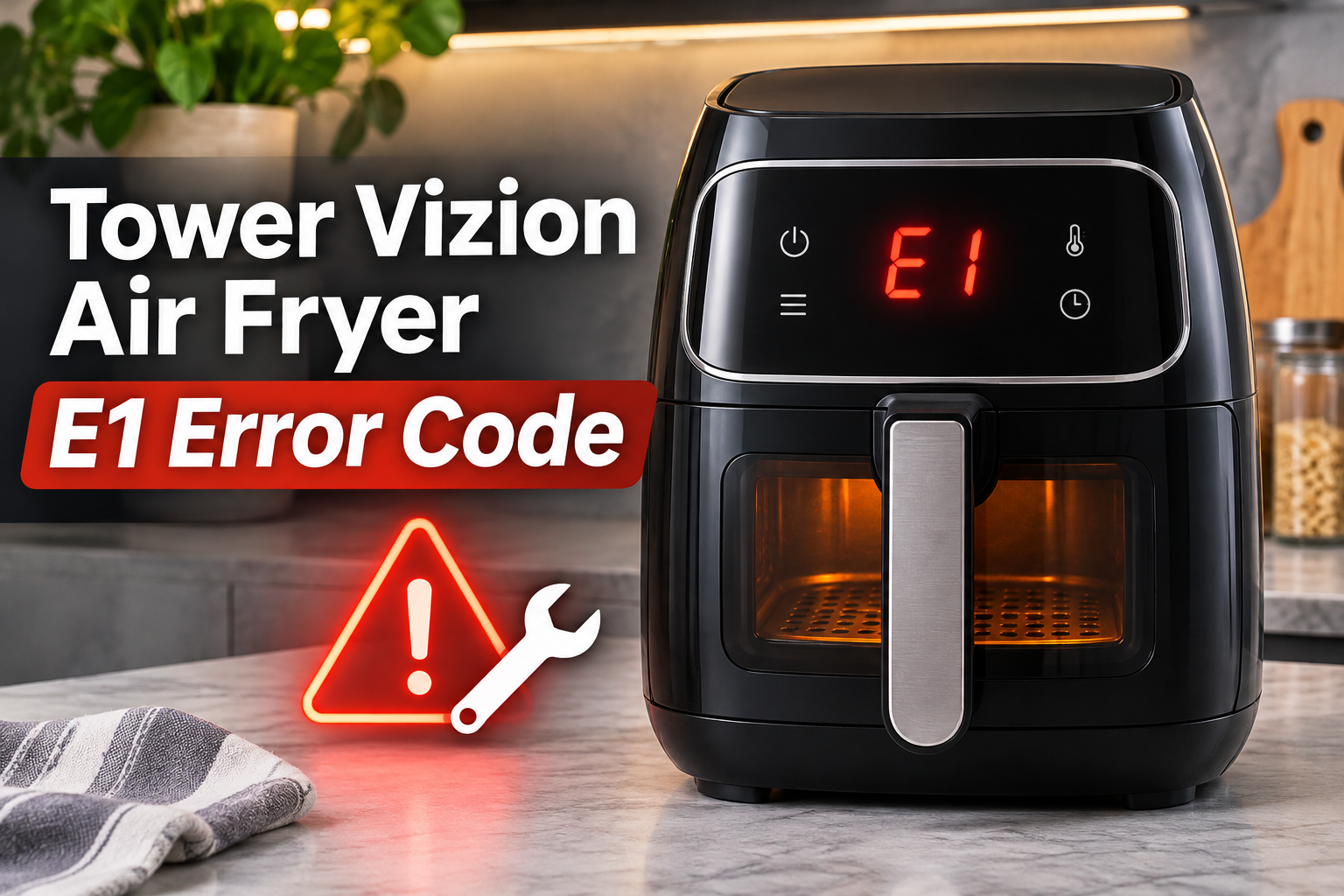
What Does the E1 Error Code Mean on a Tower Vizion Air Fryer?
The E1 error code on a Tower Vizion air fryer indicates a possible internal malfunction, which may involve the temperature sensor or its electrical circuit. However, its exact meaning can vary depending on the model. Tower’s T17137 instruction manual groups error codes E1 through E13 under possible appliance malfunctions and recommends unplugging the appliance immediately and contacting customer support.
Your air fryer uses a heating element and fan to circulate hot air around food. A temperature sensor helps the electronic control system monitor the cooking temperature and regulate the heating element. If the sensor stops supplying reliable information, the appliance may interrupt operation because it cannot accurately control the temperature.
You might notice the E1 code appearing immediately after switching on your air fryer. In other cases, the warning may appear during cooking, accompanied by an unexpected shutdown or a failure to heat. These symptoms provide useful clues, although they cannot identify the faulty component without further diagnosis.
It’s also worth distinguishing E1 from ordinary operating problems. For instance, some Tower Vizion models have a basket safety switch that prevents operation when the drawer isn’t properly inserted. This can stop the cooking process without indicating a temperature sensor fault. Therefore, your exact model number and the circumstances surrounding the warning are important when determining the cause.
Tower Vizion Air Fryer E1 Error Code: Likely Causes
Several electrical and mechanical problems can interfere with your Tower Vizion air fryer’s ability to monitor cooking temperatures. The following causes are worth considering, although identifying the exact fault may require testing by a qualified technician.
1. A Faulty Temperature Sensor
A defective temperature sensor is one possible explanation for the E1 error code. In electronically controlled air fryers, a failed sensor can prevent the control board from receiving the temperature information it needs to regulate the heating element.
Many electronic air fryers use a component called an NTC thermistor to measure temperature. Its electrical resistance changes as the temperature rises or falls. The control board interprets these changes to determine when the heating element should switch on or off.
When the sensor becomes defective, its readings may disappear or fall outside the expected range. Depending on the appliance’s design, the control system may respond by displaying an error and interrupting the heating process.
A temperature sensor can fail because of deterioration, physical damage, or an internal electrical fault. If your air fryer displays E1 immediately after startup, a defective sensor is one possibility. However, damaged wiring can produce similar symptoms, so the error code alone doesn’t confirm that the sensor needs replacing.
2. Loose or Damaged Sensor Wiring
The temperature sensor communicates with the control board through electrical wires and connectors. If one of these connections becomes loose, broken, or damaged, the control board may lose the sensor signal even when the sensor itself is functioning correctly.
Repeated heating and cooling can place stress on internal components over time. Manufacturing defects, physical damage, or deteriorating wire insulation may also affect electrical connections.
An intermittent connection might explain an error that appears at different stages of cooking, particularly if the fault changes as the appliance heats up. For example, the air fryer might initially operate normally before displaying an error during a cooking cycle.
However, an unpredictable error doesn’t automatically mean the wiring is faulty. The temperature sensor and electronic control board can also produce intermittent problems.
Checking these internal connections requires opening the appliance and performing electrical tests. Because this involves potentially hazardous components, sensor wiring diagnosis should be left to a qualified appliance technician.
3. A Faulty Electronic Control Board
Sometimes, the temperature sensor and its wiring are working correctly, but the electronic control board cannot interpret the information it receives.
The control board manages several functions, including the timer, heating element, fan operation, and temperature monitoring system. It contains electronic circuits that process incoming signals and control the appliance’s operation.
If the circuitry responsible for reading the temperature sensor develops a fault, the appliance may report a problem even though the sensor is functioning properly.
Electrical component failure, damaged circuit connections, and manufacturing defects can affect the control board. Depending on the nature of the problem, you might notice unexpected shutdowns, unusual display behavior, or an error that appears immediately after the appliance receives power.
These symptoms can also occur with other electrical problems. Therefore, a technician should establish whether the temperature sensor’s signal is reaching the board correctly before recommending control board replacement.
4. Heat or Moisture Damage to Internal Components
Excessive heat can damage electrical insulation, sensor connections, and electronic components. This may happen if the appliance develops a cooling problem or operates under conditions that restrict proper ventilation.
For example, placing your air fryer too close to surrounding surfaces can obstruct airflow and increase heat buildup. Tower’s operating instructions emphasize keeping ventilation openings clear and providing sufficient space around the appliance.
However, blocked vents don’t automatically cause an E1 code. Heat damage would need to affect a component involved in the reported malfunction.
Moisture entering the electrical housing can also damage connections or electronic parts. This is particularly concerning if the main appliance has been exposed to spilled liquids or improper washing.
If your air fryer displays E1 after water exposure, or you notice unusual electrical smells or signs of overheating, stop using it immediately. The appliance should be examined by a qualified technician before being connected to power again.
Tower Vizion Air Fryer E1 Error Code: How to Fix
The safest approach is to begin with external checks that don’t involve opening the air fryer or touching internal electrical components. However, if your particular Tower manual instructs you to unplug the appliance and contact customer service when E1 appears, follow that instruction rather than attempting repeated restarts.
1. Switch Off the Air Fryer and Allow It to Cool
The first step is to stop using your Tower Vizion air fryer when the E1 error appears. This is especially important if the appliance has become unusually hot, stopped heating unexpectedly, or developed an unfamiliar smell.
Switch off the power, unplug the appliance using dry hands, and leave it on a stable, heat resistant surface. Allow it to cool completely before touching the basket or inspecting its exterior.
Some Tower instructions recommend allowing approximately 30 minutes for cooling before cleaning or handling removable parts. However, an appliance that has become unusually hot may need longer.
While the unit cools, consider when the error appeared. Did the display show E1 immediately after startup, or did the appliance operate for several minutes before stopping? Also, note whether the fan was running normally before the warning appeared.
These observations can help a technician narrow down the possible causes. However, cooling alone won’t repair a defective temperature sensor, damaged wiring, or faulty control board.
2. Try a Power Reset If Your Model Allows It
A temporary problem with the control electronics can sometimes be cleared by disconnecting the power. However, a reset isn’t a confirmed solution for E1 on every Tower Vizion model.
Tower’s general troubleshooting guidance for air fryers that won’t power on describes a reset involving disconnecting the appliance for 10 to 15 minutes. This guidance addresses general power problems rather than establishing a specific repair for E1.
If your model’s instructions permit restarting after an error, allow the appliance to cool completely and remain disconnected for the recommended period. Then reconnect it to a suitable electrical outlet and check whether its normal display returns.
Do not repeatedly restart an air fryer that continues displaying E1. If the code reappears immediately or during operation, unplug the appliance and arrange professional assistance.
Even if the warning disappears after a reset, this doesn’t prove the underlying fault has been resolved. An intermittent temperature sensor or wiring problem may return after the appliance heats up again.
3. Check That the Cooking Basket Is Properly Inserted
Although an incorrectly inserted basket isn’t an established cause of the E1 temperature sensor error, it can prevent some Tower Vizion air fryers from starting. Checking it can help you distinguish a normal safety switch response from a possible electronic malfunction.
Tower’s T17124 manual confirms that the appliance has a cooking basket safety switch. This feature prevents operation when the basket isn’t correctly positioned and stops the unit when the basket is removed during cooking.
Once the appliance has been unplugged and allowed to cool, remove the basket and examine its exterior. Look for food particles, accumulated grease, or an incorrectly positioned crisper plate that might interfere with proper insertion.
Clean any accessible residue using the method recommended in your manual. Then slide the basket back into place until it sits correctly without resistance.
Never force a jammed drawer or attempt to bypass its safety switch.
If the basket was previously loose, this check may resolve a separate startup problem. However, a genuine E1 warning should still be treated according to the manufacturer’s instructions.
4. Check the Power Cord and Electrical Supply
Electrical supply problems can cause air fryers to stop unexpectedly, reset, or behave erratically. Although an unsuitable electrical connection isn’t a confirmed cause of E1 on every Tower Vizion model, checking the external power supply is useful when the display also flickers or the appliance loses power.
Start by examining the unplugged power cord and plug for visible damage. Look for cuts, exposed wires, melted plastic, discoloration, or signs that the plug has become unusually hot.
If any damage is present, stop using the appliance and seek professional assistance. Don’t attempt to repair the cord with electrical tape or continue using a damaged plug.
Next, confirm that the electrical outlet is functioning properly. You can test it using another suitable appliance, provided the outlet shows no signs of damage.
Avoid extension cords and overloaded power strips. Tower generally recommends connecting its air fryers directly to an appropriately rated wall socket.
Also, check the voltage rating printed on your appliance. For example, Tower’s T17124 model is rated for 220 to 240 volts, which differs from standard 120 volt household outlets in the United States. Other models may have different electrical requirements.
If the outlet works correctly and the appliance has a stable power connection, but E1 remains, an internal malfunction becomes a stronger possibility.
5. Clean the Appliance and Check Its Ventilation
Keeping your Tower Vizion air fryer clean and properly ventilated can help prevent excessive heat buildup. While cleaning won’t repair a failed temperature sensor, it may reveal conditions that contributed to heat damage or other operating problems.
Begin by unplugging the appliance and allowing it to cool. Remove the basket and crisper plate, then wash them using warm water, mild dish soap, and a nonabrasive sponge if permitted by your model’s manual.
Dry both parts thoroughly before reinstalling them.
Use a slightly damp cloth to wipe accessible areas of the cooking compartment and the appliance’s exterior. Avoid pouring water into the main unit, spraying cleaning products through ventilation openings, or allowing moisture to reach the electronic controls.
Next, examine the air inlet and outlet openings. Make sure they aren’t covered by food residue, paper, nearby objects, or anything else that could restrict airflow.
Tower’s T17124 instructions specify at least 4 inches (10 cm) of clearance behind the appliance, at its sides, and above it. Check your own manual for the exact clearance requirements.
Your air fryer should also stand on a stable, level, heat resistant countertop, away from curtains and combustible materials.
If you notice grease deposits, clear them using only the cleaning methods permitted by the manufacturer. Never push tools through ventilation openings or dismantle the housing to reach internal components.
If you suspect water has entered the electronics, leave the air fryer unplugged and have it examined. Allowing the exterior to dry doesn’t establish that the internal electrical components are safe.
6. Contact Tower Customer Support or a Qualified Technician
If the E1 error persists, the next step is professional diagnosis. This is especially important when the warning appears immediately after power is connected, returns after a permitted reset, or accompanies unusual heat, smoke, or a burning smell.
A qualified appliance technician can test the temperature sensor, examine the sensor wiring, and assess the electronic control board using appropriate equipment.
These checks help determine whether the problem involves a defective sensor, damaged electrical connection, or failed electronic component.
Depending on the findings and availability of compatible parts, the repair might involve replacing the temperature sensor assembly, repairing damaged wiring, or replacing the control board.
These procedures shouldn’t be attempted by an inexperienced user because the appliance contains electrical components that can present shock and fire hazards.
For official assistance, contact Tower Customer Support or use the customer service telephone number listed in Tower’s manuals, +44 (0) 333 220 6066.
Before contacting support, prepare the following information.
-
Your air fryer’s exact model number, usually printed on its rating label.
-
The error code displayed on the control panel.
-
When the warning appears and whether the appliance stops heating.
-
Details of any safe troubleshooting checks already completed.
-
Your purchase receipt and warranty information, if available.
Tower offers a standard warranty and extended warranty options on eligible products, subject to registration and other conditions. Check the terms applicable to your particular model before paying for repairs.
If your air fryer is relatively new, contacting the retailer or manufacturer may be preferable to arranging an independent repair.
For an older appliance, ask for a repair estimate and compare it with the cost of a suitable replacement. If the control board is badly damaged or compatible replacement parts are unavailable, replacing the appliance may be the more practical option.
Wrap-Up
The E1 error code on your Tower Vizion air fryer deserves attention because it may indicate a problem with the temperature sensor, internal wiring, or electronic control system. Although the exact meaning depends on your model, understanding the likely causes can help you recognize when professional assistance is necessary.
Start by disconnecting the power and checking for visible problems without opening the appliance. Follow your model’s instructions before attempting a restart. If the warning persists, a qualified technician or Tower’s support team can help identify the fault and determine the safest repair option.