Seeing the word “OPEN” on your NuWave air fryer can be confusing, especially when the cooking basket is already inside. The appliance may pause unexpectedly, refuse to heat, or keep displaying the message even after you’ve closed the drawer.
Fortunately, this warning often has a simple explanation. It usually means the air fryer isn’t recognizing the cooking basket’s position. Understanding why this happens can help you identify the cause, correct common problems, and avoid unnecessary repairs.
Understanding the NuWave Air Fryer Open Error
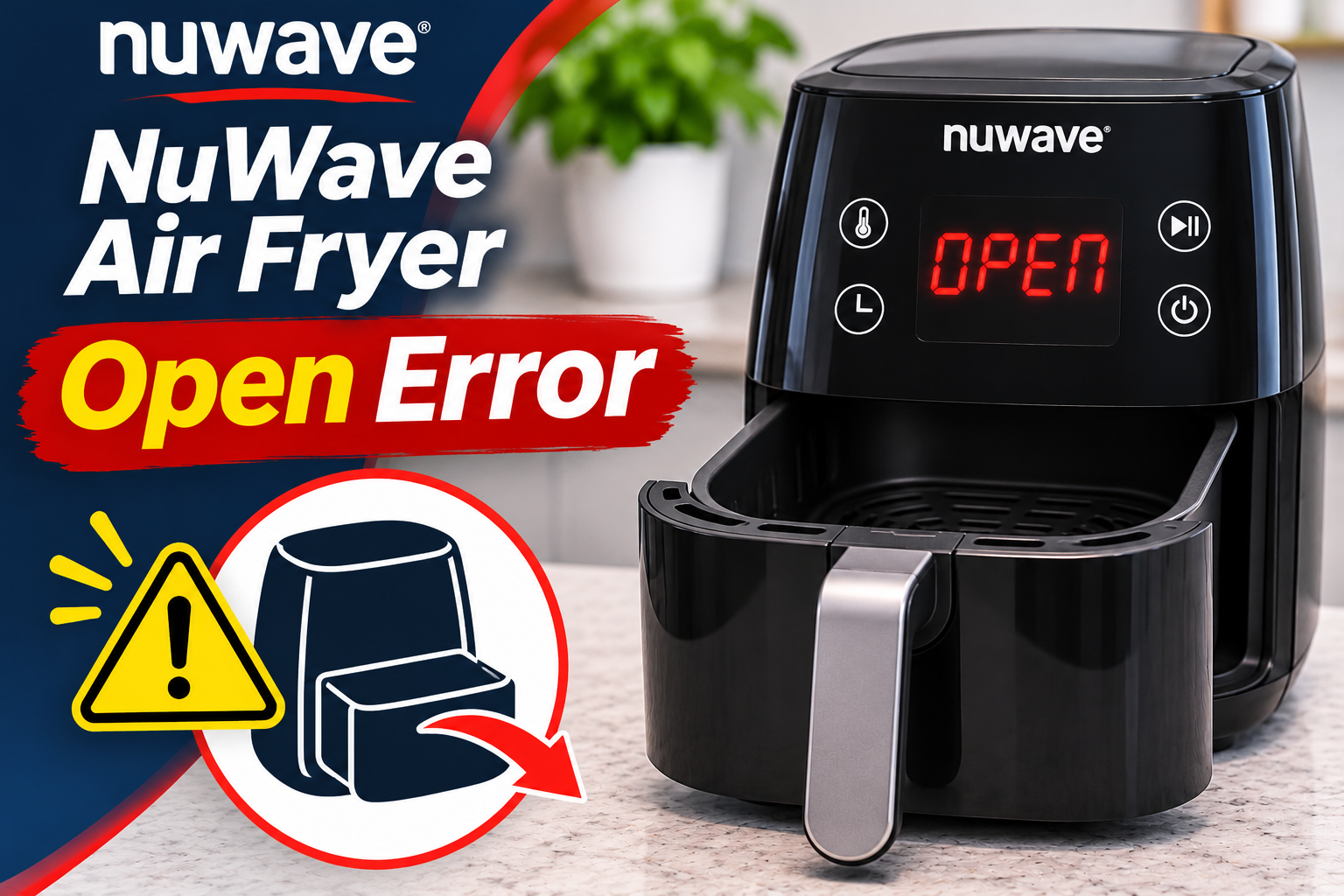
The NuWave air fryer OPEN error indicates that the appliance detects its cooking basket or base tray as open or removed. On several NuWave Brio models, this message is part of the normal operation rather than a fault. For example, the Brio 37380 and 37381 manuals explain that removing the base tray pauses cooking and displays “Open” until the tray is returned.
Your air fryer uses a heating element and a fan to circulate hot air around food. Meanwhile, a basket detection mechanism helps the control system determine whether the cooking compartment is properly closed. On models with this safety feature, the appliance pauses heating when you remove the basket.
This function is particularly useful when you need to shake fries, turn chicken wings, or inspect your food. Once you return the basket to its correct position, the appliance should recognize that it’s closed and resume cooking according to its operating instructions.
However, the OPEN message becomes a problem when it remains on the display despite the basket being properly inserted. You may notice that the countdown stops, the fan doesn’t run, or the appliance refuses to begin another cooking cycle. In some cases, the warning appears intermittently when the basket shifts slightly.
It’s also worth distinguishing OPEN from other NuWave error codes. For example, certain Brio models use Err2 to indicate an open temperature sensor circuit, which is a separate electrical problem. The OPEN message discussed here concerns the cooking compartment’s detected position.
NuWave Air Fryer Open Error: Likely Causes
Several conditions can prevent your NuWave air fryer from recognizing that its cooking basket is properly closed. While some involve simple positioning mistakes, others may indicate worn or damaged components.
1. The Cooking Basket Isn’t Fully Inserted
The most common reason for a persistent OPEN message is a cooking basket that hasn’t been pushed completely into the appliance. Even if the drawer appears closed from the front, a small gap may prevent the detection mechanism from registering its position.
This often happens after removing the basket during cooking. You might slide it back in at a slight angle, stop before it reaches its normal resting position, or fail to align it correctly with the compartment. As a result, the air fryer continues behaving as though the drawer is open.
For example, the NuWave Brio 37001 uses a basket detection switch that is activated when the basket is correctly inserted. If the basket doesn’t reach the intended position, the switch may remain unactivated and prevent normal operation.
One useful clue is a basket that sits unevenly or leaves a visible gap around the front opening. However, avoid pushing it forcefully. If the drawer doesn’t slide smoothly, another problem may be preventing it from closing.
2. Grease and Food Debris Obstructing the Basket
Food crumbs, cooking grease, and small particles can accumulate around the basket and its compartment over time. Although most residue stays inside the cooking container, some may settle along the edges or accessible sliding surfaces.
As grease hardens, it can create resistance when you insert the basket. A trapped food particle may also prevent the drawer from reaching the correct position, causing the appliance to continue displaying OPEN.
You may notice that the basket feels harder to insert than usual or doesn’t sit as evenly as it once did. If the warning developed gradually after repeated cooking sessions, accumulated residue is worth checking. However, cleaning won’t resolve the problem if the actual cause is a damaged detection switch.
3. An Overfilled Basket or Incorrectly Installed Accessories
Putting too much food inside your NuWave air fryer can interfere with how the cooking tray fits. Large food portions may extend beyond the intended cooking area, preventing the drawer from closing completely.
NuWave specifically identifies an overfilled base tray as a reason the basket may not slide correctly into certain Brio models. For example, the Brio 37380 manual advises users not to fill the base tray beyond four fifths of its capacity.
Accessories can contribute to similar problems. A removable air circulation riser, rack, or basket insert that isn’t seated correctly may interfere with food placement or proper assembly.
If the OPEN warning begins immediately after loading food or adjusting accessories, inspect the basket’s contents. Make sure nothing protrudes beyond the drawer or blocks its normal movement.
4. A Damaged or Misaligned Basket Assembly
Your NuWave air fryer depends on the basket fitting correctly inside its cooking compartment. If the basket, base tray, or supporting parts become damaged, the appliance may struggle to recognize that everything is properly closed.
Damage can develop after dropping the cooking basket, forcing it into the compartment, or repeatedly handling a loose assembly. A bent metal edge, cracked plastic section, or damaged guiding surface may prevent the drawer from reaching its intended position.
You might notice an uneven gap, unusual resistance, or a basket that no longer sits securely. Sometimes, the problem appears only after the appliance has been moved or the basket has been accidentally knocked against a hard surface.
Even minor damage deserves attention if it affects how the drawer fits. Continued use of an incorrectly positioned basket can interfere with normal operation and may damage other components.
5. A Faulty Basket Detection Switch or Internal Connection
When the cooking basket is fully inserted but the OPEN message persists, the problem may involve the basket detection system.
On models that use a mechanical switch, the inserted basket activates the switch to signal that the compartment is closed. If the switch becomes worn, damaged, or unable to respond correctly, the air fryer may continue detecting an open drawer.
A defective connection between the switch and electronic control board could produce similar symptoms. Depending on the model, other sensing arrangements may be used, so the exact component responsible can vary.
One possible clue is an OPEN message that remains even when the basket is empty, clean, and correctly positioned. Another is intermittent operation where the appliance occasionally recognizes the drawer but soon displays the warning again.
However, these symptoms don’t confirm an internal electrical failure. Basket alignment problems can produce similar behavior. A qualified technician may need to inspect the detection system to identify the actual fault.
Never bypass, tape down, or electrically connect around a basket detection switch. This feature helps prevent the heating system from operating when the cooking compartment isn’t properly closed.
NuWave Air Fryer Open Error: DIY Fixes
Fixing a NuWave air fryer that keeps displaying OPEN usually begins with checking the cooking basket and its position. Start with simple, safe troubleshooting methods before considering internal repairs.
1. Remove and Reinsert the Cooking Basket Correctly
The first thing to do is remove the cooking basket and carefully return it to its compartment. This is the primary solution described in NuWave’s operating instructions for models where OPEN appears when the base tray is removed.
Turn off the appliance and carefully pull out the basket using its handle. If you’ve recently been cooking, avoid touching hot surfaces. Check that the basket and base tray are correctly assembled before inserting them again.
Follow these steps.
- Position the basket directly in front of its opening.
- Make sure the drawer is level and aligned with the compartment.
- Slide the basket inward using gentle, steady pressure.
- Push it until it reaches its normal fully closed position.
- Check whether the OPEN message disappears from the display.
Some NuWave Brio models are designed to produce a noticeable click when the base tray reaches its correct position. However, this depends on the model, so don’t force the basket simply because you haven’t heard a click.
If the display changes and the cooking cycle resumes, the problem was likely related to basket positioning. However, if the message remains, inspect the basket and compartment for obstructions before trying again.
2. Clean the Basket and Accessible Cooking Compartment
Grease and food particles can make the cooking basket difficult to insert. Cleaning these areas may help restore smooth movement and proper alignment.
First, unplug the air fryer and allow it to cool completely. Remove the basket, base tray, and any detachable accessories permitted by your model’s instructions.
Then, clean the appliance as follows.
- Wash the removable basket and base tray with warm water, mild dish soap, and a nonabrasive sponge.
- Gently remove food residue from the basket edges and accessible sliding surfaces.
- Wipe the cooking compartment with a lightly damp cloth, avoiding electrical openings.
- Remove any visible crumbs that may prevent the basket from closing.
- Dry all cleaned parts thoroughly before reassembling the appliance.
NuWave recommends cleaning its Brio air fryers after each use. On certain models, removable components such as the base tray and air circulation riser can be washed on the top rack of a dishwasher. However, always confirm which parts are dishwasher safe in your model’s manual.
Never immerse the main air fryer unit in water or spray cleaning liquids into its internal openings. Also, avoid inserting metal tools into the basket detection area.
Once everything is clean and dry, slide the basket back into place. If hardened grease or trapped food was preventing proper closure, the OPEN message may disappear.
3. Reduce the Food Load and Reposition Accessories
If the OPEN message appears after adding food, the basket may be overloaded or an accessory may be incorrectly positioned.
Remove the cooking basket and check its contents. Make sure food isn’t sticking out beyond the cooking compartment or preventing the drawer from closing.
If necessary, remove some ingredients and arrange the remaining food more evenly. For the NuWave Brio 37380 and 37381, the manufacturer’s instructions recommend keeping the load below four fifths of the base tray’s capacity.
Next, check the position of the air circulation riser, cooking rack, or other accessories supplied with your model. Make sure each component sits correctly and doesn’t interfere with the drawer.
If an accessory appears bent or damaged, stop using it until you can determine whether replacement is necessary.
After rearranging the contents, reinsert the basket and check the display. If the OPEN warning disappears, the original food load or accessory placement may have been preventing proper closure.
4. Examine the Basket for Damage or Poor Alignment
When the basket still doesn’t fit correctly after cleaning and removing excess food, inspect it for physical damage.
Make sure the air fryer is unplugged and completely cool. Remove the basket and place it on a stable surface.
Look closely at the drawer’s outer edges, handle attachment, and guiding surfaces. Check for bent metal, cracked plastic, loose parts, or anything that could interfere with insertion.
Pay attention to how the basket fits when you return it to the appliance. It should move smoothly and sit securely without excessive force.
If the basket has been damaged, check whether NuWave offers an appropriate replacement for your exact model. Replacement baskets and base trays aren’t necessarily interchangeable between different Brio models.
Avoid bending damaged parts back into shape or attaching makeshift materials to improve the fit. These methods may interfere with the appliance’s safety mechanisms.
If the basket is visibly damaged or cannot be inserted correctly, replacing the affected component is generally safer than continuing to force it into place.
5. Disconnect the Air Fryer and Restart It
If the basket is clean, undamaged, and correctly positioned, you can check whether the problem involves a temporary control issue.
A power restart may clear a temporary electronic condition, although NuWave doesn’t establish this as a guaranteed solution for a persistent OPEN message. It also won’t repair a defective basket detection switch.
To perform a cautious restart, follow these steps.
- Turn off the air fryer using its normal power control.
- Unplug it from the electrical outlet.
- Leave it disconnected for several minutes.
- Make sure the basket is correctly positioned and fully inserted.
- Reconnect the appliance to a suitable electrical outlet.
- Switch it on and check whether the OPEN message remains.
If the display returns to normal, follow your model’s operating instructions before starting another cooking cycle.
However, if OPEN appears immediately or returns without the basket being removed, stop attempting repeated restarts. A persistent warning suggests that the appliance may not be detecting the basket correctly.
Likewise, avoid pressing or holding any internal basket detection switch to make the air fryer operate. Doing so can defeat a safety feature and expose you to unnecessary risks.
If the appliance produces smoke, sparks, a burning electrical smell, or other unusual signs, disconnect it if safe and seek professional assistance without attempting another restart.
6. Contact NuWave Customer Support or a Qualified Technician
If the OPEN message continues after you’ve checked the basket, removed obstructions, and completed safe troubleshooting, the appliance may need professional diagnosis.
A technician may need to examine the basket detection mechanism, associated wiring, or electronic control system. These parts are generally located inside the appliance and shouldn’t be accessed by an ordinary user.
Before contacting support, gather the following information.
- Model number: Identify the exact NuWave air fryer model, such as Brio 37001, 37380, or 37401.
- Serial number: Check the appliance’s product identification label.
- Error behavior: Note whether OPEN appears immediately after switching on the appliance or only during cooking.
- Basket condition: Explain whether the basket slides smoothly and remains securely positioned.
- Troubleshooting attempts: Mention any cleaning, basket adjustments, or power restarts you’ve already completed.
- Purchase details: Keep your receipt and warranty information available.
NuWave’s customer service can be reached through its official website at https://www.nuwavenow.com/. The company also provides customer support at 1-877-689-2838, although contact details and service availability may vary by region.
If your appliance is still covered by a manufacturer’s warranty, contact NuWave before arranging independent repairs. Unauthorized modifications or repairs may affect your warranty rights.
Depending on the diagnosis, replacing a damaged basket or arranging an authorized repair may resolve the problem. For an older appliance, compare the repair cost with the price of a replacement.
Wrapping Up
The NuWave air fryer OPEN error usually appears when the appliance detects that its cooking basket or base tray has been removed. While this is normal during cooking, a message that remains after reinserting the basket can indicate poor alignment, an obstruction, damaged parts, or a faulty detection mechanism.
Start by checking the basket’s position, cleaning accessible surfaces, and making sure everything fits correctly. If these steps don’t clear the warning, seek professional assistance rather than forcing the drawer or bypassing its safety features. Correcting the underlying problem will help restore safe, reliable cooking.