Seeing the word “OPEN” on your Midea air fryer can be confusing, especially when the cooking basket is already inside the appliance. You may find that the air fryer refuses to start, stops heating, or keeps displaying the warning even after you’ve pushed the basket back into place.
Fortunately, this message usually relates to the basket or door detection system rather than a serious heating problem. Understanding what triggers it can help you identify the cause and restore normal operation.
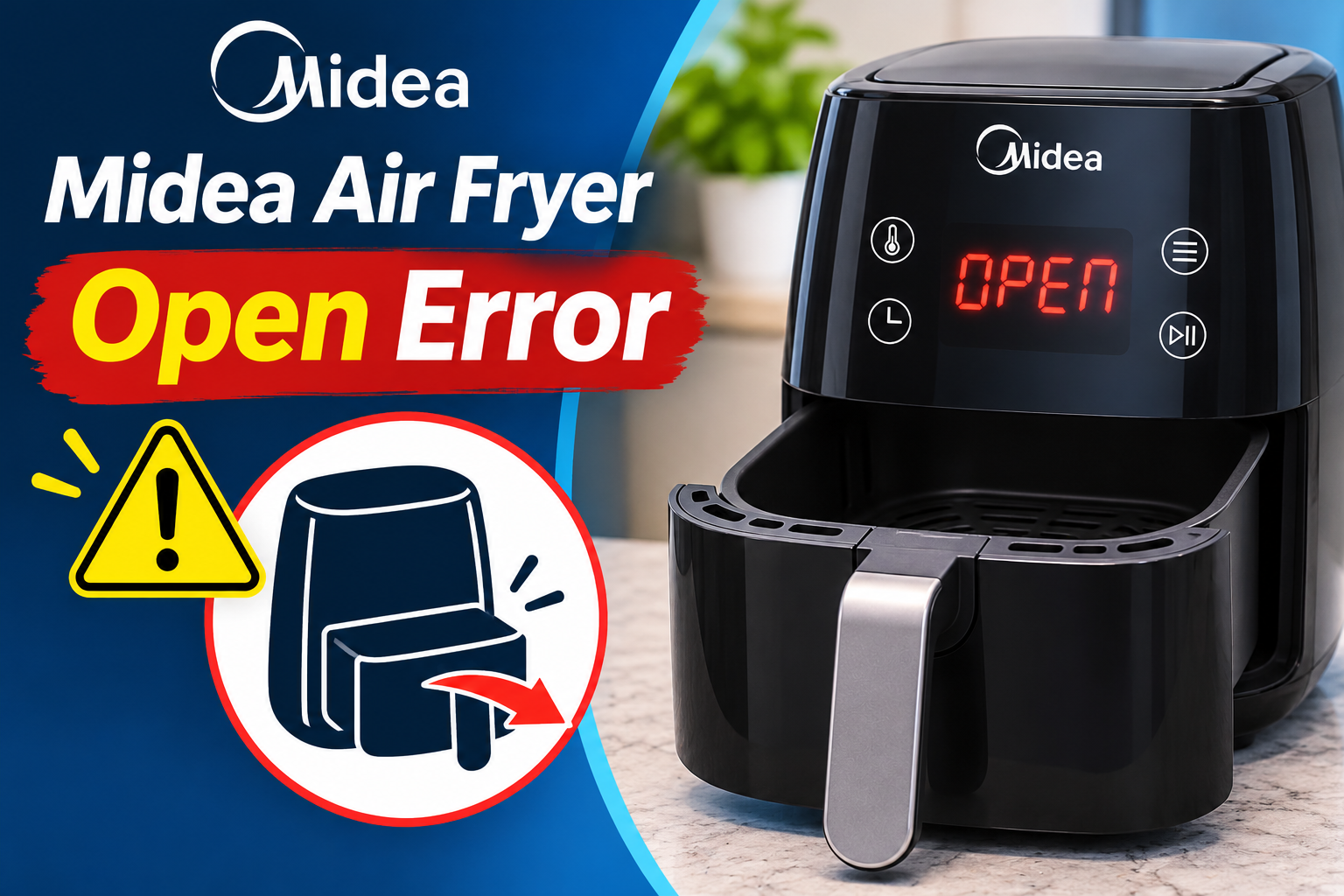
What Does the Open Error Mean on a Midea Air Fryer?
The OPEN error on a Midea air fryer means the appliance has detected that the cooking basket isn’t properly inserted or a cooking compartment door is open. It’s usually a safety notification rather than a sign that the heating element has failed.
Many Midea air fryers use a small safety switch called a microswitch to detect whether the cooking basket is properly positioned. When you insert the basket completely, it activates the switch, allowing the control system to recognize that the appliance is ready for operation.
If the basket is removed or doesn’t reach the correct position, the switch may remain inactive. The display then shows OPEN, and the air fryer may stop heating or prevent you from starting a cooking program.
On some models, the warning also appears when a cooking compartment door is open. For example, the Midea MAD111D8APKW displays OPEN when its upper basket is removed or the lower oven door is open.
The warning normally disappears when the basket or door is correctly positioned. However, if OPEN remains on the display despite everything appearing closed, a mechanical obstruction, damaged basket, or faulty detection switch may be responsible.
Midea Air Fryer Open Error: Common Causes
The OPEN warning usually appears because the air fryer cannot confirm that its cooking compartment is properly closed. Several mechanical and electrical issues can prevent the basket detection system from working correctly.
1. Cooking Basket Not Fully Inserted
An improperly inserted cooking basket is the most common reason your Midea air fryer displays OPEN.
The basket must slide into its intended position before the appliance can recognize that it’s installed. If it stops slightly short, the safety switch may remain inactive, causing the warning to stay on the display.
This can happen when you push the basket in too gently, insert it at an angle, or fail to guide it along the correct track.
You may notice a small gap between the basket’s front panel and the appliance housing. Sometimes, the basket appears to be properly installed but hasn’t moved far enough to activate the detection switch.
A useful clue is an OPEN message that disappears after you remove the basket and insert it again.
Midea’s instructions for models such as the MAD861D8ADKL recommend removing and reinserting the frying basket when this warning appears.
If the drawer repeatedly stops before reaching its normal position, avoid forcing it. Something may be obstructing its movement.
2. Food Debris or Grease Blocking the Basket
Food particles and grease can accumulate around the cooking basket and the surfaces where it slides into the appliance.
Over time, this buildup may interfere with the basket’s movement or prevent it from sitting correctly.
For example, crumbs trapped near a guide rail or hardened grease along the basket’s edge may stop the drawer from closing completely.
An incorrectly positioned cooking tray or food extending above the basket’s usable space can also interfere with proper insertion.
You may notice that the basket requires more effort to close than usual or feels slightly uneven when sliding into place.
If the OPEN warning started appearing after cooking particularly greasy food or cleaning the basket, inspect the accessible areas for residue or an incorrectly seated accessory.
3. Damaged or Misaligned Cooking Basket
The cooking basket needs to maintain its original shape to fit correctly inside the air fryer.
If the basket becomes bent, warped, or physically damaged, it may no longer align with the internal guides or detection mechanism.
Damage can occur if the basket is dropped, exposed to unsuitable conditions, or handled roughly. A damaged handle assembly or basket front panel may also affect how the drawer fits.
You might notice that the basket sits at an unusual angle, rubs against the housing, or leaves a visible gap when inserted.
Sometimes, the basket becomes difficult to remove or requires excessive pressure to slide into place.
Midea identifies a deformed fryer edge as a possible reason a basket cannot be inserted smoothly. Its recommended solution is to contact customer service.
Using an incompatible replacement basket may create similar problems. Even when two baskets look alike, their dimensions and contact points may differ.
4. Faulty Basket Detection Switch
If the cooking basket is correctly positioned but OPEN remains on the screen, the basket detection switch may be faulty.
On models equipped with a microswitch, the switch changes its electrical state when the basket reaches the proper position. The control board uses this information to determine whether cooking can begin.
If the switch becomes damaged or fails to operate correctly, the appliance may continue interpreting the basket as removed.
This problem may develop because of mechanical wear, a damaged switch actuator, or an electrical fault in the detection circuit.
A possible clue is an OPEN warning that persists even after you’ve confirmed the basket is undamaged and its seating area is clean.
However, the warning alone cannot establish that the switch has failed. A loose internal connection or another control system fault may produce similar symptoms.
Don’t attempt to press, tape, bypass, or modify the safety switch. Doing so could allow the heating system to operate without the basket being properly installed.
5. Cooking Compartment Door Not Properly Closed
Some Midea air fryers have two cooking compartments, including models that combine a conventional air fryer basket with a small oven.
On these appliances, the OPEN warning may indicate that a compartment door hasn’t closed properly.
For example, the Midea MAD111D8APKW uses an upper cooking basket and a lower oven compartment. Its instruction manual confirms that OPEN can appear when the upper basket is removed or the lower door is open.
The door may remain slightly open because of an incorrectly positioned cooking tray, food touching the door, or an obstruction around the closing surface.
A damaged hinge or latch could also prevent the door from closing correctly.
If your appliance has multiple cooking compartments, check which display shows OPEN. This can help identify the affected basket or door.
Midea Air Fryer Open Error: How to Fix
Fixing the OPEN warning often involves checking the cooking basket and making sure nothing prevents it from closing properly. Start with the simplest checks before considering a faulty detection switch or another internal problem.
1. Remove and Reinsert the Cooking Basket Properly
The first solution is to remove the cooking basket and insert it correctly.
Midea recommends this method for several models because an improperly positioned basket is a common reason the OPEN message appears.
Follow these steps.
- Stop the cooking program if the controls allow it.
- Carefully pull the cooking basket completely out of the appliance.
- Place it on a stable, heat resistant surface.
- Check that the basket is correctly aligned with the opening.
- Slide it back into the air fryer using the handle.
- Push it gently until it reaches its normal closed position.
On many models, the basket’s front panel should sit evenly against the appliance housing.
If the drawer was improperly positioned, the OPEN message should disappear once the detection switch recognizes it.
However, don’t use excessive force or repeatedly slam the basket into the housing.
If it doesn’t slide in smoothly, remove it and inspect the opening for obstructions or physical damage.
2. Check for Obstructions and Excess Food
If reinserting the basket doesn’t resolve the warning, examine the cooking compartment for anything preventing proper closure.
First, unplug the air fryer and allow it to cool completely.
Remove the basket and check the accessible guide surfaces, basket edges, and cooking accessories.
Look for the following problems.
- Food particles trapped around the basket opening.
- Grease buildup along the basket’s edges.
- A cooking tray that isn’t seated correctly.
- Food extending above the basket’s usable space.
- A loose accessory interfering with the drawer.
If the basket contains too much food, remove some of it and arrange the remaining ingredients according to the manufacturer’s instructions.
Also, ensure that the crisper plate or other removable cooking accessory is properly positioned.
Once you’ve corrected any obvious obstruction, slide the basket back into place.
If OPEN disappears, the problem may have been caused by the basket failing to reach its correct position.
3. Clean the Basket and Accessible Contact Areas
Grease and food residue can make the cooking basket difficult to insert properly, especially when buildup occurs around its edges.
Cleaning these areas may help the basket slide into place more easily.
Start by disconnecting the appliance from power and allowing it to cool completely.
Remove the cooking basket and any removable accessories. Wash them using the cleaning method approved in your model’s instruction manual.
Use a soft sponge and mild dish soap where permitted. Avoid abrasive pads or sharp tools that could damage the cooking surface.
Next, wipe the accessible basket opening and guide surfaces with a soft, slightly damp cloth.
Pay particular attention to visible food deposits around the areas where the basket fits into the housing.
Don’t insert tools or cotton swabs into narrow openings that lead toward the appliance’s internal electrical components.
Also, avoid spraying cleaning solution directly into the housing.
Dry the basket and accessible surfaces thoroughly before reinserting it.
Cleaning may resolve the OPEN warning if debris was preventing proper closure. However, it won’t repair a damaged microswitch or faulty electrical connection.
4. Inspect the Basket and Cooking Compartment Door
If the warning remains, check whether the basket or compartment door has sustained physical damage.
With the appliance unplugged and cool, remove the cooking basket and place it on a flat surface.
Examine its edges, handle attachment, front panel, and other visible parts.
Look for bent sections, cracks, unusual gaps, or surfaces that appear uneven.
Also, check whether the basket slides into the appliance without requiring excessive force.
If your Midea air fryer has a separate oven compartment, inspect its door for visible obstructions.
Make sure the cooking tray is correctly positioned and nothing extends into the door’s closing path.
Close the door using its normal handle without forcing it.
If the basket or door appears damaged, don’t attempt to bend it back into shape or modify its locking mechanism.
A damaged basket may need replacement with a compatible manufacturer approved part.
For damaged hinges, latches, or other built in components, contact Midea or a qualified appliance technician.
5. Try a Power Restart
If the basket and door appear correctly positioned but OPEN remains on the display, a power restart may help clear a temporary electronic problem.
However, restarting the appliance cannot repair a physically damaged switch, misaligned basket, or defective internal connection.
Only attempt this step if there are no signs of electrical damage and your model’s instructions don’t prohibit it.
Follow these steps.
- Switch off the air fryer.
- Unplug it from the electrical outlet.
- Allow it to cool completely.
- Wait about 30 seconds with the appliance disconnected.
- Confirm that the cooking basket and any compartment doors are correctly closed.
- Plug the appliance back into a suitable outlet.
- Check whether OPEN still appears.
If the warning disappears, the control system may have returned to its normal operating state.
However, some models automatically resume a paused cooking program when the basket is reinserted within a specified period. Other models require you to select or restart the cooking settings.
For example, the Midea MAD40F8APK has a temporary cooking memory feature that applies when its basket is removed. If the basket isn’t returned within the permitted period, the appliance returns to a standby state.
Check your model’s manual to understand how cooking resumes after the basket is reinstalled.
If OPEN immediately returns despite the basket being correctly positioned, stop troubleshooting and arrange further assistance.
6. Contact Midea Support or a Qualified Appliance Technician
If the OPEN warning persists after you’ve checked the basket, removed obstructions, and followed the appropriate restart procedure, the appliance may have a mechanical or electrical fault.
A qualified technician can determine whether the problem involves the basket detection switch, its actuator, internal wiring, or the electronic control system.
Depending on the diagnosis, replacing a damaged component may restore proper operation.
However, don’t purchase a replacement switch or basket without confirming compatibility with your particular model.
Different Midea air fryers use different basket shapes, switches, and door arrangements.
If your appliance is still under warranty, contact Midea or the retailer before arranging repairs.
Have your model number, purchase details, and a description of the problem available.
For customers in the United States, Midea customer support can be reached at 1-866-646-4332. Customers in other regions should use the official support contact provided for their country.
Explain whether OPEN remains visible when the basket is fully inserted and whether the drawer or door closes normally.
If the appliance has been dropped or its basket appears damaged, mention this as well.
A technician can then determine whether a replacement basket, mechanical repair, or internal electrical diagnosis is necessary.
Don’t attempt to bypass the basket detection mechanism to make the air fryer operate. This safety feature helps prevent the appliance from heating when the cooking compartment isn’t properly closed.
Wrap-Up
The Midea air fryer OPEN error usually means the cooking basket isn’t properly inserted or a compartment door hasn’t closed completely. In many cases, removing and reinserting the basket, clearing obstructions, or cleaning accessible surfaces can resolve the warning without professional repair.
However, if OPEN remains on the display despite everything fitting correctly, the basket detection switch or another component may be faulty. Avoid forcing the basket or modifying the safety mechanism. Instead, follow your model’s instructions and contact a qualified technician if the problem continues.