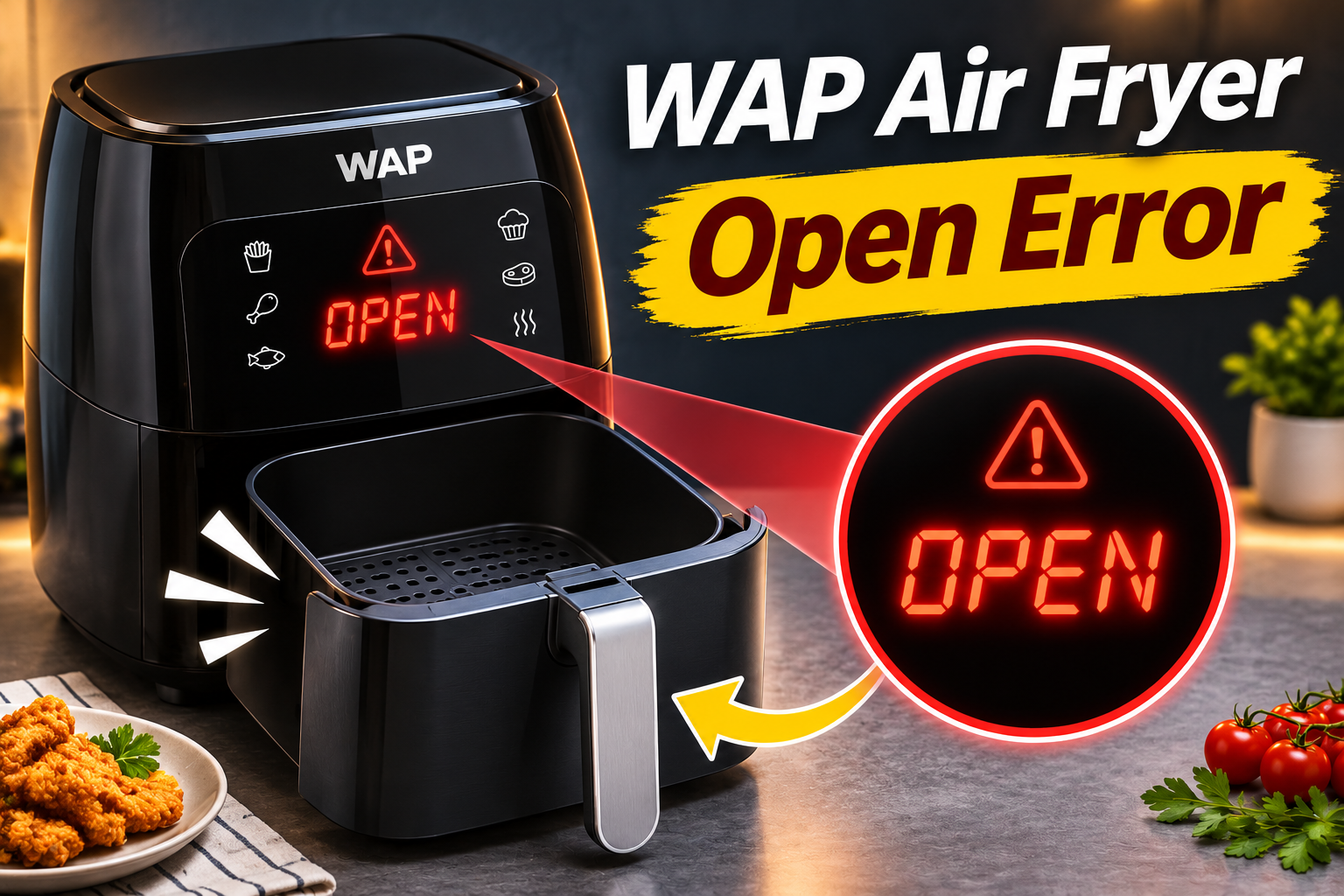
Your WAP air fryer may suddenly display the word OPEN and refuse to start cooking, even when the basket or door appears properly closed. Sometimes, the warning keeps flashing, accompanied by repeated beeping or unexpected interruptions during cooking.
This problem usually occurs when the appliance cannot confirm that its cooking compartment is securely closed. Although an incorrectly positioned basket or door is a common explanation, a faulty safety switch or internal connection may also be responsible. Fortunately, several simple checks can help you identify the problem and determine the appropriate solution.
What Does the OPEN Error Mean on a WAP Air Fryer?
The OPEN message on a WAP air fryer generally means the appliance detects an open or disconnected cooking compartment. The WAP Mega Family Digital 7.1L instruction manual specifically identifies OPEN as an indication that the cooking basket is disconnected. On oven-style models, the warning may be associated with the door detection system, although the exact display behavior depends on the model.
Many WAP air fryers have a safety mechanism that monitors whether the basket or cooking door is correctly positioned. When everything is properly closed, the control system allows the appliance to operate. If the basket is removed or the door opens, the system may interrupt heating to reduce the risk of accidents.
The warning becomes a problem when OPEN remains on the display despite the basket or door being securely closed. You may also hear repeated beeping, notice the timer refusing to count down, or experience cooking cycles that stop after a few seconds. These symptoms can indicate that the safety mechanism isn’t recognizing the closed position.
However, the OPEN message doesn’t automatically mean the appliance has a serious electrical fault. A basket that hasn’t slid completely into position, trapped food residue, or a misaligned door may produce a similar response. If those possibilities are ruled out, the safety switch, its wiring, or the electronic control board may need professional attention.
WAP Air Fryer Open Error: Common Causes
Several problems can prevent your WAP air fryer from recognizing that its cooking compartment is closed. Some involve ordinary positioning or cleaning issues, while others originate from components inside the appliance.
1. The Cooking Basket or Door Isn’t Properly Closed
One of the first things to suspect is a cooking basket or door that hasn’t reached its correct closed position. Even a small gap can prevent the appliance’s safety mechanism from recognizing that the compartment is ready for operation.
On basket-style WAP air fryers, the drawer must slide into its designated position. If it stops slightly short, the safety mechanism may continue detecting an open compartment. This can happen when the basket isn’t aligned with its guides or something prevents it from sliding fully inward.
Oven-style models have a different arrangement. Their doors must close correctly against the front of the appliance. If the door remains slightly open or doesn’t align with its closing mechanism, the air fryer may refuse to operate.
You might notice the problem immediately after removing the basket to shake food or opening the oven door to check a meal. The appliance worked normally before the interruption, but the OPEN warning appears when you attempt to resume cooking.
Check for a visible gap and observe whether the basket or door moves smoothly. If it requires unusual force to close, don’t push harder. Something may be obstructing its movement, or a component may be damaged.
2. Food Residue or an Obstruction Around the Closing Mechanism
Grease, crumbs, and small food particles can accumulate around the cooking compartment after repeated use. If these deposits reach areas where the basket or door closes, they may interfere with proper positioning.
For example, a piece of food trapped near a basket guide can prevent the drawer from sliding completely into place. On oven-style models, an incorrectly positioned tray or accumulated residue near the door edge can create a similar obstruction.
A cooking basket that’s overloaded may also cause problems if food rises above its intended position and prevents the compartment from closing normally.
You might notice that the basket feels unusually tight or that the door stops before reaching its normal position. In some cases, the problem becomes more noticeable after cooking foods that produce considerable grease.
Although cleaning can resolve a physical obstruction, it won’t repair a damaged safety switch. If OPEN remains after the compartment is clean and correctly positioned, another cause should be considered.
3. A Misaligned or Damaged Door Latch
Some WAP oven-style air fryers feature removable doors that make cleaning easier. However, the door must remain properly aligned with its mounting points for the appliance to function correctly.
A door can become misaligned if it isn’t reinstalled correctly after cleaning. Physical damage, a worn closing component, or a problem with the hinge mechanism may also affect how securely it closes.
You might notice uneven gaps around the door, unusual movement when opening it, or difficulty getting it to sit flush against the appliance.
A damaged latch or hinge can sometimes prevent the door from reaching the position required by the safety system. However, not every WAP model uses the same door design, so the correct inspection and reinstallation procedure depends on the appliance.
Avoid bending hinges, adjusting internal latch components, or forcing the door into position. If the closing mechanism appears physically damaged, professional repair is the safer option.
4. A Faulty Basket or Door Safety Switch
The safety switch is an important component because it helps prevent the air fryer from operating when its cooking compartment isn’t properly closed.
Depending on the model, the appliance may use a mechanical switch or another sensing arrangement to determine whether the basket or door is in the correct position. The control board relies on this information when deciding whether cooking can begin or continue.
If the switch becomes defective, it may continue reporting an open compartment even when the basket or door is correctly positioned. This can produce a persistent OPEN warning, repeated beeping, or cooking cycles that stop unexpectedly.
A mechanical switch may fail because of wear, physical damage, or deterioration of its internal contacts. Other sensing components can develop faults that prevent them from providing a reliable signal.
An intermittent fault may explain why the air fryer sometimes works normally before suddenly displaying OPEN during cooking. However, these symptoms don’t prove the switch is defective.
A technician may need to test the switch and its electrical connections to confirm the cause. Never attempt to bypass or hold down a safety switch to make the air fryer operate, as doing so can defeat a protective feature.
5. Damaged Wiring or a Faulty Control Board
Sometimes, the basket or door and its safety switch are working properly, but the electrical signal isn’t reaching the control board correctly.
Loose connections, damaged wires, or defects in the control circuitry may prevent the appliance from recognizing the closed position. These problems can develop because of internal component failure, physical damage, or deterioration over time.
You might suspect an electrical fault if the OPEN warning appears unpredictably, the display flickers, or the appliance repeatedly switches between operating and stopped states despite the door remaining closed.
However, unusual display behavior doesn’t automatically establish that the control board is defective. A technician must check the relevant components before recommending replacement.
Because diagnosing these problems requires access to internal electrical circuits, this work should be performed by a qualified appliance repair technician rather than attempted at home.
WAP Air Fryer Open Error: How to Fix
The best place to start is with simple checks involving the basket, door, and accessible cooking compartment. These can resolve ordinary positioning problems without exposing you to electrical hazards.
1. Switch Off the Air Fryer and Allow It to Cool
Before attempting any physical checks, disconnect your WAP air fryer from its electrical supply.
If the OPEN warning appears during cooking, stop the current operation using the controls if they respond normally. Then unplug the appliance using dry hands and allow it to cool completely.
This is particularly important if the warning appeared after several minutes of cooking. The basket, racks, and cooking compartment may remain hot even when the heating element has stopped operating.
Once the appliance has cooled, observe whether the basket or door appears correctly positioned.
Also, note when the error first appeared. If it happened immediately after removing and reinserting the basket, the issue may involve its positioning. If OPEN appeared repeatedly during uninterrupted cooking, an intermittent safety switch or electrical fault becomes another possibility.
Cooling makes the appliance safer to inspect, although it won’t repair a damaged component.
2. Remove and Properly Reinsert the Basket or Close the Door
A basket that hasn’t reached its correct position is one of the simplest problems to resolve.
On a basket-style WAP air fryer, remove the cooled drawer completely and inspect its outer edges. Make sure the basket and any removable cooking plate are correctly assembled according to your model’s instructions.
Next, align the drawer with its guides and slide it inward smoothly until it reaches its normal closed position.
Don’t force the basket if you feel resistance. Remove it again and check whether something is preventing it from moving freely.
For an oven-style WAP air fryer, examine the door and ensure that no accessory is extending beyond the cooking compartment. Close the door gently and check whether it sits evenly against the front of the appliance.
If the door closes properly, the warning may disappear when the appliance is next operated according to the manufacturer’s instructions.
However, if OPEN continues appearing despite the compartment being properly closed, avoid repeatedly opening and closing it with excessive force. The problem may involve the safety detection mechanism rather than the basket or door itself.
3. Clean the Basket Guides and Door Edges
Accumulated grease and food particles can interfere with the movement of removable cooking components. Cleaning these areas may restore proper closure if residue is responsible.
Start by removing the basket, crisper plate, or oven accessories after the appliance has been unplugged and allowed to cool.
Check the accessible areas where the basket slides into the housing or where the oven door closes. Look for crumbs, dried grease, or food particles that might prevent the compartment from sitting correctly.
Use a soft cloth or nonabrasive sponge to remove accessible residue. For removable cooking components, follow your WAP manual’s recommended washing procedure, which generally involves mild detergent and warm water.
Dry everything thoroughly before reassembly.
Avoid spraying cleaning products directly into gaps around the control panel, switch housing, or electrical components. Don’t insert metal tools into narrow openings to scrape away grease.
If the residue is difficult to reach without dismantling the appliance, leave it for an authorized technician.
Cleaning can help when a physical obstruction prevents proper closure. However, if the basket or door already fits correctly and the OPEN message persists, cleaning alone is unlikely to resolve a faulty switch or electrical connection.
4. Check the Door Alignment on Oven-Style Models
If you own a WAP Air Fryer Oven, such as a compatible WAOD1 or WAOD2 model, pay particular attention to the door’s position.
Some models have removable doors for easier cleaning. If the door was recently removed, it may not have been reinstalled correctly.
With the appliance unplugged and completely cool, examine the door from the front. Look for uneven gaps, unusual movement, or parts that appear out of alignment.
If your model’s manual provides instructions for removing and reinstalling the door, follow those steps carefully. Make sure the door is seated correctly in its designated mounting points before attempting to close it.
Don’t attempt to remove the door unless your specific model supports that procedure.
A correctly installed door should open and close smoothly without scraping, excessive movement, or unusual resistance.
If the door remains uneven or its hinges appear damaged, stop using the appliance and seek professional assistance.
Attempting to bend the mounting parts or modify the closing mechanism can make the problem worse. It may also prevent the safety system from operating as intended.
5. Try a Power Reset if the Manual Permits It
If the basket or door is correctly positioned and there are no signs of damage, a controlled restart may help determine whether the warning was temporary.
First, review the troubleshooting section of your WAP instruction manual. Some WAP models recommend disconnecting and reconnecting power for certain electronic errors, followed by contacting an authorized service center if the problem persists.
However, that doesn’t establish a universal reset procedure for the OPEN message.
If your model permits restarting, keep the appliance unplugged until it has cooled, then reconnect it to a suitable wall outlet. Check the display before selecting a cooking function.
If OPEN disappears and the appliance operates normally, an improperly seated basket or a temporary interruption may have contributed to the warning.
However, don’t assume the problem has been permanently resolved if the error previously appeared during cooking.
If OPEN returns, the appliance beeps continuously, or the display switches on and off unexpectedly, disconnect the power again.
Repeated resets won’t repair a defective safety switch, damaged wiring, or malfunctioning control board. Continuing to operate an appliance with an intermittent safety fault may also create unnecessary risks.
6. Contact WAP Customer Support or a Qualified Technician
If the OPEN warning remains after checking the basket, door alignment, and accessible closing surfaces, professional diagnosis is the appropriate next step.
A qualified technician can examine the safety switch, check its electrical connections, and determine whether the control board is receiving the correct signal.
The repair may involve replacing a damaged switch, correcting a defective connection, repairing a door mechanism, or replacing another failed component.
However, the exact repair depends on your air fryer model and the findings of the inspection.
Before contacting support, gather the following information.
- Your WAP air fryer’s exact model number.
- Whether it uses a removable drawer or an oven-style door.
- When the OPEN warning appears.
- Whether the appliance beeps or stops during cooking.
- Any previous cleaning, physical damage, or door removal.
- Your purchase receipt and warranty information.
You can contact WAP through its official support channels.
WAP Customer Support
Website: https://ajuda.wap.ind.br/
Phone and WhatsApp: +55 41 3012 7272
Email: sac@wap.ind.br
WAP also provides information about authorized service centers and product manuals through its customer support website.
If your appliance is still under warranty, contact WAP or your retailer before arranging independent repairs. Opening the appliance or making unauthorized modifications may affect warranty coverage.
For an older air fryer, request a repair estimate before approving the work. Replacing an accessible mechanical component may be economical, while extensive electrical damage could make purchasing a replacement more practical.
Wrapping Up
The WAP air fryer OPEN error usually indicates that the appliance isn’t recognizing its cooking basket or door as properly closed. Although a misaligned compartment or trapped food residue may be responsible, persistent warnings can also indicate a defective safety switch or internal electrical problem.
Start by disconnecting the appliance, allowing it to cool, and checking that the cooking compartment closes correctly. Clean accessible areas and follow your model’s instructions for reassembly. If OPEN continues appearing despite these checks, arrange professional diagnosis rather than forcing the door or bypassing its safety mechanism.