Fortunately, this problem doesn’t always indicate a serious electrical fault. In many cases, a simple obstruction, an incorrectly positioned drawer, or a problem with the drawer detection mechanism could be responsible.
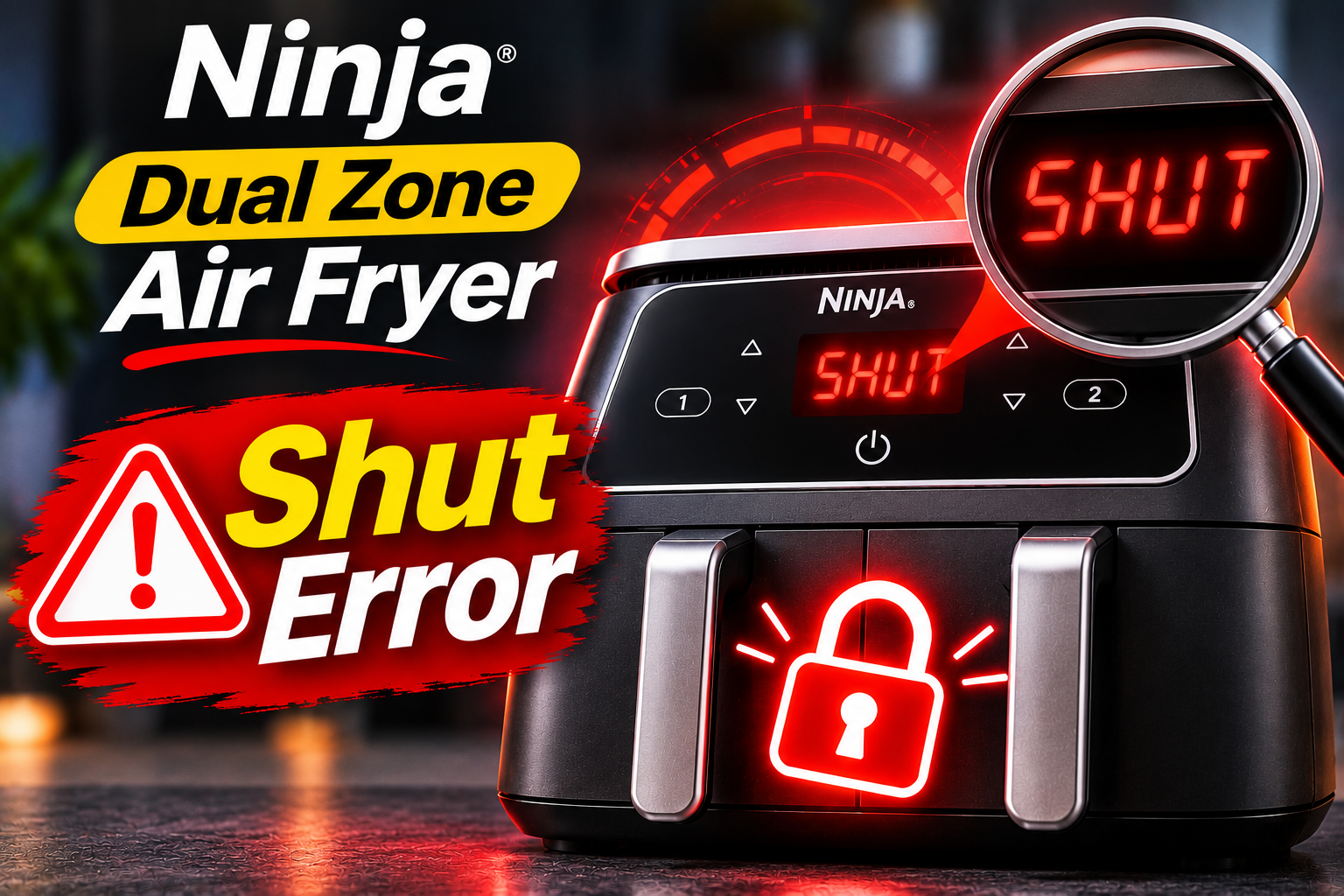
What Does the SHUT Error Mean on a Ninja Dual Zone Air Fryer?
The SHUT error on a Ninja Dual Zone air fryer indicates that the appliance hasn’t detected a properly closed cooking drawer. According to the Ninja AF300EU instruction manual, you should ensure the drawers are fully inserted before selecting a cooking program.
Your air fryer has a mechanism that detects whether its cooking drawers are correctly positioned. This allows the appliance to determine when it’s safe to operate the heating elements and fans. Removing a drawer during cooking normally interrupts heating in the affected compartment.
However, if the detection mechanism fails to recognize a closed drawer, the control system may prevent cooking from starting. The SHUT message can appear on one side of the display while the other side appears to function normally.
Unlike certain electrical error codes, SHUT doesn’t automatically indicate a defective internal component. Nevertheless, if the message remains after you’ve correctly inserted both drawers, there may be an obstruction, damaged drawer, faulty detection switch, or another problem requiring attention.
Ninja Dual Zone Air Fryer Shut Error: Likely Causes
Several problems can prevent your Ninja Dual Zone air fryer from recognizing that its cooking drawers are closed. While some are relatively easy to correct, others may require the replacement of a damaged component.
1. An Incorrectly Inserted Cooking Drawer
An improperly positioned cooking drawer is the first thing to investigate when your air fryer displays SHUT. Even if the drawer appears closed from the front, it may not have reached the position necessary to activate the detection mechanism.
This can happen when you insert the drawer at a slight angle or stop pushing it before it’s fully seated. You might notice a small gap between the front of the drawer and the surrounding housing, particularly when comparing it with the other drawer.
Sometimes, the problem develops after you’ve removed the drawer to shake your food during cooking. Inserting it correctly may clear the message and allow you to continue using the appliance normally.
2. Food Particles or Other Obstructions
Small pieces of food can fall into the drawer compartment when you’re removing or reinserting the cooking basket. Over time, crumbs, hardened grease, and other debris may accumulate around the surfaces that guide the drawer into position.
Even a relatively small obstruction can prevent the drawer from reaching its intended closing position. For example, a piece of dried food lodged near the back of the compartment could create enough resistance to stop the drawer from closing completely.
You may notice that the affected drawer feels unusually stiff or requires more pressure to insert. Instead of forcing it closed, remove the drawer and examine the compartment for anything obstructing its movement.
3. An Overfilled Drawer or Incorrectly Fitted Accessory
Although the Ninja Dual Zone air fryer offers plenty of cooking space, adding too much food can interfere with proper drawer closure. Large pieces of meat or ingredients extending above the drawer’s upper edge may come into contact with the surrounding structure.
Similarly, an incorrectly positioned crisper plate, oversized silicone liner, or incompatible cooking accessory can prevent the drawer from fitting correctly. If the SHUT message appears mainly when the basket contains food but disappears when it’s empty, an obstruction associated with its contents is a likely explanation.
4. A Damaged or Misaligned Cooking Drawer
The cooking drawers on your Ninja air fryer must maintain their proper shape and alignment to fit securely inside the appliance. Accidentally dropping a drawer, striking it against a hard surface, or handling it roughly can damage its structure.
Pay particular attention to the rear corners, outer edges, and any molded features that help the drawer engage with the detection mechanism. A damaged section may prevent the appliance from recognizing the drawer even when it appears fully inserted.
A misaligned drawer might also sit unevenly against the front housing or rub against the sides of its compartment. If the problem began after an accidental drop or impact, physical damage becomes a stronger possibility.
5. A Faulty Drawer Detection Switch
If both drawers fit correctly and there are no visible obstructions, the problem may involve the internal drawer detection mechanism. Depending on the model, this system may use a small electrical switch that changes position when the drawer is fully inserted.
A damaged switch, jammed actuator, or faulty electrical connection can prevent the control board from receiving the correct signal. Consequently, the air fryer continues displaying SHUT despite the drawer being closed.
An intermittent problem may cause the message to disappear briefly when you reposition the drawer, only to return later. However, you shouldn’t attempt to manipulate or bypass the switch to keep the appliance running. Confirming an internal detection fault generally requires professional inspection.
Ninja Dual Zone Air Fryer Shut Error: How to Fix
Resolving the SHUT error should begin with checking whether anything prevents the cooking drawers from closing correctly. If the drawers are properly positioned and the message remains, you can move on to other troubleshooting checks.
1. Remove and Reinsert Both Cooking Drawers
Start by checking the position of both drawers, even if the SHUT message appears on only one side of the display. Removing and reinserting them can help correct an alignment problem without requiring any tools.
Follow these steps:
-
Switch off your air fryer and unplug it.
-
Allow the appliance to cool if you’ve recently used it.
-
Remove both cooking drawers completely.
-
Position each drawer in its correct compartment.
-
Slide the drawers straight into the appliance until they’re fully seated.
-
Reconnect the air fryer and check the display.
Both drawers should fit naturally without requiring excessive pressure. Compare their positions from the front and look for noticeable differences in alignment.
If the message disappears, an incorrectly positioned drawer was probably responsible. However, if one drawer repeatedly fails to register despite being correctly inserted, further investigation is necessary.
2. Clean the Drawer Compartments
Food residue can be easy to overlook, particularly around the lower edges and rear sections of the cooking compartments. A thorough cleaning may restore proper drawer movement if accumulated debris is responsible for the problem.
With the appliance unplugged and completely cool, remove both drawers and examine the accessible surfaces inside their compartments. A flashlight can help you identify crumbs or hardened food residue in areas that are difficult to see.
Remove loose particles using a soft cloth or cleaning brush. For stubborn grease, use a slightly damp, nonabrasive cloth. Avoid spraying cleaning products directly into the main housing or inserting sharp objects into small openings.
Once the compartments are clean and dry, reinstall the drawers. They should slide into position without encountering unnecessary resistance. If an obstruction was preventing proper closure, the SHUT message may clear.
3. Reduce the Amount of Food in the Drawers
If your air fryer displays SHUT after you’ve loaded it with ingredients, remove some of the food and check whether the affected drawer closes correctly. This is particularly useful when preparing large portions of chicken, vegetables, or frozen foods.
Arrange your ingredients so they remain within the cooking drawer and don’t interfere with its upper edges. Ninja’s general guidance for its Dual Zone air fryers emphasizes ensuring that the drawers can close properly.
You should also check any silicone liners, baking dishes, or other accessories you’ve installed. Remove them temporarily to determine whether they’re interfering with drawer closure. If the problem disappears, use a smaller accessory or one specifically approved for your particular air fryer model.
4. Examine the Drawers for Physical Damage
Remove both drawers and compare their overall shapes. Look closely for differences in the corners, handles, outer edges, and rear sections. Although normal manufacturing differences may exist, obvious cracks, dents, or broken plastic features deserve attention.
Check whether the handle is loose or the front panel appears separated from the rest of the drawer. Examine any accessible protrusions or molded features that help the drawer fit into the appliance.
Avoid attempting to straighten a damaged drawer using excessive force or heat. Doing so could worsen the damage or affect its ability to engage correctly with the internal detection mechanism.
If you identify a damaged drawer, replacing it may resolve the problem. However, make sure you purchase the correct replacement for your air fryer’s model and cooking zone.
5. Restart Your Ninja Dual Zone Air Fryer
Occasionally, an electronic control problem may cause an appliance to continue displaying a warning after the condition that triggered it has been corrected. Disconnecting the power allows the control system to restart.
Switch off your Ninja air fryer and unplug it from the electrical outlet. Leave it disconnected for several minutes before reconnecting it. Make sure both cooking drawers are correctly inserted before switching it back on.
Check whether the SHUT message has disappeared. If it has, select your normal cooking settings and monitor the appliance during use. If the message returns or the appliance behaves unusually, stop cooking and disconnect it.
Although restarting is a reasonable troubleshooting measure, it isn’t a guaranteed repair for a faulty drawer detection switch. Repeatedly restarting the appliance won’t correct physical damage or defective internal electrical components.
6. Replace a Damaged Cooking Drawer
If you’ve established that one cooking drawer is damaged, replacing it may be more economical than purchasing an entirely new air fryer. Ninja supplies replacement drawers for several Dual Zone models, including the AF300UK and AF400UK.
Before ordering a replacement, locate your air fryer’s model number and identify the affected cooking zone. Ninja sells certain replacement drawers separately for Zone 1 and Zone 2, so you shouldn’t assume they’re interchangeable.
Once you’ve obtained the correct replacement, remove any packaging and wash the removable cooking components according to the manufacturer’s instructions. Allow them to dry completely before installing the drawer.
If the replacement drawer fits correctly and clears the SHUT message, the original drawer was likely responsible. However, if the problem remains, the detection mechanism inside the main appliance may need attention.
7. Contact Ninja Customer Service or a Qualified Technician
If your Ninja Dual Zone air fryer continues displaying SHUT despite having clean, undamaged, and correctly positioned drawers, an internal component may be faulty.
A qualified appliance repair technician can examine the drawer detection mechanism, its electrical switch, and the connections leading to the control board. Depending on the findings, the repair may involve replacing a defective switch, repairing an electrical connection, or addressing a damaged internal mounting component.
Avoid attempting to bypass the detection switch using tape, magnets, or other objects. This mechanism helps prevent the appliance from operating improperly when a cooking drawer is removed. Disabling it could expose you to hot air and heated components.
Before arranging repairs, check whether your air fryer is still covered by its manufacturer’s warranty. Have your model number, proof of purchase, and details of which cooking zone displays the error available when contacting Ninja customer service.
If the appliance continues heating when a drawer is removed, produces an electrical burning smell, or exhibits unusual behavior alongside the SHUT message, disconnect it immediately and arrange professional inspection.
Wrapping Up
The SHUT error on your Ninja Dual Zone air fryer generally indicates that the appliance cannot confirm that a cooking drawer is properly closed. Fortunately, straightforward problems involving drawer alignment, accumulated food residue, and incorrectly positioned accessories can often be resolved without professional repairs.
However, a persistent warning deserves further investigation, particularly when both drawers fit correctly. Avoid forcing the drawers closed or interfering with the internal detection mechanism. Taking the time to identify the actual source of the problem can help restore normal operation while preserving the appliance’s safety features.