However, a zero on the display doesn’t always indicate a fault. Depending on your Ninja model, it may represent a timer setting, a completed cooking cycle, or part of an actual error message. Identifying what the screen shows is essential before attempting repairs.
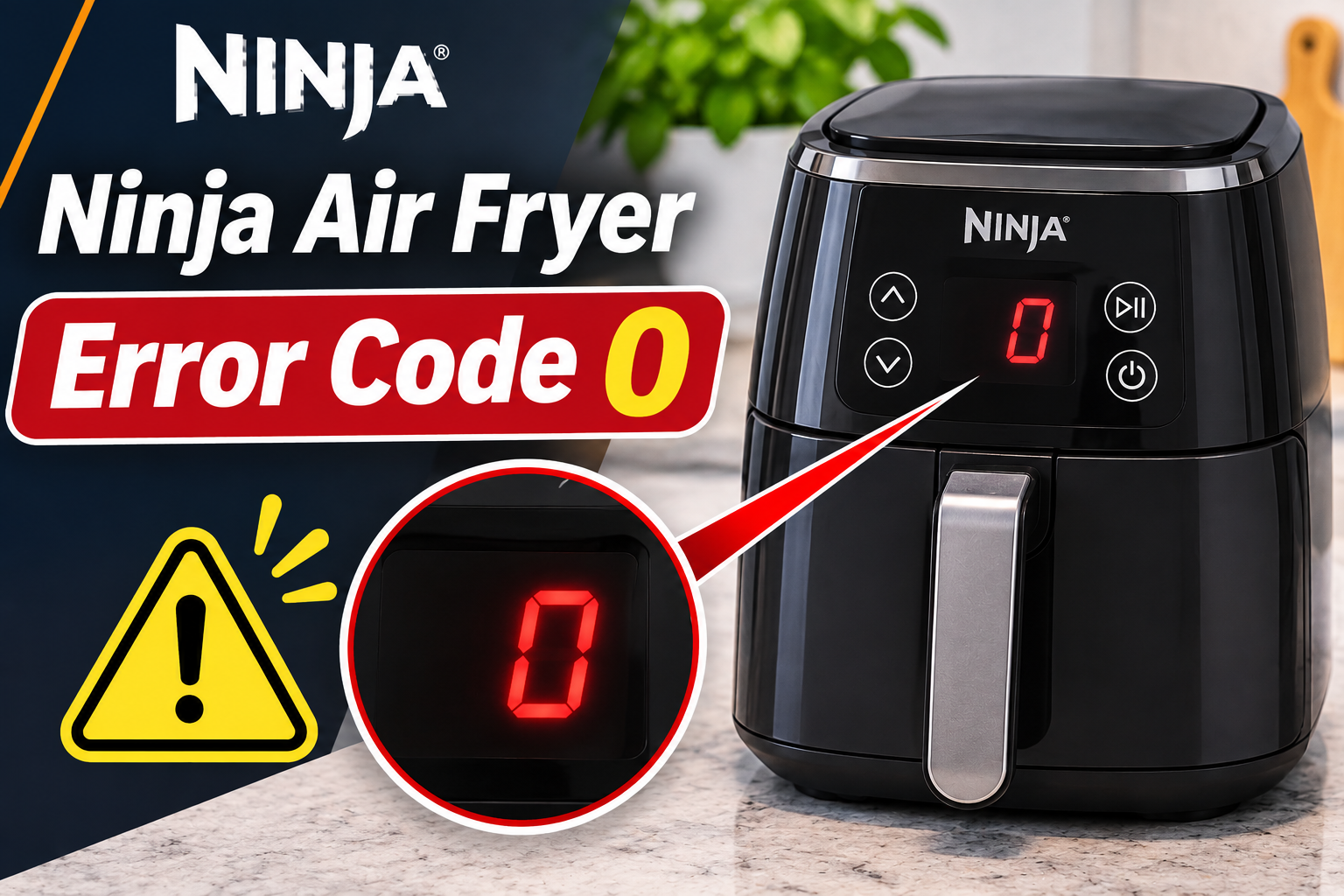
What Does Error Code 0 Mean on a Ninja Air Fryer?
A standalone 0 isn’t a confirmed universal error code across Ninja air fryers. Its meaning depends on the model and the other characters appearing on the display.
For example, several Ninja air fryers normally display 0:00 when switched on. This indicates that the cooking timer is at zero. The appliance may simply be waiting for you to select a cooking function and set the required time.
However, certain Ninja Foodi air fry ovens display Er0, which is a genuine error message. The Ninja Foodi XL Pro Air Oven DT200 series instruction manual lists Er0 among faults that require customer service assistance. The manufacturer doesn’t identify one specific failed component for this code.
support.ninjakitchen.com
You should also distinguish Er0 from O-H, which appears on certain Ninja DoubleStack models when the appliance detects overheating associated with restricted ventilation.
If your air fryer displays only 0 and otherwise responds normally, you may simply need to adjust the timer. However, if the screen shows Er0, the controls become unresponsive, or the appliance stops heating unexpectedly, further attention is necessary.
Ninja Air Fryer Error Code 0: Likely Causes
Several situations can explain why your Ninja air fryer displays a zero or an error message containing that character. Some involve normal settings, while others indicate a problem requiring professional diagnosis.
1. The Cooking Timer Is Set to Zero
One of the simplest explanations is that the cooking timer hasn’t been set.
Many Ninja air fryers display 0:00 after switching on. This is a normal starting display on models such as the AF100UK and AF300UK series.
The timer tells the appliance how long to operate. If the selected cooking function requires you to enter a cooking duration, the air fryer may remain inactive until you make that selection.
This can happen when you switch on the appliance without choosing a program or after canceling a cooking cycle.
You may notice that the display responds when you press the time adjustment buttons. If you can select a cooking function, increase the timer, and operate the appliance normally, the zero was probably a regular setting rather than an error.
2. The Cooking Cycle Has Ended or Been Canceled
Another possible explanation is that the cooking timer has reached zero or a cooking zone has been canceled.
Ninja air fryers use digital timers to control cooking duration. As a program runs, the remaining time decreases until the cycle finishes.
Some models display END when cooking is complete, while others may show zero as part of their timer operation.
On certain dual basket models, setting a cooking zone’s time to zero is also part of the procedure for canceling that zone’s cooking cycle.
For example, the Ninja AD150 instructions explain that a user can reduce the selected zone’s timer to zero and confirm the change to stop cooking in that zone.
If your air fryer displays zero immediately after a program ends or after changing the timer, check whether it has simply finished or canceled the selected operation.
A completed timer is normal. However, if cooking stops unexpectedly before the selected time has elapsed, the appliance may have another problem.
3. An Internal Fault Triggering the Er0 Message
Some Ninja Foodi air fry ovens use Er0 as a fault message.
For example, the Ninja Foodi XL Pro Air Oven DT200 series manual lists Er0 alongside several other electronic error messages. The manufacturer’s instruction is to switch off the appliance and contact customer service.
The manual doesn’t specify whether Er0 indicates a temperature sensor problem, damaged wiring, or a control board fault. Therefore, identifying one of these components as the confirmed cause would be unreliable.
Electronic cooking appliances depend on several internal components to manage temperature, heating, and operating functions. A failure affecting these systems can interrupt normal operation.
You may notice that the error appears immediately after switching on the oven or while a cooking program is running.
If your appliance clearly displays Er0, treat it as a genuine fault and follow the manufacturer’s service instructions. Avoid repeatedly restarting the appliance in an attempt to force it to continue cooking.
4. Overheating or Restricted Airflow
Certain Ninja models display an overheating message that can be confused with a zero related error.
For example, the Ninja DoubleStack SL400 series uses O-H to indicate overheating associated with inadequate ventilation.
The message may appear when the appliance is positioned too close to surrounding surfaces or placed in a confined area that restricts airflow.
Air fryers generate considerable heat while cooking. Their ventilation openings allow hot air to escape and help maintain suitable operating conditions around the appliance.
If the surrounding space prevents proper airflow, the appliance may become excessively hot.
A useful clue is an O-H warning that appears after the air fryer has been operating for some time, especially when it is positioned in a tight corner.
However, O-H and Er0 are different messages. Correcting ventilation may resolve O-H, but it isn’t an established repair for Er0.
5. An Unresponsive Control Panel or Power Problem
Sometimes, the concern isn’t the number displayed but the fact that the air fryer doesn’t respond when you try to change it.
For example, the screen may remain at 0:00 even after you select a cooking function and press the appropriate controls.
This behavior could indicate a problem with the controls, the selected operating mode, or the appliance’s electronic system.
A power supply problem may also prevent the appliance from operating normally. However, a poor external power connection isn’t a confirmed cause of Er0.
Pay attention to whether the display lights up normally, whether the buttons respond, and whether the appliance behaves differently after selecting another function.
If the display changes correctly but cooking doesn’t start, the issue may involve the cooking settings or the position of a removable component.
However, if the controls remain unresponsive across several functions, professional assistance may be necessary.
Ninja Air Fryer Error Code 0: How to Fix
The appropriate solution depends on whether your Ninja air fryer displays a normal timer value or an actual error message. Begin by identifying the characters on the screen before making changes.
If your appliance shows Er0 or another confirmed fault message, follow its manual rather than attempting unrelated repairs.
1. Confirm Whether the Display Shows 0, Er0, or O-H
The first step is to examine the display carefully.
Ninja appliances use different combinations of numbers and letters to communicate settings and faults. On a digital screen, the letter O and the number 0 can look similar.
Check whether the display shows any of these messages.
| Display | Possible meaning |
|---|---|
0:00 |
Normal timer display on certain models |
0 |
May indicate a timer value of zero |
Er0 |
Fault message on certain Ninja Foodi air fry ovens |
O-H |
Overheating warning on certain DoubleStack models |
E |
General malfunction warning on some Ninja air fryers |
If the screen shows a normal timer value, try adjusting the cooking settings according to the manual.
However, if it displays Er0, switch off the appliance and contact Ninja support. If it displays O-H, follow the overheating procedure for your model.
Don’t assume that every display containing a zero requires the same repair.
2. Set the Cooking Time and Select the Correct Function
If your Ninja air fryer displays 0:00 and responds normally, check whether you need to select a cooking function and enter a cooking time.
Different Ninja models have slightly different control arrangements, but the general procedure is straightforward.
-
Switch on the air fryer using its power button.
-
Select a suitable cooking function, such as Air Fry or Roast.
-
Use the time adjustment controls to select the required duration.
-
Set the cooking temperature if your chosen program allows it.
-
Make sure the cooking basket or drawer is correctly inserted.
-
Press the appropriate Start button to begin cooking.
On some models, the display shows time in hours and minutes. Therefore, 1:00 may represent one hour rather than one minute.
If the air fryer starts normally after setting the time, the original zero display wasn’t a fault.
However, if the timer refuses to change or the Start button doesn’t respond, check your model’s operating instructions.
Some cooking modes have different time limits and button sequences. Using the correct procedure can prevent unnecessary troubleshooting.
3. Check the Cooking Basket and Drawer Position
An incorrectly inserted cooking basket can prevent certain Ninja air fryers from starting or continuing a cooking program.
The basket must fit correctly inside the appliance so its safety detection system can recognize the closed position.
If the drawer remains slightly open, the air fryer may pause cooking or display a message indicating that it isn’t properly closed.
For example, several Ninja Foodi Dual Zone models display SHUT when the drawers aren’t correctly inserted.
To check the basket, first stop the appliance and allow hot components to cool enough for safe handling.
Then remove the basket using its handle and check whether anything is preventing it from sliding back into place.
Look for food particles, grease buildup, or incorrectly positioned cooking accessories.
Carefully reinsert the basket until it reaches its normal closed position.
If the appliance resumes normal operation, the problem may have been caused by the basket’s position.
However, don’t force a drawer that appears bent or damaged. Also, avoid attempting to bypass its safety detection mechanism.
This step is useful when the appliance won’t start, but an improperly positioned basket isn’t an established cause of Er0.
4. Check the External Power Supply and Try a Safe Restart
If the control panel remains stuck at zero and the appliance doesn’t respond, check its external power connection.
Start by switching off the air fryer and unplugging it.
Examine the power cord and plug for visible damage. Look for cracked insulation, exposed wires, melted plastic, or discoloration.
Also, check the electrical outlet for signs of overheating or damage.
If everything appears normal, and your model’s instructions permit a restart, follow these steps.
-
Leave the appliance disconnected while it cools.
-
Make sure the basket or drawer is correctly inserted.
-
Check that the air fryer is positioned on a stable, suitable surface.
-
Reconnect it to a properly rated wall outlet.
-
Switch it on and observe the display.
-
Check whether the controls respond normally.
If the appliance operates normally, the problem may have involved a temporary control issue.
However, this doesn’t establish that an intermittent fault has been repaired.
A restart cannot fix damaged wiring, a defective sensor, or a failed electronic component.
If your model displays Er0, don’t use repeated power restarts as a substitute for the manufacturer’s recommended service procedure.
5. Allow the Appliance to Cool and Check Ventilation
If your Ninja air fryer displays O-H, follow the overheating instructions for your specific model.
For the Ninja DoubleStack SL400 series, the manufacturer recommends switching off the appliance, unplugging it, and allowing it to cool for 30 minutes.
This model also requires at least 6 inches of clearance above and around its sides for adequate airflow. These measurements are specific to the relevant model and shouldn’t automatically be applied to every Ninja air fryer.
ManualsFile
To address an O-H warning, follow these steps.
-
Switch off the appliance and unplug it.
-
Allow it to cool for the period specified in your manual.
-
Check whether it is positioned too close to walls or surrounding objects.
-
Move it to a stable surface with the recommended ventilation space.
-
Ensure its ventilation openings aren’t obstructed.
-
Keep it away from other heat producing appliances.
Once the appliance has cooled and its ventilation requirements are satisfied, follow the model’s instructions for returning it to operation.
If the overheating warning returns, stop using the air fryer and contact Ninja support.
Avoid covering ventilation openings or operating the appliance inside a confined cabinet.
Also, don’t attempt to cool the appliance by pouring water over it or exposing its electrical components to moisture.
6. Contact Ninja Customer Support or a Qualified Technician
If your Ninja air fryer displays Er0, or its controls remain unresponsive after appropriate external checks, professional assistance may be necessary.
The Ninja Foodi XL Pro Air Oven DT200 series manual specifically instructs owners to turn off the appliance and contact customer service when Er0 appears.
Other Ninja models may use different fault messages and service instructions.
Before contacting support, find your appliance’s model number. This is usually printed on a rating label attached to the base, rear, or underside of the unit.
Have the following details available.
-
The exact model number.
-
The full message displayed on the screen.
-
When the problem first appeared.
-
Whether the appliance stopped during cooking.
-
Any unusual smells, sounds, or signs of overheating.
-
The safe troubleshooting steps you’ve already completed.
For customers in the United States, Ninja customer service can be reached at 1-877-646-5288. Customers in other countries should use the official support contact for their region.
A qualified technician or authorized service provider can determine whether the appliance has an internal electrical fault and whether repair is practical.
Avoid opening the housing or replacing components based solely on the number 0. The exact fault must be established before deciding which parts, if any, need replacement.
If the air fryer is still under warranty, contact the manufacturer or authorized retailer before arranging repairs.
Wrap-Up
Seeing 0 on your Ninja air fryer doesn’t necessarily mean the appliance has developed a fault. On many models, it’s simply part of the cooking timer. However, an Er0 message on certain Ninja Foodi air fry ovens indicates a malfunction that requires customer support.
Start by identifying the exact characters on the display and checking your model’s instructions. If the timer is at zero, adjusting the settings may resolve the issue. If a genuine error remains or the appliance stops responding, avoid forcing it to operate and arrange professional assistance.