Although Error 3 can indicate a temperature sensor problem, its precise meaning varies between Ninja models. Understanding what the error represents and performing the appropriate checks can help you avoid unnecessary repairs and further damage.
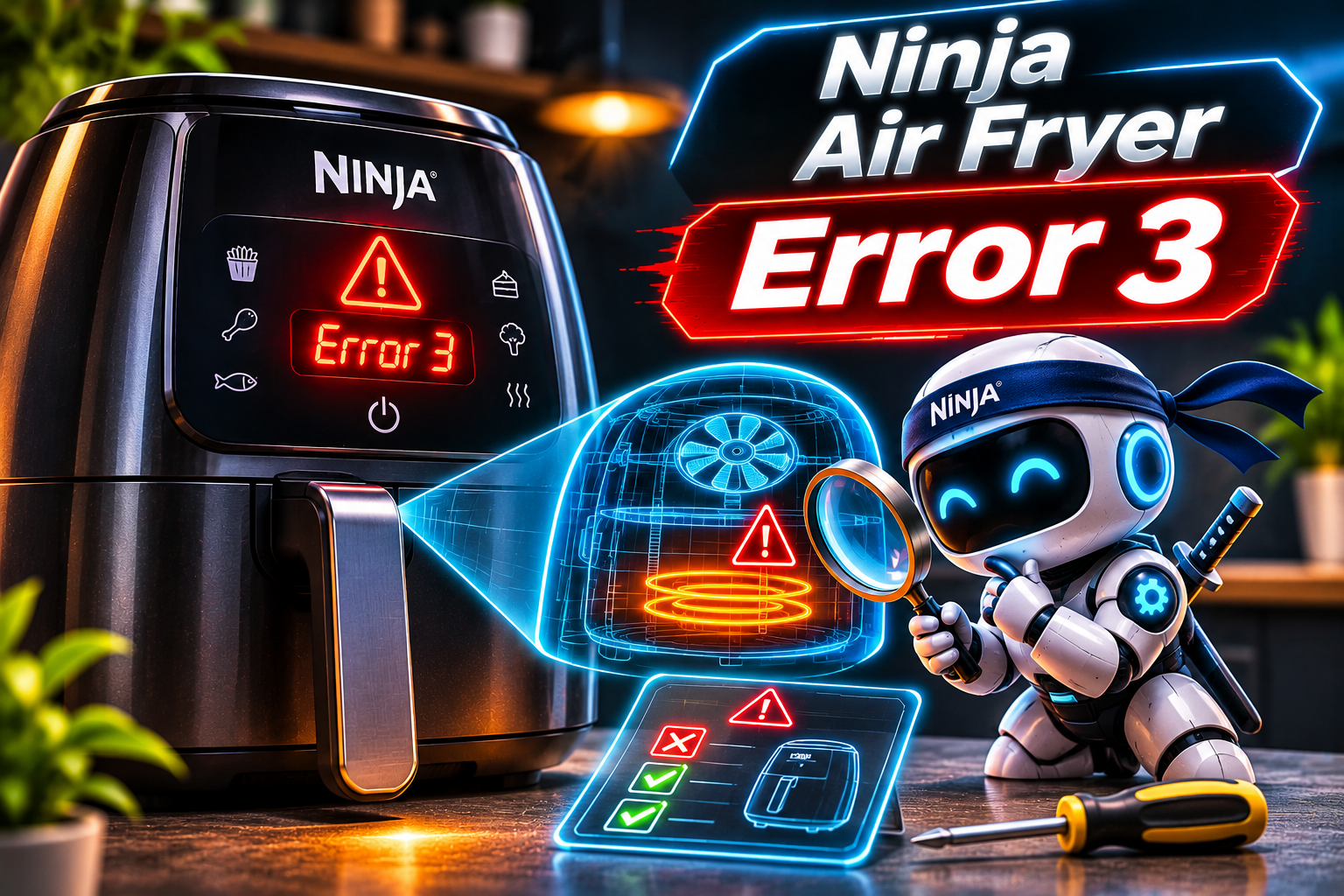
What Does Error 3 Mean on a Ninja Air Fryer?
Error 3, commonly displayed as E3, indicates a temperature sensor problem affecting Zone 2 on the Ninja CRISPi DualZone DD100 series. According to Ninja’s official troubleshooting guide, both E3 and E4 are associated with temperature sensing faults in this cooking compartment.
However, this definition doesn’t necessarily apply to every Ninja air fryer. The documentation for several older models, including the AF100 series, identifies an E message as a general appliance malfunction without specifying what individual numbers mean.
Your air fryer uses a temperature sensor to monitor the heat inside its cooking chamber. The electronic control board relies on this information to regulate the heating element and maintain your selected cooking temperature. If the sensor or its associated electrical circuit develops a fault, the appliance may interrupt cooking.
Error 3 shouldn’t automatically be interpreted as overheating. On the Ninja CRISPi DualZone DD100 series, E5 and E6 indicate overheating in Zones 1 and 2, respectively. This distinction matters because allowing an overheated appliance to cool won’t necessarily resolve a defective temperature sensor.
Ninja Air Fryer Error 3: Likely Causes
Several faults can interfere with your Ninja air fryer’s ability to monitor its internal temperature. While a defective temperature sensor is a strong possibility on models where E3 identifies a sensor problem, other components within the temperature monitoring system may also be responsible.
1. A Defective Temperature Sensor
Your Ninja air fryer contains a temperature sensor that measures heat levels during cooking. Many digital air fryers use a component called a thermistor, whose electrical resistance changes according to the surrounding temperature.
Over time, repeated heating and cooling cycles can contribute to sensor deterioration. If the sensor develops an internal electrical fault, it may provide inaccurate temperature readings or stop communicating with the control board altogether.
A defective sensor is particularly worth investigating if your air fryer displays E3 immediately after startup or consistently stops working when it begins heating. On compatible DualZone models, the malfunction may affect only the second cooking compartment. However, proper testing is necessary to confirm sensor failure.
2. Damaged Internal Wiring
Electrical wires connect the temperature sensor to the air fryer’s electronic control board. If these wires become damaged, the control board may lose its ability to receive accurate temperature information.
Physical impacts, deteriorating insulation, and prolonged exposure to heat can contribute to wiring problems. A broken wire may interrupt an electrical circuit, while damaged insulation could allow conductors to touch and create a short circuit. Either condition may cause the appliance to report a temperature sensing fault.
3. Loose Electrical Connections
The temperature sensor typically connects to the control board through electrical connectors. These connections must remain secure for the temperature monitoring system to function correctly.
A connector that becomes loose or damaged may interrupt the sensor’s electrical signal. This could happen because of a manufacturing defect, physical damage, or gradual deterioration of the connection.
Unlike a completely failed temperature sensor, a loose connection may cause intermittent problems. Your air fryer might work normally on some occasions but display E3 on others. An error that disappears temporarily and returns during subsequent cooking sessions deserves professional investigation.
4. Moisture Inside the Air Fryer
Although your Ninja air fryer’s removable cooking accessories can be washed, its electrical housing must remain dry. Water entering the appliance can interfere with electrical connections and damage sensitive components.
Using an excessively wet cloth, spraying cleaning products into ventilation openings, or accidentally spilling liquid onto the control panel could introduce moisture into areas containing electrical components. If Error 3 appears shortly after cleaning, moisture exposure is a possibility worth considering, although Ninja doesn’t identify it as a specific cause of E3.
5. A Malfunctioning Electronic Control Board
The electronic control board manages your Ninja air fryer’s cooking functions, processes temperature readings, and controls the heating element. It depends on several electronic components to interpret information received from the temperature sensor.
If the section responsible for processing temperature readings develops a fault, the appliance may display an error even when its temperature sensor is functioning correctly. Other symptoms may include unresponsive buttons, unexpected shutdowns, or irregular display behavior. Since temperature sensor and control board faults can produce similar symptoms, replacing either component without proper diagnosis could lead to unnecessary expenses.
Ninja Air Fryer Error 3: How to Fix
Resolving Error 3 begins with confirming its meaning and checking your appliance for obvious external problems. Although genuine temperature sensor faults usually require professional attention, the following troubleshooting methods can help you identify the appropriate course of action.
1. Disconnect the Air Fryer From Its Power Supply
Start by switching off your Ninja air fryer and disconnecting it from the electrical outlet. This prevents further heating while you investigate the problem and allows the electronic system to shut down completely.
Follow these steps:
-
Press the power button to switch off the appliance.
-
Remove the plug from the electrical outlet.
-
Leave the appliance undisturbed until it has cooled completely.
-
Examine its exterior for visible damage or unusual signs of overheating.
-
Consult your model’s troubleshooting instructions before reconnecting it.
If Ninja customer support recommends restarting the appliance, follow the instructions provided. A restart may clear a temporary electronic malfunction, but it won’t repair a damaged temperature sensor, broken wire, or defective control board.
Avoid repeatedly restarting the air fryer if the error continues appearing. Even if the message temporarily disappears, the underlying electrical problem may remain.
2. Confirm Your Model and the Meaning of the Error
Before purchasing replacement components or attempting further troubleshooting, locate your Ninja air fryer’s model number. This information is usually printed on an identification label attached to the appliance.
Different Ninja air fryers use different error reporting systems. For example, the following codes apply specifically to the Ninja CRISPi DualZone DD100 series.
| Error code | Meaning |
|---|---|
| E1 and E2 | Zone 1 temperature sensor problem |
| E3 and E4 | Zone 2 temperature sensor problem |
| E5 | Zone 1 overheating |
| E6 | Zone 2 overheating |
| E7 and E8 | Internal circuit board overheating |
Other Ninja air fryers may use different definitions or simply display an E message when they develop an internal malfunction. Visit the Ninja customer support website and review the owner’s manual for your exact model. This will help you avoid following troubleshooting instructions intended for a different appliance.
3. Inspect the Affected Cooking Compartment
If you own a Ninja air fryer with two independent cooking zones, identify which compartment was operating when the error appeared. This information is particularly useful when dealing with E3 on a compatible CRISPi DualZone model.
Once the appliance is disconnected and completely cool, remove the cooking baskets or glass containers. Examine the affected compartment for visible damage, excessive food residue, trapped objects, or improperly positioned cooking accessories.
Check that the crisper plate sits correctly inside the container and that the container fits securely into the appliance. Incorrectly installed containers produce a separate ADD POT message on compatible CRISPi models, so correcting their position won’t necessarily eliminate E3.
Ninja states that the unaffected cooking zone on the CRISPi DualZone DD100 series can remain operational when the other zone reports an error. However, don’t assume this applies to every DualZone model. If you notice electrical burning smells, unusual heat, or other signs of damage, discontinue use of the entire appliance.
4. Clean the Cooking Chamber and Removable Accessories
Grease and food particles can gradually accumulate inside your Ninja air fryer, particularly if you regularly prepare fatty foods. Excessive residue can produce smoke, interfere with normal cooking, and make it difficult to identify visible damage.
With the appliance unplugged and cool, remove the cooking basket, crisper plate, or glass cooking container. Wash the removable accessories using warm water, dish soap, and a soft sponge. If stubborn residue remains, soak the affected accessories before cleaning them again.
Carefully wipe accessible interior surfaces according to your owner’s manual. Avoid pulling on exposed components, bending the temperature sensor, or inserting sharp objects into the heating assembly. Although cleaning may improve operating conditions, it cannot repair an electrically defective temperature sensor. Allow all components to dry thoroughly before reassembling the appliance.
5. Check for Moisture and Electrical Damage
If Error 3 appeared shortly after cleaning your air fryer or following an accidental spill, examine the appliance for signs of moisture exposure. Pay particular attention to the control panel, cooking compartment, and ventilation openings.
Wipe away visible surface moisture using a clean, dry cloth. Leave the appliance unplugged in a dry location with adequate ventilation. Avoid using a hair dryer or space heater to accelerate the drying process, as excessive external heat could damage its components.
While examining the appliance, inspect its power cord and plug for cracks, exposed wires, discoloration, or melted insulation. These problems aren’t established causes of E3, but they present separate electrical safety concerns.
If you suspect water has entered the electrical housing or discover signs of electrical damage, don’t reconnect the appliance. Arrange professional inspection before attempting to use it again.
6. Arrange for Temperature Sensor Testing and Replacement
If basic troubleshooting doesn’t reveal an obvious external problem, the temperature monitoring system may require professional examination. This is particularly relevant when E3 consistently appears on a model that associates the code with a sensor fault.
A qualified technician can measure the temperature sensor’s electrical resistance using a multimeter. The readings must be compared with the manufacturer’s specifications for that particular component. An abnormal resistance reading may indicate a defective sensor, although the wiring and connectors should also be examined.
If testing confirms that the sensor has failed, installing a compatible replacement may restore normal operation. However, if the sensor and its electrical connections are functioning correctly, the control board may require further investigation.
Avoid purchasing a replacement thermistor based solely on its physical appearance. Temperature sensors can have different resistance ratings and operating characteristics. Installing an incompatible component could result in inaccurate temperature readings and unsafe cooking conditions.
7. Contact Ninja Customer Support or an Appliance Repair Technician
If your Ninja air fryer continues to display Error 3, contacting customer support is the manufacturer’s recommended course of action. This is especially necessary when the appliance refuses to heat or repeatedly interrupts cooking.
Before contacting Ninja, gather the following information:
-
Your air fryer’s model and serial numbers.
-
A photograph of the E3 error message.
-
Your original purchase receipt.
-
Details of when the error first appeared.
-
The affected cooking compartment.
-
Any unusual sounds, smells, or heating problems.
-
Information about recent cleaning or accidental damage.
Customers in the United States can contact Ninja customer service at 1-877-646-5288. Customers in the United Kingdom can call 0800 862 0453.
According to the Ninja AF100 owner’s guide, qualifying appliances come with a one year limited warranty in the United States. However, warranty periods and coverage can vary between models and regions.
If your appliance is still under warranty, contact Ninja before arranging independent repairs. You may qualify for a replacement appliance or other assistance under the applicable warranty terms.
For older air fryers, request a repair estimate before authorizing component replacements. A temperature sensor repair may be economical, whereas extensive control board damage could make purchasing a replacement more practical.
Never attempt to bypass the temperature sensor or disable the appliance’s safety features. These components play an essential role in maintaining safe cooking temperatures.
Wrapping Up
Error 3 on a Ninja air fryer indicates a Zone 2 temperature sensor problem on compatible CRISPi DualZone models. However, other Ninja air fryers may use different error definitions. Confirming your model’s troubleshooting instructions is essential before deciding how to address the problem.
Although basic inspections can help identify moisture exposure, physical damage, and other operating concerns, persistent temperature sensing faults require proper diagnosis. Avoid dismantling the appliance or forcing it to continue cooking. Contacting Ninja early can help you determine whether a repair or replacement is the most practical solution.