While some operating problems are easy to resolve, others require professional attention. Knowing which symptoms to look for and which troubleshooting methods are safe can save you time and help you avoid unnecessary repairs.
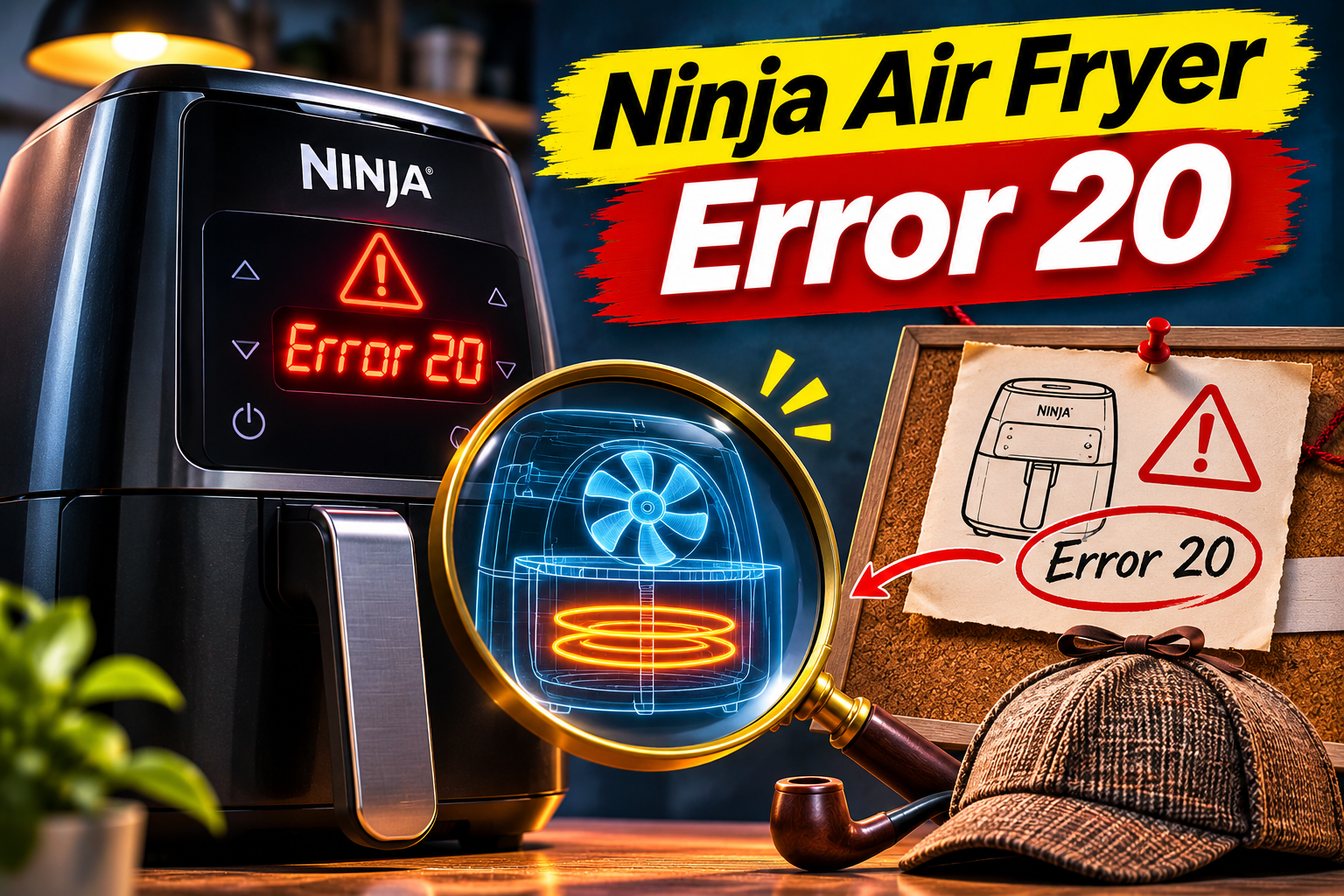
What Does Error 20 Mean on a Ninja Air Fryer?
Ninja doesn’t specifically define Error 20 or E20 in its general air fryer troubleshooting documentation. However, the manufacturer’s guidance for popular models, including the AF100 and AF450, indicates that an E message means the appliance isn’t functioning correctly and requires attention from customer service.
Your air fryer depends on several components working together to cook food. A heating element generates heat, a fan circulates hot air around the cooking chamber, and a temperature sensor monitors internal heat levels. An electronic control board manages these components according to your selected cooking settings.
When something interferes with this process, the appliance may stop responding or interrupt the cooking cycle. However, the precise meaning of Error 20 may depend on your Ninja air fryer’s model and electronic system.
Before assuming that a particular component has failed, consider when the error appears and whether you’ve noticed other unusual symptoms. If your air fryer produces an electrical burning smell, sparks, or smoke from its control panel, disconnect it immediately and discontinue use.
Ninja Air Fryer Error 20: Likely Causes
Several mechanical and electrical problems can prevent your Ninja air fryer from working correctly. Although the following faults aren’t confirmed triggers of Error 20 specifically, they can help explain the operating problems you may be experiencing.
1. Overheating Due to Restricted Airflow
Your Ninja air fryer needs adequate ventilation to operate safely. While the heating element produces the heat needed to cook your food, the ventilation openings allow excess heat to escape from the appliance.
Placing your air fryer too close to a wall or operating it inside a confined space can restrict airflow. Similarly, kitchen towels, packaging materials, and other objects positioned around the appliance may obstruct its ventilation openings.
Overheating is worth investigating if your air fryer works normally for several minutes before displaying an error and shutting down. You might also notice that the appliance’s exterior becomes unusually hot. However, an internal component fault can produce similar symptoms.
2. A Faulty Temperature Sensor
The temperature sensor helps your Ninja air fryer maintain the correct cooking temperature. It continuously supplies temperature information to the control board, which adjusts the heating element as necessary.
If the sensor becomes defective, it may provide inaccurate readings or stop sending information altogether. Repeated exposure to heat, physical damage, and deteriorating electrical connections can contribute to such problems. Consequently, the appliance may stop heating or interrupt the cooking program because it cannot reliably monitor its internal temperature.
3. Electrical Supply Problems
Air fryers require considerable electrical power during operation. If your Ninja air fryer receives an unsuitable or inconsistent power supply, its electronic components may struggle to function correctly.
A damaged wall outlet, overloaded electrical circuit, or unsuitable extension cord can contribute to operating problems. These issues may become particularly noticeable when the heating element switches on and the appliance begins drawing more power.
Look for symptoms such as a flickering display, unexpected restarts, or sudden power loss. Although an unstable power supply isn’t an established cause of Error 20, eliminating electrical supply problems can help narrow down the source of the malfunction.
4. A Defective Fan Motor
The fan inside your Ninja air fryer circulates hot air around your food, allowing it to cook evenly. If the fan motor becomes damaged or stops working, heat distribution inside the cooking chamber may become uneven.
A failing fan motor may produce unusual grinding, rattling, or scraping sounds. In other cases, you might notice that the appliance generates heat without its familiar airflow sound. Continuing to operate an air fryer with a defective fan could result in overheating and further component damage.
5. A Malfunctioning Electronic Control Board
The control board acts as the central operating system of your Ninja air fryer. It processes your cooking selections, receives information from internal sensors, and controls the heating element, fan, and display.
Electrical damage, moisture exposure, and deteriorating electronic components can interfere with the board’s operation. Damaged internal wiring may also prevent communication between the board and other components.
Control board problems can cause several unusual symptoms, including unresponsive buttons, incorrect display readings, unexpected shutdowns, and persistent error messages. Since these symptoms can also result from other faults, proper diagnostic testing is necessary before replacing the control board.
Ninja Air Fryer Error 20: How to Fix
Start by checking the external conditions that could interfere with your air fryer’s operation before considering internal repairs. If you’ve confirmed that the display is showing an actual error code, follow Ninja’s guidance and discontinue use until the problem has been assessed.
1. Disconnect the Air Fryer From Its Power Supply
Whenever your Ninja air fryer displays an unexpected error, switching it off is a sensible first step. Disconnecting the power allows its electronic components to shut down completely and gives the appliance time to cool.
Follow these steps:
-
Press the power button to switch off your air fryer.
-
Disconnect its plug from the electrical outlet.
-
Leave the appliance unplugged until it has cooled completely.
-
Inspect its exterior for signs of damage or excessive heat.
-
Check your owner’s manual for instructions concerning the error message.
If Ninja recommends restarting your particular model, follow its instructions and observe the display. A restart may resolve a temporary electronic malfunction, but it won’t repair damaged internal components.
Avoid repeatedly disconnecting and reconnecting the appliance in an attempt to clear a persistent error. Even if the message temporarily disappears, the underlying fault could remain.
2. Confirm the Error Code and Model Number
Before attempting further troubleshooting, establish exactly what your air fryer’s display is showing. Depending on the appliance’s design, a displayed number could represent the remaining cooking time, temperature setting, or an actual error message.
Check whether the display reads E20, E 20, or simply 20. If the number gradually decreases during cooking and the appliance responds normally, you may simply be looking at the cooking timer.
Next, locate your Ninja air fryer’s model number. On many models, this information appears on an identification label near the power cord. Search for the corresponding owner’s manual on the Ninja customer support website.
Ninja produces several types of air fryers, including single basket models, DualZone appliances, countertop ovens, and multifunction cookers. Their operating systems differ, so troubleshooting instructions for one model may not apply to another.
3. Improve Ventilation Around the Air Fryer
If your air fryer has been operating in a confined space, inadequate ventilation could be contributing to its performance problems. Moving the appliance to a more suitable location can help eliminate this possibility.
Once the air fryer has cooled completely, move it onto a flat, dry, heat resistant countertop. Remove nearby objects that could obstruct its air intake or exhaust openings.
Check your owner’s manual for the recommended clearance around your particular Ninja model. Avoid positioning the appliance directly against a wall, beside a hot stovetop, or underneath a cabinet with insufficient space for escaping heat.
Keep the ventilation openings clear of grease and dust. You can gently wipe accessible exterior surfaces with a soft cloth, but avoid inserting cleaning tools into the openings.
If your appliance continues to show signs of overheating despite adequate ventilation, its internal cooling or temperature monitoring system may require professional attention.
4. Inspect the Power Cord and Electrical Outlet
A poor electrical connection can interfere with your Ninja air fryer’s operation and create safety concerns. Begin by examining the power cord while the appliance is disconnected from the wall outlet.
Look closely for cracks, exposed wires, melted insulation, dark marks, or damage around the plug. Examine the electrical outlet for discoloration and other visible signs of overheating.
If you notice any damage, don’t attempt to use the appliance. A defective power cord requires professional servicing, while a damaged outlet should be examined by a qualified electrician.
You should also check your air fryer’s electrical rating label to confirm that its voltage requirements match your household power supply. This is particularly useful if you purchased the appliance from another country.
Ninja advises against using extension cords with its air fryers. Connect the appliance directly to a suitable wall outlet once it has been established that the appliance is safe to use. If the circuit breaker repeatedly trips, arrange an electrical inspection rather than continuing to reset it.
5. Clean the Cooking Chamber and Removable Components
Grease and food particles can gradually accumulate inside your Ninja air fryer, especially if you frequently cook foods such as chicken wings, bacon, and sausages. Excessive buildup may produce smoke and interfere with normal air circulation.
To clean your air fryer properly, allow it to cool completely and disconnect it from the electrical outlet. Remove the cooking basket, crisper plate, and other detachable cooking accessories.
Wash the removable components with warm water, dish soap, and a soft sponge. If stubborn food residue remains, leave the affected accessories to soak before gently cleaning them. Wipe the accessible cooking chamber with a soft, damp cloth.
According to Ninja’s cleaning instructions, you should never immerse the main appliance in water or place it inside a dishwasher. Avoid spraying cleaning products directly into the heating element, fan assembly, or control panel.
Allow all removable components to dry thoroughly before reassembling the appliance. Although cleaning cannot repair an electronic fault, it helps eliminate maintenance problems that may contribute to poor performance.
6. Check the Cooking Basket and Drawer
Many Ninja air fryers require their cooking baskets or drawers to be properly positioned for normal cooking. An incorrectly fitted basket can interrupt operation or prevent the appliance from cooking as expected.
With the appliance unplugged, remove the basket and examine its edges, handle, and surrounding compartment. Check for trapped food particles, damaged plastic, or incorrectly positioned cooking accessories.
Make sure the crisper plate sits correctly inside the basket. Return the basket to the cooking compartment and ensure it fits securely without excessive force.
If you own a Ninja DualZone air fryer, examine both drawers. For models with a cooking lid or removable heating unit, follow the assembly instructions provided in the owner’s manual.
An incorrectly positioned basket isn’t a verified cause of Error 20. Nevertheless, checking the cooking accessories can help distinguish a simple assembly problem from a genuine internal malfunction.
7. Contact Ninja Customer Support or an Appliance Repair Technician
If you’ve confirmed that your Ninja air fryer is displaying Error 20, contacting customer support is the safest way to obtain further diagnostic guidance.
According to the official Ninja AF100 and AF450 troubleshooting guides, an E message requires assistance from customer service. This advice is particularly relevant when the appliance refuses to heat, repeatedly shuts down, or displays an error immediately after startup.
Before contacting Ninja, gather the following information:
-
Your air fryer’s model and serial numbers.
-
A photograph of the error message.
-
The appliance’s purchase date.
-
Details of when the error first appeared.
-
Any unusual sounds, smells, or heating problems.
-
The troubleshooting methods you’ve already attempted.
Customers in the United States can contact Ninja customer service at 1-877-646-5288.
Depending on the symptoms, a qualified repair technician may need to perform temperature sensor testing, inspect the fan motor, examine internal electrical connections, or assess the electronic control board.
Avoid purchasing replacement components before receiving an accurate diagnosis. Temperature sensors, heating elements, and control boards differ between models, and installing an incompatible component could create further problems.
If your air fryer is still under warranty, contact Ninja before arranging independent repairs. You may qualify for a replacement or other assistance under the applicable warranty terms.
For an older appliance, request a repair estimate and compare it with the cost of purchasing a replacement. Extensive electronic damage may make replacement a more economical decision.
Wrapping Up
Although Ninja doesn’t publicly explain the specific meaning of Error 20, several operating problems can interfere with your air fryer’s normal functions. Checking its ventilation, electrical connection, cooking accessories, and overall condition can help you eliminate straightforward external problems.
However, a persistent error requires proper attention, particularly if your air fryer produces unusual sounds or fails to regulate its temperature. Avoid dismantling the appliance or bypassing its safety mechanisms. Contacting Ninja with your exact model number and a description of the symptoms will help you determine the safest and most practical solution.