Fortunately, several common problems can prevent a Chefman air fryer from starting. Some involve simple issues with the power supply or cooking basket, while others require professional attention. Knowing what to check can help you identify the problem safely.
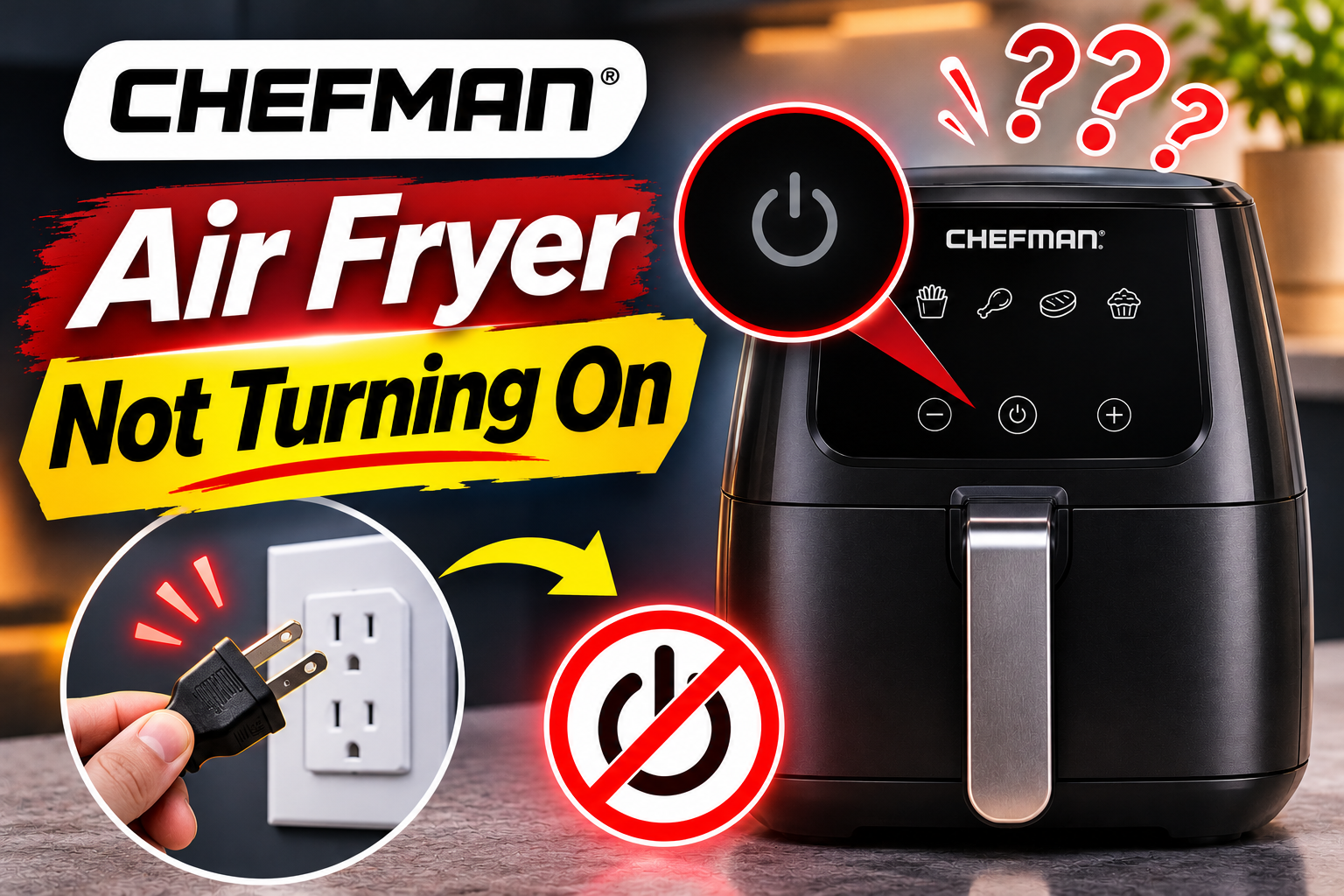
Why Is Your Chefman Air Fryer Not Turning On?
A Chefman air fryer that won’t turn on may have a power supply problem, an improperly positioned cooking basket, or a fault involving its internal electrical components. However, the actual cause depends on whether the appliance is completely unresponsive or simply refuses to begin cooking.
Your air fryer uses electrical power to operate its heating element, fan, and controls. Digital models rely on an electronic control board to manage cooking settings, while some older TurboFry models use mechanical temperature and timer dials. If one of the components needed to start cooking isn’t working correctly, the appliance may remain inactive.
The symptoms can help narrow down the possibilities. For example, a completely blank digital display may suggest a power supply or electronic fault. Meanwhile, an illuminated display with an inactive heating system may point to an incorrect setting, an improperly inserted basket, or another operating problem.
It’s also worth checking whether the appliance stopped suddenly during cooking. An unexpected shutdown accompanied by a burning smell, unusual heat, or a tripped circuit breaker deserves particular attention. These symptoms may indicate an electrical problem that shouldn’t be ignored.
Chefman Air Fryer Not Turning On: Common Causes
Several problems can prevent your Chefman air fryer from starting, ranging from simple operating mistakes to damaged internal components. Understanding how each problem affects the appliance will help you determine which troubleshooting steps are appropriate.
1. Faulty Power Outlet or Loose Electrical Connection
Your Chefman air fryer needs a reliable electrical connection to operate. If the wall outlet isn’t supplying power or the plug isn’t making proper contact, the appliance may remain completely unresponsive.
A loose plug, switched off outlet, or tripped circuit breaker can interrupt the electrical supply. Similarly, a faulty ground fault circuit interrupter outlet, commonly called a GFCI outlet, may stop providing electricity after detecting an electrical fault.
One useful clue is a completely dark display or power indicator. If the air fryer doesn’t make any sound or respond to its controls, checking the outlet is a sensible first step.
However, a blank display doesn’t automatically mean the outlet is defective. The appliance may also have a damaged power cord or an internal electrical problem.
Chefman’s troubleshooting instructions for several TurboFry models specifically recommend confirming that the plug is securely connected to a working wall outlet when the air fryer won’t start.
2. Cooking Basket Not Properly Inserted
Many Chefman air fryers include a safety mechanism that interrupts cooking when the basket or drawer isn’t correctly positioned. This helps prevent the appliance from operating under unsuitable conditions.
If the basket isn’t fully inserted, the safety mechanism may prevent the heating system and fan from starting. Even a small obstruction, such as a trapped food particle or incorrectly positioned accessory, can sometimes prevent the drawer from closing completely.
For example, the Chefman RJ38-2LM TurboFry owner’s guide explains that the appliance won’t operate unless the basket is fully pushed into place.
You may notice this problem after removing the basket to shake food or check cooking progress. The appliance might stop heating and fail to resume when you slide the basket back into the housing.
Some models also pause cooking automatically when the basket is removed. Therefore, a stopped fan or heating indicator doesn’t necessarily mean the appliance has lost electrical power.
If the basket feels loose, doesn’t sit flush with the housing, or requires unusual force to close, its position deserves attention.
3. Incorrect Timer or Control Settings
Sometimes, your Chefman air fryer may appear defective because its cooking controls haven’t been activated correctly.
On certain analog TurboFry models, turning the temperature dial alone doesn’t start the appliance. You must also turn the timer dial past zero to activate the cooking cycle.
For instance, the Chefman RJ38-2LM manual explains that the power indicator doesn’t illuminate until the timer is turned past zero. If the timer remains at zero, the appliance may appear to have no power even when it’s correctly plugged in.
Digital models work differently. Depending on the design, you may need to press the Power button, select a cooking function, adjust the settings, and then press Start.
A digital display that illuminates normally while the fan and heating element remain inactive may indicate that the cooking cycle hasn’t started.
However, if the controls don’t respond despite following the correct operating instructions, an electronic malfunction may be responsible.
4. Overheating or Thermal Protection Problems
Air fryers produce considerable heat during cooking. To operate safely, they rely on temperature monitoring and protective components that help prevent excessive heating.
If the appliance becomes too hot, a protective device may interrupt operation. This can happen when ventilation is restricted or when a component responsible for regulating temperature develops a fault.
You might notice that your Chefman air fryer operates normally for several minutes before suddenly switching off. In some cases, the outer housing may feel unusually hot or the appliance may produce an unfamiliar smell.
However, an unexpected shutdown doesn’t confirm that thermal protection has activated. A faulty power connection or electronic component can cause similar symptoms.
Some thermal protection devices may allow operation again after cooling, while others are designed to interrupt power permanently when a serious overheating condition occurs.
A failed thermal safety device should never be bypassed or replaced without proper diagnosis. Its purpose is to protect the appliance against unsafe temperatures.
5. Damaged Power Cord or Internal Electrical Components
If the wall outlet works and the operating controls are correctly set, the problem may involve the appliance’s electrical system.
A damaged power cord can interrupt the supply of electricity. Internal faults involving the control board, switches, wiring, or other components may also prevent the air fryer from starting.
These problems can develop because of component failure, electrical damage, or deterioration over time.
For example, an air fryer that briefly illuminates before going completely dark may have an intermittent electrical problem. A unit that remains unresponsive despite receiving power may have an internal fault.
However, these symptoms cannot identify a particular failed component without further testing.
Since internal electrical parts can present shock and fire hazards, opening the main housing isn’t a suitable troubleshooting method for an ordinary user. Professional inspection is necessary when external checks fail to identify the cause.
Chefman Air Fryer Not Turning On: DIY Fixes
The best approach is to begin with simple checks that don’t require tools or access to internal electrical components. These methods can resolve common operating problems, but more serious faults may require professional repair.
1. Check the Wall Outlet and Power Cord
Start by checking whether your Chefman air fryer is receiving electricity.
Unplug the appliance and examine its visible power cord. Look for cuts, cracked insulation, bent plug pins, discoloration, or other signs of damage.
If the cord appears damaged, don’t reconnect it or attempt to repair it using electrical tape.
Next, check the wall outlet using another suitable household appliance, such as a lamp. If the second appliance doesn’t work, the problem may involve the outlet rather than your air fryer.
If the outlet is controlled by a wall switch, make sure the switch is turned on. You can also check whether a circuit breaker has tripped.
For a GFCI outlet, follow its normal reset instructions if there are no signs of electrical damage. Disconnect the air fryer before resetting it.
Once you’ve confirmed that the outlet works, reconnect your Chefman air fryer directly to the wall socket, provided its cord and plug are undamaged.
Avoid using an overloaded power strip or unsuitable extension cord.
If the air fryer starts normally, the original electrical connection may have been responsible. However, if the outlet repeatedly trips or the plug becomes unusually hot, stop using it and contact a qualified electrician.
2. Remove and Properly Reinsert the Cooking Basket
An improperly installed basket can prevent some Chefman air fryers from starting. Fortunately, checking its position is straightforward.
First, unplug the appliance and allow it to cool completely.
Pull out the cooking basket and inspect its edges, handle, and the opening where it slides into the main unit.
Look for trapped food particles, crumbs, or accessories that may prevent the drawer from closing correctly.
If you find loose debris, remove it using a soft cloth. Make sure the crisper tray or other removable insert is positioned according to your model’s instructions.
Next, slide the basket back into the appliance until it sits securely and evenly against the housing.
Don’t force the drawer into position. If it doesn’t close smoothly, remove it and check for visible obstructions or damage.
On models that automatically pause cooking when the basket is removed, proper reinsertion may allow the cooking cycle to resume.
However, if the basket fits correctly but the appliance still refuses to operate, the problem may involve a safety switch or another component.
Avoid attempting to bypass the basket detection mechanism. Contact Chefman if the appliance continues behaving as though the basket is missing.
3. Check the Timer, Temperature, and Start Controls
If your Chefman air fryer has power but won’t begin cooking, check whether you’ve activated the controls correctly.
The procedure depends on whether your appliance has mechanical dials or a digital control panel.
For certain analog TurboFry models, follow these steps.
- Make sure the cooking basket is fully inserted.
- Connect the appliance to a suitable wall outlet.
- Turn the temperature dial to the desired cooking temperature.
- Turn the timer dial past zero to select a cooking duration.
- Check whether the power indicator and fan start operating.
On the Chefman RJ38-2LM, the power indicator remains off until the timer is activated. Also, selecting a very low temperature may allow the fan to operate without producing heat.
For digital models, check the owner’s guide for the correct starting sequence. Some require you to press Power, select your settings, and then press Start.
If the control panel illuminates but doesn’t respond, make sure your hands and the exterior controls are dry.
Don’t repeatedly press unresponsive buttons or attempt undocumented reset combinations.
If the settings are correct and the appliance still won’t start, further troubleshooting may be necessary.
4. Allow the Air Fryer to Cool and Check Ventilation
If your Chefman air fryer stopped working during cooking, excessive heat is one possible explanation.
Begin by switching off and unplugging the appliance. Place it on a stable, heat resistant surface with enough open space around its ventilation openings.
Allow the air fryer to cool completely before handling its removable parts.
During this period, check for unusual smells, smoke, discoloration, or damage around the housing.
If you notice any of these warning signs, don’t reconnect the appliance.
Once the unit is cool, examine the external ventilation openings for visible obstructions.
Make sure nothing is covering the air intake or exhaust vents. Follow the clearance instructions in your specific Chefman owner’s guide.
Avoid operating the appliance inside an enclosed cabinet or directly against objects that prevent hot air from escaping.
Some temporary operating interruptions may clear after the appliance cools. However, this doesn’t guarantee that a thermal protection problem has been resolved.
If your model’s manual permits restarting after cooling and there are no signs of damage, you can follow its instructions for a normal startup.
If the air fryer shuts off again, stop using it. Repeated shutdowns may indicate an internal temperature control or electrical fault that requires professional attention.
5. Clean the Basket and Accessible Cooking Area
Accumulated grease and food particles can interfere with normal air fryer operation, particularly when debris prevents the cooking drawer from fitting correctly.
Although cleaning won’t repair a faulty control board or damaged electrical connection, it can help eliminate simple problems involving basket placement.
Start by unplugging the air fryer and allowing it to cool completely.
Remove the basket, crisper plate, or other accessories approved for removal.
Inspect these components for stuck food, grease deposits, and crumbs. Pay particular attention to the basket edges and the area where the drawer slides into the appliance.
You can clean the removable accessories using the following steps.
- Wash the basket and removable tray with warm water and mild dish soap.
- Use a soft sponge to remove loose grease and food residue.
- Soak stubborn deposits until they can be removed without scraping.
- Rinse the components thoroughly.
- Dry everything completely before reinstalling the accessories.
Use a lightly damp cloth to wipe accessible surfaces of the main unit according to your owner’s manual.
Never immerse the electrical housing in water or spray cleaning products into its ventilation openings.
Also, avoid inserting objects into the fan housing or attempting to clean internal electrical components.
Once the removable parts are clean, reinstall them correctly.
If the appliance previously failed because the basket couldn’t close properly, removing trapped food may resolve the problem.
However, if the display remains completely dark despite a working outlet, additional cleaning is unlikely to help.
6. Contact Chefman Customer Service or a Qualified Technician
If your Chefman air fryer still won’t turn on after the appropriate external checks, it may have an internal electrical problem.
Possible faults include a damaged power switch, defective electronic control board, failed thermal protection component, or another electrical malfunction.
These problems require proper diagnosis because replacing the wrong component may fail to restore operation.
Before contacting support, locate your appliance’s model number and serial number. Many Chefman air fryers have identification labels underneath or behind the main unit.
Also, gather your purchase information and note exactly what happens when you attempt to switch on the appliance.
For example, explain whether the display remains completely dark, the controls illuminate without starting the fan, or the appliance switches off during heating.
You can contact Chefman Customer Service using the following details.
- Phone: 1-888-315-6553
- Email: support@chefman.com
- Website: www.chefman.com
Chefman offers warranty coverage on eligible appliances, although the duration and conditions depend on the product. Some models include a one year warranty, while certain newer products have longer coverage.
Check the warranty terms for your exact model before arranging an independent repair.
If your air fryer is outside its warranty period, a qualified appliance technician can assess whether repairing it is practical.
Don’t attempt to open the housing, replace internal electrical components, or bypass thermal safety devices yourself.
These repairs involve electrical hazards and may create additional problems if performed incorrectly.
If the cost of professional repair approaches the price of a suitable replacement, replacing the appliance may be the more practical option.
Wrap-Up
A Chefman air fryer that won’t turn on may have a simple power connection issue, an improperly inserted basket, incorrect control settings, or an internal electrical fault. Checking these possibilities in the right order can help you identify the problem without unnecessary repairs.
Start with the wall outlet, basket position, and cooking controls. If the appliance stopped after overheating, allow it to cool and check for warning signs. When these checks don’t restore normal operation, contact Chefman support or a qualified technician to determine the safest solution.