Seeing “SHUT” on your Tower air fryer can be frustrating, especially when the cooking basket is already inside the appliance. You might push the drawer in again, only to find that the warning remains and the air fryer refuses to start.
Fortunately, this error usually relates to how the drawer or basket fits inside the appliance. Food residue, incorrect positioning, or a damaged component can prevent proper detection. Understanding these possibilities can help you identify the problem and restore normal operation safely.
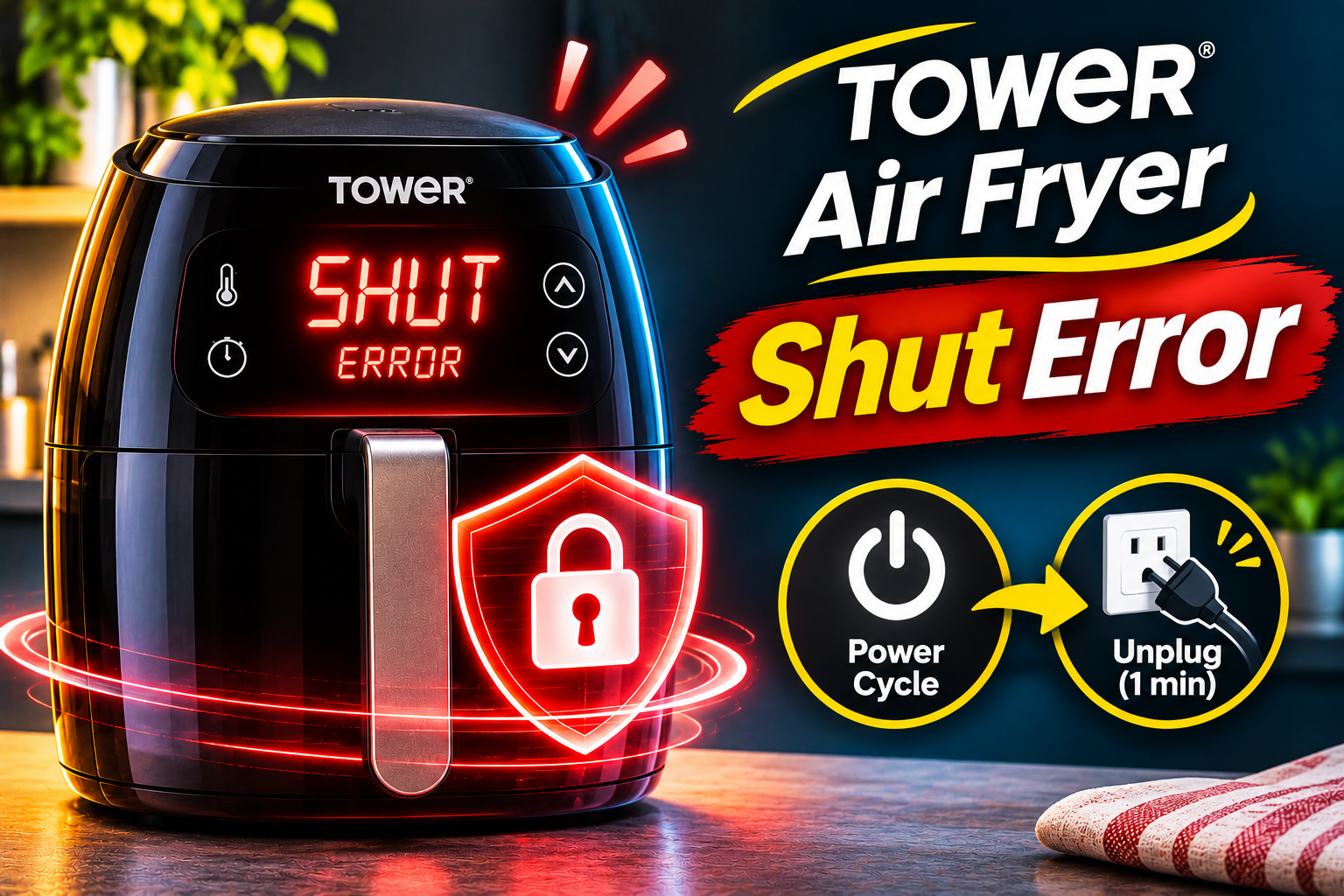
What Does the SHUT Error Mean on a Tower Air Fryer?
The Tower air fryer SHUT error means the appliance isn’t recognizing the drawer or cooking basket as properly inserted. This warning can appear even when the basket looks completely closed from the outside. Tower’s official troubleshooting guidance identifies SHUT and ADD POT as related warnings that require checking the drawer, basket, and safety switch.
Many Tower air fryers use a safety mechanism that prevents cooking when the drawer isn’t correctly positioned. When you insert the basket, its position allows the appliance to recognize that the cooking compartment is closed. If the required condition isn’t detected, the air fryer may refuse to operate normally.
You might notice the SHUT message immediately after switching on the appliance or when returning the basket during cooking. In some cases, the display remains active, but the heating element and fan won’t start. The warning may also appear intermittently if the drawer doesn’t sit securely.
However, Tower manufactures different air fryer models, including single basket, dual basket, and oven-style appliances. Their drawer detection systems and display messages can differ. Therefore, the exact model matters when troubleshooting. Also, SHUT shouldn’t be confused with the normal automatic shutoff feature that switches off the appliance after the cooking timer finishes.
Tower Air Fryer Shut Error: Likely Causes
Several conditions can prevent your Tower air fryer from recognizing a properly inserted cooking basket. Some involve simple obstructions, while others may indicate damage or a problem with the appliance’s safety mechanism.
1. The Cooking Drawer Isn’t Fully Inserted
One of the most common reasons for the SHUT error is a drawer that hasn’t reached its proper closed position. Although it may look correctly installed, even a small gap can prevent the appliance from detecting it.
Tower specifically recommends ensuring that the drawer or basket is fully inserted when troubleshooting the SHUT warning. This is particularly important after you’ve removed the basket to shake food or check its cooking progress.
Sometimes, the drawer doesn’t slide completely into place because it was inserted at an angle. You may notice slight resistance during the final part of its movement or that the drawer sits farther forward than usual.
On appliances with two cooking drawers, it’s also important to check which compartment is affected. A warning associated with one cooking zone may indicate that its corresponding basket hasn’t been fully inserted.
If the error disappears after you remove and correctly reinstall the drawer, its position was likely responsible. However, if you must push unusually hard to make the warning disappear, another problem may be interfering with proper closure.
2. Food Debris or Grease Blocking the Drawer
Air fryers produce crumbs, grease, and food residue during normal cooking. Over time, these materials can collect around the basket, cooking chamber, and surfaces where the drawer meets the appliance.
If enough residue builds up near the drawer’s contact points, it may prevent the basket from sliding into its intended position. A small piece of hardened food can sometimes interfere with closure.
Tower identifies food debris, grease, and foreign objects as possible reasons why a drawer won’t close correctly. This makes cleaning an important part of the troubleshooting process.
You may notice that the drawer feels rough when sliding or stops slightly before reaching its normal position. Visible crumbs around the opening or grease deposits along the accessible edges can also suggest an obstruction.
However, the amount of residue needed to affect closure depends on the appliance’s design. Light grease deposits don’t automatically explain every SHUT warning, particularly if the basket already fits smoothly.
3. Incorrectly Positioned Basket or Excessive Food
A Tower air fryer’s removable cooking parts need to fit together correctly. Depending on the model, these components may include an outer drawer, an inner basket, and a removable crisper plate or rack.
If one component isn’t seated properly, it may interfere with the drawer’s movement. For example, an incorrectly positioned inner basket could prevent the drawer assembly from reaching its normal closed position.
Overfilling the basket can create a similar problem. Large pieces of food or ingredients extending beyond the basket’s intended capacity may obstruct closure.
Tower’s official SHUT troubleshooting guidance specifically advises checking the basket’s position and avoiding overloading.
A useful clue is whether the error appears only when the basket contains food. If the empty drawer fits correctly but becomes difficult to close after loading it, the contents or removable components may be responsible.
However, never operate the air fryer with a required basket component removed simply to make the warning disappear. Always follow the accessory arrangement specified in your model’s manual.
4. A Warped or Damaged Cooking Drawer
The drawer and basket must maintain their intended shape to fit correctly. If either component becomes bent, warped, or damaged, it may no longer align with the cooking chamber.
Physical damage can occur after an accidental drop, impact, or other excessive force. The surrounding housing or basket supports may also become damaged, affecting how the drawer fits.
Tower specifically recommends examining the drawer, basket, and lining for signs of warping or distortion when a SHUT warning appears.
You may notice that one side of the drawer sits farther forward than the other or that the basket rubs against the housing while being inserted. Visible cracks, bent edges, and an unusually loose handle are additional signs that deserve attention.
A damaged drawer may still slide partway into the appliance, making the problem difficult to recognize at first.
However, forcing it into position can worsen the damage. If the basket no longer fits naturally, replacing the affected component may be safer than attempting to straighten or modify it.
5. A Faulty Drawer Safety Switch
If the basket is correctly inserted and no physical obstruction is visible, the problem may involve the mechanism that detects whether the drawer is closed.
Tower confirms that the basket and drawer must be fitted correctly to activate the appliance’s safety switch. This switch helps the control system determine whether the required cooking components are properly positioned.
If the switch becomes damaged or stops functioning correctly, the appliance may continue displaying SHUT even when the drawer is fully inserted.
An internal electrical connection or another part of the detection circuit could also malfunction. However, the message alone doesn’t establish which component has failed.
One possible clue is a warning that remains unchanged after cleaning, correcting the drawer’s position, and completing the manufacturer’s recommended restart procedure.
Although a faulty switch may explain these symptoms, diagnosing it requires proper testing. Opening the appliance or attempting to activate the switch manually can create electrical and fire hazards.
Tower Air Fryer Shut Error: DIY Fixes
Tower provides several practical checks for resolving the SHUT warning. Begin with the drawer and its removable parts before considering a possible internal fault.
1. Remove and Properly Reinsert the Cooking Drawer
The first step is to check whether the drawer is fully inserted. This is the simplest solution and one of Tower’s primary troubleshooting recommendations.
Switch off the appliance and allow it to cool if it has recently been cooking. Remove the basket using its handle and inspect the opening for obvious obstructions.
Then follow these steps.
- Hold the drawer by its handle and position it correctly in front of the cooking compartment.
- Align it with the appliance’s normal drawer supports.
- Slide it inward gently, keeping it straight.
- Continue until it reaches its intended closed position.
- Check that the front sits evenly against the appliance.
Don’t use excessive force or slam the drawer shut. It should fit without unusual resistance.
If your Tower air fryer has two baskets, check both compartments and identify which one is triggering the warning.
Once the drawer is correctly positioned, observe whether the SHUT message disappears. If normal operation returns, the issue may have been caused by incomplete insertion.
If the warning remains, remove the drawer again and check for residue or incorrectly positioned components.
2. Clean the Basket and Drawer Contact Areas
Food residue can prevent the drawer from closing properly. Cleaning its accessible surfaces may help restore normal movement.
First, unplug the air fryer and let it cool completely. Remove the drawer, basket, and any detachable accessories according to your owner’s manual.
Check the drawer edges, cooking chamber opening, and accessible surfaces where the drawer meets the housing.
Use a soft cloth or sponge with warm water and mild dish soap to remove grease and food residue. For stubborn deposits, allow removable washable parts to soak if your manual permits it.
Tower recommends cleaning removable baskets with warm, soapy water or using a dishwasher when the components are specifically identified as dishwasher safe.
Avoid using metal scrapers, abrasive pads, or sharp tools around the drawer’s contact surfaces. These can scratch coatings or damage components.
Also, don’t pour water into the main appliance or spray cleaning products into switch openings. Electrical areas must remain dry.
After cleaning, dry all removable parts thoroughly and reinstall them correctly.
Slide the drawer into place and check whether it closes more smoothly. If the SHUT message disappears, accumulated residue may have interfered with its previous position.
3. Check the Basket Assembly and Reduce the Food Load
If the warning appeared after filling the basket, check whether the contents or removable components are preventing proper closure.
Start by switching off the air fryer and allowing it to cool sufficiently before handling the food.
Remove the drawer and examine how the inner basket, crisper plate, or cooking rack is positioned. Compare the arrangement with the instructions in your model’s manual.
Make sure removable components sit in their designated positions and aren’t tilted or resting on the drawer’s edges.
Next, check the quantity of food. If the basket is filled beyond its recommended capacity, remove some ingredients and distribute the remainder more evenly.
Food shouldn’t protrude into areas where it could interfere with the drawer’s movement or contact the heating element.
For example, a large piece of chicken positioned above the basket’s usable height may prevent the drawer from closing. Repositioning the food or preparing smaller portions can correct this problem.
You can also check whether the empty, correctly assembled drawer fits normally. If it does but becomes difficult to insert when loaded, the contents may be responsible.
Once the basket is correctly assembled and filled within the recommended limits, reinsert it and observe the display.
If SHUT clears, the issue was likely related to the basket arrangement or excessive food.
4. Inspect the Drawer for Damage or Warping
When the SHUT warning persists after cleaning and correcting the basket’s position, inspect the removable components for physical damage.
Unplug the appliance and allow it to cool completely before removing the drawer.
Place the basket on a stable surface and examine its sides, front panel, handle, and accessible supports.
Look for cracks, bent edges, distortion, or signs that the basket has lost its original shape. Pay attention to areas where the drawer slides into the appliance.
You can also inspect the crisper plate or inner basket for damage that might interfere with assembly.
Tower’s official guidance specifically recommends checking the drawer, basket, and lining for warping and distortion.
If the drawer is visibly damaged, don’t attempt to straighten it by applying heat or excessive pressure. Heating plastic components or bending metal supports can make them unsafe or prevent proper alignment.
Similarly, avoid modifying the drawer to make it activate the safety switch.
Contact Tower about a suitable replacement part if damage is confirmed. The replacement must match your model because baskets and drawer components aren’t necessarily interchangeable.
If the drawer looks normal but the error persists, the fault may involve the detection mechanism rather than the basket itself.
5. Restart the Tower Air Fryer
If the drawer is clean, correctly assembled, and fully inserted, Tower recommends disconnecting the appliance from electricity briefly before trying again.
This procedure may help determine whether the warning is temporary.
Follow these steps.
- Switch off the air fryer using its power control.
- Unplug it from the wall socket.
- Leave it disconnected for a few minutes.
- Check that the drawer and basket are correctly installed.
- Make sure the appliance and removable parts are dry.
- Reconnect the power supply and observe the display.
Tower includes this restart procedure in its official SHUT error troubleshooting guidance.
If the message disappears, follow your model’s instructions to start a normal cooking cycle.
However, a restart won’t repair a broken safety switch, damaged drawer, or defective internal electrical connection.
If SHUT immediately returns, avoid repeatedly unplugging and reconnecting the appliance. The underlying problem may require professional diagnosis.
You should also stop using the air fryer if you notice smoke, a strong electrical burning smell, damaged wiring, or other signs of unsafe operation.
6. Contact Tower Customer Support or a Qualified Technician
If the SHUT error remains after completing the recommended checks, contact Tower customer support.
Tower specifically advises customers whose appliances are still covered by a warranty to request assistance when the SHUT or ADD POT warning persists.
Before contacting support, gather the following information.
- Model number: Identify the exact Tower air fryer model from its product label or documentation.
- Displayed warning: Confirm whether the message reads SHUT, ADD POT, or something different.
- Drawer condition: Explain whether the basket closes smoothly and whether any damage is visible.
- Error behavior: Mention whether the warning appears immediately after switching on or during cooking.
- Purchase information: Keep your proof of purchase and warranty details available.
Tower’s Consumer Care team can be reached through its official support website or by email at customerservice@towerhousewares.co.uk.
If the fault involves the safety switch, internal connections, or electronic controls, professional assessment may be necessary.
Don’t attempt to bypass the drawer detection system using tape, magnets, inserted objects, or modifications to the switch. The mechanism helps prevent unsafe operation when the cooking drawer isn’t properly fitted.
Similarly, opening the appliance’s casing to inspect wiring isn’t recommended for ordinary users. Internal electrical components can present serious hazards.
A qualified technician can determine whether the appliance needs a replacement drawer, a repair to its detection system, or another appropriate solution.
If the air fryer is still under warranty, contact Tower before arranging an independent repair because unauthorized work may affect your coverage.
Wrapping Up
The Tower air fryer SHUT error usually indicates that the appliance isn’t recognizing the cooking drawer or basket as properly inserted. A small obstruction, incorrect basket position, overloading, or physical damage may explain why the warning appears.
Start by checking the drawer’s fit, removing food residue, and ensuring the removable parts are correctly installed. If the warning remains after Tower’s recommended troubleshooting steps, avoid forcing the drawer or bypassing its safety switch. Contacting Tower support can help you identify the underlying fault and arrange the appropriate repair.