Seeing “SHA” on your Philips air fryer display can be confusing, especially if the appliance starts beeping while you’re cooking. You might think something has gone wrong with the heating system or that the air fryer needs resetting.
However, this message may be related to the appliance’s shake reminder rather than an actual fault. Philips air fryers have different display features depending on the model, so identifying the message correctly is important. Understanding how these reminders work can help you respond appropriately and recognize genuine operating problems.
What Does SHA Mean on a Philips Air Fryer?
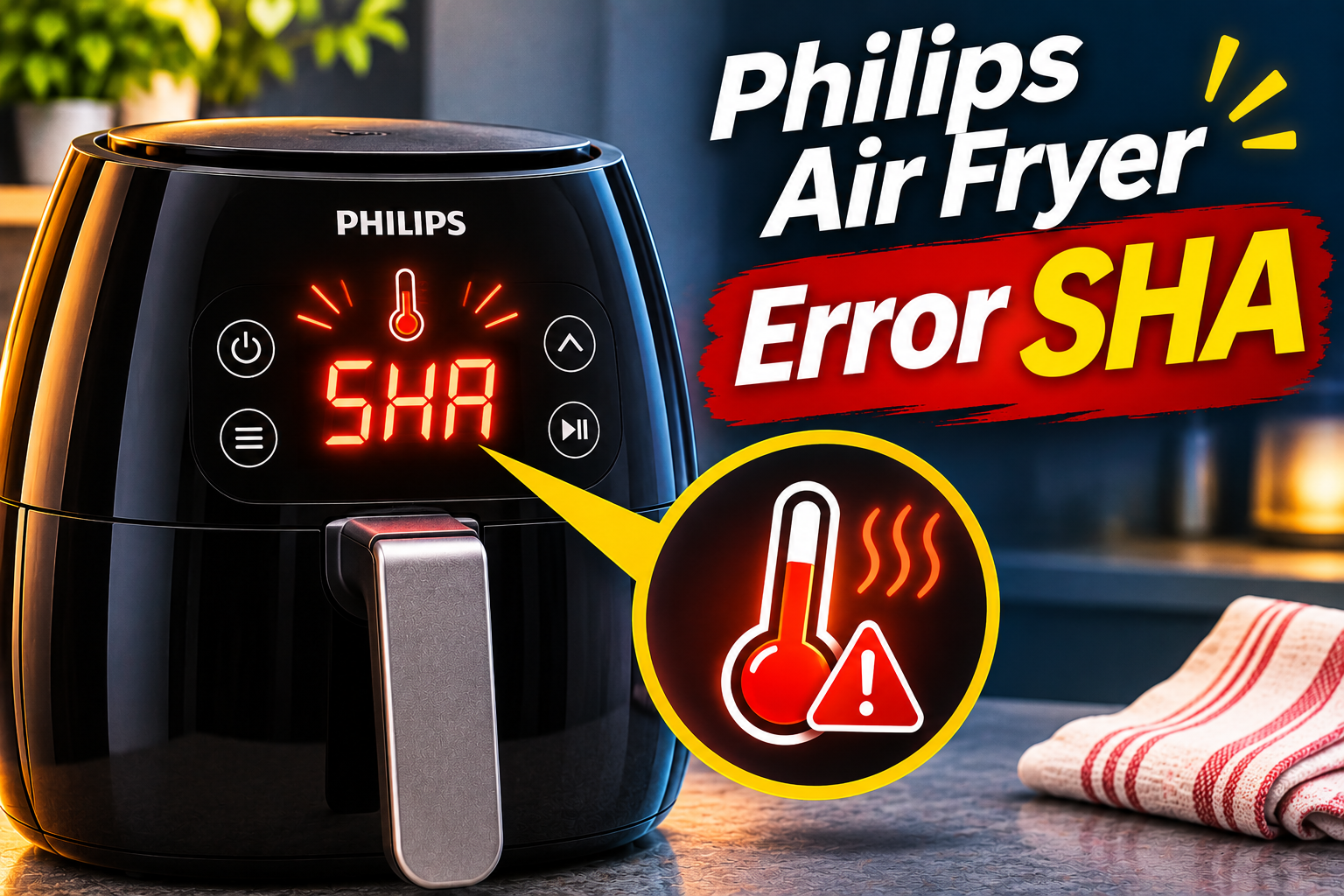
SHA most likely refers to a shake reminder when it appears during an active cooking cycle. Certain Philips Airfryers notify you when it’s time to shake or turn the food. This helps hot air reach more of the food’s surface, improving how evenly it cooks.
However, Philips doesn’t identify “SHA” as a separate fault code in its published general error code guidance. Its documented error messages include codes such as E1, E2, E3, and E4, along with other model-specific warnings. Therefore, the exact meaning of a three-letter SHA display should be confirmed against your appliance’s manual.
Philips confirms that models including the HD9285, HD9860 through HD9867, HD9875, HD9876, HD9880, and several NA series appliances support shaking reminders. Depending on the model and cooking program, the appliance may beep, display a shaking symbol, or provide another indication when the food needs attention. <Cite ref=”turn247491search0″/>
These reminders are particularly useful when preparing French fries, chicken wings, nuggets, and other foods arranged in multiple layers. Without occasional shaking, some pieces may receive less exposure to circulating hot air, resulting in uneven browning.
A normal reminder usually appears while cooking is underway, often with cooking time remaining. If your appliance displays SHA immediately after switching on, refuses to heat, or becomes unresponsive, the situation requires further investigation. A persistent unexplained display shouldn’t automatically be treated as a harmless cooking reminder.
Philips Air Fryer Error SHA: Likely Causes
Several circumstances can explain why your Philips air fryer displays SHA or a similar shaking indication. Most involve normal cooking settings, although unusual display behavior may indicate a separate technical issue.
1. The Air Fryer’s Shake Reminder Has Activated
Some Philips Airfryers are programmed to notify you when food needs shaking or turning during cooking. This reminder helps distribute ingredients more evenly inside the basket.
As cooking progresses, pieces near the top may brown faster than those underneath. The shake reminder prompts you to move the ingredients so that the lower pieces receive greater exposure to circulating hot air.
On supported models, this feature operates automatically during certain cooking programs. For example, the Philips HD9285 5000 Series Airfryer XL Connected provides shaking reminders when preparing fresh fries or frozen potato snacks using the relevant presets.
The manufacturer explains that these reminders may occur several times during a single cooking cycle. Consequently, repeated beeping during the preparation of fries doesn’t necessarily indicate an electrical fault.
If your air fryer continues counting down and otherwise operates normally, a shaking reminder is a likely explanation for the display indication.
2. A Cooking Preset Automatically Includes Shaking
Philips air fryers offer different preset cooking programs. These settings simplify food preparation by selecting suitable cooking parameters for particular ingredients.
On some models, the presets also include reminders to shake or turn the food at specific stages. This means the appliance can display a shaking indication even when you haven’t manually enabled a reminder.
For instance, the HD9860 through HD9867 Premium XXL models use Smart Chef programs that can provide an audible signal and shaking indication when the food needs attention.
Similarly, certain 7000 Series Airfryer Combi XXL models include automatic cooking programs that instruct users to shake or turn ingredients. These instructions form part of the selected cooking process rather than signaling a malfunction.
One useful clue is whether the message consistently appears during a particular preset but doesn’t appear during other cooking functions. That pattern can suggest that the program itself is responsible.
3. The Manual Cooking Shake Reminder Is Enabled
Some Philips air fryers allow shaking reminders even when you’re setting the cooking temperature and time yourself.
For example, on the HD9875, HD9876, and HD9880 models, the manual cooking reminder can activate when the cooking time reaches its halfway point. Philips specifies that this feature applies to manual cooking times of at least 15 minutes.
Therefore, if you select a 20-minute cooking cycle, the appliance may remind you to shake the food after approximately 10 minutes. This behavior is expected when the feature is enabled.
The reminder doesn’t necessarily mean that the appliance has detected uneven cooking. Instead, it follows the programmed timing.
This distinction matters because the message can appear even when you’re preparing food that doesn’t require shaking. For instance, a single layer of food may cook evenly without being moved, depending on the ingredients.
On supported models, you can disable the manual shake reminder through the settings menu. However, this option isn’t available on every Philips air fryer, and some automatic cooking reminders cannot be turned off.
4. An Unusual Display or Electronic Control Problem
A message resembling SHA may need closer attention if it appears at an unexpected time or prevents the appliance from operating.
The air fryer’s display is controlled by electronic components that receive and present information about cooking settings, operating status, and detected faults. If the display or control system malfunctions, the appliance may show incorrect or abnormal characters.
Philips acknowledges that unusual display characters can indicate a malfunction on certain models. However, this doesn’t establish that a persistent SHA message is caused by a defective control board or display.
You may suspect a separate problem if the message appears immediately after connecting the appliance, remains visible when no cooking program is running, or accompanies buttons that no longer respond.
Another warning sign is when the cooking countdown stops unexpectedly and normal operation cannot be restored through the instructions in the owner’s manual.
These symptoms are different from an ordinary shake reminder. They may require manufacturer support, particularly if the appliance repeatedly becomes unresponsive.
Philips Air Fryer Error SHA: DIY Fixes
The correct response depends on whether SHA appears during normal cooking or represents an unexplained display problem. Begin by identifying the message, then follow the steps appropriate for your particular model.
1. Confirm the Message and Identify Your Air Fryer Model
Before attempting to clear the SHA indication, look carefully at the display and note when it appears.
If the message occurs halfway through cooking and the appliance continues counting down, it may be a reminder to shake the food. However, if the display remains unchanged after switching on the appliance, you shouldn’t automatically assume the same explanation.
Check whether the screen shows SHA, a shaking symbol, or a different combination of letters and numbers.
Next, identify your Philips air fryer model. The model number is generally printed on a label underneath the appliance. Make sure the appliance is unplugged and completely cool before checking its underside.
Philips uses model numbers such as HD9285, HD9867, HD9880, NA350, and NA351. These numbers help you locate the correct instructions.
Visit Philips Support and search for your model’s manual. Look for information about shaking reminders, display messages, and troubleshooting.
If your manual doesn’t identify the SHA message and the appliance isn’t functioning normally, contact Philips rather than guessing which internal component may be responsible.
2. Shake or Turn the Food When the Reminder Appears
If your air fryer is operating normally and SHA appears during cooking, the simplest response may be to shake or turn the food.
Philips recommends shaking ingredients arranged in multiple layers because this helps hot air reach more of their surfaces. French fries, potato snacks, chicken nuggets, and chicken wings are common examples.
To shake the food safely, follow these steps.
- Hold the basket or drawer handle and carefully pull it out according to your appliance’s instructions.
- Keep your face and hands away from escaping hot steam.
- If your model allows it, shake the basket gently over a suitable heat-resistant area or the sink.
- Make sure food from the bottom moves toward the top.
- Return the basket to its proper position and allow cooking to continue according to the model’s instructions.
For larger or more delicate pieces, use suitable heat-resistant tongs to turn the food instead of shaking it aggressively.
Be careful with models that have a removable basket fitted inside a separate pan. Hold the components as instructed so the hot pan doesn’t accidentally detach.
After returning the basket, the shaking indication should follow the behavior described in your owner’s manual. On some appliances, cooking resumes automatically when the drawer is reinserted.
If the display continues showing SHA despite normal cooking, check whether the selected program is scheduled to provide additional reminders.
3. Check That the Cooking Basket Is Properly Inserted
After shaking your food, make sure the basket or drawer is fully returned to its normal position.
Philips air fryers are designed to operate with their cooking components installed correctly. On models with drawer detection, removing the drawer during cooking may interrupt operation until it is reinserted.
If the drawer doesn’t close correctly, the air fryer may fail to continue cooking as expected. However, an improperly inserted drawer isn’t a documented universal cause of a SHA message.
If the appliance doesn’t resume after shaking, allow it to cool sufficiently before checking the drawer and its surrounding area.
Look for food pieces, displaced accessories, or other visible obstructions that could prevent proper closure. Also, confirm that the basket and any removable cooking inserts are positioned according to the manual.
Avoid forcing the drawer closed. Excessive pressure may damage the handle, housing, or other components.
Once everything is positioned properly, close the drawer and follow the manufacturer’s instructions for resuming cooking.
If the appliance resumes and the timer continues normally, the interruption may have been related to the drawer’s position rather than the shake reminder itself.
4. Disable the Shake Reminder on Supported Philips Models
If you find the shaking reminders unnecessary for certain recipes, some Philips models allow you to turn them off.
However, the procedure depends on the model, and not every reminder can be disabled.
For the Philips HD9285 5000 Series Airfryer XL Connected, Philips provides a specific button combination.
Switch on the appliance, then press and hold the homemade fries preset button and the frozen potato snacks preset button simultaneously.
This disables the shaking reminder. Repeat the same action if you want to enable it again.
Philips also explains that overwriting the standard preset with your preferred cooking time or temperature deactivates the corresponding shaking reminder on this model.
For the HD9875, HD9876, and HD9880 7000 Series Airfryer Combi XXL Connected, you can manage the manual cooking reminder through the display’s Settings menu.
Open Settings using the appliance’s display controls, locate the shaking reminder option, and change it according to your preference.
However, Philips explains that reminders included in certain Auto-Cook programs cannot be disabled. These instructions form part of the cooking process.
The manufacturer provides these model-specific procedures in its official explanation of air fryer beeping and shake reminders.
If your model isn’t listed, consult its manual rather than trying unfamiliar button combinations. Pressing multiple controls without knowing their purpose could change other settings.
5. Restart the Appliance If the Display Behaves Abnormally
If SHA remains visible when no cooking program is active, or your Philips air fryer stops responding, a controlled restart may help determine whether the problem is temporary.
First, distinguish an abnormal display from a firmware update. Philips explains that some connected models display blinking dashes while updating their software. The manufacturer specifically advises against unplugging these appliances before the update is complete.
A three-letter SHA message isn’t identified as that firmware update indication, so follow your model’s instructions if the screen appears unusual.
If the appliance isn’t updating, shows no signs of damage, and can be switched off normally, use the following procedure.
- Stop the cooking program using the appropriate control.
- Switch off the appliance.
- Unplug it from the wall outlet.
- Allow the appliance to cool completely if it was recently operating.
- Check that the basket is correctly installed and the exterior is dry.
- Reconnect the appliance and observe the display.
A restart may clear some temporary control problems, but Philips doesn’t identify unplugging as a specific guaranteed solution for SHA.
If the appliance switches on normally, you can follow the manual’s instructions to begin another cooking cycle.
However, if the message immediately returns and the appliance still refuses to operate, stop troubleshooting. Repeatedly disconnecting and reconnecting the power supply won’t repair a defective electronic component.
6. Contact Philips Support or a Qualified Technician
If the SHA message remains unexplained after checking the manual and completing the appropriate safe steps, contact Philips customer support.
This is particularly important when the appliance refuses to heat, the display freezes, or normal controls become unresponsive. A warning appearing immediately after switching on the appliance may also require closer examination.
Before requesting help, gather the model number, serial number, and purchase information. Describe exactly what appears on the screen, including whether the letters flash or remain continuously visible.
You should also explain when the message occurs. For example, mention whether it appears during a cooking preset, halfway through manual cooking, or before a cooking cycle begins.
Philips provides service guidance through its official error code troubleshooting page. Its published guidance identifies several genuine error codes and recommends professional assistance when particular faults persist.
If the display shows E1, E2, or another documented code alongside the SHA indication, report both messages rather than assuming they have the same meaning.
Never open the appliance’s casing to inspect the circuit board, bypass the basket detection mechanism, or attempt to repair its internal wiring yourself.
Stop using the appliance immediately if you notice smoke from electrical components, a strong burning smell, melted plastic, a damaged power cord, or repeated circuit breaker trips.
A qualified technician can determine whether the display, controls, or another internal component needs repair. If your appliance is still covered by a warranty, contact the manufacturer before arranging an independent repair.
Wrap-Up
A Philips air fryer displaying SHA during cooking may simply be reminding you to shake or turn your food. This feature is normal on supported models and helps improve cooking results, especially when ingredients are arranged in multiple layers. However, Philips doesn’t officially identify SHA as a universal error code.
Check your model’s manual and observe when the message appears before attempting a fix. If the appliance continues operating normally, follow the appropriate shaking instructions. For persistent warnings, frozen controls, or interrupted heating, Philips support can help identify the actual problem.