Your Gourmia 14 Qt air fryer may suddenly display an “Open” message even when the door appears fully closed. When this happens, the appliance may refuse to start cooking or stop heating halfway through a meal.
This problem can be frustrating because the door may look perfectly normal from the outside. However, a loose door, food residue, or a faulty door detection switch could be responsible. Understanding these possibilities will help you identify the problem and choose a safe, practical solution.
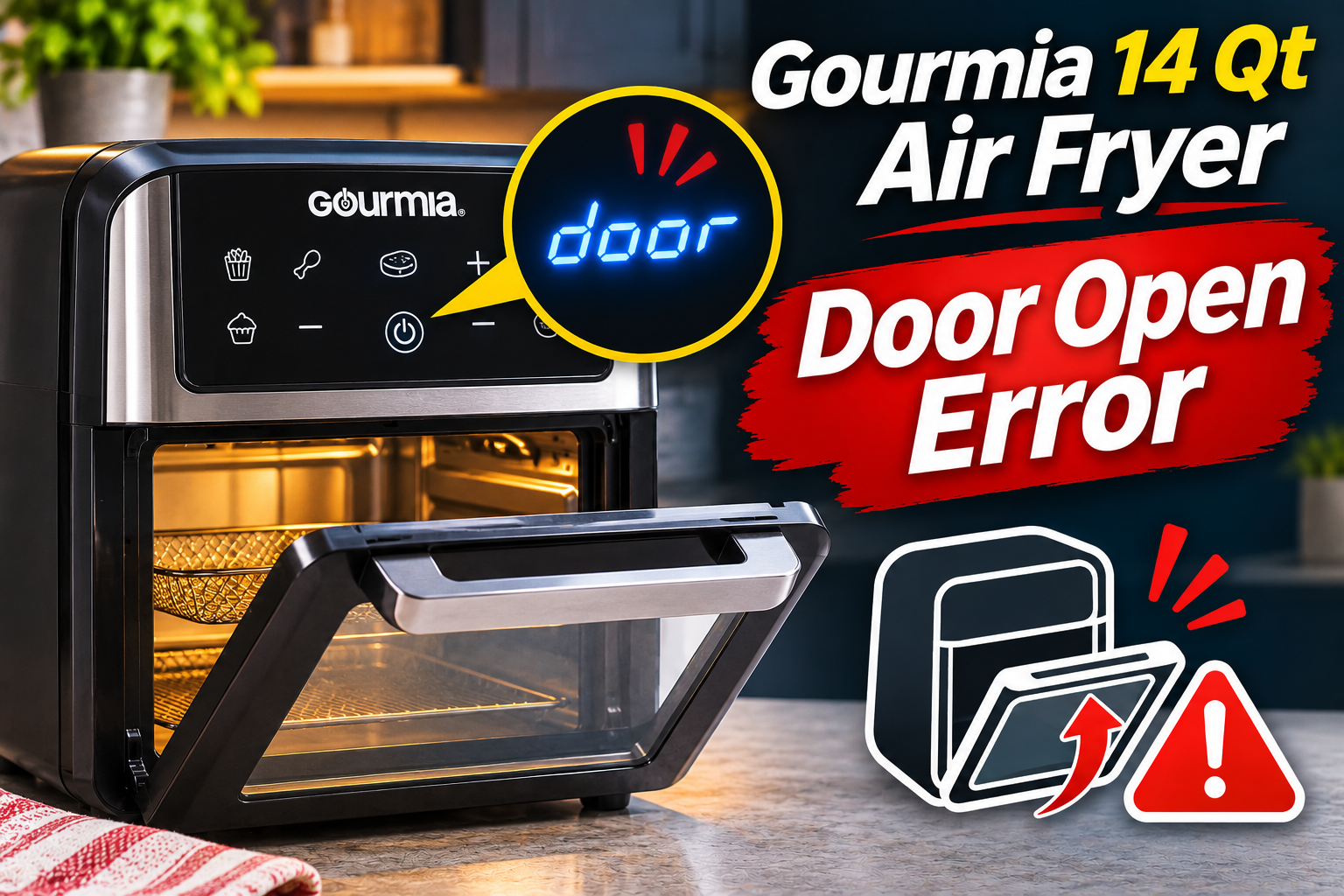
What Does the Door Open Error Mean on a Gourmia 14 Qt Air Fryer?
The Gourmia 14 Qt air fryer door open error generally means the appliance is registering an open door, even if you’ve already closed it. Depending on the model, the display may show “Open,” and the unit may refuse to begin or continue its cooking cycle.
Gourmia’s 14 Qt air fryer ovens, including the GAF1220 and GAF1230, have a door monitoring system that affects cooking operation. According to their official user manuals, opening the door during cooking stops the cooking process, while closing it automatically resumes operation. This safety feature helps prevent the appliance from operating normally with its door open.
However, the system depends on the appliance correctly detecting whether the door is closed. If the door doesn’t reach its proper position or the detection mechanism malfunctions, the control system may continue registering an open condition. Consequently, you might notice that the display works, but the heating element and fan won’t operate as expected.
It’s also worth noting that Gourmia manufactures different 14 Qt models, including the GAF1220, GAF1230, and GAF1290. Their controls and operating instructions aren’t identical. The GAF1290 manual, for example, identifies E1, E2, and E3 as temperature sensor related errors but doesn’t provide a separate troubleshooting definition for the “Open” message. Therefore, identifying your exact model is important before assuming a specific component has failed.
Gourmia 14 Qt Air Fryer Door Open Error: Common Causes
Several conditions can prevent your Gourmia air fryer from recognizing that its door is closed. Some involve simple obstructions, while others may indicate mechanical damage or an internal electrical problem.
1. The Air Fryer Door Isn’t Completely Closed
A door that appears closed may still have a small gap preventing it from reaching its proper position. This is one of the first possibilities to investigate because the door detection mechanism depends on the door closing correctly.
For instance, if you close the door gently but it stops slightly short of its normal position, the appliance may continue registering an open condition. The gap might be difficult to notice unless you examine the door carefully from the side.
Sometimes, this happens because an accessory isn’t positioned correctly inside the cooking chamber. A basket or tray that extends farther forward than intended can interfere with the door. Similarly, an oversized piece of food or an improperly installed rotisserie accessory may prevent full closure.
You may notice that the door doesn’t sit evenly against the frame or that it feels different when closing. If the warning disappears after removing an obstruction and closing the door properly, the problem was likely related to its position.
2. Food Residue Around the Door Frame
Grease, crumbs, and food particles can collect around the cooking chamber during regular use. Over time, these deposits may accumulate along the surfaces where the door meets the appliance.
If enough residue builds up in a contact area, the door may no longer close completely. Even a small obstruction can be significant if it prevents the door from reaching the position required by its detection mechanism.
The problem may develop gradually, particularly when the appliance is used frequently without cleaning the door edges and surrounding frame.
A useful clue is visible grease or hardened food residue near the door’s closing surfaces. You might also notice that the door meets resistance before reaching its normal position. However, cleaning won’t correct the warning if the underlying problem involves a damaged switch or electronic component.
3. Misaligned or Damaged Door Components
The door relies on its hinges and supporting hardware to move smoothly and remain correctly positioned. If these parts become loose, bent, or damaged, the door may no longer align properly with the air fryer’s frame.
This can happen after the door is struck, forced beyond its intended movement, or subjected to repeated mechanical stress. A worn hinge may also allow the door to sit unevenly, depending on the appliance’s design.
You may notice one corner sitting farther away from the frame or that the door requires unusual pressure to close. In some cases, the door may feel loose or make a clicking or scraping sound while moving.
However, these symptoms don’t automatically mean the hinges need replacement. Food residue, a displaced accessory, or another physical obstruction can produce similar behavior. A careful visual inspection is needed before drawing conclusions.
4. A Faulty Door Detection Switch
The door detection switch or sensor tells the control system whether the door is in its closed position. In appliances that use a mechanical switch, closing the door activates the mechanism and allows the control system to recognize the change.
If the switch becomes damaged, worn, or stuck, the air fryer may continue detecting an open door even when the door itself closes properly. A problem with the part that activates the switch can produce similar symptoms.
This possibility becomes more convincing when the door sits evenly, no visible obstruction is present, and the warning persists. You may also notice that the problem appears intermittently, although intermittent operation doesn’t confirm a particular switch fault.
Some users report that their Gourmia air fryer recognizes the door occasionally but fails at other times. Such behavior can be consistent with an unreliable detection mechanism, but the exact cause needs proper assessment.
The location and design of the door switch vary by model. It may not be visible or accessible without opening the appliance. Consequently, trying to reach or manually activate the switch isn’t a suitable home troubleshooting method.
5. An Internal Electrical or Control Board Problem
Occasionally, the door itself may be functioning correctly while the appliance still reports that it’s open. In this situation, the fault could involve the electrical circuit responsible for communicating the door’s status to the control board.
A damaged connection, defective switch circuit, or electronic control problem may prevent the appliance from detecting the proper signal. However, these are possible technical explanations rather than confirmed causes of the “Open” message on every Gourmia model.
One clue is an error that remains unchanged despite correct door alignment, thorough cleaning, and appropriate restarting. This suggests the problem may extend beyond an obvious physical obstruction.
Determining whether the fault involves the switch, its connections, or the control board requires professional electrical testing. Opening the appliance to inspect these components can expose hazardous electrical parts, so internal diagnosis should be left to a qualified technician.
Gourmia 14 Qt Air Fryer Door Open Error: DIY Fixes
The safest approach is to begin with the door and its surrounding components before considering an internal fault. These troubleshooting methods can help you identify simple problems without opening the appliance or interfering with its safety features.
1. Open and Close the Air Fryer Door Properly
Start by checking whether the door can close normally. If the appliance is cooking or has recently been used, switch it off and unplug it before inspecting the door.
Allow the unit to cool completely. Gourmia warns that the cooking chamber and accessories can remain hot after use, so avoid touching the inside until it’s safe.
Once the appliance has cooled, open the door fully and inspect its movement. Then close it slowly using the handle, paying attention to whether it meets the frame evenly.
The door should reach its normal closed position without excessive pressure. If it stops unexpectedly, don’t force it.
After confirming that the door closes correctly, reconnect the appliance and check whether the warning has disappeared. If the display recognizes the closed door, follow your model’s instructions to begin cooking.
If the message remains, investigate the surrounding area for an obstruction.
2. Remove Improperly Positioned Cooking Accessories
Gourmia’s 14 Qt air fryer ovens include removable accessories such as cooking baskets, drip trays, and rotisserie components. These parts must be installed correctly to avoid interfering with the door.
With the appliance unplugged and completely cool, remove the cooking accessories. Check whether a basket is sticking out, a tray is resting incorrectly, or a rotisserie component is obstructing the door.
Inspect the cooking chamber for oversized food or anything else that may interfere with closure.
Next, close the door with the removable accessories taken out. Observe whether it reaches its normal position more easily. If the door now closes correctly, an accessory may have been responsible.
Reinstall each component according to your model’s instructions, making sure the accessories rest in their intended positions. For example, the GAF1220 manual specifies that the drip tray should remain at the bottom of the appliance during cooking.
Don’t operate the air fryer with required accessories missing. Once everything is positioned correctly, check whether the door warning has cleared.
3. Clean the Door Edges and Surrounding Frame
Food residue around the door can interfere with proper closure, making cleaning an important troubleshooting step.
Start by unplugging the air fryer and allowing it to cool completely. Remove any loose crumbs near the door opening with a soft cloth.
Use a slightly damp, nonabrasive cloth to wipe the door’s accessible edges and the surrounding frame. For stubborn grease, apply a small amount of mild dish soap to the cloth rather than pouring liquid directly onto the appliance.
Pay particular attention to areas where the door meets the frame. If residue is present in these areas, carefully remove it without scratching or damaging the surfaces.
Gourmia’s official cleaning guidance recommends using nonabrasive cleaning materials and ensuring that the appliance is completely dry before use.
Avoid spraying cleaning solutions into gaps, switch openings, or electrical components. Also, don’t insert sharp objects into the door mechanism to remove trapped debris.
After cleaning, allow the surfaces to dry completely. Close the door and check whether it sits evenly against the frame.
If the warning disappears, residue may have prevented proper closure. If it remains despite a clean, correctly positioned door, another issue is likely responsible.
4. Inspect the Door Hinges and Visible Components
If your Gourmia air fryer still displays the door open warning, examine the door’s external mechanical parts.
Make sure the appliance is unplugged and cool before proceeding. Open the door slowly while observing how it moves.
Look for visible problems such as a bent hinge, damaged handle, cracked door frame, or components that appear out of position. Compare the alignment on both sides of the door.
You can also check whether the door moves smoothly through its normal range. A door that hangs unevenly or scrapes against the housing may have a mechanical problem affecting closure.
Avoid pulling the door sideways, forcing it shut, or trying to straighten damaged metal parts. These actions can worsen the fault and may damage the door’s glass or supporting structure.
If the hinges appear damaged or the door cannot close naturally, stop using the appliance. A qualified repair professional can determine whether the affected part can be repaired or replaced safely.
5. Restart the Air Fryer and Check the Display
If the door appears correctly positioned and no obstruction is visible, restarting the appliance may help determine whether the warning persists after a fresh power cycle.
For the Gourmia GAF1220 and GAF1230, the manuals explain that the power control turns off the appliance and that it should be unplugged when not in use.
Follow these steps if your air fryer shows no signs of electrical damage.
- Switch off the air fryer using the power control.
- Unplug it from the wall outlet.
- Leave it disconnected briefly and allow it to cool completely if it was recently cooking.
- Confirm that the door closes properly and nothing obstructs it.
- Reconnect the appliance to a suitable grounded outlet.
- Turn it on and observe the display.
This procedure can restart the electronic controls, but Gourmia doesn’t identify power cycling as a guaranteed repair for a faulty door switch. A persistent mechanical or electrical defect will generally require further attention.
If the warning disappears, test the appliance only under normal, manufacturer-approved operating conditions. Don’t run it with the door open or attempt to defeat its door monitoring system.
Some models automatically resume cooking when the door is closed, while others may require you to select or restart a cooking function.
If the “Open” message returns, particularly when the door is visibly closed, avoid repeating the process indefinitely. Continued warnings suggest that the underlying issue hasn’t been resolved.
6. Contact Gourmia Customer Support or a Qualified Technician
When the door warning persists after checking alignment, removing obstructions, cleaning accessible surfaces, and restarting the appliance, professional assistance is the appropriate next step.
Contact Gourmia customer support or a qualified small appliance repair technician. Explain that your 14 Qt air fryer continues displaying an “Open” warning even though the door is closed.
You can reach Gourmia through its official website at www.gourmia.com. The GAF1220, GAF1230, and GAF1290 manuals also list 888-552-0033 as a customer service number.
Before contacting support, gather your appliance’s model number, purchase information, and a description of when the warning appears. Mention whether the problem occurs immediately after switching on the unit or only after opening and closing the door during cooking.
A technician can assess the door detection mechanism, the components responsible for activating it, and the associated electronic circuitry.
Don’t attempt to bypass the door switch with tape, magnets, inserted objects, or modifications to the internal wiring. The door monitoring feature is an important part of safe operation, and defeating it could allow the heating element or fan to operate under unsafe conditions.
If your appliance is still covered by a warranty, contact Gourmia before arranging an independent repair. The manufacturer may offer repair or replacement options depending on the model, warranty terms, and circumstances.
Wrapping Up
A Gourmia 14 Qt air fryer displaying a door open warning may have a simple obstruction, poor door alignment, or a problem with its door detection system. Checking the door’s movement, cleaning its surrounding surfaces, and confirming that cooking accessories are correctly positioned can help identify the cause.
However, if the appliance continues showing “Open” after these checks, don’t force the door or bypass its safety features. Contacting Gourmia or a qualified technician is the safest way to determine whether the appliance needs professional repair or replacement.