The F11 error code on your KitchenAid washer can be frustrating, especially when the machine stops washing or spinning without warning. You might notice the drum suddenly stops moving, the display flashes F11, or the washer refuses to complete its cycle.
This error usually indicates a communication problem between the washer’s electronic control units. Fortunately, some issues are temporary, while others can be identified through proper troubleshooting. Understanding the possible causes can help you avoid unnecessary repairs and restore normal operation.
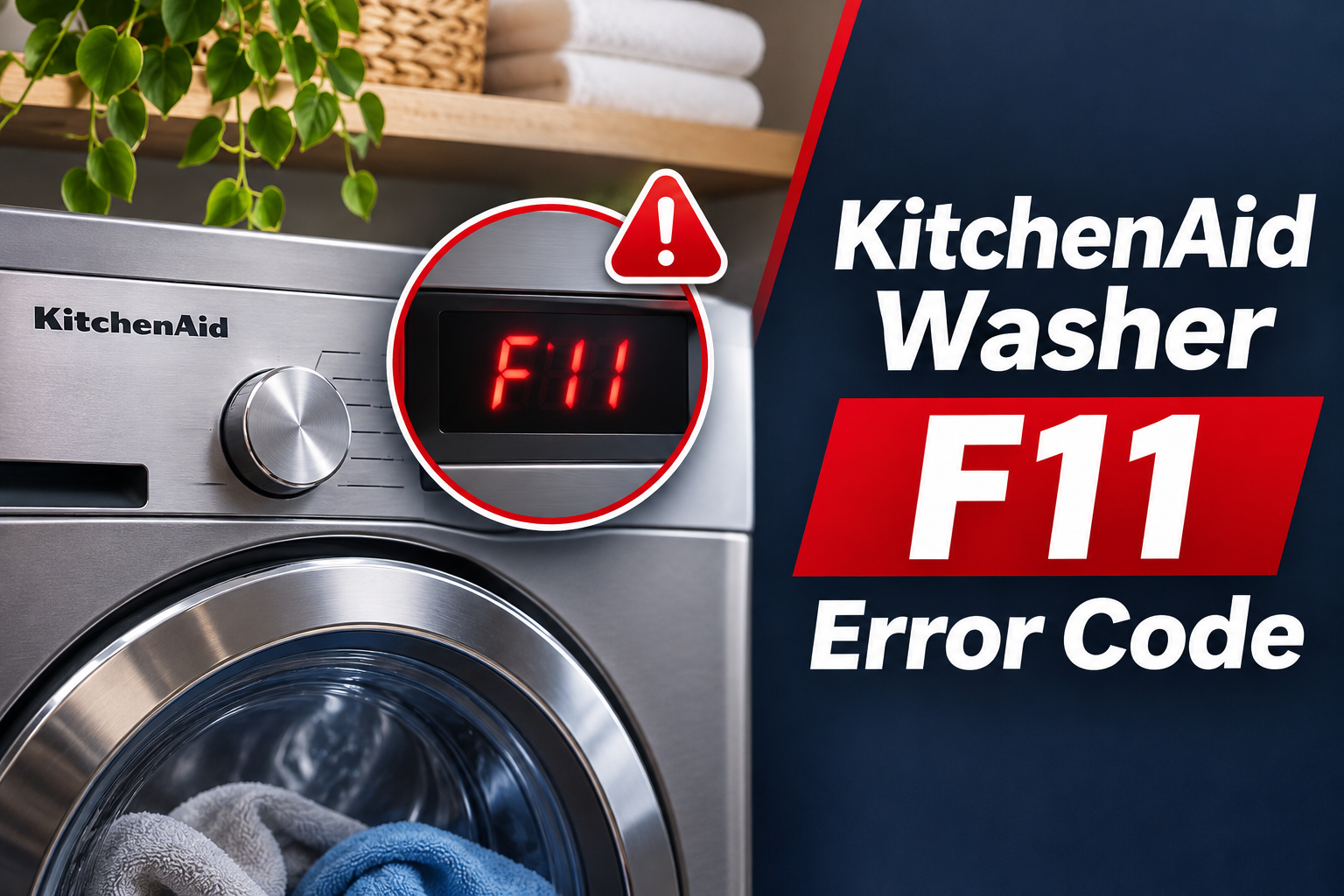
What Does the F11 Error Code Mean on a KitchenAid Washer?
The F11 error code on certain KitchenAid front-load washers indicates a serial communication error between the Central Control Unit (CCU) and the Motor Control Unit (MCU). This means the two electronic components cannot exchange information correctly.
The Central Control Unit acts as the washer’s main control system. It manages washing functions and sends instructions to other components. Meanwhile, the Motor Control Unit regulates the drive motor, which turns the drum during washing and spinning.
These two components must communicate for the washer to operate correctly. When their communication is interrupted, the machine may stop the current cycle and display F11 to indicate that something isn’t working as expected.
You may notice that the washer fills with water but doesn’t rotate, stops suddenly during spinning, or works intermittently before displaying the error. However, F11 doesn’t automatically mean either control board is defective. Loose electrical connections, damaged wiring, or drive system problems may also be responsible.
The meaning described here applies to KitchenAid models that identify F11 as a serial communication error, including certain older front-load washers. Error code definitions can differ between washer designs, so confirm the description using your model’s service information.
KitchenAid Washer F11 Error Code: Common Causes
Several electrical and mechanical problems can interrupt communication between your KitchenAid washer’s control units. The following are five possible causes worth investigating.
1. Loose Electrical Connections
Loose wiring connections are one possible cause of the F11 error. Your washer uses electrical connectors to transmit signals between the Central Control Unit, Motor Control Unit, and drive motor.
These connectors must remain properly seated for the components to communicate. If a connection becomes loose, the control system may lose the signals needed to operate the motor correctly.
Repeated vibration during washing and spinning can sometimes contribute to connection problems, particularly if a connector wasn’t secured properly after a previous repair.
You might notice that F11 appears intermittently rather than during every cycle. For example, the washer may operate normally for some time before suddenly stopping during agitation or spinning.
However, an intermittent error doesn’t confirm that a connector is loose. A failing electronic board or damaged wire can behave similarly. A technician should inspect the relevant connections before deciding which component needs attention.
2. Damaged Wiring Harness
The wiring harness carries electrical power and communication signals between different components inside your KitchenAid washer.
If a wire becomes broken, pinched, or damaged, the communication signals may not reach their intended destination. This can cause the control system to detect a communication failure and display F11.
Wiring damage can develop when cables rub against internal components, become trapped during repairs, or experience excessive movement. Moisture exposure can also contribute to corrosion at electrical terminals.
A damaged harness may cause the error to appear repeatedly or only when the washer vibrates. However, the exact behavior depends on which wire or connection is affected.
Because the wiring is located inside the appliance, confirming this problem requires proper inspection and electrical testing.
3. Faulty Motor Control Unit
The Motor Control Unit, commonly called the MCU, manages the electrical operation of the washer’s drive motor.
It receives instructions from the Central Control Unit and controls motor movement during different stages of the wash cycle. If the MCU develops an internal fault, it may stop responding correctly to the main control system.
Electronic components inside the MCU can fail because of electrical damage, overheating, moisture exposure, or deterioration over time. However, the F11 code alone cannot establish that the motor control board has failed.
A possible symptom is a washer that fills with water but cannot begin normal drum rotation. In some cases, the machine may start moving before stopping and displaying the error.
You might also notice that the washer fails during the transition from washing to spinning, when motor operation changes.
These symptoms can also occur with motor or wiring faults. Therefore, the MCU should be tested before replacement.
4. Faulty Central Control Unit
The Central Control Unit is responsible for coordinating the washer’s major operating functions.
It communicates with the Motor Control Unit to manage drum movement. If its communication circuitry develops a fault, the MCU may stop receiving valid instructions.
A defective CCU can cause interrupted cycles, inconsistent motor operation, or recurring F11 errors. Some washers may appear to restart normally after power is restored but stop again when motor operation begins.
However, other control problems can produce similar symptoms. Replacing the CCU without checking its wiring and related components may result in an unnecessary repair.
A qualified technician can use the washer’s diagnostic procedures to determine whether the main control unit is operating correctly.
5. Drive Motor or Mechanical Drive Problems
The drive motor provides the movement needed to rotate your washer’s drum. Depending on the model, it may drive the drum through a belt and pulley system.
If the motor develops an electrical problem or the mechanical drive system becomes damaged, the washer may struggle to rotate the drum.
Certain KitchenAid service manuals include checks of the drive motor and mechanical drive components when diagnosing F11. However, F11 specifically identifies a communication fault, so mechanical problems should not automatically be treated as its primary cause.
You might notice unusual grinding noises, difficulty spinning, or a drum that stops shortly after starting. A loose or damaged drive belt may also interfere with normal operation.
These symptoms can help a technician identify related motor problems, particularly when wiring and control board checks haven’t revealed the cause.
KitchenAid Washer F11 Error Code: How to Fix
The correct solution depends on which component is causing the communication failure. Start with simple checks that don’t require opening the washer before considering internal repairs.
1. Reset Your KitchenAid Washer
A power reset is a sensible first step when your KitchenAid washer displays F11. It allows the electronic control system to restart and may clear a temporary fault.
On certain older KitchenAid front-load washers, you can press PAUSE/OFF twice to cancel the current cycle. The exact button name may differ depending on your model.
To perform a power reset, follow these steps.
- Cancel the current washing cycle using the washer’s controls.
- Switch off the appliance if your model has a power button.
- Unplug the washer from the electrical outlet.
- Leave it disconnected for a few minutes.
- Reconnect the power cord.
- Select a suitable cycle and check whether F11 returns.
If the washer responds normally, you can run a short test cycle with the drum empty, provided there are no unusual noises, leaks, or electrical warning signs.
Watch whether the drum begins rotating and whether the machine completes the expected cycle stages.
If F11 disappears and doesn’t return, the interruption may have been temporary. However, if the error appears again, further diagnosis is necessary.
Avoid repeatedly resetting a washer that continues displaying F11. A restart cannot repair damaged wiring or a defective electronic component.
2. Check the Washer’s Power Supply
An unstable or unsuitable electrical supply can interfere with appliance operation. Although F11 is specifically a communication error, checking the external power connection is a useful preliminary step.
First, unplug the washer and inspect the visible power cord and plug. Look for damaged insulation, discoloration, loose connections, or signs of overheating.
Make sure the washer is connected directly to a properly grounded electrical outlet that meets the manufacturer’s requirements.
Avoid using extension cords or power adapters. KitchenAid’s instructions for certain front-load washers specifically warn against extension cord use.
If the washer recently experienced a power interruption, check whether the circuit breaker has tripped. Reset it only if it is safe to do so.
If the breaker trips again or the outlet shows signs of damage, stop using the washer and contact a qualified electrician.
Don’t attempt to open the electrical outlet or test exposed wiring yourself.
Once the electrical supply has been confirmed safe, check whether the washer operates normally. If F11 returns, the fault may involve the internal communication system rather than the household power supply.
3. Check for Unusual Drum Movement or Vibration
A washer that shakes excessively or has difficulty rotating its drum may have a mechanical problem that deserves attention.
Begin by checking whether the machine stands firmly on the floor. All four feet should support the washer, and the appliance shouldn’t rock when gently pushed while switched off.
Also, consider whether the error started after washing a particularly heavy or uneven load. Large blankets and other bulky items can create an imbalance during spinning.
You can check the following.
- Make sure the washer is stable and properly positioned.
- Avoid overloading the drum.
- Distribute laundry evenly when the washer can be opened safely.
- Listen for unusual noises during normal drum movement.
If F11 has cleared after a reset and there are no signs of mechanical damage, an empty test cycle can help you observe whether the drum rotates normally.
However, balancing the load or leveling the washer isn’t a direct repair for lost communication between the CCU and MCU. These checks help identify conditions that may accompany the problem.
If the drum produces grinding noises, struggles to turn, or stops abruptly, discontinue testing and arrange professional inspection.
Don’t force the drum to rotate if it feels jammed, and never attempt to reach moving components while the washer is operating.
4. Have the Wiring Harness and Connectors Inspected
If basic troubleshooting doesn’t resolve F11, the internal wiring connections should be examined.
KitchenAid’s service information for affected models identifies the connections between the CCU, MCU, and drive motor as important diagnostic points.
A qualified technician can disconnect the appliance from electricity and inspect the relevant connectors for damaged terminals, corrosion, loose fittings, or broken wires.
The technician may also use an appropriate meter to check wiring continuity. This helps determine whether electrical signals can travel through the harness without interruption.
If a connector is loose, properly securing it may restore communication. However, a connector with damaged terminals may require replacement.
Similarly, a broken or pinched wire should be repaired or replaced according to the service instructions for the specific washer.
On certain KitchenAid models, service documentation also warns that the communication harness at the MCU must be connected in the correct orientation. This is particularly relevant when the error appears after previous servicing.
Once the connections are corrected, the technician should test the washer’s motor operation and confirm that F11 no longer appears.
Because the wiring is located near internal electrical components, homeowners should avoid removing panels or disconnecting control board connectors without proper training.
5. Have the Drive Motor and Mechanical System Checked
If the communication wiring appears normal, the technician may need to examine the drive motor and related mechanical components.
The motor should respond correctly to commands from the control system. If it cannot operate as expected, the washer may stop during washing or spinning.
Depending on the model, the technician can inspect the drive belt, pulleys, motor connections, and other relevant components for damage or excessive wear.
For example, a damaged belt may prevent the drum from rotating correctly even when the motor is operating. A defective motor may fail to start or operate inconsistently.
However, these faults don’t necessarily explain a serial communication error. The technician must determine whether they are related to F11 or represent a separate problem.
If the motor or a mechanical component fails testing, replacing the defective part may be necessary.
After the repair, the technician should check whether the washer completes the appropriate wash and spin operations without unusual noise or further errors.
6. Test and Replace a Faulty Control Board
When the wiring and drive components have been checked, attention may turn to the Motor Control Unit and Central Control Unit.
A technician can use the diagnostic procedures for your washer model to assess whether both boards are receiving the required power and communicating correctly.
These procedures may involve inspecting electrical connections, checking specified signals, and observing drive motor operation during an authorized diagnostic test.
If testing confirms that the MCU has failed, replacing the motor control board may restore communication.
However, if the MCU is functioning correctly and the CCU cannot send or receive the required signals, the central control board may need replacement instead.
It’s important to identify the defective board before ordering replacement parts. The two control units serve different functions, and an F11 error doesn’t automatically establish which one has failed.
Replacement boards must also be compatible with your washer’s exact model number. Similar looking electronic components aren’t necessarily interchangeable.
Once the correct part has been installed, the technician should complete the required diagnostic checks and verify normal motor operation.
If the washer can complete its intended cycles without displaying F11, the repair has likely addressed the communication problem.
7. Contact a Qualified KitchenAid Appliance Technician
If the F11 error continues after a reset and the external power supply has been checked, professional service is recommended.
A qualified appliance technician can inspect the communication wiring, control boards, and motor drive system using the appropriate service information.
Contact a technician promptly if the washer repeatedly stops mid-cycle, refuses to rotate the drum, or produces unusual electrical or mechanical noises.
Stop using the appliance immediately if you notice smoke, a burning smell, exposed wiring, or repeated circuit breaker trips.
Before arranging service, gather your washer’s model number and note when the error appears. Explain whether the machine fills normally, whether the drum moves, and whether F11 occurs during washing or spinning.
This information can help narrow down the possible causes.
If the washer door remains locked, don’t force it open. Follow the owner’s manual for safe draining and unlocking, or ask the technician for assistance.
Also, check whether your appliance is covered by a warranty or service agreement before authorizing repairs.
Wrap-Up
The KitchenAid washer F11 error code usually indicates a communication failure between the central control unit and motor control unit on affected models. Loose connections, damaged wiring, faulty control boards, and related drive system problems are possible causes.
Start by resetting the washer and checking its external electrical supply. If the error returns, the internal wiring and control components need proper diagnosis.
Addressing the actual fault is more effective than repeatedly clearing the code. With the correct repair, your washer can return to reliable washing and spinning without unexpected interruptions.