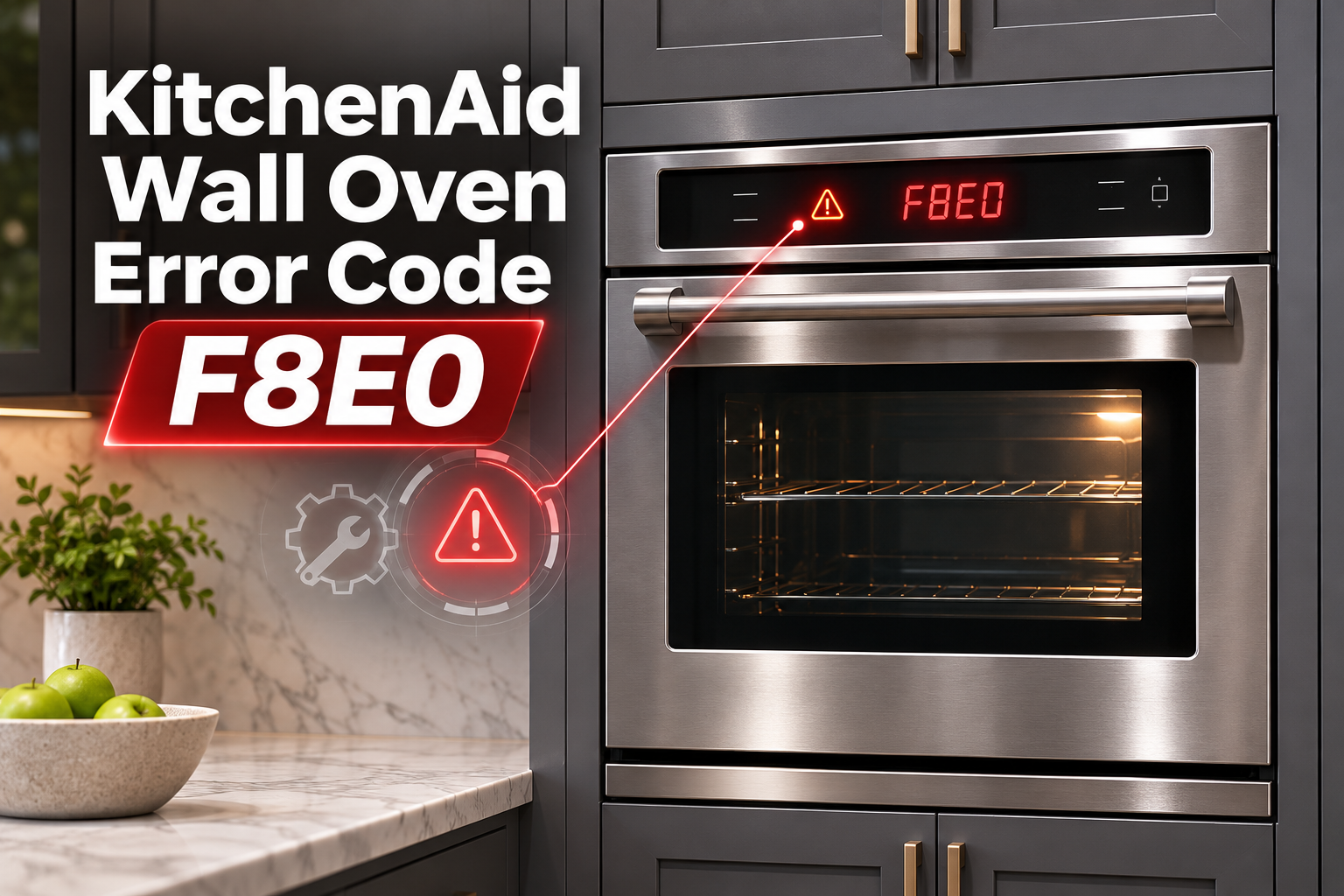
The F8E0 error code on your KitchenAid wall oven usually indicates a problem with the cooling fan. You may notice the error during cooking, hear unusual fan noises, or find that your oven stops working as expected.
Although a faulty cooling fan motor is a possible cause, blocked ventilation, damaged wiring, or a control system problem can also trigger this error. Identifying the actual cause will help you choose the right fix and avoid unnecessary repairs.
What Does Error Code F8E0 Mean on a KitchenAid Wall Oven?
KitchenAid wall oven error code F8E0 means the oven has detected insufficient cooling fan speed. This happens when the cooling fan runs slower than expected or the electronic control system cannot detect the correct fan speed.
The cooling fan helps protect your oven’s electronic controls and surrounding components from excessive heat. It moves air through designated ventilation passages while the oven operates and may continue running after cooking ends.
When the fan cannot maintain the required speed, the control system may display F8E0. Depending on the model and the fault, the oven may interrupt cooking or prevent normal operation.
You might also hear grinding, rattling, or buzzing sounds from the fan area. However, some faults occur without noticeable noise. On applicable double wall ovens, F8E0 generally refers to the upper oven’s cooling fan, while F8E1 relates to the lower cooling fan.
KitchenAid Wall Oven Error Code F8E0: Common Causes
Several problems can interfere with your wall oven’s cooling fan. The following are the most relevant causes to consider.
1. Faulty Cooling Fan Motor
A failing cooling fan motor is one possible cause of the F8E0 error. The motor spins the blower that moves cooling air through the oven. If it cannot reach the required speed, the control system may detect a fault.
Over time, motor bearings can wear out, increasing friction and slowing the fan. Internal electrical problems can also prevent the motor from operating properly.
You may hear grinding, humming, or rattling noises when the fan runs. However, a completely failed motor may produce no sound at all. A technician can determine whether the motor needs replacement.
2. Blocked Ventilation Openings
Your KitchenAid wall oven needs clear ventilation passages to release heat from areas surrounding its internal components.
Dust, debris, or objects covering the external vents can restrict airflow. Incorrectly installed cabinet trim may also interfere with ventilation.
You might notice excessive heat around the oven’s exterior or find that the problem started after kitchen remodeling. However, F8E0 specifically indicates a cooling fan speed problem, so clearing a blocked vent may not resolve an existing motor or sensor fault.
3. Damaged Wiring or Fan Speed Sensor
The cooling fan relies on electrical connections and, on some models, a speed sensor that reports fan rotation to the control board.
Loose connectors, damaged wires, or faulty terminals can interrupt the fan’s power supply or speed feedback. The fan may stop working or operate intermittently.
A defective speed sensor can also cause F8E0 even when the fan is physically turning. This happens because the control board cannot reliably determine the fan’s actual speed.
These faults require proper electrical testing to distinguish a damaged connection from a defective motor or sensor.
4. Faulty Electronic Control Board
The electronic control board manages several oven functions, including cooling fan operation.
If the board develops a fault, it may fail to operate the cooling fan correctly or interpret the fan’s speed signals accurately. As a result, F8E0 may appear even when other parts of the cooling system are functioning.
However, control board failure should only be considered after the fan motor, wiring, and speed feedback system have been checked. Replacing the board without confirming the fault can lead to unnecessary repair expenses.
KitchenAid Wall Oven Error Code F8E0: How to Fix
Start with simple troubleshooting methods that don’t require opening the appliance. If the error continues, the cooling fan system may need professional testing.
1. Reset Your KitchenAid Wall Oven
A power reset can clear temporary control errors. KitchenAid recommends this as an initial troubleshooting step for F8E0.
Follow these steps.
- Cancel any active cooking function and allow the oven to cool.
- Locate the circuit breaker supplying power to the oven.
- Turn off the appropriate breaker or breakers.
- Wait for one full minute.
- Restore power and check whether the error returns.
If F8E0 disappears, the control system may have recovered from a temporary fault.
However, if the error returns during normal operation, the problem probably requires further investigation. Repeated resets won’t repair a damaged cooling fan motor or faulty wiring.
2. Clean and Clear the Oven’s Ventilation Openings
Blocked ventilation can interfere with cooling performance, so check the accessible openings around your wall oven.
First, switch off the oven and allow it to cool completely. Locate the external vents using your owner’s manual. Depending on the model, these may be positioned around the front trim or lower section.
Remove any objects covering the openings. If you notice dust or loose debris, gently clean the accessible surfaces using a soft brush or dry cloth.
Avoid inserting objects into the vents or removing protective panels to reach internal parts.
After clearing the openings, reset the oven and check whether F8E0 returns. If the code persists, the problem may involve the fan motor or its control system.
3. Check for Installation Problems
An incorrectly installed wall oven may have restricted ventilation, particularly when surrounding cabinet materials block required airflow passages.
If the error started after installation or cabinet modifications, inspect the visible trim and ventilation openings.
Check your model’s installation manual for the required clearances. Make sure decorative panels or other materials aren’t covering designated airflow openings.
If the oven appears incorrectly installed, contact a qualified appliance installer. Removing or repositioning a built-in wall oven can be dangerous because of its weight and electrical connections.
Correcting an installation problem may improve cooling, but a recurring F8E0 error still requires the fan’s operation to be verified.
4. Have the Cooling Fan Motor and Sensor Tested
If resetting the oven and clearing the vents don’t resolve the error, the cooling fan assembly needs closer examination.
A technician can check whether the fan is obstructed, whether its motor receives the correct electrical supply, and whether it reaches the expected operating speed.
On models equipped with fan speed feedback, the technician can also test the sensor and associated wiring.
If testing confirms that the motor is defective, the appropriate cooling fan component or assembly should be replaced. A faulty sensor may also require replacement, depending on the oven’s design.
These checks involve internal electrical parts and should not be attempted without the necessary training and equipment.
5. Repair Faulty Wiring or Replace the Control Board
If the cooling fan motor works correctly but F8E0 continues appearing, damaged wiring or a faulty electronic control board may be responsible.
A qualified technician should inspect the relevant connectors, terminals, and wiring harness for loose connections or damage.
If wiring problems are found, the affected components should be repaired or replaced according to the manufacturer’s service instructions.
When the motor, sensor, and wiring pass the required tests, the technician can assess the control board. If testing confirms a board fault, replacement may be necessary.
After repairs, the cooling fan should be tested to confirm that it operates at the required speed and the error no longer returns.
6. Contact a Qualified Appliance Technician
Professional assistance is necessary if the F8E0 error keeps returning, the cooling fan makes grinding noises, or the oven shows signs of overheating.
Stop using the appliance if you notice smoke, a burning smell, or unusual electrical noises.
A qualified KitchenAid appliance technician can identify the actual fault using the service procedures for your specific oven model.
Before arranging service, note your oven’s model number, when the error appears, and any unusual sounds. This information can help the technician narrow down the possible causes.
If your oven is still under warranty, check its coverage before paying for repairs.
Wrap-Up
KitchenAid wall oven error code F8E0 usually indicates that the cooling fan isn’t operating at the expected speed. The problem may involve a faulty motor, damaged wiring, incorrect speed feedback, or restricted ventilation.
Begin by resetting the oven and checking its external vents. These simple steps may resolve temporary problems without repairs.
However, if the error returns, have the cooling fan system inspected by a qualified technician. Fixing the underlying fault will help protect your oven’s components and restore dependable cooking performance.