Fortunately, several issues that prevent an air fryer from starting are relatively easy to resolve. Knowing where to look and what to check can help you restore normal operation without immediately spending money on repairs.
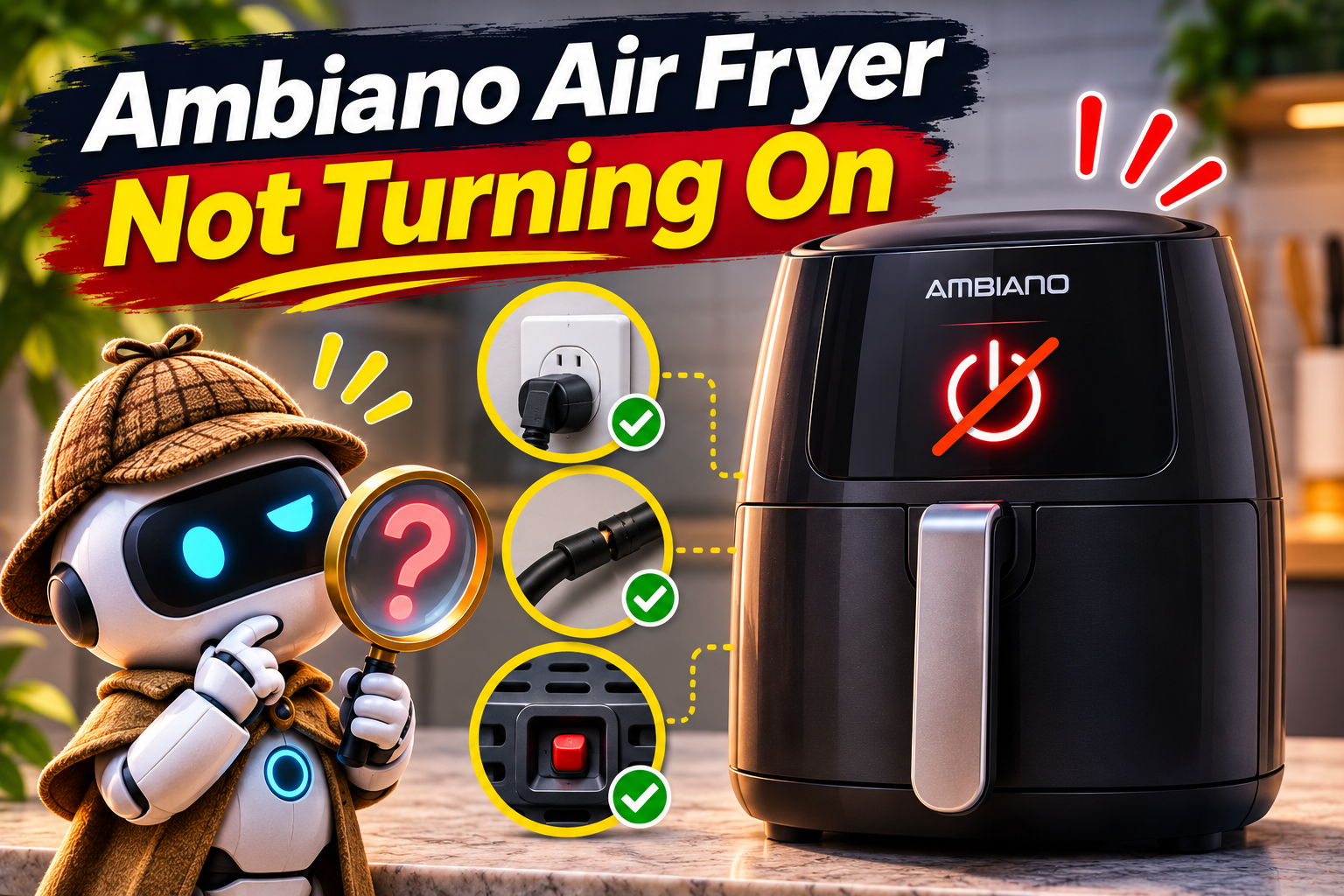
Understanding Why Your Ambiano Air Fryer Won’t Turn On
Your Ambiano air fryer contains several components that work together to heat and circulate air around your food. These include a heating element, a fan, temperature regulation components, and mechanical or electronic controls. The appliance also incorporates safety features that prevent it from operating under certain conditions.
When you connect a digital Ambiano air fryer to a working electrical outlet, the display or power indicator should generally respond once the required operating conditions are met. Models with mechanical controls may remain inactive until you adjust the timer and temperature dials.
The circumstances surrounding the problem can provide useful diagnostic clues. For instance, an air fryer that suddenly shuts down during cooking may have overheated. On the other hand, an appliance that refuses to start after you remove and reinsert the basket may have a problem with its basket detection mechanism.
However, some symptoms require immediate attention. If your air fryer produces sparks, emits a burning electrical smell, or repeatedly trips your circuit breaker, stop using it immediately. These symptoms could indicate an electrical fault that makes further operation unsafe.
Ambiano Air Fryer Not Turning On: Common Causes
Your Ambiano air fryer can refuse to start for several reasons, including interrupted power delivery, operating mistakes, and defective components. Understanding how these problems develop will help you identify which one is most likely affecting your appliance.
1. Problems With the Power Supply
Your air fryer cannot operate if electricity isn’t reaching its internal components. A loosely connected plug, faulty wall outlet, or tripped circuit breaker can interrupt the power supply, leaving the appliance completely unresponsive.
Kitchen appliances such as kettles, microwaves, and air fryers can consume substantial amounts of electricity. Running several of them simultaneously on the same electrical circuit may cause an overload. When this happens, the circuit breaker may trip to protect your home’s electrical wiring.
Another possibility is a tripped ground fault circuit interrupter (GFCI). These protective devices are commonly installed in kitchens to reduce the risk of electrical shock. A tripped GFCI outlet can also interrupt electricity to other outlets connected to it, meaning the problem may originate somewhere other than the socket you’re using.
2. Improperly Inserted Cooking Basket
Several Ambiano air fryer models feature a safety switch that detects whether the cooking basket or drawer is correctly positioned. If the basket isn’t fully inserted, the appliance may prevent the cooking process from starting.
This can happen when food extends beyond the basket’s edges, grease accumulates around the drawer opening, or the removable cooking tray isn’t fitted correctly. Even a slight misalignment can prevent the drawer from reaching the position necessary to activate the safety mechanism.
The problem may become more noticeable after you’ve cleaned the appliance or removed the basket to check your food. If the air fryer worked normally beforehand but suddenly refuses to restart, an improperly positioned basket is worth investigating.
3. Incorrect Settings or Inactive Controls
An Ambiano air fryer may appear defective simply because the cooking controls haven’t been activated correctly. Mechanical models typically require you to adjust both the temperature and timer dials before cooking begins. Leaving either control in its off position can prevent the appliance from operating.
Digital models have their own startup procedures. For example, the Ambiano GT-AF-02-US instruction manual explains that you must activate the Start/Stop control, select your cooking settings, and initiate the cooking cycle. The appliance can also switch off after approximately one minute of inactivity during setup.
If the display lights up briefly and then goes dark while you’re preparing your ingredients, this automatic shutdown could explain what’s happening.
4. Overheating and Activated Thermal Protection
Ambiano air fryers incorporate overheating protection to reduce the risks associated with excessive internal temperatures. When this protection activates, the appliance may shut down and refuse to operate again until the appropriate action is taken.
Restricted ventilation can contribute to overheating. For instance, placing your air fryer inside a tightly enclosed space or positioning its air outlets directly against a wall can prevent heat from escaping efficiently. A malfunctioning cooling fan or temperature regulation component could also cause excessive heat buildup.
The appropriate response depends on your model. Some older Ambiano air fryers have a thermal reset button underneath the appliance. However, other models require professional servicing after their overheating protection activates. Cooling the appliance alone may therefore be insufficient to restore operation.
5. Damaged Power Cord or Defective Internal Components
If your air fryer has been used frequently over several years, its electrical components may have deteriorated. The power cord, for example, can sustain damage from repeated bending, exposure to hot surfaces, or being pulled excessively during storage.
Internal electrical faults can produce similar symptoms. A defective power switch, failed electronic control board, damaged mechanical timer, or blown thermal fuse, where fitted, could prevent the appliance from starting. A faulty basket detection switch may also stop the air fryer from operating despite the drawer being correctly positioned.
Unfortunately, these faults can be difficult to distinguish without specialized electrical testing. A blank display alone doesn’t confirm that the control board has failed. Proper diagnosis is necessary before replacing any internal components.
Ambiano Air Fryer Not Turning On: How to Fix
Before considering expensive repairs or purchasing a replacement, work through a few simple troubleshooting methods. These checks can help you eliminate common operating problems and determine whether your Ambiano air fryer requires professional attention.
1. Check the Electrical Outlet and Power Supply
Start by disconnecting your air fryer from the electrical outlet. Examine the outlet for discoloration, cracks, or signs of melting. If you notice anything unusual, avoid using it until a qualified electrician has inspected it.
If the outlet appears to be in good condition, follow these steps:
-
Connect a working appliance, such as a small lamp, to the same outlet.
-
Check whether the appliance receives power.
-
Examine your electrical panel for a tripped circuit breaker.
-
Check whether a nearby GFCI outlet has tripped.
-
If there are no signs of electrical faults, try connecting your air fryer to another suitable wall outlet.
If your air fryer works when connected to a different outlet, the original outlet or electrical circuit may require attention. However, a lamp working normally doesn’t necessarily prove that the outlet can safely supply the power required by an air fryer.
Avoid connecting the appliance through overloaded power strips or unsuitable extension cords. The Electrical Safety Foundation International recommends connecting powerful household appliances directly to wall outlets and avoiding multiple heat producing appliances on the same receptacle.
If the air fryer causes your circuit breaker or GFCI to trip, disconnect it and seek professional assistance rather than repeatedly restoring the power.
2. Examine the Power Cord and Plug
With the appliance unplugged, carefully inspect the entire power cord. Concentrate on the sections immediately behind the plug and where the cord enters the air fryer’s housing, as these areas can experience considerable strain during everyday handling.
Look for cuts, exposed wires, crushed sections, melted insulation, or discolored plug pins. If you notice any damage, stop using the appliance and arrange for the cord to be replaced by a qualified technician. Avoid wrapping damaged sections with electrical tape or bending the cord into a position that temporarily restores power.
3. Clean and Reinsert the Cooking Basket
Disconnect your Ambiano air fryer from the power supply and allow it to cool completely. Remove the cooking basket and inspect the drawer opening, accessible guides, and surrounding surfaces for food particles or hardened grease that might interfere with proper closure.
Wash the removable basket and cooking accessories according to the manufacturer’s instructions. Use a soft, slightly damp cloth to clean accessible areas of the appliance’s housing. Allow everything to dry thoroughly before reinstalling the components.
If your model has a separate frying basket that locks into an outer pan, ensure the two pieces are assembled correctly. Reduce the quantity of food if necessary, then gently slide the drawer into the appliance until it’s fully seated.
Reconnect the air fryer and attempt to start a cooking cycle. If the basket still doesn’t fit properly, examine it for visible damage or distortion. Never force it into position or manually press the safety switch to make the appliance operate.
4. Adjust the Settings and Restart the Air Fryer
Locate your appliance’s instruction manual and confirm the correct startup procedure. For models with mechanical controls, turn the temperature dial to an appropriate cooking temperature and set the timer above zero. Make sure neither control remains in its off position.
If you own a digital Ambiano air fryer, activate the power or Start/Stop control, select your preferred cooking program, and initiate the cycle. Ensure your hands and the control panel are clean and dry, since moisture or grease may interfere with the responsiveness of touch controls.
You can also try disconnecting the appliance for a few minutes before reconnecting it. This may clear a temporary electronic control problem, although it won’t resolve a defective control board or another damaged component. If your air fryer remains unresponsive, avoid experimenting with undocumented reset combinations.
5. Allow the Appliance to Cool and Check for a Thermal Reset Button
If your air fryer stopped working during cooking, overheating protection may have activated. Disconnect the appliance from the electrical outlet and allow it to cool completely. While waiting, examine its surroundings for anything that might have obstructed the ventilation openings.
Some Ambiano models, including the TXG-DS13, have a dedicated thermal reset button underneath the appliance. According to the Ambiano TXG-DS13 instruction manual, the overheating protection can be reset after the appliance has cooled completely.
If your specific model has this feature, follow these steps:
-
Unplug the air fryer and allow it to cool completely.
-
Remove the cooking basket and any remaining food.
-
Locate the designated reset button using your instruction manual.
-
Press the button using the method specified by the manufacturer.
-
Return the appliance to its normal position before reconnecting it.
Not every Ambiano air fryer has a user accessible thermal reset button. For instance, the GT-AF-02-US manual instructs users to discontinue operation and contact the service center if overheating protection activates.
Never insert a paperclip or another object into an unidentified opening underneath your appliance. If your air fryer overheats repeatedly, discontinue use and have the underlying problem investigated.
6. Contact an Appliance Repair Technician
If your Ambiano air fryer remains unresponsive after you’ve eliminated power supply problems, incorrect settings, and basket positioning issues, an internal component may have failed.
A qualified appliance repair technician can examine the internal power connections, safety switches, thermal protection components, and electronic controls. These checks can help identify the defective component without unnecessarily replacing parts that are still functioning correctly.
Before arranging repairs, locate the model number, purchase receipt, and warranty information. Ambiano appliances are sold through Aldi, but warranty coverage and service providers can differ between models. You can consult Aldi’s warranty and product support information or contact the service provider listed in your appliance’s documentation.
Avoid opening the air fryer’s housing or attempting to bypass its protective components. If your appliance is no longer covered by a warranty, request a repair estimate and compare it with the cost of purchasing a replacement. Extensive electrical repairs may be uneconomical for an older or inexpensive air fryer.
Wrapping Up
An Ambiano air fryer that won’t turn on isn’t necessarily beyond repair. Taking the time to observe its symptoms and perform a few basic checks can help you determine whether you’re dealing with an operating mistake or a genuine electrical fault.
Regular cleaning, proper ventilation, and careful handling can also help keep your appliance in good working condition. However, persistent shutdowns and electrical warning signs should never be ignored. If the recommended troubleshooting methods don’t restore normal operation, professional diagnosis is the safest way to determine your next course of action.