Seeing 10H on your Havells air fryer display can be confusing, especially when the appliance refuses to start cooking or the controls seem unresponsive. You may suspect an overheating problem, a damaged sensor, or another internal fault that requires repairs.
However, the display could be showing a timer setting rather than an actual error code. Understanding the difference can save you unnecessary repairs and help you identify whether your air fryer needs a simple adjustment or professional attention.
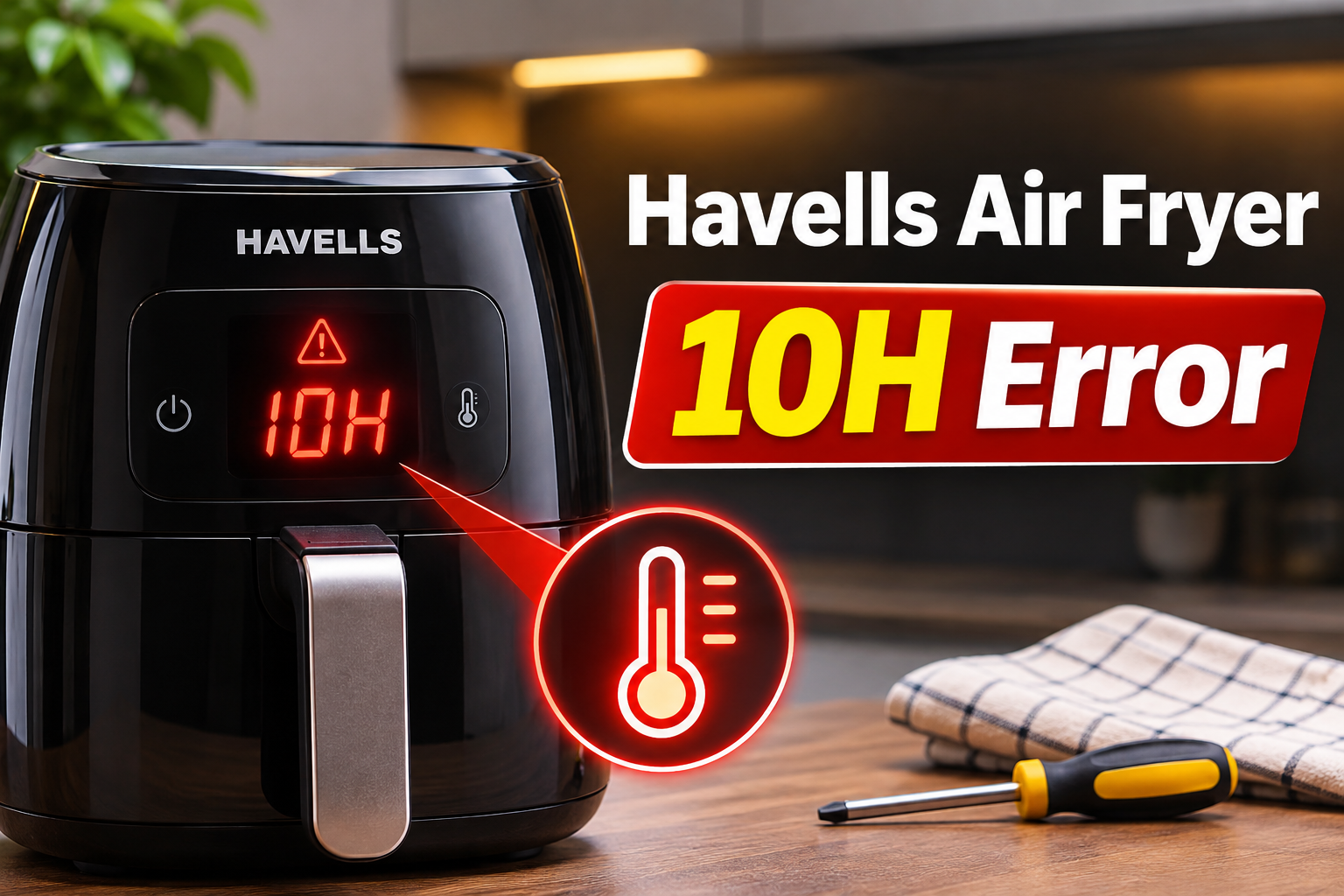
What Does the Havells Air Fryer 10H Error Mean?
The 10H display may indicate a 10 hour delay start setting, particularly on Havells models equipped with a delayed cooking function. For example, the Havells Prolife Neo has a delay start feature that allows you to schedule when cooking begins.
If the delay function is active, your air fryer may remain powered on without heating the food immediately. The display could indicate the scheduled waiting period, which explains why the appliance might appear to have stopped working. However, a verified manufacturer definition identifying 10H as either a specific error code or an exact delay indicator isn’t available.
The distinction matters because the regular cooking timer on the Prolife Neo is limited to 60 minutes, while the delay start feature can be programmed for a much longer period. Therefore, a display showing 10H is worth checking against the delay controls before assuming that the heating element or temperature sensor has failed.
If the display won’t change, the appliance refuses to accept commands, or the same indication returns after restarting, further troubleshooting is necessary. Also, stop using the air fryer immediately if you notice a burning electrical smell, smoke from the housing, or unusual overheating. These symptoms require attention regardless of what appears on the screen.
Havells Air Fryer 10H Error: Likely Causes
Several operating conditions and possible electrical faults can explain why your Havells air fryer shows 10H or becomes unresponsive while that indication is visible. Although the exact meaning needs confirmation for your model, the following possibilities are worth investigating.
1. The Delay Start Function Is Activated
One of the first things to investigate is whether the delay start feature has been activated. This function allows you to select a cooking program and postpone its starting time instead of heating your food immediately.
Certain Havells models, including versions of the Prolife Neo, support delayed cooking for up to 12 hours. Consequently, a setting of 10 hours falls within the available delay period on those models. If the display reads 10H and the heating process hasn’t started, the appliance might simply be waiting for the scheduled cooking time.
This can happen when you accidentally select the delay function while adjusting the cooking timer. You might also notice that the fan remains quiet and the appliance doesn’t produce heat, even though the display is illuminated.
Before treating the indication as a fault, examine the control panel for a clock or delay symbol. If the display changes when you adjust the delay setting, that provides a useful clue that the timer function is responsible.
2. Accidental Touch Control Selection
Havells digital air fryers use touch controls for cooking programs, temperature adjustments, and timer functions. These controls make operation convenient, but touching the wrong symbol can change the selected setting.
For example, you might intend to increase the cooking duration but accidentally select the delayed cooking function. Since the controls are close together on some models, this mistake can occur when you’re unfamiliar with the panel.
The problem can be especially confusing when the display changes from minutes to hours. Look at the symbols surrounding the numbers and check whether the cooking time indicator is active. If the appliance responds normally when you return to the standard cooking mode, an incorrect setting is more likely than a hardware failure.
3. An Activated Child Safety Lock
Some Havells air fryers include a child safety lock that restricts access to certain controls. The Prolife Neo is among the models advertised with this feature.
When the lock is active, pressing the control buttons may produce little or no response. If 10H was already showing before the lock became active, you might be unable to change the displayed setting.
A safety lock doesn’t establish the meaning of 10H, but it can explain why you cannot clear the display. Look for a lock symbol or another indication that the controls are restricted. Since unlocking procedures vary by model, follow the instructions supplied with your particular air fryer rather than repeatedly pressing random buttons.
4. An Interrupted Cooking or Delay Setting
An interruption in the power supply can affect an electronic cooking program. Some Havells air fryers have an auto restart feature that allows the appliance to continue with previously selected settings after power returns.
The Prolife Neo is advertised with this capability. Consequently, an interrupted program may not behave like a completely new cooking session when electricity is restored. The exact behavior depends on the appliance model and its control system.
If 10H appears after a power interruption, check whether the appliance has retained an earlier delay setting. An unexpected indication following a power failure could also suggest that the controls need to be restarted.
This possibility becomes more relevant if the display behaves inconsistently or the buttons stop responding. However, a power interruption alone doesn’t prove that an internal control board has failed.
5. A Faulty Touch Panel or Electronic Control System
If you’ve ruled out the delay function and the safety lock, the electronic controls deserve attention. The touch panel sends instructions to the appliance’s control system, which manages cooking settings, timing, and other functions.
A malfunctioning control could cause buttons to stop responding, incorrect values to remain on the screen, or cooking programs to fail to start. Possible electrical problems include damaged control circuits, faulty connections, or defects within the electronic components.
You may notice additional symptoms, such as buttons activating inconsistently, a partially illuminated display, or the appliance switching off unexpectedly. These observations are more useful for identifying an electronic problem than the 10H indication alone.
Moisture exposure, physical damage, and electrical faults are possible contributors to control problems. Nevertheless, confirming the damaged component requires professional diagnosis. The 10H display by itself isn’t enough evidence to recommend replacing the control board, temperature sensor, or heating element.
Havells Air Fryer 10H Error: How to Fix
The best approach is to begin with settings that can be checked safely before considering electrical repairs. Follow these troubleshooting methods in order, and stop if the appliance shows signs of overheating or electrical damage.
1. Check and Cancel the Delay Start Setting
Start by checking whether your air fryer is operating in delay mode. This is particularly relevant if you’re using a Havells Prolife Neo or another model with a programmable delayed cooking function.
Examine the control panel for a clock symbol or a dedicated delay control. The exact symbols and button sequence can differ between versions, so use the instructions for your model.
To check the setting safely, follow these steps.
- Remove any food from the cooking basket, especially meat, seafood, or other items that require refrigeration.
- Examine the display and note whether a clock or delay indicator is illuminated.
- If your model has a delay control, select it according to the user manual.
- Use the appropriate adjustment control to reduce or cancel the delay, following the model’s instructions.
- Return to a normal cooking program and check whether the display now shows cooking time in minutes.
If the display returns to normal and the appliance accepts a cooking program, the original indication was likely associated with an operating setting.
Avoid leaving raw chicken, meat, seafood, or other perishable foods in an unheated air fryer during a long delay. The USDA advises against leaving perishable food at room temperature for more than two hours, or one hour when the temperature exceeds 90°F (32°C).
2. Restart the Air Fryer
If the display remains unchanged after checking the delay settings, try a simple power restart. This may help if the control panel has temporarily stopped responding.
Unlike a documented factory reset, disconnecting and reconnecting the appliance is a basic troubleshooting step. It doesn’t erase every stored setting or repair damaged electronic components.
First, stop the cooking program if the controls allow it. Switch the appliance off, unplug it from the wall outlet, and leave it disconnected for several minutes. Make sure the appliance has cooled sufficiently before handling the basket or inspecting its exterior.
Then reconnect the power cord directly to a suitable wall outlet and check the display before selecting another program. If the controls respond normally, set a short cooking cycle using the standard timer.
If 10H immediately returns or the appliance still won’t respond, don’t keep restarting it repeatedly. Move to the next checks to determine whether an operating restriction or an underlying fault is involved.
3. Check the Child Safety Lock
An activated child safety lock can prevent you from changing settings, even when the display is functioning correctly.
Inspect the control panel for a lock symbol or another indicator associated with the safety function. If your Havells model supports a child lock, consult its user manual for the correct unlocking sequence.
Some appliances use a button combination or a prolonged button press to unlock the controls. However, these methods aren’t universal, so avoid assuming that a particular combination works on every Havells air fryer.
Once the lock is disabled, check whether the timer and cooking controls respond. If they do, try selecting a normal cooking program and observe whether the 10H indication disappears.
A successful response suggests that the safety lock was preventing adjustments. If the controls remain unresponsive despite the lock being disabled, another problem may be present.
4. Inspect the Basket and Clean Accessible Areas
The cooking basket must sit correctly inside the air fryer for normal operation. On models with a basket safety switch, improper insertion can prevent a cooking cycle from starting.
This issue doesn’t establish why 10H appears, but it may explain why your appliance won’t run after you’ve adjusted the display. The Prolife Neo troubleshooting guidance identifies incorrect basket insertion as a possible cause of an appliance failing to operate.
Unplug the appliance and allow it to cool completely. Then remove the basket and inspect the accessible areas around its opening. Look for food particles, grease buildup, or anything preventing the basket from sliding into place.
Clean the removable basket and grill plate according to your model’s instructions, using warm water, mild dish soap, and a soft sponge where permitted. Wipe accessible exterior surfaces with a lightly damp cloth. Keep water away from the electrical controls and never immerse the main appliance in water.
Once everything is dry, reinsert the basket fully without forcing it. Reconnect the appliance and check whether the cooking controls operate normally.
If the basket won’t sit correctly or the handle, drawer, or locking mechanism appears damaged, avoid forcing the parts together. A damaged basket mechanism or safety switch may require servicing.
5. Check the Power Connection and Display Behavior
If 10H continues to appear, examine the appliance’s external power connection and observe how the controls behave. These checks can help distinguish a simple supply issue from an internal malfunction.
Start with the appliance unplugged. Look for visible damage to the power cord, plug, and surrounding housing. Cracks, melting, scorch marks, or exposed wires are reasons to stop using the appliance immediately.
If everything looks normal, make sure the outlet is appropriate for the air fryer’s electrical requirements. The Prolife Neo is designed for a 230V supply, although the electrical specifications of other models may differ. Avoid using loose adapters, unsuitable extension cords, or overloaded power strips.
You can check whether the wall outlet functions by using another suitable appliance, provided the outlet shows no signs of damage.
After reconnecting the air fryer, observe the following behavior.
- 10H changes when you adjust a timer control. This supports the possibility of a selected operating mode.
- 10H stays visible despite normal button presses. The controls may be locked, unresponsive, or malfunctioning.
- The display flickers or switches off unexpectedly. A power supply or electronic problem may need investigation.
- The display works, but the air fryer won’t heat. Another operating restriction or an internal heating fault may be present.
These observations won’t identify a failed component by themselves. However, they provide valuable information for a technician and can prevent unnecessary replacement of working parts.
Avoid opening the housing, testing exposed electrical parts, or attempting to bypass protective switches. Air fryers contain circuits that operate at mains voltage and components that can retain heat after use.
6. Contact a Qualified Havells Technician
If the 10H indication persists after checking the delay function, controls, basket, and external power supply, contact an authorized Havells service technician.
Professional diagnosis is particularly appropriate when the buttons remain unresponsive, the appliance repeatedly stops during cooking, or the problem returns after a successful restart. A technician can establish whether the issue involves the touch panel, electronic control system, temperature monitoring components, or another internal part.
For Havells customers in India, the company lists these support channels.
- Customer care: 08045771313
- WhatsApp support: +91 9711773333
- Email: customercare@havells.com
- Website: www.havells.com
Before contacting support, find the model number on your appliance’s rating label and take a clear photograph of the 10H display. Also, explain when the indication appears, whether the controls respond, and whether the air fryer produces any heat.
If the appliance is still under warranty, keep your purchase invoice available and arrange authorized service before attempting repairs.
Wrap-Up
The Havells air fryer 10H error may turn out to be a delay start indication rather than a damaged component. Checking the timer mode, safety lock, and control response can help you understand what the appliance is doing before spending money on repairs.
However, the exact meaning of 10H should be confirmed for your model, particularly if the indication won’t clear. If safe troubleshooting doesn’t restore normal operation, an authorized technician can identify the underlying problem and recommend the appropriate repair without unnecessary guesswork.