The KitchenAid scale UNST error can be frustrating, especially when you’re trying to measure ingredients accurately. You may notice that the display keeps changing, refuses to settle at zero, or shows the warning even when nothing is on the scale.
Fortunately, this problem doesn’t always mean your scale is damaged. Sometimes, an unstable surface, movement, or uneven pressure is responsible. Understanding what triggers the warning can help you identify the cause and get your scale working properly again.
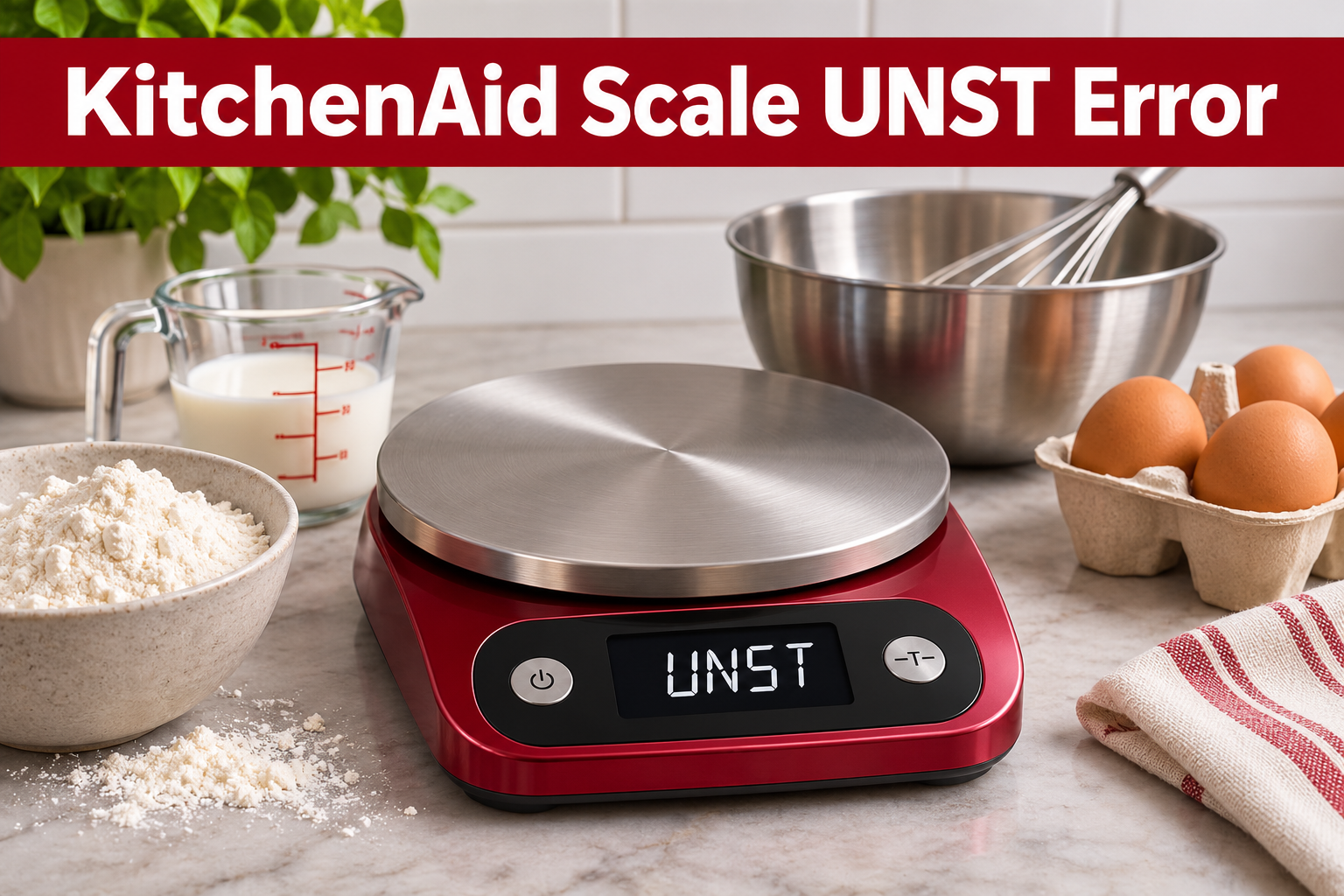
What Does the KitchenAid Scale UNST Error Mean?
The UNST error generally indicates that a digital scale cannot obtain a stable weight reading. It usually means the scale is detecting movement or inconsistent pressure that prevents it from displaying a reliable measurement.
Your KitchenAid scale uses electronic sensors to measure the weight of ingredients placed on its platform. For these sensors to work accurately, the scale must remain steady on a firm, level surface.
When the sensors receive inconsistent readings, the display may fluctuate or show an error instead of a stable weight. This can happen when you move the scale, place it on an uneven countertop, or use a container that isn’t properly positioned.
However, error codes can vary between KitchenAid models. If your scale repeatedly displays UNST, check its user manual to confirm the meaning of the warning.
KitchenAid Scale UNST Error: Common Causes
Several problems can interfere with your KitchenAid scale’s ability to measure ingredients accurately. Some are easy to correct, while others may indicate damage to the device.
1. An Uneven or Unstable Surface
Your KitchenAid scale needs a firm, flat surface to measure weight accurately. If you place it on an uneven countertop, soft mat, or unstable table, its sensors may receive inconsistent pressure.
For instance, a countertop that moves slightly when you touch it can cause the displayed weight to fluctuate. Similarly, placing the scale on a towel may prevent it from resting evenly.
You might notice that the UNST error appears immediately after moving the scale or when placing a bowl on the platform. If this happens, the supporting surface is one of the first things to check.
2. Uneven Pressure on the Weighing Platform
Another possible cause is uneven pressure on the weighing platform. Digital scales are designed to measure weight through specific supporting points, so anything interfering with those points can affect the reading.
Crumbs or other objects beneath the scale may prevent it from sitting properly. A large bowl touching the countertop can also interfere with the measurement.
Sometimes, the problem occurs because ingredients are placed too close to the edge of the platform. Centering the container and removing anything touching the scale may help restore stable readings.
3. Movement During Weighing
Movement can prevent a KitchenAid scale from obtaining a steady measurement. This is particularly noticeable when you turn on the scale while touching its platform or move a container before the reading settles.
Vibrations from nearby appliances may also affect sensitive measurements. Likewise, stirring ingredients inside a bowl while weighing them can cause the displayed numbers to keep changing.
If the error disappears when everything is stationary, movement may have contributed to the warning. Allowing the scale to settle before taking measurements is an easy way to avoid this problem.
4. Faulty or Damaged Weight Sensors
Your KitchenAid scale contains sensitive electronic components that measure the pressure applied to its platform. These components can become damaged if the scale is dropped, overloaded, or exposed to excessive moisture.
A faulty weight sensor may produce inconsistent readings even when the scale is sitting on a flat surface. In some cases, the warning may appear immediately after switching on the device.
However, a persistent UNST error doesn’t automatically mean the sensor is damaged. You should first eliminate simpler problems, including unstable placement and battery issues, before considering an internal fault.
KitchenAid Scale UNST Error: How to Fix
The appropriate solution depends on what’s causing the unstable reading. Start with the simplest checks before considering repairs or replacement.
1. Place the Scale on a Flat Surface
Start by checking where your KitchenAid scale is positioned. A firm, level countertop provides the stable support needed for accurate measurements.
First, remove everything from the weighing platform and switch off the scale. Move it to a clean, solid section of your kitchen counter.
Then follow these steps.
- Remove any towels, mats, or other materials beneath the scale.
- Check that the surface is clean and dry.
- Position the scale so all its supporting feet rest firmly on the countertop.
- Switch it on without touching the weighing platform.
- Wait for the display to settle before adding ingredients.
If the UNST warning disappears, place a small object on the platform and check whether the reading remains steady.
If the error continues, try another flat surface. This can help you determine whether the countertop is contributing to the problem.
2. Remove Obstructions and Center the Container
If changing the surface doesn’t help, examine the scale for anything that could interfere with its weighing mechanism.
Switch off the device and gently inspect its underside. Remove any crumbs, food particles, or other objects that may be preventing it from resting evenly.
Next, check the weighing platform. Make sure nothing is touching its edges and that your bowl isn’t resting against the countertop or another object.
When weighing ingredients, place the container near the center of the platform. Avoid pressing against the scale while taking measurements.
Once everything is properly positioned, switch on the scale and test it again. If uneven pressure was responsible, the reading should become more stable.
3. Restart the Scale
Restarting your KitchenAid scale may help if the warning appeared during startup or after the device was moved.
Begin by removing all ingredients and containers from the platform. Switch off the scale and leave it off briefly before turning it back on.
Make sure the scale is resting on a stable surface during startup. Avoid touching or moving it until the display settles.
If the device returns to zero, place an empty bowl on the platform and wait for the weight to stabilize. You can then use the TARE function, if available, to reset the displayed weight to zero before adding ingredients.
However, if the UNST warning remains visible, pressing TARE repeatedly is unlikely to resolve the underlying issue. Continue with the other troubleshooting methods.
4. Check and Replace the Batteries
Weak batteries can sometimes cause digital kitchen scales to behave unpredictably. Although many models display a separate low battery warning, checking the power supply is worthwhile when the display is unstable.
If your KitchenAid scale uses replaceable batteries, switch it off and open the battery compartment according to its manual.
Remove the old batteries and install fresh ones of the correct type. Make sure they’re positioned according to the positive and negative markings inside the compartment.
After replacing the batteries, close the cover securely and restart the scale on a flat surface.
If the display becomes stable, the problem may have been related to the power supply.
For rechargeable models, follow the manufacturer’s charging instructions instead. Never attempt to open or replace an internal rechargeable battery unless the manufacturer specifically provides a safe procedure.
5. Clean and Dry the Scale
Food particles and moisture can interfere with the normal operation of a kitchen scale, particularly when residue collects around its platform or supporting feet.
Switch off your KitchenAid scale and remove any containers or ingredients. Use a soft, slightly damp cloth to clean the weighing surface and exterior.
Pay attention to areas where crumbs or dried ingredients may have accumulated. However, avoid forcing objects into narrow openings or attempting to separate the housing.
After cleaning, dry the scale thoroughly before switching it on again.
Don’t immerse the device in water or place it in a dishwasher unless your specific model is designed for that type of cleaning.
If liquid has entered the electronic components, stop using the scale and seek professional advice. Surface cleaning cannot correct internal moisture damage.
6. Test the Scale for Stable Measurements
After completing the previous checks, test your KitchenAid scale to see whether the warning has disappeared.
Place the empty device on a level countertop and switch it on. Once the display shows zero, place a small, stationary object in the center of the platform.
Wait for the displayed weight to settle, then remove the object. The reading should return to zero.
Repeat this process several times using the same object. If the scale produces consistent readings and the UNST warning doesn’t return, it may be functioning normally again.
However, if the readings vary significantly while the object remains stationary, there may still be a problem.
Avoid attempting unfamiliar calibration procedures unless they’re specifically recommended in your KitchenAid model’s manual.
7. Contact KitchenAid Customer Support
If the UNST warning continues after you’ve tried the basic troubleshooting steps, your scale may have an internal sensor or electronic fault.
This is especially possible if the error appears while the scale is empty, stationary, and resting on a firm surface.
Contact KitchenAid product support or the support provider listed in your scale’s documentation. Have your model number and purchase details available, and explain when the error appears.
If the scale is still covered by a warranty, you may qualify for repair or replacement under the applicable terms.
Avoid opening the housing or attempting to repair its internal electronics yourself. For some kitchen scales, replacing a damaged unit may be more practical than repairing it.
Wrap-Up
The KitchenAid scale UNST error generally indicates that the device is struggling to obtain a stable weight reading. An uneven countertop, unwanted pressure, movement, or a faulty sensor may be responsible.
Start by placing the scale on a firm surface, removing obstructions, and restarting it. Checking the batteries and cleaning the device may also help. If the warning persists despite these adjustments, contact the appropriate support provider. Addressing the problem early will help you avoid unreliable measurements and determine whether your scale needs further attention.