The KitchenAid Superba microwave door error can be frustrating, especially when the appliance refuses to start even though the door appears completely closed. You might see a door warning on the display, notice that the microwave stops unexpectedly, or find yourself opening and closing the door several times before it responds.
Fortunately, this problem doesn’t always indicate a damaged component. Sometimes, the warning is a normal safety reminder. Other times, it points to a faulty door latch or switch that needs attention.
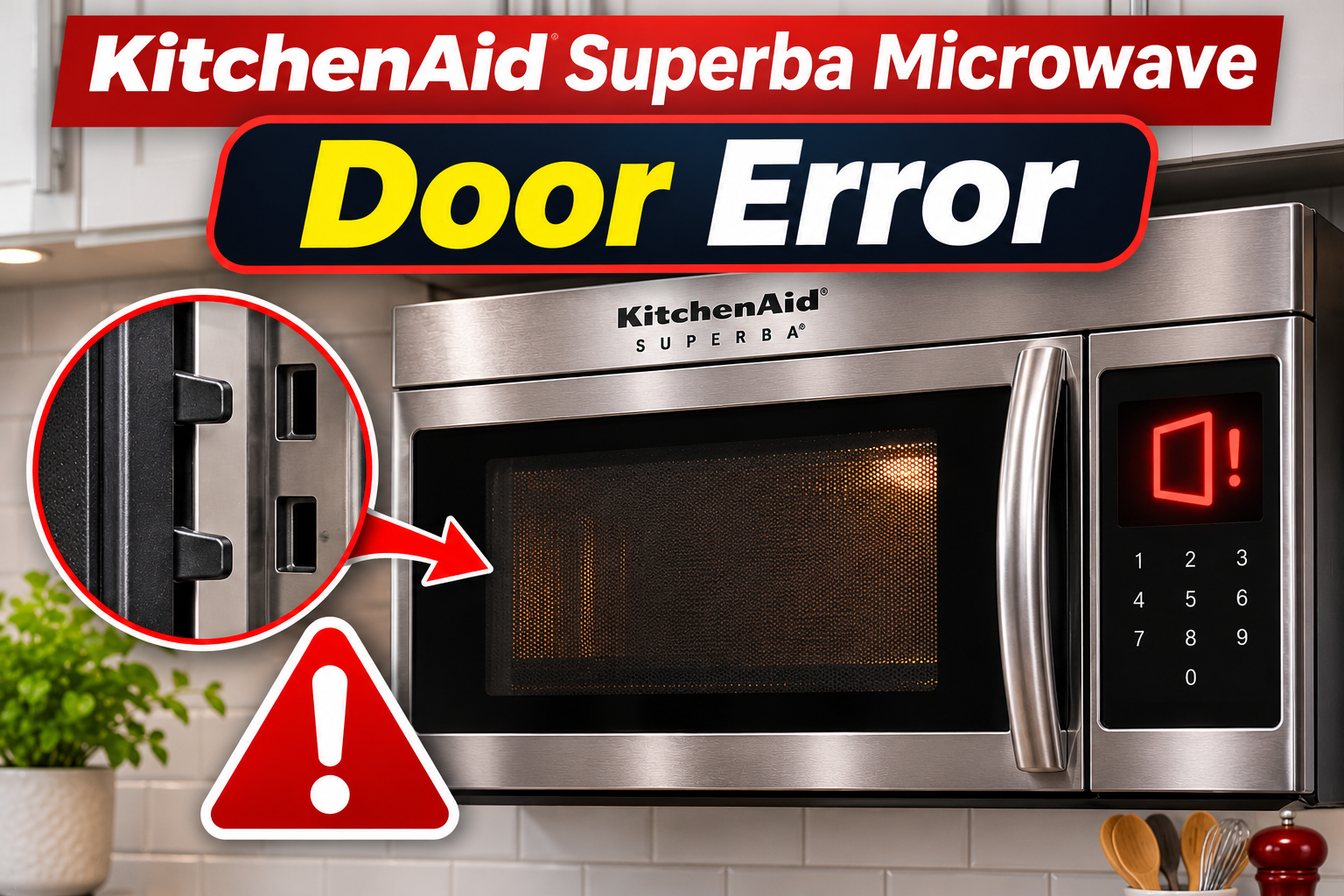
What Does the KitchenAid Superba Microwave Door Error Mean?
The KitchenAid Superba microwave door error generally means the appliance hasn’t detected the door condition required to start a cooking cycle. However, the exact meaning depends on the model and the message displayed.
Your microwave has a door safety system that prevents it from generating microwave energy while the door is open. This system includes mechanical latches and electrical switches that change position when you open or close the door.
When everything works correctly, closing the door activates the necessary switches, allowing the electronic control system to recognize that cooking can begin. If the door doesn’t close properly or a switch fails, the microwave may refuse to start.
Some KitchenAid microwaves also display “DOOR” or “OPEN/CLOSE DOOR” when the door has remained closed for approximately five minutes without a cooking cycle starting. This is a safety feature intended to prevent accidental operation. Opening and closing the door normally clears the reminder.
However, if the warning continues after you’ve opened and closed the door, there may be a problem with the latch, door alignment, or internal switch mechanism.
Other warning signs include a loose door, an interior light that doesn’t respond correctly to door movement, and a microwave that starts only occasionally.
Because KitchenAid Superba includes different microwave and combination oven designs, the exact troubleshooting procedure can vary. Checking your appliance’s model number helps you distinguish normal operating behavior from a genuine fault.
KitchenAid Superba Microwave Door Error: Common Causes
Several problems can prevent your KitchenAid Superba microwave from recognizing that its door is properly closed. Some involve ordinary operating conditions, while others develop as the door mechanism wears or becomes damaged.
1. Door Safety Reminder
One possible explanation is the microwave’s built-in protection against unintended operation.
On certain KitchenAid models, the control system expects the door to be opened and closed before starting a cooking cycle. If the door has remained closed for approximately five minutes or longer, the appliance may display a door message when you attempt to start cooking.
This feature helps prevent the microwave from starting because of an accidental button press.
For example, you might leave food inside the microwave, return several minutes later, and press Start without opening the door again. The appliance may display “DOOR” instead of beginning the cooking cycle.
In this situation, the message doesn’t necessarily indicate a broken latch or defective switch.
Opening and closing the door should allow the control system to register a fresh door movement. If the message disappears and the microwave starts normally, no repair may be necessary.
However, older Superba models don’t necessarily use the same reminder feature. If your appliance repeatedly displays the warning despite normal door movement, another problem may be responsible.
2. Dirt or Food Debris Around the Door Latch
Food particles, grease, and other residue can accumulate around your microwave’s door opening over time.
The latch mechanism needs to engage correctly when the door closes. If debris collects around the latch openings or the surfaces where the door meets the microwave cabinet, it may interfere with proper closure.
As a result, the door may look closed without fully engaging the safety mechanism.
You might notice that the door requires extra pressure to close, doesn’t produce its usual clicking sound, or feels unusually stiff.
Sometimes, the problem develops gradually as food residue builds up around the latch area. In other cases, a small object becomes trapped near the door and prevents it from closing completely.
This possibility is worth checking because removing accessible dirt or an obstruction may restore normal operation without replacing any parts.
However, if the latch is physically broken or the door remains loose after cleaning, further repairs may be necessary.
3. Worn or Damaged Door Latch Mechanism
The door latch is responsible for holding your microwave door securely closed.
Depending on the Superba model, the mechanism may include plastic latch components, mechanical actuators, and related parts that operate the internal door switches.
Repeated opening and closing can eventually wear these components. Physical damage or excessive force can also affect how the latch engages.
If the mechanism becomes damaged, the door may not activate the safety switches consistently.
One possible symptom is a microwave that occasionally starts after you close the door but refuses to operate at other times.
You may also notice unusual movement in the latch, a door that doesn’t sit firmly against the frame, or a change in how the door closes.
However, a loose door doesn’t always mean the latch itself is defective. Damaged hinges or alignment problems can produce similar symptoms.
Because these components are part of the microwave’s safety system, mechanical adjustments and replacements should be handled by a qualified technician.
4. Faulty Door Interlock Switch
A defective door interlock switch is another important possible cause of a persistent door error.
Microwave ovens use safety switches that respond to door movement. These switches help ensure that microwave energy is generated only when the door is properly closed.
If a switch becomes defective, it may fail to change electrical state when the door moves. Consequently, the control system may continue detecting an open door even after you’ve closed it.
The microwave may then refuse to start or display a door warning.
A faulty switch can also cause intermittent problems. For instance, the appliance may operate normally during one cooking cycle but fail to recognize the door during the next.
An interior light that behaves unexpectedly when you open or close the door may provide another clue, although light problems can have other causes.
Some Superba microwave oven combinations use multiple door switches. Therefore, determining which component has failed requires the correct service information and electrical testing.
Never bypass a door interlock switch or attempt to hold it in position manually. Doing so can defeat an essential safety feature.
5. Door Misalignment or Control System Problems
Your microwave door must sit correctly against the front frame for its latch and safety switches to operate as intended.
If the hinges become damaged or the door assembly shifts out of alignment, the latch may fail to engage properly.
You might notice an uneven gap around the door, difficulty closing it, or a door that appears tilted.
In some cases, the latch engages mechanically, but the electronic control system still fails to recognize the door’s position.
This can happen because of damaged internal wiring, a faulty switch connection, or an electronic control problem.
However, a control board fault is generally something to consider after checking the door’s physical condition and the operation of its safety switches.
If the door appears damaged, don’t attempt to straighten it, adjust the hinges, or force it into position.
Improper adjustments can affect the door seal and safety mechanism. Professional diagnosis is necessary before the appliance can be used safely.
KitchenAid Superba Microwave Door Error: How to Fix
The appropriate solution depends on whether the error is a normal safety reminder, a physical door obstruction, or an internal component fault. Begin with simple checks that don’t require removing the microwave’s cabinet or disturbing its safety mechanisms.
1. Open and Close the Microwave Door Again
The first thing to try is opening and closing the microwave door normally.
On KitchenAid models with the door safety reminder, this allows the control system to confirm that someone has accessed the appliance before starting a cooking cycle.
Follow these steps.
- Press Cancel or Stop to clear any active cooking command, if your model permits.
- Open the microwave door completely.
- Check that nothing is preventing it from closing.
- Close the door normally until the latch engages.
- Select your cooking settings and press Start.
If the warning was caused by the five-minute safety feature, the microwave should now accept your cooking instructions.
However, if the error remains or returns immediately, the appliance may not be detecting the door movement correctly.
Avoid repeatedly slamming the door or pushing against it while pressing Start. These actions can damage the latch mechanism and won’t repair a faulty switch.
2. Clean the Door Latch and Contact Areas
If opening and closing the door doesn’t resolve the problem, inspect the accessible latch area for dirt or grease.
Even small amounts of accumulated food residue can affect how smoothly the door closes.
Before cleaning, disconnect the microwave from electricity. For a built-in Superba microwave, use the appropriate circuit breaker if the power connection isn’t safely accessible.
Follow these steps.
- Open the microwave door and examine the visible latch openings.
- Look for grease, crumbs, or foreign objects around the door frame.
- Dampen a soft cloth with warm water and a small amount of mild dish soap.
- Gently clean the accessible latch surfaces and surrounding door contact areas.
- Remove any remaining soap using a slightly damp cloth.
- Dry everything thoroughly before restoring power.
Avoid inserting sharp objects, screwdrivers, or cleaning tools deep into the latch openings.
Also, never spray cleaning liquid directly into the mechanism. Excess moisture can reach internal electrical components and create additional problems.
Once the area is clean and dry, reconnect the microwave and close the door normally.
If dirt was preventing the latch from engaging, the door should close more smoothly and the warning may disappear.
However, cleaning won’t repair a broken latch or defective interlock switch.
3. Check for Obstructions and Visible Door Damage
Sometimes, the door error occurs because something inside the microwave prevents the door from closing completely.
An oversized plate, incorrectly positioned cooking rack, or object resting against the door can interfere with normal closure.
Start by disconnecting power and removing the food container or cookware.
Check that the turntable, support ring, and any removable accessories are correctly positioned according to your model’s instructions.
Next, examine the door and surrounding frame for visible damage.
Pay attention to the following.
- Cracks or broken pieces around the door latch.
- Loose or visibly damaged hinges.
- Uneven gaps around the door.
- A bent door frame or damaged sealing surface.
- Objects preventing the door from closing normally.
If you find an ordinary obstruction, remove it and check whether the door closes smoothly.
However, if the door is bent, the hinges are loose, or the latch appears broken, stop using the microwave.
Don’t attempt to bend the door back into position, tighten internal hinge components, or modify the latch mechanism. These repairs require professional attention because incorrect alignment can compromise microwave safety.
4. Reset the Microwave’s Electronic Controls
If the door closes properly but the warning remains, a power reset may help clear a temporary electronic control problem.
Restarting the appliance allows its control system to initialize again and may restore normal operation if the fault was temporary.
To reset your KitchenAid Superba microwave, follow these steps.
- Stop any active cooking function.
- Switch off the circuit breaker supplying the microwave.
- Leave the power disconnected for at least one minute.
- Restore electricity by switching the breaker back on.
- Observe the microwave display.
- Open and close the door before attempting another cooking cycle.
If your model has a safely accessible plug, disconnecting it from the outlet may provide the same reset.
However, don’t pull a built-in microwave or combination oven out of its cabinet simply to reach the power connection.
If the warning disappears and the appliance responds normally, the reset may have resolved a temporary control problem.
If the error returns, the cause may involve a defective switch, damaged wiring, or another control system fault.
Repeated resets won’t correct a physically damaged door mechanism.
5. Check the Control Settings and Test Normal Operation
If the microwave no longer displays a door warning but still refuses to start, check whether another operating setting is preventing it from working.
Some KitchenAid Superba models have a Control Lock feature that disables normal keypad operation. Depending on the model, the display may show a lock indicator or another message when this feature is active.
Check your owner’s manual for the correct unlocking procedure.
Also, make sure you’re selecting an actual microwave cooking function rather than a kitchen timer, which doesn’t operate the microwave’s heating system.
If the controls respond normally, the door is undamaged, and the warning has cleared, you can perform a brief heating test.
- Place approximately one cup of water in a microwave-safe container.
- Put the container on the turntable.
- Close the door normally.
- Select one minute at full microwave power.
- Start the cooking cycle.
- Check whether the microwave finishes normally and the water becomes warmer.
Never operate the microwave empty, and handle the container carefully because it may become hot.
If the microwave starts, completes the cycle, and heats the water, the original warning may have been temporary.
However, if the door error returns, the appliance stops unexpectedly, or the interior light behaves abnormally, stop testing.
A microwave that appears to operate with its door open must be disconnected from power immediately, even if it doesn’t seem to be heating. It requires professional inspection.
6. Contact a Qualified Microwave Repair Technician
If the door error continues after cleaning, checking for obstructions, and resetting the appliance, an internal component may need repair or replacement.
Possible faults include a defective door interlock switch, damaged latch mechanism, faulty switch actuator, or unreliable electrical connection.
A qualified technician can inspect these components and perform the appropriate electrical tests using the service procedures for your exact Superba model.
For some models, replacing a defective door switch or latch component may resolve the problem. In other cases, door alignment or control system repairs may be necessary.
However, parts shouldn’t be replaced based on symptoms alone.
Never attempt to bypass the door switches, remove the microwave cabinet, or operate the appliance with a damaged door.
Microwaves contain high-voltage components that can retain dangerous electrical charges after the power supply has been disconnected.
Internal door repairs also require proper safety checks to ensure the interlock system and door assembly function correctly.
Before arranging service, locate your appliance’s model and serial numbers. Explain whether the warning appears immediately after closing the door or only when you press Start.
Also, mention any unusual clicking sounds, loose door movement, or problems with the interior light.
These details can help the technician identify the likely fault and complete the necessary repairs safely.
Wrap-Up
The KitchenAid Superba microwave door error can result from a normal safety reminder, dirt around the latch, a damaged door mechanism, or a faulty interlock switch. Recognizing how the door behaves can help you understand which problem is most likely.
Start by opening and closing the door, cleaning the accessible latch areas, and checking for obstructions. A power reset may also clear a temporary electronic fault.
However, if the warning persists or the door appears damaged, stop using the microwave and contact a qualified technician. Proper repairs will help restore safe, reliable operation.