The F2E1 error on your KitchenAid microwave can be frustrating, especially when the buttons stop responding or the appliance refuses to start. Sometimes, the error appears suddenly, even though the microwave was working fine earlier.
This error usually indicates a problem with the keypad or control panel. Fortunately, some basic troubleshooting steps can help you identify the cause and determine whether you need professional repairs.
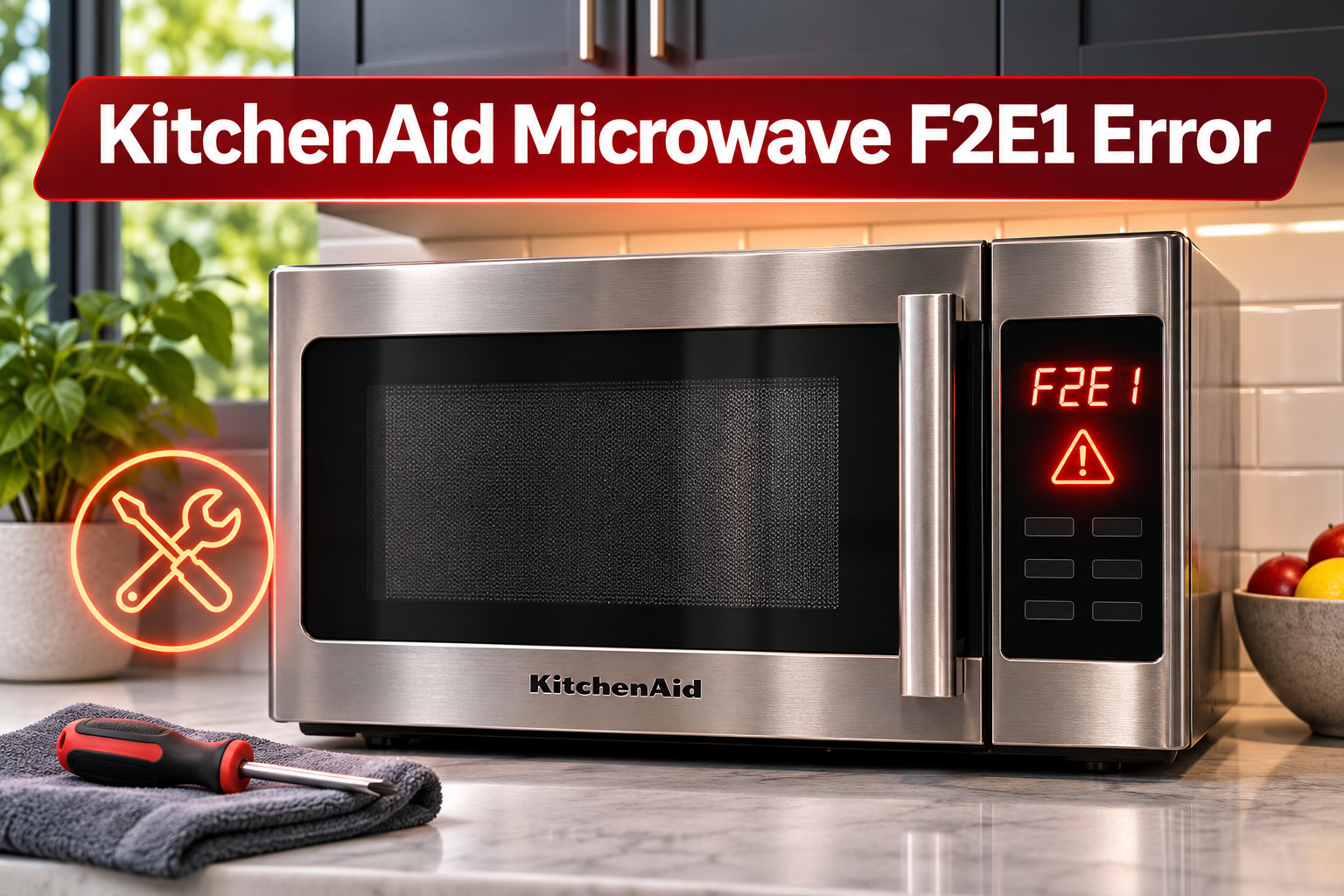
What Does the F2E1 Error Mean on a KitchenAid Microwave?
The F2E1 error code on a KitchenAid microwave generally indicates a stuck key or a problem with the touch control panel. It means the control system has detected an abnormal keypad signal.
Your microwave’s keypad allows you to enter cooking times, adjust power settings, and select different functions. When you press a button, it sends a signal to the electronic control system, which processes your selection.
If a button becomes stuck or the keypad develops an electrical fault, the microwave may interpret the signal incorrectly and display F2E1.
You may notice that certain buttons stop responding, the microwave beeps unexpectedly, or the error remains on the screen after pressing Cancel. In some cases, the appliance may refuse to start.
Although a faulty keypad is a common explanation, moisture, dirt, damaged connections, and temporary electronic problems can also affect the controls. The exact cause depends on your microwave model and the symptoms you’re experiencing.
KitchenAid Microwave F2E1 Error: Common Causes
Several problems can trigger the F2E1 error on your KitchenAid microwave. Understanding these possible causes will help you identify the most appropriate solution.
1. Stuck or Dirty Keypad Buttons
Grease, food residue, and dirt can accumulate around your microwave’s buttons over time. This is especially common with over-the-range models exposed to cooking steam and grease.
On models with physical buttons, sticky residue may prevent a button from returning to its normal position. Consequently, the microwave may continue detecting that button as pressed, triggering the error.
You might notice that one button feels stiff, remains depressed, or responds differently from the others.
However, some KitchenAid microwaves use touch-sensitive panels without moving buttons. On these models, surface contamination may affect touch response, although a persistent F2E1 error can indicate an internal keypad fault.
2. Moisture Around the Control Panel
Steam, accidental spills, and excessive cleaning liquid can affect your microwave’s control panel.
If moisture enters the keypad assembly, it may interfere with electrical signals and cause the microwave to register unwanted button activity.
For example, the error might appear shortly after cleaning the control panel or cooking food that releases considerable steam.
Visible condensation or moisture around the buttons can be a useful clue. However, moisture isn’t always responsible, and a dry control panel can still have an internal electrical problem.
3. Faulty Keypad or Touch Panel
A defective keypad is one of the main causes of a persistent F2E1 error.
Your microwave’s keypad contains electrical contacts or touch-sensitive circuits that detect button presses. These components can deteriorate or become damaged through regular use, physical impact, or electrical faults.
When a contact fails, the control system may interpret it as a button being pressed continuously.
You may initially notice that certain buttons require repeated presses before responding. Eventually, the keypad may stop working or display the error repeatedly.
If the internal keypad circuitry has failed, cleaning and resetting the microwave won’t permanently resolve the problem. The affected component may need replacement.
4. Damaged Wiring or Electronic Control Problems
The keypad communicates with your microwave’s control system through internal electrical connections. Damaged wiring or unreliable connectors can interfere with these signals.
For instance, an intermittent connection may cause the keypad to work occasionally before the error appears again.
Temporary electronic control problems can also affect keypad operation. These may sometimes clear after disconnecting and restoring power.
However, if F2E1 returns repeatedly, the microwave likely needs further diagnosis. Internal wiring and electronic control components should only be examined by a qualified technician.
KitchenAid Microwave F2E1 Error: How to Fix
The best solution depends on what triggered the error. Start with the simplest checks before considering repairs involving internal components.
1. Check for Stuck Buttons
Begin by examining your microwave’s keypad for buttons that appear stuck or damaged.
First, disconnect the appliance from its power supply. If it’s hardwired or the plug isn’t safely accessible, switch off the appropriate circuit breaker.
Carefully inspect the buttons for visible dirt, grease, or anything preventing normal movement.
If your microwave has physical buttons, gently press and release each one to see whether any feel unusually stiff. Avoid forcing them or inserting sharp objects around their edges.
If you find an obstruction, remove it carefully. Once the keypad is clean and dry, restore power and check whether F2E1 has disappeared.
If a button remains stuck, the keypad may need professional attention.
2. Clean the Control Panel
Dirt and grease can sometimes interfere with keypad operation. Cleaning the control panel is therefore worth trying, especially if the buttons feel sticky.
Follow these steps.
- Disconnect the microwave from electricity.
- Allow the appliance to cool completely.
- Lightly dampen a soft cloth with water and mild dish soap if your model has traditional controls.
- Gently wipe the keypad and surrounding areas.
- Remove any remaining residue with a slightly damp cloth.
- Dry the control panel thoroughly before restoring power.
Avoid spraying cleaning products directly onto the microwave. Also, don’t use abrasive pads or excessive water because moisture can enter the control panel and damage its electronics.
Once the surface is clean and dry, reconnect the appliance and check the display.
If the error remains, the problem may involve the internal keypad circuitry rather than surface contamination.
3. Reset the KitchenAid Microwave
A power reset may clear a temporary electronic problem that triggered F2E1.
KitchenAid recommends disconnecting power for one minute when troubleshooting this error on applicable microwave models.
To perform the reset, follow these steps.
- Switch off the microwave using its circuit breaker or safely unplug it.
- Leave the appliance disconnected for at least one minute.
- Restore the power supply.
- Wait approximately one minute to see whether the error returns.
- If the display is normal, check whether the keypad responds correctly.
If the microwave starts working again, the problem may have been temporary.
However, if F2E1 returns shortly afterward, the reset hasn’t corrected the underlying fault. Repeated resets are unlikely to repair a damaged keypad.
4. Check for Moisture Problems
If the error appeared after cleaning or exposure to heavy steam, examine the control panel for moisture.
Disconnect the microwave from electricity and wipe the exterior surface with a clean, dry cloth.
If there’s only light condensation on the outside, allow the panel to dry naturally before reconnecting power.
Don’t use a hair dryer, heat gun, or other heating equipment to speed up the process. Excessive heat can damage the control panel.
If liquid has entered the microwave or reached the internal electronics, don’t reconnect the appliance. Contact a qualified repair technician for inspection.
When the panel is completely dry and there’s no evidence of internal liquid exposure, restore power and check whether the error has cleared.
5. Contact a Qualified Microwave Technician
If the F2E1 error persists after cleaning and resetting the microwave, a defective keypad or another internal control component may be responsible.
A qualified technician can diagnose the problem and determine whether the touch panel, wiring, or control board requires repair or replacement.
For certain KitchenAid microwave models, replacing the faulty touch panel is the recommended repair for an F2E1 stuck key failure.
However, the correct replacement component depends on your specific model.
Never attempt to open the microwave cabinet or repair its internal electrical components yourself. Microwaves contain high-voltage capacitors that can retain dangerous electrical charges even after the appliance has been unplugged.
Before arranging service, locate your microwave’s model number and describe when the error appears. This information can help the technician identify the appropriate diagnostic procedure.
Wrap-Up
The KitchenAid microwave F2E1 error usually indicates a keypad or touch panel problem. Although dirt, moisture, or temporary electronic issues may sometimes contribute, a recurring error often points to a faulty component that needs professional attention.
Start by checking for stuck buttons, cleaning the control panel, and resetting the microwave. These simple steps may help if the problem is temporary.
If the error continues or the keypad remains unresponsive, contact a qualified technician. Proper diagnosis will help ensure the microwave is repaired safely and correctly.