Seeing the F6E0 error code on your KitchenAid gas stove can be frustrating, especially when the oven stops heating or refuses to respond to your settings. Although the display may still work, you might be unable to use the oven.
Fortunately, this error doesn’t always mean an expensive repair. A simple power reset can sometimes restore normal operation. However, understanding what causes F6E0 will help you identify the problem and choose the right solution.
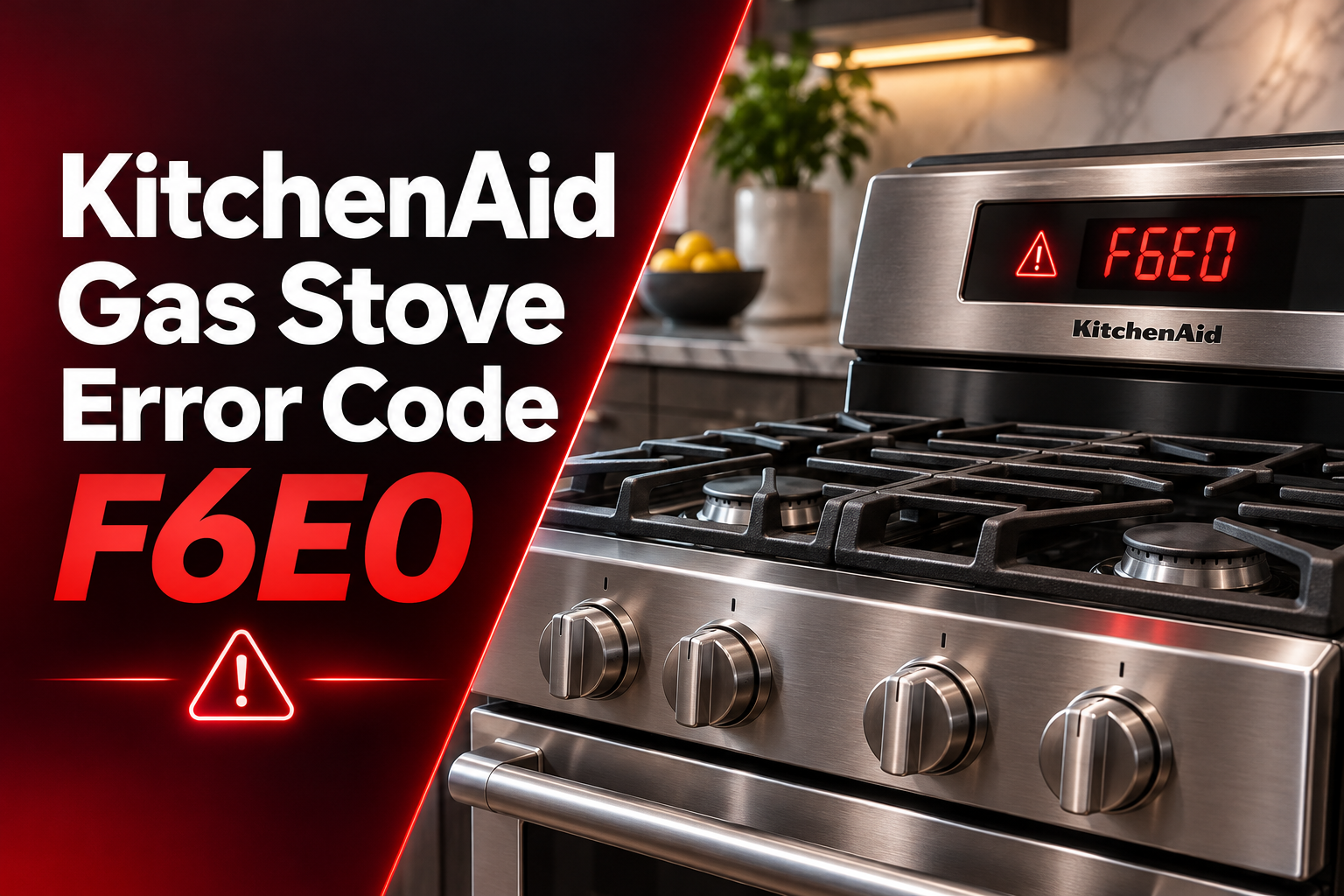
What Does Error Code F6E0 Mean on a KitchenAid Gas Stove?
The F6E0 error code generally indicates a communication problem between your KitchenAid stove’s electronic control components. Depending on the model, the fault may involve the user interface, main control board, or wiring connecting these components.
Your stove uses electronic controls to manage baking, broiling, temperature settings, and other oven functions. The user interface receives your commands, while the main control board processes them and controls the oven’s operation.
When these components cannot communicate properly, the stove may display F6E0 and prevent certain functions from working. You might notice that the oven doesn’t heat, the control panel becomes unresponsive, or the error returns whenever you select a cooking setting.
Sometimes, the error appears after a power outage. In other cases, damaged wiring, loose connections, or faulty electronic components may be responsible.
F6E0 doesn’t identify the exact faulty component. Therefore, it’s important to check the possible causes before replacing any parts.
If you smell gas, notice smoke, or detect a burning electrical smell, stop using the stove immediately. For a suspected gas leak, leave the area without operating electrical switches and contact your gas supplier or emergency services.
KitchenAid Gas Stove Error Code F6E0: Common Causes
Several electrical problems can interrupt communication between your stove’s control components. Here are five possible causes and the signs that may help you identify them.
1. Temporary Electrical Power Interruption
Your KitchenAid gas stove needs electricity to operate its electronic controls, display, and ignition system. A sudden power interruption can sometimes interfere with how these components communicate.
For example, a brief power outage may cause the electronic boards to restart unexpectedly. If they don’t resume communicating correctly, the stove may display F6E0.
This is worth considering if the error appeared immediately after a power outage or electrical disturbance. If a power reset clears the code permanently, the problem may have been temporary.
However, if F6E0 keeps returning, another electrical fault may be responsible.
2. Loose Connections Between the Control Boards
Electrical connectors link the user interface to the main control board. These connections allow the components to exchange information.
If a connector becomes loose or develops poor electrical contact, communication may become unreliable. This can happen after an earlier repair or through deterioration of the connections over time.
You might notice that the oven works occasionally but displays F6E0 at other times. The error may also appear whenever you attempt to start a cooking cycle.
Loose connections can produce symptoms similar to those of a defective control board. However, checking internal connectors requires opening the appliance and should be handled by a qualified technician.
3. Damaged Communication Wiring
The wiring harness carries electrical signals between your stove’s control components. If one of these wires becomes damaged or disconnected, the boards may stop communicating.
Heat exposure, damaged insulation, pinched wires, or corrosion at electrical connections can contribute to wiring problems.
An intermittent F6E0 error may suggest a connection or wiring fault, especially if the problem began after the stove was moved or serviced.
However, the symptoms alone cannot confirm damaged wiring. A technician may need to perform electrical continuity tests to determine whether the communication circuit is intact.
4. Faulty User Interface Control Board
The user interface is responsible for receiving commands from the oven’s control panel and communicating them to the main control system.
If its electronic circuits fail, it may stop sending or receiving information properly. Consequently, the stove can display F6E0 even when the connecting wires are in good condition.
A faulty user interface may also cause the display to freeze, the controls to respond inconsistently, or the oven to reject cooking commands.
However, these symptoms can also occur when the main control board or communication wiring develops a fault. The user interface should only be replaced after proper diagnosis.
5. Defective Main Oven Control Board
The main control board manages many of your KitchenAid stove’s oven functions, including heating and temperature regulation.
If its communication circuitry fails, the board may stop responding to commands from the user interface. This can trigger F6E0 and prevent the oven from operating.
A faulty main board may also cause unusual control behavior or prevent certain cooking functions from starting.
If the error persists after resetting the stove and checking the electrical supply, a control board fault becomes a possibility. However, technicians must examine the wiring and related components before confirming that the board needs replacement.
KitchenAid Gas Stove Error Code F6E0: How to Fix
Begin with simple troubleshooting methods that don’t require opening the stove. If these checks don’t resolve the error, professional diagnosis may be necessary.
1. Confirm the Error Code and Check Your Stove Model
Start by confirming that your stove displays F6E0. Some KitchenAid ovens alternate between F6 and E0, so watch the display carefully.
Take a picture of the code before attempting a reset. This can help if the error disappears temporarily.
Next, locate your stove’s model number. On many KitchenAid ranges, the identification label is around the oven frame or storage drawer. The exact location varies by model.
Use the model number to find the correct owner’s manual. This matters because KitchenAid stoves can have different control systems and troubleshooting procedures.
Some commercial KitchenAid ranges allow you to cancel F6E0 by turning the temperature knob to OFF.
If your model supports this procedure, try it before disconnecting the power. If the error returns, continue with the next step.
2. Reset the Stove Using the Circuit Breaker
A power reset can clear temporary communication problems by allowing the electronic controls to restart.
KitchenAid recommends disconnecting power as an initial troubleshooting step for F6E0 on many of its ranges.
Follow these steps:
- Turn the oven and all surface burner controls to OFF.
- Locate the circuit breaker supplying power to your stove.
- Switch the breaker to OFF.
- Leave the power disconnected for at least one minute.
- Turn the breaker back to ON.
- Watch the display to see whether F6E0 returns.
Some KitchenAid commercial ranges require a five-minute power disconnection. Follow your owner’s manual if it specifies a different procedure.
After restoring power, you may need to reset the clock.
If F6E0 disappears, check whether the oven responds normally. However, if the code returns, don’t keep resetting the breaker. A persistent communication fault needs further investigation.
3. Check the Electrical Power Supply
If the reset doesn’t work, check whether the stove is receiving reliable electrical power.
Many KitchenAid gas ranges use a grounded 120-volt electrical connection to operate their controls and ignition systems. However, electrical requirements can vary by model.
Start by checking the circuit breaker. If it has tripped, follow the manufacturer’s instructions to reset it once. If it trips again, leave it off and contact an electrician.
If the stove’s power plug is easily accessible, check that it’s firmly inserted into the outlet. Make sure the appliance is cool and all controls are off.
Avoid moving the stove just to reach the plug. Pulling a gas range away from the wall can disturb its gas connection or anti-tip bracket.
Also, look for visible damage around the accessible outlet and power cord. Burn marks, melted plastic, or a loose electrical connection require professional attention.
Don’t use extension cords or adapters to power your stove.
If the electrical supply appears normal but F6E0 remains, the problem may involve the stove’s internal electronic components.
4. Inspect the Control Panel for Moisture or Damage
If the error appeared after a spill or prolonged cooking, check the exterior of the control panel.
First, turn off the stove, disconnect electrical power, and allow the appliance to cool.
Look for moisture, food residue, discoloration, or visible damage around the control buttons and display.
Liquid that enters the control panel can potentially affect electronic components. However, moisture on the exterior doesn’t necessarily mean it caused F6E0.
Clean accessible surfaces using a soft cloth and the instructions in your owner’s manual. Avoid spraying water or cleaning products directly onto the buttons and display openings.
You should also make sure accessible ventilation openings aren’t blocked.
Don’t remove control panels or insert objects into openings. If a significant spill entered the controls, leave the appliance disconnected and arrange professional inspection.
If the panel shows signs of overheating or electrical damage, don’t reconnect the power until a technician has inspected it.
5. Test the Oven After Resetting
If F6E0 disappears after resetting the stove, test whether the oven operates normally.
Make sure the oven is empty, the door is properly closed, and there are no signs of a gas or electrical problem.
Then follow these steps:
- Confirm that F6E0 is no longer displayed.
- Select the Bake function.
- Set the temperature to 350°F.
- Start the cooking cycle.
- Check whether the oven begins preheating.
- Turn the oven off after confirming normal operation.
Watch the display during the test. If F6E0 returns, the controls freeze, or the oven stops responding, discontinue the test.
If the display works but the oven doesn’t heat, a separate ignition or heating problem may be involved.
For example, a defective oven igniter can prevent a gas oven from heating, but it generally doesn’t explain an F6E0 communication error.
Don’t repeatedly attempt ignition if the oven fails to light. Stop using the appliance immediately if you smell gas.
If the oven passes the test, monitor its operation during normal cooking. A recurring error still requires attention, even if the stove works between occurrences.
6. Contact a Qualified Appliance Repair Technician
If F6E0 continues appearing after the recommended checks, contact a qualified appliance repair technician.
The technician can identify the control system used in your KitchenAid model and perform the appropriate diagnostic tests.
Depending on the model, these may include checking control board connections, testing wiring continuity, and determining whether the user interface or main control board has failed.
For certain KitchenAid ranges, the manufacturer’s service procedure includes checking communication wiring before deciding which electronic board may require replacement.
This is why replacing a control board without testing can be costly. A damaged connector or wire may cause the same error.
Before scheduling service, gather your stove’s model number and explain when F6E0 appears. Also, mention whether the error started after a power outage, occurs during preheating, or returns immediately after resetting.
If your stove is still under warranty, contact KitchenAid or your warranty provider before arranging independent repairs.
Avoid attempting internal electrical repairs yourself. Professional testing can identify the faulty component while reducing the risk of electrical injury or damage to the appliance.
Wrap-Up
KitchenAid gas stove error code F6E0 usually indicates a communication problem between the oven’s electronic controls. The cause may be a temporary electrical interruption, loose wiring, or a faulty control board.
Start by confirming the error code and resetting the stove according to your model’s instructions. Then check the accessible electrical supply and observe whether the oven operates normally.
If F6E0 keeps returning, arrange professional diagnosis rather than replacing parts without testing. Identifying the actual fault will help you avoid unnecessary repairs and restore reliable oven operation.