The F8E0 error code on your KitchenAid gas range usually means the oven’s cooling fan is running too slowly. You might notice unusual fan noises, poor airflow, or an error message that interrupts cooking.
A blocked air vent, failing fan motor, or faulty sensor can cause this problem. Sometimes, a simple reset or removing an obstruction is enough to restore normal operation. However, persistent errors may require repairs. Understanding the causes will help you identify the problem and take the appropriate steps.
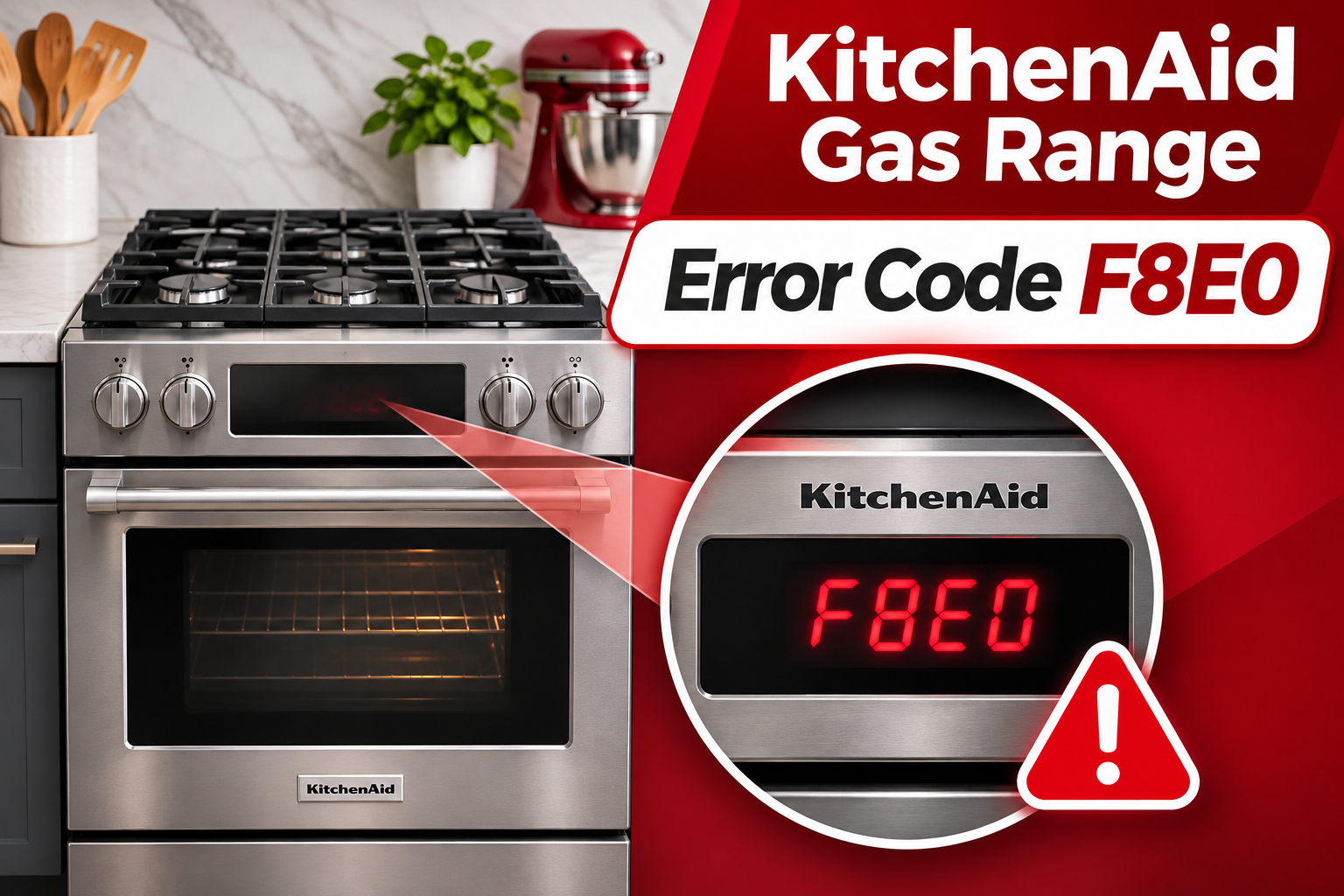
What Does the F8E0 Error Code Mean on a KitchenAid Gas Range?
The F8E0 error code indicates that the oven’s cooling fan speed is too low. KitchenAid identifies restricted airflow, a faulty cooling fan, and wiring problems as possible causes.
The cooling fan helps protect the oven’s electronic controls and nearby components from excessive heat. It moves air through designated passages to keep these parts within their intended operating temperatures. If the fan doesn’t operate correctly, the control system may detect a cooling problem and display F8E0.
On certain KitchenAid ranges, the control system monitors fan speed through a Hall effect sensor. This sensor sends information about how fast the fan is rotating. Some KitchenAid service documents specify that F8E0 can appear when the detected speed drops below 500 revolutions per minute while the oven temperature exceeds 170°F. However, these operating limits vary between models.
You may notice the error during preheating, while cooking, or after the oven has become hot. The cooling fan normally operates during some cooking cycles and may continue running after you turn off the oven. This is different from the convection fan, which circulates hot air inside the cooking compartment.
Avoid using the oven if F8E0 keeps returning. A malfunctioning cooling system can expose electronic components to excessive heat. The code doesn’t automatically indicate a problem with the gas supply, but the cooling fault should be addressed before normal cooking resumes.
KitchenAid Gas Range Error Code F8E0: Common Causes
Several problems can prevent the cooling fan from reaching its required speed. Some involve restricted airflow, while others affect the fan motor or the electronics responsible for monitoring its operation.
1. Blocked Oven Cooling Vents
Restricted airflow is one of the possible causes of F8E0. Your KitchenAid range has ventilation openings that allow air to circulate through the oven’s cooling system.
These openings may be located near the back of the cooktop, below the control panel, or around the lower front section, depending on the model. If an object covers an opening, airflow can become restricted and interfere with cooling performance.
KitchenAid warns against blocking oven vents because doing so can affect cooking and cooling results. Objects placed close to ventilation openings, accumulated dirt, or an improperly installed surrounding panel can contribute to poor circulation.
You might notice unusually hot surfaces near the control panel or reduced airflow from an accessible vent. However, these symptoms don’t prove that a blocked vent is responsible. Some restrictions occur inside the cooling system, where they cannot be seen without opening the appliance.
2. Faulty Cooling Fan Motor
The cooling fan motor is responsible for moving air through the oven’s cooling passages. If the motor becomes weak or develops an internal fault, it may struggle to maintain the required speed.
A worn motor bearing can increase friction and interfere with normal rotation. Electrical faults within the motor can also prevent it from starting or running properly.
A failing fan may produce rattling, grinding, or humming sounds. Sometimes, it starts normally but slows down as the oven heats up. In other cases, the fan stops operating altogether.
However, not every KitchenAid range operates its cooling fan continuously. Some models activate it only when certain temperature conditions are reached. Therefore, a fan that isn’t running while the oven is cold isn’t necessarily defective.
If the motor is damaged, cleaning the external vents or resetting the stove won’t correct the mechanical failure. The motor may need professional testing and replacement.
3. Defective Cooling Fan Speed Sensor
Some KitchenAid ranges use a Hall effect sensor to monitor cooling fan speed. This sensor detects the fan’s rotation and sends speed information to the electronic control board.
When the sensor works correctly, the control board can determine whether the fan is operating within its expected range.
If the sensor develops a fault, it may send incorrect speed information or fail to report rotation properly. The control system can then display F8E0 even when the fan is physically turning.
This fault can be difficult to identify through ordinary observation. You might hear the fan running and still receive the error message because the control board isn’t receiving an acceptable speed signal.
A faulty sensor may cause an intermittent error or one that returns during every heating cycle. However, the same behavior can occur with a failing motor or damaged wiring.
KitchenAid’s service documentation for certain models includes sensor testing as part of the F8E0 diagnostic procedure. These tests require electrical measurements and should be performed by a qualified technician.
4. Loose or Damaged Cooling Fan Wiring
The cooling fan relies on electrical connections to receive power and communicate with the control system. If these connections become loose or damaged, the fan may operate incorrectly.
A disconnected wire can prevent the motor from running. Similarly, damaged insulation, corroded contacts, or a poor connector connection can interrupt electrical signals.
The problem may develop after previous repairs, from damaged wiring, or because of deterioration around an electrical connector.
An intermittent error can sometimes indicate an unstable connection. For example, the fan might work during one cooking cycle but fail during another.
However, a technician needs to inspect the wiring and perform the appropriate tests to confirm the cause. The wiring is located inside the appliance, so checking it requires more than a basic household inspection.
5. Faulty Electronic Control Board
The electronic control board manages several oven functions, including the operation and monitoring of certain cooling fan systems.
If the section responsible for controlling the fan develops a fault, the motor may not receive the correct operating signal. The control board may also fail to interpret information from the fan speed sensor correctly.
This can produce F8E0 even when the fan motor itself is functioning.
A control board fault becomes more likely after a technician has ruled out airflow restrictions, fan motor problems, sensor faults, and wiring issues.
However, replacing the control board should not be the first repair attempted. The F8E0 code doesn’t automatically confirm a defective board, and replacing one unnecessarily can be expensive.
KitchenAid Gas Range Error Code F8E0: How to Fix
Start with basic checks that don’t involve removing appliance panels or handling electrical components. These methods can resolve some temporary cooling problems and help determine whether professional repairs are necessary.
1. Turn Off the Oven and Allow It to Cool
If F8E0 appears during cooking, stop the active oven function. This prevents the appliance from continuing to generate heat while the cooling system may be operating incorrectly.
On models with a Cancel or Off button, press it to stop the cooking cycle. If you have a commercial style KitchenAid range, turn the oven temperature knob to OFF.
Allow the oven to cool naturally before touching its ventilation areas. Don’t place your hands near hot exhaust openings or attempt to remove internal covers.
If the fan continues running after the oven has been switched off, this can be normal. KitchenAid explains that cooling fans may operate after cooking until the appliance reaches a safe temperature.
However, if the error remains on the display or returns during subsequent operation, further troubleshooting is necessary.
2. Check for Blocked Oven Vents
Once the stove has cooled completely, examine its accessible ventilation openings.
KitchenAid ranges have different vent arrangements, so refer to your owner’s manual to identify the openings used by your model.
Look for objects that may be restricting airflow. These can include cooking utensils, dish towels, loose packaging, or items placed too close to the oven’s ventilation areas.
Follow these steps.
- Make sure the oven and surface burners are off.
- Wait until the stove has cooled completely.
- Locate the external ventilation openings using your owner’s manual.
- Remove any objects covering or obstructing these openings.
- Check whether the surrounding space meets the installation requirements in the manual.
Pay attention to the area behind the cooktop if your model has a rear oven vent. Avoid placing objects where they could interfere with the release of hot air.
Also, don’t move the gas range away from the wall to investigate hidden vents. Moving it incorrectly can damage the gas connection or interfere with the anti-tip device.
If the visible openings are clear but the error continues, an internal obstruction or another cooling system fault may be responsible.
3. Clean Dust and Grease From Accessible Vents
Grease and dust can accumulate around ventilation openings over time. Removing visible buildup may improve airflow if the openings have become partially blocked.
Before cleaning, make sure the appliance is cool and disconnect its electrical power at the circuit breaker.
Use a soft brush or a dry microfiber cloth to remove loose dust from accessible vent surfaces. For greasy residue on exterior surfaces, use a cloth lightly dampened with mild soapy water, provided your owner’s manual permits this cleaning method.
Avoid allowing moisture to enter the vents or electrical control area.
Don’t insert brushes, wires, screwdrivers, or other objects into the ventilation passages. You could damage a fan blade or push debris farther inside.
After cleaning, dry the accessible surfaces thoroughly. Restore power only when the appliance is dry and there is no reason to suspect internal moisture damage.
If the openings are clear and the error persists, the restriction may be deeper inside the cooling system. Internal cleaning should be handled by a qualified technician.
4. Reset the KitchenAid Gas Range
A power reset can sometimes clear a temporary cooling fan control error. It allows the electronic control system to restart and check the fan again when operating conditions require it.
KitchenAid’s official F8E0 troubleshooting guidance recommends disconnecting power for one minute before restoring it.
Follow this procedure.
- Turn off the oven and all surface burners.
- Locate the circuit breaker supplying the range.
- Switch the breaker off for at least one minute.
- Restore power by turning the breaker back on.
- Allow the control panel to restart.
- Monitor the display for at least one minute to see whether F8E0 returns.
If the error disappears, the reset may have cleared a temporary control problem.
However, a successful reset doesn’t prove that the cooling fan is functioning correctly. Some fan faults appear only after the oven reaches a certain temperature.
If the code returns during the next normal cooking cycle, stop using the oven and arrange further diagnosis. Don’t repeatedly reset the appliance to continue cooking with an unresolved cooling fault.
5. Check for Unusual Cooling Fan Behavior
The sounds produced by the cooling fan can provide useful clues about its condition.
On a properly functioning range, you may hear a steady fan sound during certain cooking cycles or after the oven has been turned off. The exact timing depends on the model and oven temperature.
If the code has cleared and there are no other warning signs, pay attention to the fan during normal operation. You don’t need to start a special heating cycle solely to test a suspected fault.
Listen for scraping, rattling, grinding, or unusually loud humming. These sounds may indicate an obstruction or a developing motor problem.
Also, notice whether the fan starts and stops unexpectedly while the oven is hot. Keep in mind that some fan speed changes are part of normal operation, particularly on models with multiple fan speeds.
A fan that makes noise but moves little air may have a mechanical problem. However, you cannot reliably determine its speed simply by listening.
If the fan appears to be struggling, the control panel becomes unusually hot, or F8E0 returns, turn off the oven and stop testing.
Avoid trying to spin the fan manually or lubricate its motor through an opening. Cooling fan assemblies aren’t designed for this type of household maintenance.
6. Contact a Qualified Appliance Technician
If F8E0 persists after checking the vents and resetting the range, professional diagnosis is the appropriate next step.
A technician can determine whether the problem involves the fan motor, an internal obstruction, the speed sensor, wiring, or electronic control board.
KitchenAid’s service procedures for certain ranges include checking the blower for obstructions, measuring fan motor resistance, and testing the Hall effect sensor. These procedures require access to internal components and specialized electrical testing.
The technician may also inspect connectors and wiring for damage. If the fan motor is defective, replacing the motor assembly may restore normal operation. If the sensor or its wiring has failed, the repair may involve a different component.
Before arranging service, locate the model number on your range’s identification label. Depending on the design, the label may be located around the oven door frame or storage drawer area.
Tell the technician when F8E0 appears, whether the fan makes unusual noises, and whether a power reset temporarily clears the error. These details can help narrow down the problem.
Don’t remove the stove’s rear panels, disconnect internal wiring, or attempt electrical measurements yourself. Also, avoid moving the range without proper precautions for the gas connection and anti-tip bracket.
If you notice smoke, burning electrical smells, or uncontrolled heating, stop using the appliance and seek professional assistance. If you smell gas, leave the area and contact your gas supplier or emergency services from a safe location.
Wrapping Up
The KitchenAid gas range F8E0 error code indicates a cooling fan speed problem. Blocked vents, a failing motor, sensor faults, damaged wiring, and electronic control problems can all contribute to this error.
Begin by allowing the oven to cool, checking accessible vents, and resetting the electronic controls. If the error returns, avoid further cooking until the cooling system has been checked. Identifying the actual fault helps prevent unnecessary repairs and ensures the oven can operate safely without exposing its electronic components to excessive heat.