Seeing the F8E4 error code on your KitchenAid dishwasher can be frustrating, especially when the appliance suddenly stops washing and starts beeping. You might also hear the drain pump running continuously or notice water collecting around the bottom of the machine.
Fortunately, this error doesn’t always mean your dishwasher needs an expensive repair. Sometimes, the problem comes from a loose water connection, excess detergent foam, or water trapped in the drip tray. However, identifying the cause is essential before resetting the appliance.
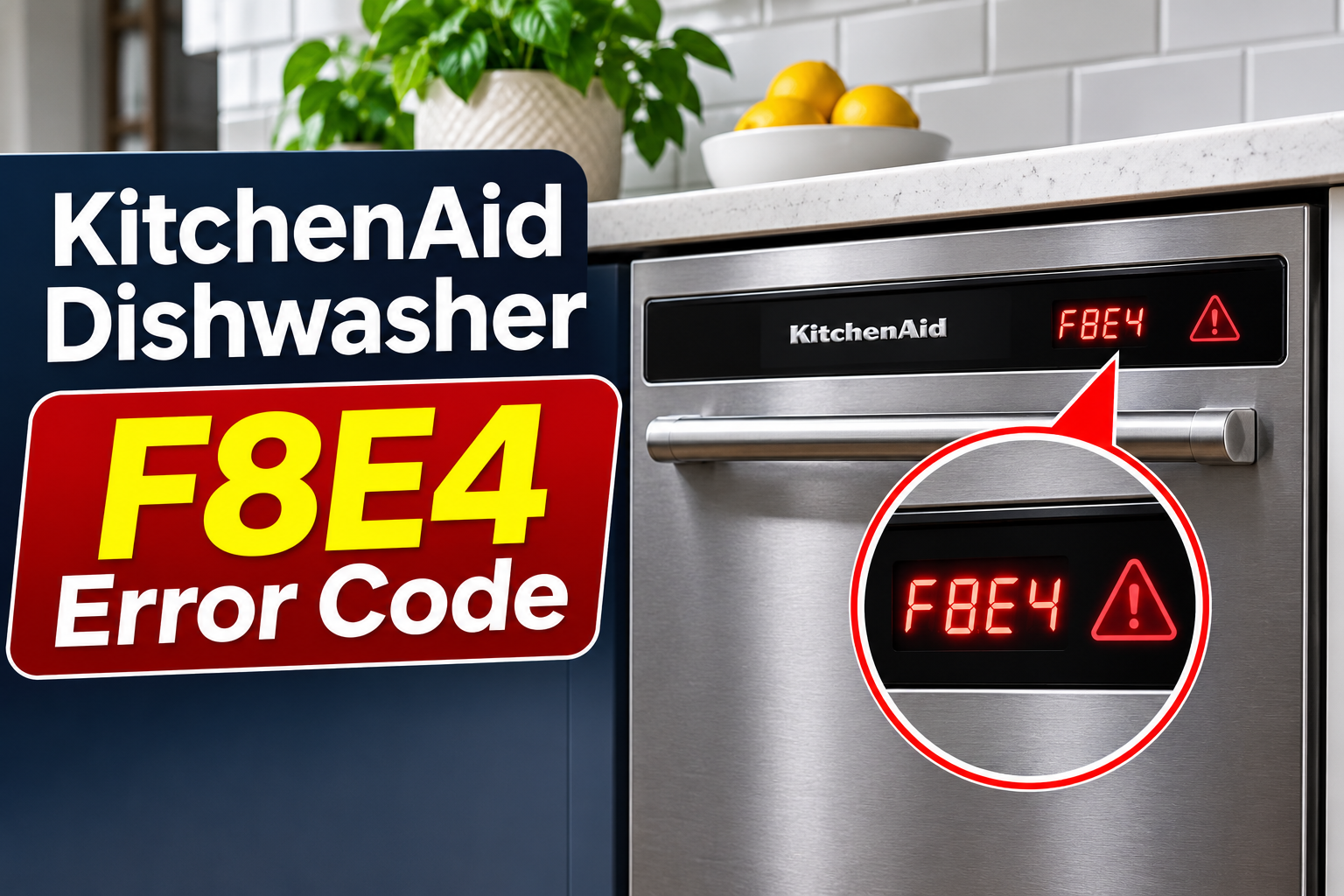
What Does the F8E4 Error Code Mean on a KitchenAid Dishwasher?
The F8E4 error code on a KitchenAid dishwasher indicates an overfill or water detection problem. On models equipped with a drip tray and float switch, the warning typically appears when the system detects water in the tray beneath the dishwasher.
The drip tray is a shallow container positioned underneath the appliance to collect water that escapes from certain internal components or connections. It works with a float switch, which detects accumulated water and alerts the dishwasher’s electronic control system.
When the switch detects an unsafe water condition, the dishwasher may automatically begin draining and prevent another wash cycle from starting. This safety response helps reduce the risk of additional water escaping and damaging nearby cabinets or flooring.
Depending on your KitchenAid model, the display may show F8E4, or the indicator light may flash eight times, pause, flash four times, and repeat. You might also hear repeated beeping or notice that the dishwasher refuses to start.
F8E4 doesn’t necessarily mean the dishwasher’s water inlet valve has failed. Water can reach the drip tray through a leaking connection, excessive foam, or another plumbing problem. A disconnected or faulty float switch circuit can also contribute to the warning.
Because the error may indicate an active leak, avoid repeatedly restarting the appliance until you’ve established why the warning appeared.
KitchenAid Dishwasher F8E4 Error Code: Common Causes
Several problems can trigger the F8E4 warning, although water entering the drip tray is the main concern. Knowing the possible causes can help you identify useful clues without taking the dishwasher apart.
1. Loose or Leaking Water Supply Connections
One of the most common causes of F8E4 is water leaking from the dishwasher’s supply connections, particularly after a new installation.
Your KitchenAid dishwasher receives water through a supply hose connected to the household plumbing. The hose connects to the appliance’s water inlet valve using a fitting that must seal correctly to prevent leaks.
If the connection is loose, incorrectly fitted, or missing its rubber sealing washer, water may escape while the dishwasher fills. Over time, that water can collect in the drip tray and activate the float switch.
KitchenAid specifically recommends checking the water supply fittings when F8E4 appears after installation. An improperly seated rubber washer or a connection that hasn’t been tightened correctly can allow water to leak.
You may notice dampness beneath the dishwasher, water around the supply connection, or an error that appears shortly after the appliance begins filling. However, a small leak may remain hidden behind the lower access panel.
A properly installed connection should remain dry during operation. If the warning started immediately after installation or plumbing work, the water supply connection deserves particular attention.
2. Excessive Detergent Foam
Using the wrong detergent can also cause the F8E4 error.
KitchenAid dishwashers are designed to use detergent made specifically for automatic dishwashers. Ordinary liquid dish soap produces much more foam, which can interfere with the dishwasher’s normal washing process.
When too much foam develops, it can push water out of the washing compartment through areas that normally contain liquid water. If the escaping water reaches the drip tray, the float switch may trigger F8E4.
This can happen when someone accidentally pours handwashing dish soap into the detergent dispenser. It may also occur when dishes have been soaked or sprayed with concentrated dish soap before loading.
You might notice thick bubbles inside the dishwasher, foam around the door, or moisture underneath the appliance. The problem may appear suddenly even though the dishwasher worked normally during previous cycles.
Excessive detergent foam doesn’t automatically mean a component has failed. However, the drip tray may still contain water after the foam disappears, so clearing the detergent problem alone may not immediately remove the error.
3. Leaking Door Seals or Internal Components
Sometimes, the water reaching the drip tray comes from another part of the dishwasher.
The door gasket, wash tub, pump assembly, and drain connections are designed to keep water inside the correct areas during washing and draining. If any of these components develops a leak, water may escape beneath the appliance.
For example, a damaged door gasket can allow water to pass through the door opening. An incorrectly positioned dish or utensil may also interfere with the seal and prevent the door from closing properly.
Internal leaks can be harder to identify.
A worn pump seal, cracked hose, or leaking drain connection may release water only during a particular part of the wash cycle. Consequently, the dishwasher might run for several minutes before displaying F8E4.
The timing can provide useful clues. Water appearing during filling may suggest a supply connection problem, while water escaping during draining may point toward a drain connection.
However, these clues aren’t enough to confirm the exact fault. A qualified technician may need to inspect the appliance to locate hidden leaks.
4. Incorrect Dishwasher Installation or Positioning
An installation problem can contribute to water leakage, especially when the dishwasher isn’t positioned correctly inside its cabinet.
KitchenAid dishwashers need to be properly supported and level so that the door closes correctly and water remains within the intended washing area.
If the appliance is tilted or the cabinet opening causes the dishwasher frame to sit unevenly, the door may not seal correctly. Water can then escape during a wash cycle and eventually reach the drip tray.
Incorrectly installed hoses can create similar problems. A drain connection that isn’t properly secured may leak whenever the pump removes water from the dishwasher.
This cause is particularly worth considering if F8E4 appeared shortly after installation or after the appliance was moved for kitchen repairs.
Look for a door that doesn’t close evenly, an obvious tilt, or water appearing near the dishwasher’s base. These observations can help an installer identify what needs correcting.
5. Disconnected or Faulty Drip Tray Float Switch
If the drip tray is completely dry but F8E4 keeps appearing, the float switch or its electrical connection may be responsible.
The float switch detects water accumulation and sends a signal to the dishwasher’s electronic control. On models using this system, a problem with the switch or its wiring can interfere with proper water detection.
KitchenAid specifically identifies a disconnected float switch connector as something to check when F8E4 appears after installation.
The connector may have been left disconnected during installation or disturbed when the drip tray was removed. A damaged switch or wiring fault could also affect the system, although these possibilities require proper diagnosis.
You may suspect this problem if the error appears immediately after installation, the accessible drip tray is dry, or the warning returns despite correcting an earlier leak.
However, don’t bypass the float switch or attempt to defeat its safety function. If the connection or switch is damaged, a qualified appliance technician should inspect it.
KitchenAid Dishwasher F8E4 Error Code: How to Fix
Fixing F8E4 starts with identifying whether water is actively leaking into the dishwasher’s drip tray. Begin with safe checks and avoid resetting the warning until any visible leak has been addressed.
1. Stop the Dishwasher and Check for Water Leaks
The first step is to prevent additional water from entering the appliance while you investigate the warning.
On affected models, F8E4 may cause the dishwasher to start an automatic drain sequence. You might hear the pump running even though the wash cycle has stopped.
If you notice an active leak, turn off the dishwasher’s water supply using the accessible shutoff valve, usually located beneath the kitchen sink.
KitchenAid provides specific precautions for this situation:
- If you can safely shut off the water, stop using the dishwasher and arrange the necessary inspection.
- If you cannot turn off the water, KitchenAid instructs users to leave the appliance powered, keep the door closed, and contact service so its automatic draining function can continue.
- Press Cancel once if you need to silence the warning tone, but don’t repeatedly restart the appliance.
Check the visible floor around the dishwasher and beneath the sink for signs of water.
If water is spreading toward electrical outlets or connections, keep away from the wet area and seek qualified assistance. Don’t touch electrical controls or plugs with wet hands.
Once the water supply is safely isolated, note where moisture appears. This information can help distinguish a supply connection leak from water escaping around the door or drainage system.
2. Check the Water Supply and Drain Connections
If F8E4 appeared after installation, the water supply connection is one of the first areas worth checking.
KitchenAid identifies the connection between the inlet valve and supply hose as a possible source of leakage. The fitting uses a rubber washer to create a watertight seal.
Start by inspecting any visible plumbing connections under the kitchen sink. Look for dripping water, damp fittings, or moisture along the accessible supply and drain hoses.
If a visible connection is leaking, shut off the water supply before attempting any correction. Don’t loosen a fitting while the line is pressurized.
Also, inspect the accessible drain hose where it connects to the sink drain or garbage disposal. A loose connection can allow water to escape during the draining process.
Avoid pulling the dishwasher out of its cabinet or removing protective covers just to reach a hidden connection. Built-in dishwashers may have electrical wiring and plumbing lines that can be damaged if the appliance is moved incorrectly.
If the suspected leak is underneath the dishwasher, have the installer or a qualified technician inspect the connection.
After the leak is corrected, the affected area should remain dry. If moisture continues appearing, the actual source may be somewhere else.
3. Remove Excessive Foam and Check the Door Seal
If you recently used liquid dish soap or noticed excessive foam, address the detergent problem before attempting another wash cycle.
Open the dishwasher only when it’s safe to do so and no active overflow is occurring. If the appliance has already stopped and there is no dangerous water condition, inspect the washing compartment for thick bubbles.
If excessive foam is present, stop the cycle and allow the suds to settle. Remove any accessible foam and water carefully without letting liquid enter electrical components.
Next, check whether ordinary dish soap was accidentally added to the detergent dispenser or left on dishes after handwashing.
Once the foam has settled, inspect the door area for anything that might prevent proper sealing.
Pay particular attention to:
- Utensils caught between the door and tub.
- Large dishes extending beyond the racks.
- Food particles stuck around the door gasket.
- Visible cracks, tears, or loose sections of the door seal.
Remove any obstruction and gently wipe the accessible gasket with a soft, damp cloth.
If the gasket is visibly damaged, it may need replacement. Don’t attempt to stretch, cut, or modify it to make the door close.
Use only automatic dishwasher detergent in future cycles, following the product instructions and your dishwasher’s owner’s manual.
If F8E4 is still active, avoid running a rinse cycle simply to remove remaining soap. Any water in the drip tray must be addressed first.
4. Check and Empty the Drip Tray if Safely Accessible
Water trapped in the drip tray can keep the float switch activated even after the original leak has stopped.
KitchenAid recommends emptying the tray when water is present. However, the correct access procedure depends on the dishwasher model, and the tray may contain an attached electrical float switch.
If your model provides safe, user-accessible drip tray removal instructions, follow them carefully. Otherwise, have the installer or a qualified technician handle this step.
For models with the removable plastic tray described in KitchenAid’s instructions, the assembly is retained by clips on either side. The tray must be handled gently because the float switch wiring remains attached during initial removal.
Before accessing the tray, make sure the water supply is shut off and the appliance’s electrical supply has been safely disconnected, unless KitchenAid’s active overflow instructions require power to remain on.
If the tray can be accessed without exposing electrical wiring or components, any collected water should be removed and the tray dried before reinstallation.
Don’t pull on the float switch wires, disconnect electrical connectors unnecessarily, or tilt the dishwasher to drain the tray. Tilting can move water into other areas and damage the installation.
Most importantly, emptying the drip tray won’t fix an ongoing leak. Water may collect again as soon as the dishwasher starts filling or washing.
If the tray contains water but you cannot identify where it came from, arrange a professional leak inspection before restarting the machine.
5. Clear the F8E4 Error Code
After the source of the leak has been identified and corrected, the next step is clearing the stored warning.
KitchenAid recommends using the Cancel button to remove F8E4 on applicable dishwasher models.
Follow these steps:
- Confirm that any known leak has been repaired.
- Make sure the drip tray has been emptied and correctly reinstalled if necessary.
- Restore the appliance’s water and electrical supplies only when it’s safe.
- Press the Cancel button once to silence the alarm tone.
- Press Cancel again to clear the displayed error.
- Check whether F8E4 disappears from the display.
If the warning clears, that’s a useful sign, but it doesn’t prove the dishwasher is leak-free.
After a known leak has been properly corrected, an installer or technician can verify the repair by running the appropriate short test cycle and checking for moisture.
Don’t repeatedly run wash cycles if water continues collecting underneath the dishwasher.
If F8E4 returns immediately after clearing, the float switch may still be detecting water, or there may be a problem with the switch connection.
If the code returns only after the appliance begins filling or washing, an unresolved leak becomes a stronger possibility.
Either situation requires further investigation rather than repeated resets.
6. Contact a Qualified Appliance Technician
If the warning persists after the safe checks, contact a qualified dishwasher technician or KitchenAid authorized service provider.
Professional diagnosis is particularly important when water is leaking from an inaccessible area, the drip tray repeatedly fills, or the float switch connection appears damaged.
A technician can inspect the water inlet assembly, internal hoses, pump seals, drain connections, and drip tray float switch. They can also determine whether the appliance has an actual overfill problem or a fault in its water detection system.
The exact repair depends on the findings. For example, a leaking hose connection may need resealing, while a damaged pump seal or faulty switch may require replacement.
Avoid replacing the inlet valve, control board, or other electrical components based solely on the F8E4 code. KitchenAid uses a separate F8E5 code for certain stuck inlet valve faults, so the displayed warning should be interpreted correctly before ordering parts.
Before scheduling service, gather your dishwasher’s model number and describe when the error first appeared. Mention whether the appliance was recently installed, whether water was found in the drip tray, and whether excessive suds were present.
If the dishwasher is under warranty, check the warranty conditions before authorizing repairs. An installation problem may be handled differently from a defective appliance component.
Wrap-Up
The KitchenAid dishwasher F8E4 error code usually means water has reached the drip tray or the appliance has detected a related overfill condition. Loose plumbing connections, excessive detergent foam, damaged seals, and float switch problems are among the possible causes.
Start by checking for visible leaks and shutting off the water supply when necessary. Then address any obvious detergent or installation problems before clearing the warning. If F8E4 returns, professional inspection is the safest next step. Finding the actual source of the problem will help prevent further leaks and restore reliable dishwasher operation.