Fortunately, the sound doesn’t always mean there’s a serious fault. Depending on your dishwasher model, it could indicate a door problem, an activated control lock, or a water leak. Understanding these possibilities can help you identify the issue and find the right solution.
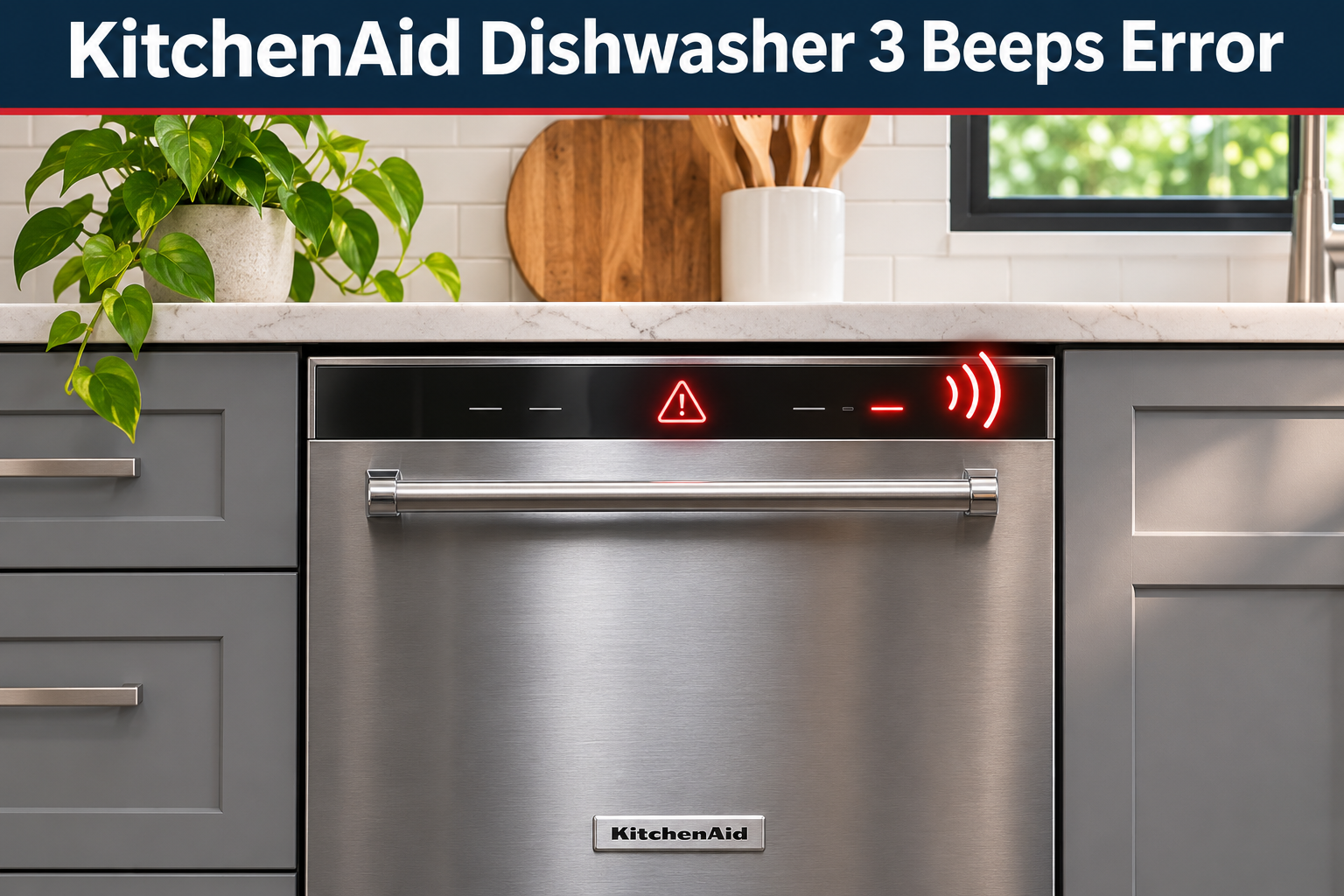
What Does the KitchenAid Dishwasher 3 Beeps Error Mean?
The KitchenAid dishwasher 3 beeps error generally means the appliance is trying to alert you to a condition that needs attention. However, three beeps don’t represent one universal error code across all KitchenAid dishwashers. Their meaning depends on the model, the accompanying lights, and when the sound occurs.
Your dishwasher uses an electronic control system to manage washing, filling, draining, and drying. It also monitors important conditions, such as whether the door is securely closed. When something prevents normal operation, the machine may beep, flash an indicator, or stop the current cycle.
For example, a dishwasher that beeps when you press Start may have an unlocked door or an activated Control Lock feature. Repeated beeping during a wash cycle can indicate an interrupted program or a detected fault. On models with leak detection, the dishwasher may activate its drain pump and prevent further washing when water reaches the lower drip tray.
Pay attention to the flashing lights rather than relying on the beeps alone. KitchenAid uses specific flashing sequences to communicate faults on many models. A Clean light that flashes eight times, pauses, and flashes four times may indicate an F8E4 leak detection error. Other patterns represent different problems.
KitchenAid Dishwasher 3 Beeps Error: Common Causes
Several conditions can cause a KitchenAid dishwasher to beep repeatedly or refuse to operate. The following are five relevant possibilities, although the exact cause depends on the symptoms and your dishwasher’s design.
1. Door Not Properly Closed or Latched
A dishwasher needs a properly secured door before it can begin washing. KitchenAid models have a door latch mechanism that keeps the door closed and allows the control system to confirm that it’s safe to operate.
If the door isn’t completely latched, the dishwasher may refuse to start or resume its cycle. A flashing Start/Resume light is a useful clue. You might also notice that the door doesn’t close with its usual click or that it springs open slightly when released.
Sometimes, the problem comes from something simple. A large plate, poorly positioned utensil, or rack that hasn’t been pushed in completely can prevent the door from closing. Food particles trapped around the door opening may also interfere with proper closure.
However, if the door closes normally and the dishwasher still reports an interruption, the latch or its electrical switch could be defective. These components tell the control board whether the door is secure. A faulty switch may prevent operation even when the door appears fully closed.
KitchenAid+1
2. Activated Control Lock Feature
KitchenAid dishwashers often include a Control Lock feature to prevent accidental changes to wash settings. It’s particularly useful in households where children might press the control panel buttons.
When Control Lock is activated, the dishwasher ignores most button commands. On certain models, pressing a locked button makes the Control Lock indicator flash three times. This can easily be mistaken for an error, especially when the dishwasher doesn’t respond to Start.
Check whether a padlock symbol or Control Lock indicator is illuminated. If other buttons seem unresponsive but the appliance still has power, the lock setting is worth checking before considering an electrical fault.
3. Water Leakage Activating the Leak Detection System
Some KitchenAid dishwashers have a leak detection system that monitors for water beneath the main washing tub. These models use a drip tray and float switch to detect water where it shouldn’t be.
When water collects in the tray, the float can activate the safety system. The dishwasher may stop washing, begin draining, and sound an alarm. On compatible models, this condition produces the F8E4 error code, sometimes displayed through a repeating pattern of eight flashes followed by four flashes.
Several problems can cause water to reach this tray. A leaking hose connection, damaged seal, faulty water inlet component, or overflowing wash tub may be responsible. The fault can also appear soon after installation if a water connection wasn’t sealed correctly.
A dishwasher that repeatedly beeps while its drain pump runs deserves particular attention. Look for visible moisture around the floor or nearby cabinets, but don’t assume that a dry floor rules out a leak. Water can remain inside the concealed drip tray without becoming visible outside the appliance.
4. Excessive Detergent Suds
Using the wrong detergent can create problems that eventually trigger a dishwasher warning.
Regular liquid dish soap produces large amounts of foam, which automatic dishwashers aren’t designed to handle. Too much dishwasher detergent, residue from handwashing dishes, or a poorly secured rinse aid dispenser cap can also contribute to excessive suds.
The foam can interfere with water sensing, reduce washing performance, and sometimes push water past the door seal. KitchenAid associates excessive suds with the F6E3 fault on applicable models. If you notice thick bubbles, unusual foam buildup, or moisture around the door, detergent may be contributing to the problem.
5. Water Supply, Drainage, or Control Problems
Your KitchenAid dishwasher depends on a steady water supply and an unobstructed drainage system. If it cannot fill or drain correctly, the control system may interrupt operation and report a fault.
A closed water supply valve can prevent filling, while a blocked filter, restricted drain hose, or clogged garbage disposal connection may interfere with draining. These problems have their own error indications on supported models, so three beeps alone cannot confirm them.
Occasionally, an electronic control interruption can also leave the dishwasher unresponsive. A brief power disruption or temporary control problem may be resolved by restarting the electronics. However, repeated faults can point to a defective control, sensor, or related component that requires proper diagnosis.
KitchenAid Dishwasher 3 Beeps Error: How to Fix
The best approach is to identify when the beeping happens and check the simplest possible causes first. You can safely handle several common problems yourself, although leak warnings and suspected electrical faults need extra caution.
1. Check the Indicator Lights and Identify the Error
Before changing any settings, watch what happens when your dishwasher produces the three beeps. The lights often provide much better diagnostic information than the sound.
Start by checking whether the dishwasher displays an error such as F8E4 or H2O. If there’s no digital display, watch the Clean light or front status indicator for a repeating flashing pattern.
On KitchenAid models that use two-part flashing codes, follow these steps.
-
Count the flashes before the first pause.
-
Count the flashes after that pause.
-
Wait for the complete sequence to repeat.
-
Compare the pattern with the error information in your model’s owner’s manual.
For instance, eight flashes followed by four may indicate an F8E4 leak warning. By comparison, a padlock indicator flashing three times after you press a button suggests that Control Lock is enabled.
Also notice when the beeps occur. A dishwasher that alerts you immediately after pressing Start has different possible causes from one that stops midway through washing. If the dishwasher completed its cycle normally and only sounded a brief completion tone, check your manual before assuming it has developed a fault.
2. Close the Door Properly and Resume the Cycle
If your dishwasher beeps or refuses to start, inspect the door before trying more involved fixes. A small obstruction can prevent the latch from engaging.
Open the dishwasher and look for plates, pot handles, utensils, or rack components extending beyond their proper positions. Push both racks completely inward and check around the door seal for food debris.
Next, close the door firmly until the latch engages. Avoid slamming it or applying excessive force. If the door still doesn’t close properly, stop and look for an obstruction instead of forcing the mechanism.
If you previously opened the door during a wash cycle, the dishwasher may need a Start/Resume command before continuing. On certain KitchenAid models, you must press Start/Resume and close the door within three seconds. Other models resume differently, so follow your control guide.
Afterward, allow the appliance to resume. Some models take a short time before washing sounds return. If the door closes securely but the dishwasher continues reporting a door interruption, a worn latch or faulty door switch may need professional attention.
3. Disable Control Lock and Check the Delay Setting
An activated Control Lock is one of the easiest problems to correct because it usually doesn’t involve any mechanical repairs.
Find the Control Lock label or padlock symbol on your dishwasher’s control panel. Depending on the model, this may be a dedicated button or a secondary function assigned to another key.
On many KitchenAid models, you can unlock the controls by following these steps.
-
Locate the button marked Control Lock or Hold 3 Seconds.
-
Press and hold the appropriate button for approximately three seconds.
-
Release it when the lock indicator turns off.
-
Select a wash cycle and try starting the dishwasher again.
If the control panel appears asleep, pressing Start/Resume or Cancel, or opening and closing the door, may wake it first. Check your manual if the usual unlocking method doesn’t work.
While you’re checking the settings, look for an activated Delay Wash option. This feature postpones operation until a selected time. Cancel the delay according to your model’s instructions if you want the dishwasher to start immediately.
Once the controls respond normally, the problem may be resolved without any repairs.
4. Check the Water Supply and Remove Excess Suds
If your dishwasher accepts the Start command but doesn’t begin washing, verify that water can reach the appliance.
Find the dishwasher’s water supply shutoff valve, usually located beneath the kitchen sink. Make sure it’s fully open. If there’s no water flowing from the nearby hot water faucet either, the issue may involve your home’s plumbing supply rather than the dishwasher.
Next, check for excessive detergent foam. If you open the dishwasher, do so carefully and allow hot steam to escape before reaching inside. Thick suds suggest that the wrong detergent or too much detergent may have been used.
For a sudsing problem without an active leak warning, KitchenAid provides a cleaning procedure that includes the following steps.
-
Stop and cancel the current wash cycle.
-
Clean up any water that has overflowed onto the floor.
-
Remove the dishes and allow the appliance to cool if necessary.
-
Add ¼ cup of vegetable cooking oil to the bottom of the tub to help suppress the foam.
-
Run a Quick cycle without dishes or detergent, provided the dishwasher is safe to operate.
This is a manufacturer recommended method for removing excess suds, but it shouldn’t be used to override a leak detection fault.
If foam continues to appear, follow KitchenAid’s instructions for your model before trying another cleaning cycle. Always use detergent specifically labeled for automatic dishwashers, and avoid leaving concentrated handwashing soap on dishes before loading them.
5. Respond Safely to a Leak Detection Warning
If you see F8E4 or the corresponding eight-flash, four-flash pattern, treat it as a possible water leak rather than an ordinary control problem.
Begin by looking for moisture around the dishwasher, beneath the sink, and along nearby cabinet edges. Check for obvious water leaks at visible plumbing connections without removing the dishwasher’s panels or disturbing its wiring.
If the leak warning is active, KitchenAid’s instructions for a professionally installed dishwasher recommend turning off the water supply, pressing Cancel once to silence the alarm, and keeping the door closed. The dishwasher may be performing a protective drain operation. Do not repeatedly reset or restart it to bypass the warning.
If you cannot shut off the water supply, KitchenAid specifically instructs users not to turn off power during this fault condition and to keep the door closed while arranging service. If water is near electrical equipment, avoid contact and seek qualified assistance.
KitchenAid
Although manufacturer instructions describe emptying the lower drip tray on certain models, accessing it may involve removing a panel and handling a wired float switch. That work is best left to a qualified technician if you’re unfamiliar with the assembly.
Even when the tray has been emptied, the original leak must be located and corrected. Otherwise, water may collect again and reactivate the warning.
6. Reset the Dishwasher Control System
If you’ve checked the door, settings, and water supply, and there’s no sign of an active leak or another serious fault, a control reset may help clear a temporary operating problem.
A power cycle allows the dishwasher’s electronic controls to restart. However, it won’t repair a broken latch, leaking hose, defective sensor, or failed electrical component.
To perform a standard KitchenAid dishwasher reset, follow these steps.
-
If a cycle is running normally, press Cancel/Drain and allow the appliance to finish draining.
-
Disconnect the dishwasher from its power source. Use the accessible plug or switch off its dedicated circuit breaker.
-
Leave the power disconnected for at least one minute.
-
Restore power.
-
Close the door, choose a wash program, and press Start according to your model’s instructions.
KitchenAid documents power cycling as a way to clear temporary control problems. Using a full minute also allows enough time for the controls to power down before restarting.
KitchenAid
Once the dishwasher restarts, observe whether it accepts commands and proceeds through the cycle without another warning. Avoid repeated resets if the same fault keeps appearing. That usually means an underlying condition still needs attention.
Do not use this reset procedure for an active leak detection alarm or when water is creating an electrical hazard. Follow the relevant safety instructions instead.
7. Contact a Qualified Appliance Repair Technician
If the dishwasher continues beeping after these checks, professional diagnosis is the safest next step. This is especially true when the door won’t latch, a leak warning keeps returning, or the appliance repeatedly stops during operation.
A qualified appliance repair technician can check the door latch switch, water inlet system, drainage components, leak detection assembly, and electronic controls. These checks may require electrical testing or access to internal parts that shouldn’t be handled without suitable training.
Before arranging service, record your dishwasher’s model number, any displayed error codes, and the conditions that trigger the beeping. The model information is commonly found on a label around the dishwasher’s door opening.
You can use the KitchenAid service scheduling page to explore repair options. If your dishwasher is still covered by a warranty, check the warranty terms before authorizing repairs or replacement parts.
Wrapping Up
The KitchenAid dishwasher 3 beeps error can have several explanations, ranging from an activated Control Lock to a door interruption or leak detection warning. The key is understanding what your dishwasher is signaling before attempting a repair.
Start with the visible lights, door position, and control settings. Then consider water supply or detergent problems if the symptoms point in that direction. If the beeping continues or a safety warning appears, avoid forcing the dishwasher to run. Proper diagnosis can help prevent further damage and unnecessary repairs.