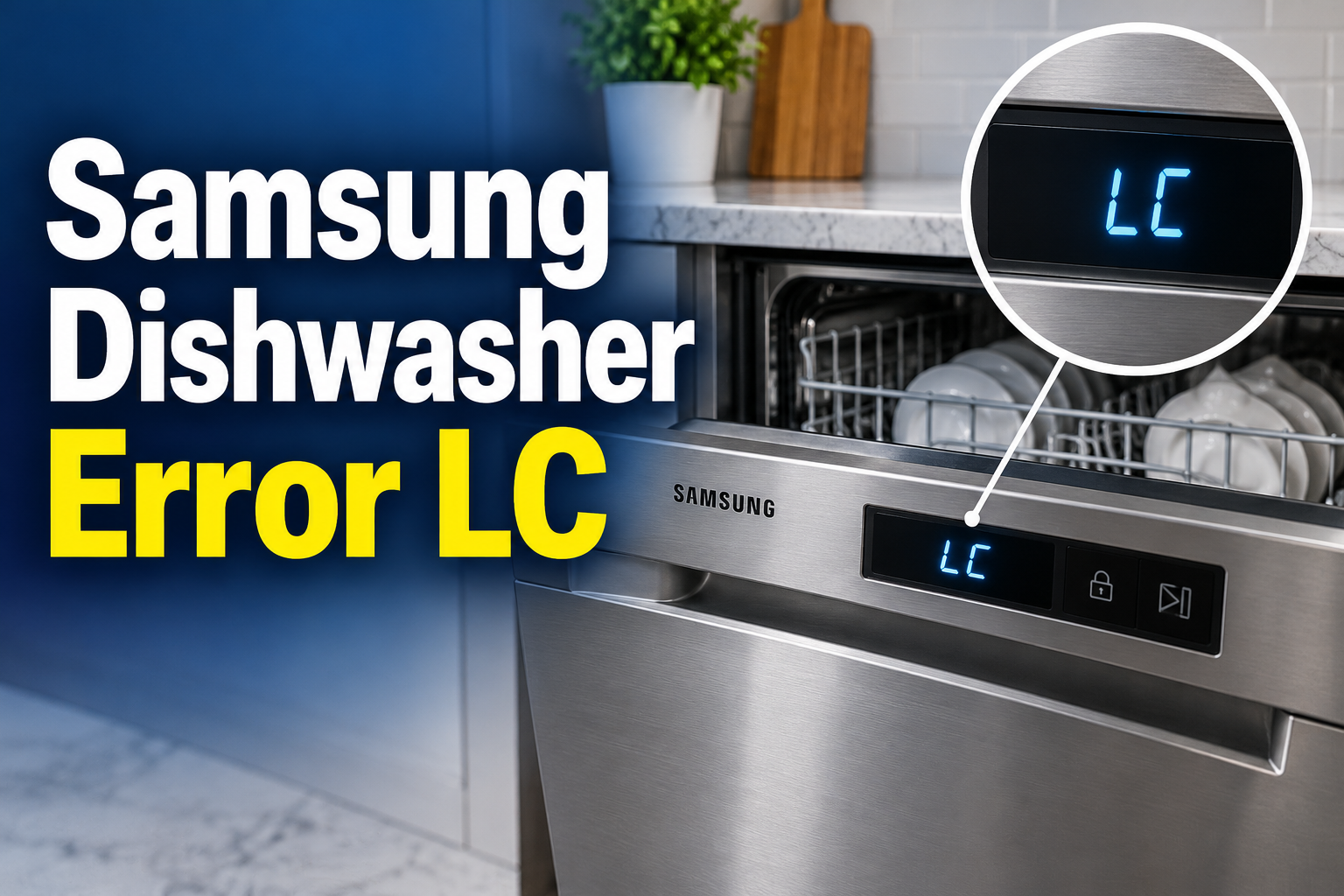
A Samsung dishwasher displaying the LC error code is usually detecting a possible leak or moisture in an area where water shouldn’t be present. You may also see the code appear as LE on certain models. When this happens, the dishwasher may stop its current cycle, activate the drain pump, or refuse to start another wash.
The right response depends on where the water is coming from and what triggered the warning. By checking a few safe, accessible areas, you can often narrow down the cause and determine whether a simple adjustment will help or a repair technician is needed.
Samsung Dishwasher Error LC
What the Samsung Dishwasher LC Error Means
The LC error indicates that the dishwasher’s leak detection system has detected moisture or a condition associated with a possible water leak. Depending on the model, the sensor may be located in the base of the appliance, where leaked water can collect and trigger a warning.
When the sensor activates, the dishwasher may stop filling or washing and attempt to pump water out. This response helps limit potential water damage, although the exact behavior varies between models. If the drain pump continues running even after the wash cycle has stopped, the leak detection system may still be active.
The error doesn’t automatically mean that a hose has burst or that a major component has failed. Excessive suds, a poorly seated filter, an overflowing tub, a loose connection, or water entering the base can all contribute to the problem.
Treat the warning seriously, however. If water is leaking onto the floor, the dishwasher should not be operated again until the source has been identified and corrected. Repeatedly restarting the appliance may allow more water to escape and can increase the risk of electrical damage.
Samsung Dishwasher Error LC: Common Causes
Several faults can trigger the LC code, and the visible symptoms can help you identify which one deserves attention first. Samsung’s troubleshooting guidance identifies leaks, excess detergent, installation problems, and moisture around the leak sensor as important possibilities.
1. A Leaking Water Supply or Drain Hose
The water supply hose carries clean water into your dishwasher, while the drain hose carries used water away. If either hose develops a crack, a connection loosens, or a seal wears out, water can escape and reach the leak detection area.
Look for dampness around the hose connections beneath the sink, where the supply hose enters the appliance, and around the drain hose connection. A slow leak may leave only a few drops or a faint water mark, so a completely dry floor doesn’t rule out a problem.
Hose leaks are especially worth checking after a dishwasher has been installed, moved, or pulled out for other repairs. If you find active leakage, close the water supply valve and switch off the dishwasher’s circuit at the breaker. Have damaged hoses replaced rather than relying on tape as a permanent repair.
2. Excessive Detergent or the Wrong Cleaning Product
Dishwasher detergent is formulated to work in a machine that uses controlled amounts of water. Regular hand dishwashing liquid produces far more foam, and using it in a dishwasher can create enough suds to escape through the door seals or other openings.
Even the correct detergent can cause trouble if you use too much. Excess suds can interfere with normal washing and rinsing, while wet detergent residue around the dispenser or inside the appliance may contribute to moisture detection.
Check whether the error appeared after you changed detergent brands, added an unusually large amount of detergent, or accidentally poured handwashing liquid into the dispenser. If you suspect this cause, stop the cycle and keep the appliance switched off while following the cleaning instructions in your model’s manual. Don’t add more detergent or run repeated cycles in an attempt to clear the error.
3. Water Trapped Near the Leak Sensor
A dishwasher can display LC even when you can’t find a visible leak. Water may have splashed into the base during installation, transportation, or movement of the appliance. Once moisture reaches the sensor, the error can remain active until the affected area dries and the sensor no longer detects the condition.
This is a plausible explanation if the dishwasher was recently moved or installed and there are no obvious signs of a continuing leak. However, moisture can also collect in the base because of an actual internal leak, so the absence of water on the kitchen floor isn’t proof that the appliance is safe to operate.
Samsung advises allowing time for moisture to dry when a spill or recent movement may explain the warning. Keep the power disconnected while waiting, and don’t remove panels or reach beneath the machine to dry internal electrical components yourself.
4. Incorrect Installation or Poor Leveling
A dishwasher that isn’t installed correctly can leak even when its hoses and seals appear to be in good condition. If the appliance leans forward, water may collect near the door and escape during a wash cycle. A door that doesn’t close properly can create a similar problem.
Installation errors may also affect the drain connection beneath the sink. For example, if the dishwasher has recently been connected to a garbage disposal and the disposal’s inlet knockout plug wasn’t removed, drainage can be obstructed. Samsung identifies this as a possible source of leakage-related errors after installation.
Pay particular attention if LC appeared during the first few wash cycles or immediately after kitchen plumbing work. A qualified installer can verify the leveling, door alignment, mounting, and drain connection without risking damage to the appliance or surrounding cabinets.
5. A Faulty Seal, Dispenser, or Internal Component
If the external hoses are dry and detergent use is correct, the source may be inside the dishwasher. A worn door gasket, damaged detergent dispenser, leaking pump seal, or cracked tub can allow water to escape during operation.
The location and timing of the leak can provide useful clues. Water appearing near the front door may suggest a sealing or spray problem, while moisture beneath the appliance may point to a hose, pump, or other internal connection. These signs narrow the possibilities but don’t confirm a specific faulty component.
A blocked spray nozzle can also redirect water toward the door seal. On certain Samsung Waterwall models, a blocked or obstructed water reflector may trigger the LC or LE code. Because these issues vary by model, check your manual before assuming that a component is present or that a particular repair applies.
Samsung Dishwasher Error LC: DIY Fixes
Start with the checks that don’t require opening the appliance or handling internal electrical components. The aim is to identify the source of the moisture before restoring power or attempting another wash.
1. Turn Off the Dishwasher and Check for Visible Water
Safety comes first, especially if the dishwasher is still pumping water or the LC code won’t disappear. Stop using the appliance, close its water supply valve if accessible, and switch off the dishwasher’s circuit breaker. Avoid touching plugs or electrical connections if the surrounding area is wet.
Once the area is safe to approach, check the floor around the dishwasher and look beneath the sink for visible drips. Inspect the accessible portions of the water supply and drain hoses, including their connection points, for wet patches, cracks, or loose fittings.
If water is spreading across the floor, leave the appliance off and arrange professional assistance. Don’t keep restarting the dishwasher to see whether the error disappears. Finding and stopping the leak is more important than clearing the display.
2. Check the Detergent and Dispenser
If the dishwasher isn’t visibly leaking, consider whether the wrong detergent or an excessive amount may have caused the problem. Check the product label to confirm that it is specifically intended for automatic dishwashers.
If hand dishwashing liquid was used, don’t start another cycle. Excessive foam can escape the tub and cause further leakage. Follow the manufacturer’s instructions for cleaning the appliance, and seek service if suds or the LC warning persist.
For future loads, use the recommended detergent and the amount specified by the product label and your dishwasher manual. Keep detergent inside the designated dispenser rather than sprinkling extra detergent around the tub. If you use rinse aid, avoid overfilling its reservoir because spills can leave persistent moisture and residue.
3. Inspect the Accessible Hoses and Drain Connections
With the dishwasher’s power off and the water supply closed, examine the visible hoses for signs of damage. Pay special attention to the supply connection beneath the sink, the drain hose connection at the sink or garbage disposal, and any accessible section showing moisture.
If a connection appears loose, don’t force it tighter or dismantle a fitting while the system is wet. Follow the installation instructions for your exact model, or contact a plumber or appliance installer if you’re unsure how the connection should be secured. A cracked or damaged hose needs appropriate replacement.
If the dishwasher was recently connected to a garbage disposal, ask the installer to verify that the disposal’s dishwasher inlet knockout plug was removed. This check is particularly relevant when the LC error began shortly after installation or plumbing work.
4. Clean the Filter and Check the Spray Arms
Food particles and grease can collect in the dishwasher filter and restrict normal water flow. Samsung lists a clogged filter among the possible contributors to leakage problems, although a dirty filter alone doesn’t prove the cause of an LC error.
If your model has a user-removable filter, consult its manual for the correct cleaning procedure. In general, you should remove loose food debris, rinse the filter as directed, and reinstall it securely. Never operate the dishwasher with the filter incorrectly fitted or missing.
You can also inspect the accessible spray arms for blocked holes or food particles. Clean them according to the manufacturer’s instructions and ensure that dishes aren’t obstructing their movement. If the dishwasher continues to leak after cleaning, leave it switched off rather than assuming that a clean filter has resolved the fault.
5. Allow Possible Residual Moisture to Dry
If there is no visible leak and the dishwasher was recently moved, installed, or exposed to a spill, residual moisture may be responsible for the warning. Samsung recommends allowing time for moisture to dry when this is a plausible explanation.
Keep the appliance disconnected from power while it dries. Remove standing water from the surrounding floor with a towel, but don’t remove the lower panels, tilt the dishwasher, or use a hair dryer or heat gun to dry internal parts. Water may remain inside the base even when the outside looks completely dry.
There is no universal drying time that guarantees the sensor will reset on every Samsung model. If the code remains after the suspected spill has dried, or if it returns when the dishwasher is used, arrange a proper inspection. A continuing leak or faulty sensor may need professional attention.
6. Contact a Qualified Appliance Technician
If the LC error persists after the safe checks above, the next step is professional diagnosis. A technician can inspect the base pan, leak sensor, internal hoses, pump seals, tub, and dispenser to determine where the moisture is coming from.
Professional service is particularly appropriate if water is collecting underneath the dishwasher, the drain pump continues running, the error returns after drying, or the appliance has developed a leak following installation. If the machine is new, contacting the original installer may be the best starting point because an installation fault could be responsible.
Avoid bypassing the leak sensor or repeatedly resetting the dishwasher to force it to run. The sensor is there to alert you to a possible leak, and disabling it could allow water damage to worsen. For model-specific guidance, consult the official Samsung dishwasher leak troubleshooting guide or your regional Samsung support service.
Wrap-Up
The Samsung dishwasher LC error is a warning that moisture has been detected where it shouldn’t be. A leaking hose, excessive detergent, installation problem, or internal component fault can all contribute, so the correct repair depends on the underlying cause.
Start by shutting off the appliance, checking accessible areas for water, and reviewing your detergent use. If no obvious cause appears, avoid forcing the dishwasher to run. A qualified technician can identify hidden leaks and sensor problems before they lead to further damage. Acting promptly helps protect your kitchen and gives you a clearer path to a lasting repair.