A washer that greets you with 9C5 on the display, sometimes while it’s sitting idle, can leave you wondering whether something expensive has just failed inside the cabinet. The code looks cryptic, and it often appears when the machine isn’t even running a load.
Fortunately, 9C5 belongs to Samsung’s electrical codes, and several useful checks cost nothing. What follows explains what the code means, why it appears, and which fixes are worth trying.
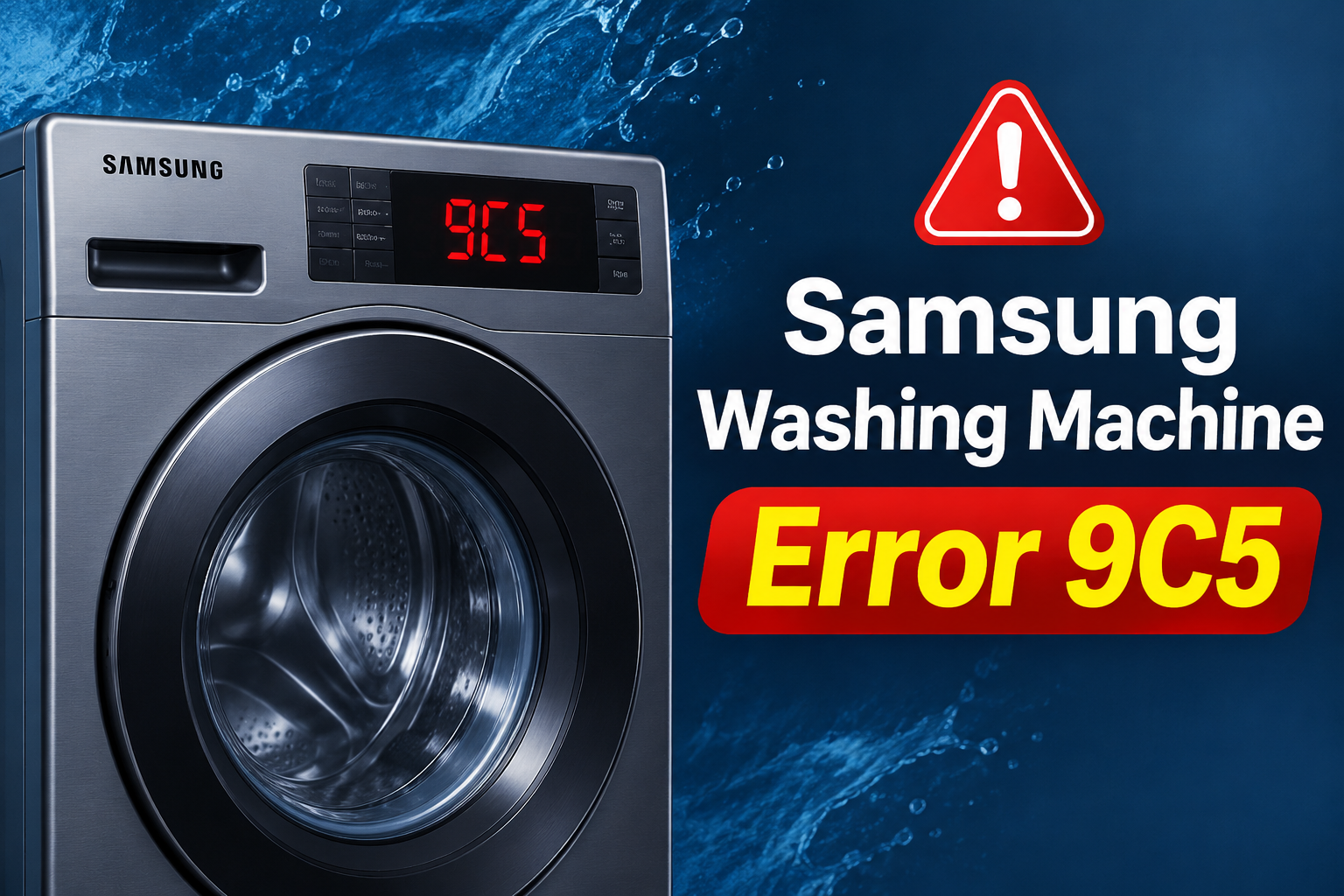
What Samsung Error 9C5 Means
Samsung washers use a main control board that constantly watches the electricity coming in and the current moving through the motor circuit. Codes that start with 9C belong to this power supply family. Service reference listings describe 9C5 as an abnormal current reading while the washer is in standby, meaning the motor isn’t running, and they note it can appear only occasionally. Put simply, the board detects current where it expects almost none.
On the display, you’ll see 9C5, and the washer may beep, refuse to start, or stop partway through a cycle. Because the fault can be occasional, it might disappear after a restart and then return days later. Some machines show it every time they’re switched on, which usually points to a more stubborn problem.
Other codes in the same family help put 9C5 in context. A code like 9C1 is associated with voltage that’s too high, while Samsung’s guidance for power related codes mentions a supply that fluctuates significantly, low voltage, or an electronic control that needs checking. Exact definitions vary by model and software version, so the manual for your model number has the final say.
Treat this code with a little more respect than a clogged drain filter. The washer is protecting itself by stopping, and repeated faults shouldn’t be ignored. If you notice a burning smell, scorch marks, sparks, or a plug that’s hot to the touch, unplug the machine if it’s safe to do so and stop using it until a qualified person has looked at it.
Samsung Washing Machine Error 9C5: Common Causes
The 9C5 code comes from the control board sensing something odd in the electrical supply or in its own circuits. A handful of well established causes account for most cases, and they range from simple household issues to a failing part inside the washer.
1. Unstable Household Voltage
Washers expect a steady supply, which is 120 volts in most American homes. When voltage sags or swings, the electronics can’t measure current accurately and may flag a fault. Large appliances starting on the same circuit, an overloaded breaker panel, or fluctuations from the utility supply can all cause these dips.
Clues include the error appearing at similar times of day, lights dimming when a big appliance kicks in, or other electronics acting strangely. An error that vanishes after a restart and returns only now and then fits an unstable supply better than a permanently failed part, though it doesn’t prove it.
2. A Worn Outlet, Plug, or Extension Cord
A loose plug, tired outlet, or extension cord can create a poor electrical connection. Contacts that fit loosely can arc or heat up, which makes the current reading erratic. Appliance manuals commonly advise plugging a washer straight into a grounded wall outlet instead of using a power strip or extension cord.
Signs include a plug that wiggles in the socket, discoloration around the prongs, a faint buzzing sound, or a plug that feels warm after a cycle. Cords pinched behind the machine when it was pushed against the wall can also fail internally without looking damaged on the outside.
This cause is worth ruling out first because it’s common and easy to check. Warmth or scorch marks signal a hazard that deserves attention right away, so treat those as far more serious than an ordinary error code.
3. A Power Surge or Outage Aftermath
Storms, utility switching, and generator use can send brief spikes or drops through household wiring. A surge may not kill a washer outright. It can weaken components on the control board, which later show up as intermittent errors like 9C5.
If the code first appeared after a thunderstorm, a power cut, or a spell of flickering lights, that timing is a useful clue. Other electronics that went through the same event, such as a microwave clock or a router, may also behave oddly. Timing alone doesn’t confirm damage, so treat it as a reason to suspect the board only when simpler checks fail.
4. A Fault on the Main Control Board
The main control board, often called the PCB, acts as the washer’s brain and power hub. It includes the circuitry that senses current. If that sensing circuit drifts or a component ages, the board can report current that isn’t truly there. That could explain a code triggered during standby, when the motor sits idle and the reading should be close to zero.
Heat, vibration, humidity, and years of cycles all take a toll on solder joints and electronic parts. A failing board often causes errors that come and go, then become more frequent, and eventually appear every time the washer is switched on. Buttons that respond late or a flickering display can show up alongside it.
Telling a board fault from a supply problem comes down to elimination. If the washer shows 9C5 in different outlets, at different times, with no storms or dimming lights, the board moves higher on the suspect list. Only a technician with proper test equipment can confirm it, so avoid buying a replacement board on a hunch.
5. Moisture or Damaged Internal Wiring
Water in the wrong place can leak current. A worn door boot, a loose hose, or an overfilled detergent drawer can send moisture into the area around the electronics, and wire harness insulation can crack with age or rub against moving parts. Either condition can produce abnormal current readings.
Look for damp spots under the machine, water stains near the control panel, rust marks, or a musty smell around the cabinet. Rodents chewing on harness wires cause similar trouble in some homes. Anything involving exposed wiring belongs with a technician.
Samsung Washing Machine Error 9C5: DIY Fixes
Because 9C5 can trace back to the house supply, the outlet, or the washer itself, the best approach is to start with the simplest checks. Each fix below also helps narrow down which of those areas is responsible.
1. Reset the Washer Completely
Press the power button to turn the washer off, then unplug it from the wall. Leave it disconnected for at least 5 minutes so the control board can discharge and clear temporary faults. Plug it back in, press power, and watch the display.
If the display stays clean and a short cycle runs normally, the code was likely a momentary glitch tied to a brief supply issue. Samsung’s own guidance for many codes starts with this same restart. A clean result is encouraging, though it doesn’t guarantee the cause is gone.
2. Plug Directly Into a Wall Outlet and Inspect the Plug
A poor connection is among the easiest electrical problems to fix, and it can make current readings unstable. Skipping this check means a loose plug could keep triggering the error no matter what else you try.
With the washer unplugged, work through these steps.
- Remove any extension cord, adapter, or power strip from the setup.
- Look closely at the plug for bent prongs, discoloration, or melted plastic.
- Run your hand along the cord and check for cuts, kinks, or crushed sections.
- Plug the washer into a grounded wall outlet and push it in firmly.
- Test the outlet by plugging in a lamp or phone charger to confirm it works.
If the plug is damaged or the outlet feels loose or warm, don’t keep using it. Never cut off the round grounding prong to make a plug fit. An electrician can replace a worn outlet quickly, and a Samsung service center can advise on a damaged cord.
3. Check the Breaker and What Shares the Circuit
Head to your breaker panel and look for a switch sitting in a middle or off position. If you find one, push it fully off and then firmly back on. Many laundry areas share a circuit with other outlets, and a heavy load elsewhere can pull voltage down when the washer starts.
Next, switch off or unplug anything else on that circuit, such as a space heater, microwave, or freezer in the laundry area. Run the washer alone for a short cycle. If the code disappears, shared load was probably the trigger, and moving other devices to a different outlet may solve it.
Only operate the breaker switches themselves, and leave the panel cover alone. If a breaker keeps tripping, stop using the washer and call an electrician. Never swap in a higher rated breaker to stop the tripping, because that creates a fire risk.
4. Look for Moisture and Leaks
Unplug the washer and shine a flashlight around the base, behind the machine, and along the hose connections. Wipe down the control panel and the area around the detergent drawer, then check the door seal for tears or trapped water.
Leave the door open and let everything dry for several hours or overnight before plugging in again. If you find water near the electronics or signs of a leak, don’t run the machine. Avoid removing cabinet panels, since that exposes live parts that aren’t safe for ordinary DIY work.
5. Run a Test Cycle and Take Notes
Start a short empty cycle, such as a quick wash or a rinse and spin, with nothing inside the drum. Removing laundry takes the load out of the equation, which helps show whether the fault follows the washer itself. Keep a quick record of what you see.
- Whether 9C5 appears at power on, while idle, or during a spin.
- Which outlet the washer was using.
- The time of day and any recent storm or power cut.
- Whether lights dimmed or other appliances were running.
Patterns tell a story. An error that only appears after the washer has sat plugged in for hours suggests a standby reading problem. One that follows the machine from outlet to outlet points toward the washer, while one that disappears in a different outlet points at the house wiring. These notes also give a technician a head start.
6. Contact the Appropriate Professional
Reach out to Samsung support or an authorized service center if the reset, outlet, and circuit checks haven’t helped, or if the code keeps returning. The same applies if the washer won’t start at all. Check your warranty before booking, since coverage terms vary by model, region, and purchase date.
Call a licensed electrician if a breaker trips repeatedly, the outlet is warm or discolored, or lights dim whenever the washer starts. An electrician can measure the voltage at the outlet under load, which is something a household test can’t do. Stop using the washer immediately if you notice smoke, sparks, a burning smell, a hot plug, or water near electrical parts.
Professional help doesn’t always mean a costly repair. Some 9C5 cases come down to cleaning a connection, correcting a wiring issue, or replacing a single part. Share your notes from the test cycle so the technician can diagnose it faster.
Wrapping Up
A 9C5 code looks alarming, yet it’s a message about electricity, and the first answers are often found at the outlet, the plug, or the breaker panel. Catching the pattern early, before the error appears with every start up, gives you and a technician far more to work with.
Start with the 5 minute reset, rule out the outlet and circuit, then decide whether the washer itself needs a professional look. Keep notes as you go, and the next step usually becomes clear.