A Samsung washing machine displaying error SC usually has a drainage problem. You may notice water remaining inside the drum, clothes coming out soaking wet, or the wash cycle stopping before the final spin. The fault often comes from a clogged pump filter or a blocked drain hose, although a faulty drain pump can produce similar symptoms. Identifying where the water flow is restricted helps you choose the right fix without replacing parts unnecessarily.
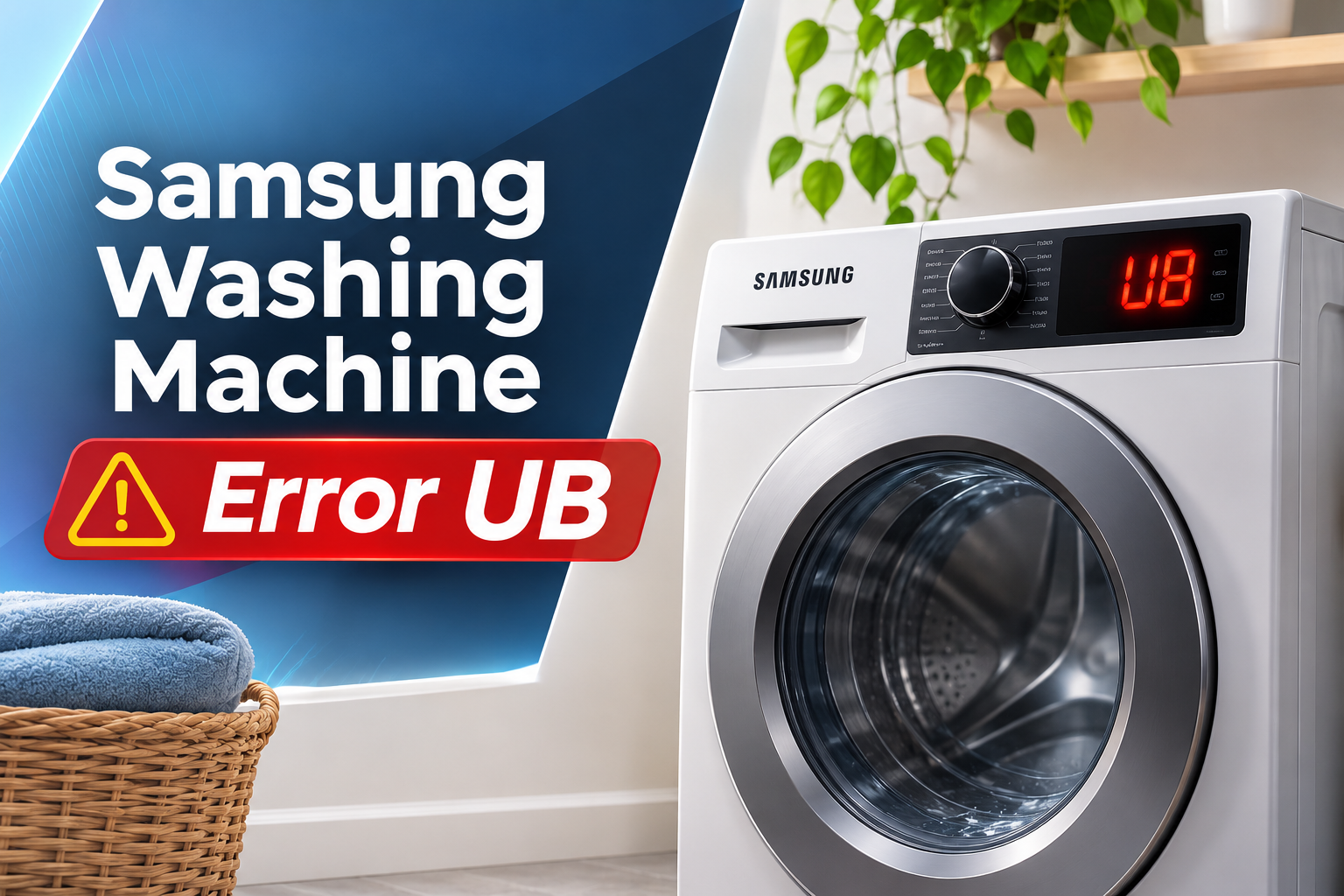
What Does Samsung Washing Machine Error SC Mean?
Samsung washing machine error SC indicates that the appliance is having difficulty draining water. On many Samsung models, the displayed code may actually be 5C, with the number 5 resembling the letter S on the display. Samsung also lists related codes such as 5E and SE for drainage problems on certain models.
During a normal wash cycle, the drain pump pushes used water out of the drum through the drain hose and into the household drainage system. A filter protects the pump by trapping lint, hair, coins, and other small objects before they can enter the pump assembly.
When water cannot leave the washer at the expected rate, the control system detects the drainage problem and interrupts the cycle. The washer may refuse to spin, remain full of water, or stop before completing the programme. Your laundry may still be wet because the machine cannot proceed normally to the final spin.
Error SC does not automatically mean the drain pump has failed. A clogged filter, kinked hose, blocked household drain, or incorrect hose installation can produce the same warning. Checking these accessible areas first can help you identify a blockage before paying for a repair.
Samsung Washing Machine Error SC [FIXED]: Common Causes
Several problems can prevent your washer from emptying the drum properly. The following causes are useful starting points when diagnosing the SC or 5C error.
1. A Clogged Drain Pump Filter
The drain pump filter catches debris that could obstruct the pump or damage its internal components. With regular use, lint, hair, small clothing items, coins, and other debris can accumulate inside the filter.
As the blockage builds up, water may drain slowly or fail to drain completely. You might hear the pump running while water remains in the drum, or the machine may stop with the SC error before spinning.
On compatible Samsung front loading washers, the removable debris filter is usually located behind a small access panel near the bottom front of the appliance. Cleaning it can restore drainage if accumulated debris is the cause.
However, not every Samsung washer has the same accessible filter arrangement. Many top loading models use a different drainage design, so consult your model’s manual before attempting to locate or remove a filter.
2. A Kinked or Blocked Drain Hose
The drain hose carries wastewater from the washing machine to a standpipe, sink connection, or other approved drain outlet. Water cannot leave the washer efficiently if the hose is sharply bent, crushed behind the appliance, or blocked by accumulated debris.
A machine that has recently been moved is particularly worth checking because the hose may have become trapped against a wall or cabinet. A blockage inside the hose can also restrict water flow even when the visible section appears normal.
If the hose is visibly kinked, you may be able to correct its position without dismantling the washer. A damaged or internally blocked hose may need cleaning or replacement according to the manufacturer’s instructions.
Avoid pulling the washer aggressively away from the wall, as doing so can damage the hose or water supply connections. If the hose is inaccessible or requires disconnection, seek assistance rather than forcing it.
3. Incorrect Drain Hose Installation
Even an undamaged hose can cause drainage problems if it is installed incorrectly. The drain hose must sit within the height range and connection arrangement specified for the washer.
If the hose is positioned too high, the pump may struggle to remove water effectively. Incorrect insertion into a standpipe or an unsuitable airtight connection can also interfere with proper drainage. On certain installations, incorrect positioning can contribute to water flowing back into the washer.
These problems may appear after a new appliance is installed or an existing machine is moved. You may notice that the washer drains slowly, stops before the cycle finishes, or repeatedly displays SC despite having a clear filter.
Check the installation instructions for your exact model. Hose heights and connection requirements vary, so do not apply a measurement from another washer without verifying that it is suitable for yours.
4. A Blocked Household Drain
Sometimes the washing machine is working correctly, but the drain that receives its wastewater is partially or completely blocked.
Lint, detergent residue, grease, and other material can accumulate in household plumbing. When the washer pumps water out, the restricted drain may not accept it quickly enough. Water can back up into the standpipe or sink, causing the washer to appear unable to drain.
If water backs up from the standpipe, a connected sink drains slowly, or wastewater spills around the drain connection, the household plumbing may be responsible. These symptoms suggest that the problem may extend beyond the appliance itself.
A household drain blockage will not be corrected by cleaning the washer’s pump filter alone. The drain connection and plumbing need to be cleared, using a qualified plumber when the blockage cannot be resolved safely.
5. A Faulty Drain Pump
The drain pump provides the force needed to move wastewater out of the washing machine. If its motor fails, an internal component becomes damaged, or debris prevents its impeller from turning, the pump may no longer drain water properly.
You might hear an unusual humming noise, repeated clicking, or no pump sound at all when the washer attempts to drain. However, these sounds are not conclusive. A blocked filter or hose can prevent drainage even when the pump motor is still functioning.
If the filter is clean, the hose is correctly positioned, and the household drain is clear, a pump problem becomes more likely. Electrical faults or a damaged pump assembly may also produce the error.
Testing or replacing the pump generally requires access to internal components. A qualified appliance technician can determine whether the pump has failed or another part of the drainage system is responsible.
Samsung Washing Machine Error SC [FIXED]: DIY Fixes
Start with simple checks that do not require opening the washer’s cabinet. Always make the appliance safe before handling retained water or inspecting the drainage system.
1. Check and Straighten the Drain Hose
A kinked or crushed drain hose is one of the simplest drainage problems to correct. Examining the visible hose can help you identify a restriction without removing any internal parts.
First, stop the washer and switch it off. If the surrounding area is completely dry and you can reach the plug safely, disconnect the power supply. Check behind the appliance for sharp bends, crushing, visible damage, or a hose trapped beneath the cabinet.
If you find a simple bend, carefully reposition the hose so water can flow freely. Make sure it remains securely connected and follows the installation instructions for your model.
Do not remove the bracket or screw that secures the hose to the back of the washer. If the hose is split, badly damaged, or blocked internally, arrange a suitable replacement or professional assistance.
Once the hose is correctly positioned, continue with the remaining checks before restarting the machine.
2. Clean the Drain Pump Filter
Cleaning the pump filter is a practical fix for many front loading Samsung washers displaying the SC or 5C error.
Before starting, switch off the washer and disconnect power if it is safe to do so. If the machine has recently completed a hot wash, sanitizing cycle, or other high temperature programme, allow the water to cool. Hot water released from the drum can cause burns.
Follow these steps on models equipped with a removable debris filter.
- Locate the lower front access panel.
- Place towels and a shallow container beneath the panel.
- If an emergency drain hose is provided, pull it out carefully, remove its cap, and drain the retained water into the container.
- Replace the drain hose cap securely after the water has emptied.
- Turn the pump filter in the direction specified in your manual and remove it carefully.
- Clear visible debris and rinse the filter with clean water.
- Clean accessible residue around the filter housing and reinstall the filter securely.
Water may continue to escape while the filter is being removed, so keep the container and towels in place. Do not force a filter that is jammed or damaged.
After reassembly, check that the filter is firmly seated. A poorly secured filter can leak when the washer drains. If the SC error persists despite cleaning, the blockage may be elsewhere in the system.
3. Check the Household Drain Connection
If the drain hose and filter appear clear, inspect the point where wastewater leaves the appliance.
Look for signs of water backing up into the standpipe or sink connection. A slow draining sink or wastewater escaping around the standpipe can indicate a restriction in the household plumbing.
Check that the drain hose is inserted and supported according to the washer’s installation instructions. Do not seal the connection airtight or insert the hose farther than the instructions permit.
If the household drain is blocked, the obstruction needs to be removed before the washer can drain reliably. Avoid pouring harsh chemical drain cleaners into the washing machine or its hoses. These products may damage components and can expose you to hazardous splashes during subsequent repairs.
If the blockage appears to be inside the household plumbing and cannot be cleared safely, contact a qualified plumber. Once the drain connection is working correctly, you can assess whether the washer’s error has cleared.
4. Remove Visible Debris and Check for Water Retention
If your model provides an accessible emergency drain hose or removable filter, use the manufacturer’s procedure to remove the remaining water before further inspection.
Look for obvious debris in the accessible filter and drain hose areas, such as lint, hair, or small items that may have escaped from pockets. Remove only material that is safely accessible.
Do not push tools deep into the drain opening, force the pump impeller, or dismantle internal components. These actions can damage the pump or other parts of the drainage assembly.
If the washer still contains a substantial amount of water, do not force open a locked door. On a front loading model, the door lock may be preventing water from spilling out. Drain the washer through its approved emergency drain method or arrange service if that method is unavailable.
Once the accessible areas are clean and correctly reassembled, proceed to a controlled test only when there are no signs of leakage or electrical danger.
5. Restart the Washer and Test the Drainage
After correcting the visible blockage or hose problem, a controlled restart can help establish whether the washer drains normally again.
Make sure the filter is installed securely, the drain hose is connected correctly, and all accessible panels are closed. Restore power only when the surrounding area is dry and the appliance is safe to operate.
Select a drain or rinse and spin programme if your model provides one and the manual permits its use. Observe whether the water leaves the drum and whether the SC error reappears.
If the washer drains successfully and completes the programme without a warning, the blockage or installation issue may have been responsible. Check the floor and filter access area for leaks after the test.
If the error returns, stop repeated test cycles. A persistent warning may indicate a pump failure, an internal obstruction, or another drainage fault that requires professional diagnosis.
Final Solution: Contact a Qualified Appliance Technician
Professional assistance is necessary if the washer continues displaying SC after the filter and drain hose have been checked, or if the pump makes unusual noises without removing the water.
A technician can inspect the pump, check internal hoses for blockages, test the pump’s electrical operation, and determine whether a component needs repair or replacement. This helps avoid replacing a working pump when the actual problem is a restricted hose or household drain.
Before booking a repair, note the exact error code, whether water remains in the drum, and whether you hear the pump running. Mention any visible leaks or unusual sounds.
If water has reached electrical fittings, a burning smell develops, or the circuit breaker repeatedly trips, leave the washer switched off and obtain qualified assistance. Do not attempt internal electrical repairs yourself.
Wrap-Up
Samsung washing machine error SC usually indicates that wastewater cannot leave the appliance at the expected rate. A clogged pump filter, restricted drain hose, incorrect installation, or blocked household drain may be responsible. A failed pump is another possibility, particularly when basic drainage checks reveal no obstruction.
Begin by checking the external hose, then clean the pump filter if your model has an accessible one. Confirm that the drain connection is installed correctly before testing the washer again. If the code persists or the pump cannot remove water, professional diagnosis is the safest next step. Addressing the blockage early can help prevent further cycle interruptions and unnecessary replacement of parts.